If you’re looking for an app that tracks time, monitors employee location, and supports payroll workflows, Hourly is one option to consider.
Although learning to navigate the app may take some time, Hourly combines time tracking with features like payroll tax filing and workers’ compensation support.
But is Hourly the best time tracking solution for your business?
In this article, we’ll explore the Hourly time tracking app’s features and a few reasons why you should consider an alternative. Also, we’ll cover a few fantastic employee time tracking apps you can try instead of Hourly.
Let’s go.
Table of Contents
- Hourly time tracking app: What is it?
- 3 reasons to look for hourly time tracking alternatives
- 6 best hourly time tracking app alternatives
Hourly time tracking app: What is it?
Hourly is a cloud-based project management software used by freelancers and small to medium business owners.
It combines time tracking, payroll management, workers’ compensation, and a host of other features. These features help teams track time, manage payroll-related tasks, and streamline day-to-day workflows.
But that’s not all!
Let’s check out a few more features that make it attractive.
5 key hourly features
Here are some of the key features Hourly offers:
1. Time tracking
Hourly lets employees select the tasks or projects they’re working on to track the time spent on each task or project.
The app offers manual time tracking where employees can enter their work hours at the end of the day. They can also use Hourly’s Time ClockKiosk feature on the iPad, where employees clock in, log out and request leave easily.
With Hourly, you can:
- Check who’s working on what in real-time.
- Ensure you’re complying with labor laws by tracking overtime hours and breaks.
- Collect signed timesheets.
2. Geo-fencing settings
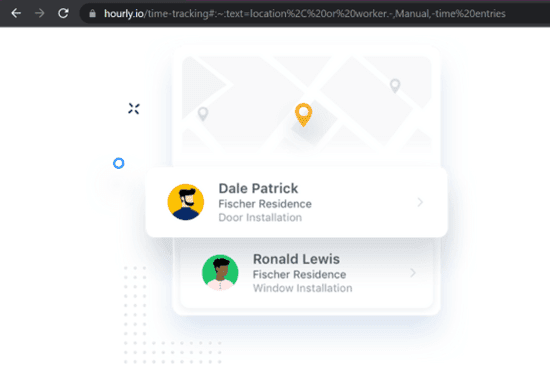
Hourly’s time tracker with GPS tracking lets you monitor your employees’ location along with their time. You can even configure the Geo-fencing settings so that your employees can only clock in and out at specific locations.
Note: Do take your employees’ consent and check the legalities, such as local laws on location monitoring, before tracking their locations.
3. Real-time reporting
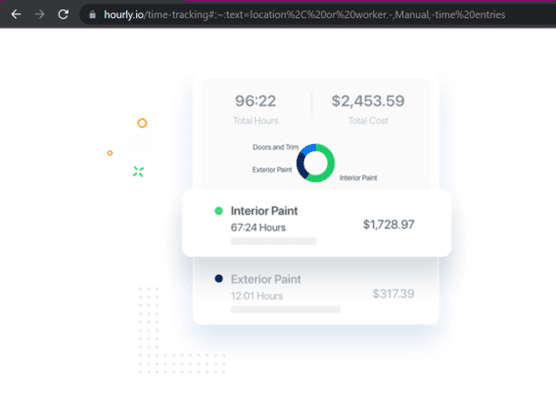
Hourly sends employees’ time tracking data and reports to your phone immediately for real-time updates. This reporting feature allows you to check work progress, review workflows, generate invoices, and track productivity.
You can also download the reports at the end of each workday. Hourly lets you download these insightful reports in either Excel or PDF format.
4. Payroll generation
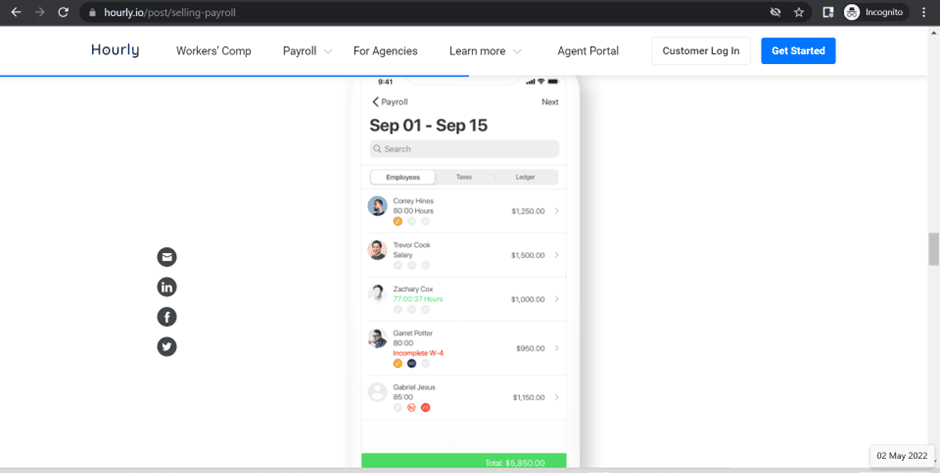
Once you verify your employees’ time tracking data, Hourly runs payroll for you. Along with employee salaries, it also automates payroll tax filing and payments.
You can save and file necessary forms like Employee I-9s, W-2s, and Contractor 1099s using electronic signatures. This will allow the app to file forms and taxes on time, helping you save overhead costs that can accumulate due to miscalculations, inaccurate payrolling, late fees, etc.
5. Workers compensation insurance management
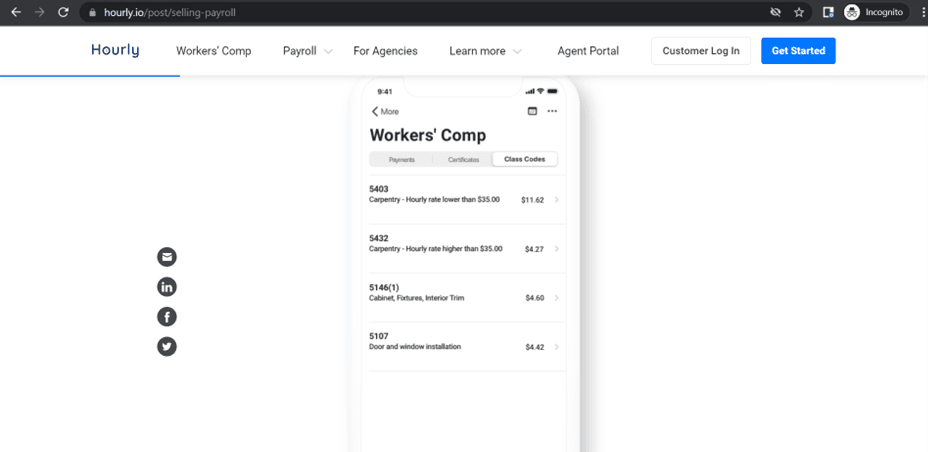
A workers’ compensation insurance plan typically covers medical bills, lost income, and in some cases, deaths.
Private insurance companies or the state provide this insurance through agents or brokers, who also sell the Hourly platform as workers’ compensation insurance.
This way, Hourly teams up with your insurance agents to get you the best insurance coverage and help you out with managing the payments.
All you have to do is pay the insurance amount as the app requires no security deposit or advanced payment. Hourly automatically generates insurance certificates based on the payroll and employee time tracking data.
However, Hourly may not be the best fit for every team. Let’s look at a few reasons some businesses consider alternatives.
3 reasons to look for hourly time tracking alternatives
Here are three reasons why you should look for an alternative time tracking app:
1. Payroll taxes and insurance limited to California
Hourly offers payroll tax filing, workers’ compensation, and insurance plans like CalSavers to companies as well as employees based in California.
This means only companies registered in California can use the full set of features.
Companies in other states and countries can access functions such as time-tracking and reporting but can’t use the payroll tax filing feature.
2. Insufficient tutorials and support pages
Although Hourly has customer support, its manuals and tutorials may not cover all features in enough depth for every user.
Hourly’s support pages don’t provide the ‘how-to’ tutorials on essential functions like reporting, audits, time tracking, etc. It mainly concentrates on workers’ compensation and banking, which applies to only certain users.
As a result, new users or less technical teams may need more time to get comfortable with the app.
3. Lack of transparency in pay breakdowns
Every time you add an employee to your company profile, you need to add details that’ll make up the payroll, such as:
- Gross wages.
- Bonuses.
- Holiday and sick pay.
- Allowances.
- Overtime.
- And other necessary information.
At the end of the month, the app calculates salaries according to the information you’ve entered and only shows the final total amount to be paid.
This can make it harder for employers and employees to review the full breakdown of monthly wages, which may reduce pay transparency.
With that in mind, let’s look at a few time tracking apps you can choose instead of Hourly.
6 best hourly time tracking app alternatives
Here are six alternatives for the Hourly time tracking app:
1. Time Doctor

Time Doctor is a workforce analytics and time tracking platform used by both small businesses and larger organizations.
With Time Doctor, you can track task time, manage schedules, support payroll workflows, and generate productivity reports. Here’s a closer look at some key features.
Key features
A. Interactive and automatic time tracking
Time Doctor offers automatic and interactive time tracking.
In the interactive or manual mode, employees can start and stop the timer according to their work hours.
Here’s how you use it:
- Open Time Doctor and enter the task name.
- Click Start when you’re ready to begin.
- Click Stop when you’re done or need to pause.
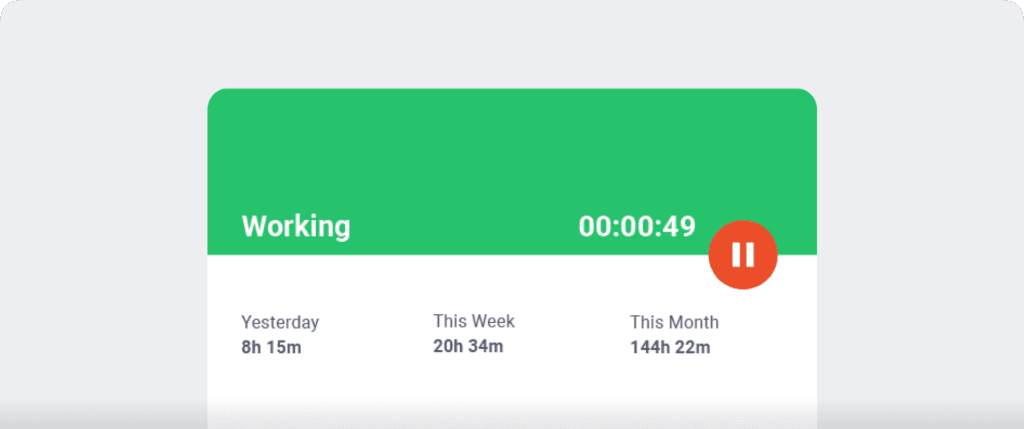
With the automatic time tracker, teams can capture work activity without relying entirely on manual time entry.
This feature automatically tracks your employees’ computer usage as soon as they switch on their monitors. It runs silently in the background without disturbing your employees’ workflow.
B. Idle time tracking
Idle Time Tracking is Time Doctor’s inbuilt feature that tracks unproductive hours.
When the tool detects no mouse and keyboard movement for a predefined time, it sends a pop-up alert to the employee, asking them if they’re still working. If the employee ignores the alert, Time Doctor pauses the timer.
This ensures that only productive employee hours are logged in as working time.
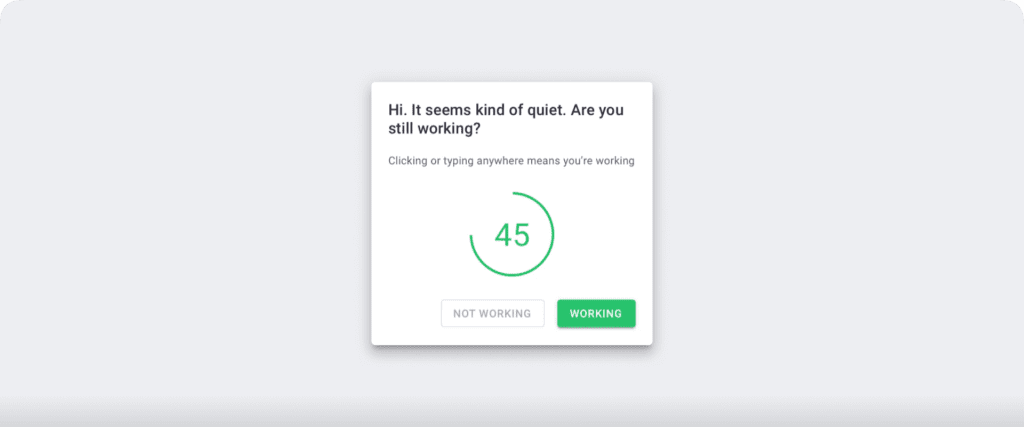
Note: Time Doctor only checks if the mouse or keys are in use. It doesn’t support keylogging to protect user privacy.
C. Screencasts (Optional)
To get additional visibility into work hours, you can use Time Doctor’s optional screenshots feature.
Time Doctor allows you to use the following settings:
- Off: No screenshot or video.
- Video: Continuous video that’s split into three-minute visuals.
- Screenshot: Choose a specific time to take random screenshots.
The feature also lets you view the number of mouse clicks and keyboard strokes registered in the time period (three minutes) of the screenshot.
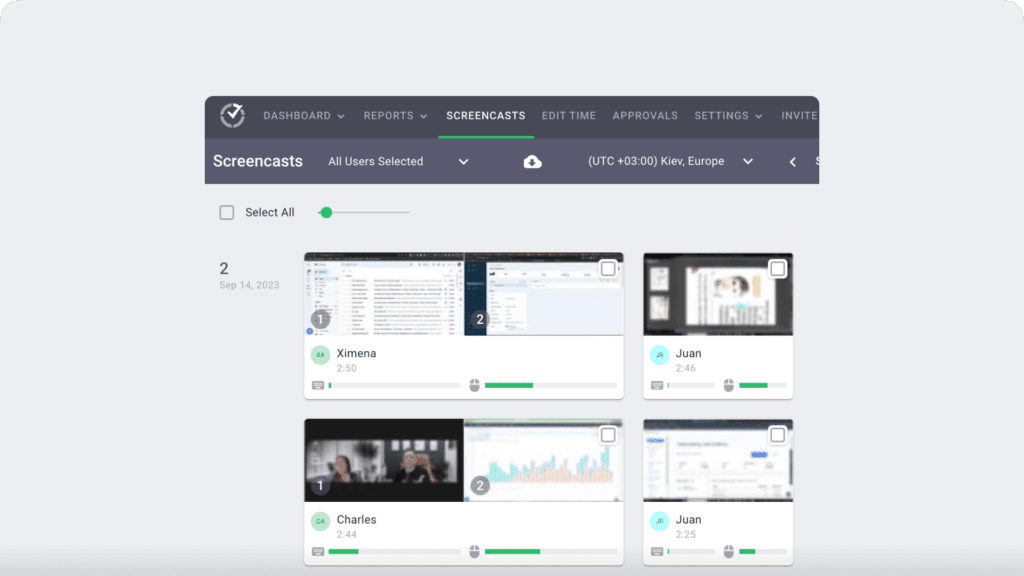
Note: You can also delete or blur the screenshots if it contains any sensitive data like employees’ personal information to protect their privacy.
D. Detailed reporting
Time Doctor generates detailed reports based on tracked time data.
Here are some of the reports:
- Activity Summary Report: Reports each employee’s idle minutes, active minutes, manual time, and mobile time during their work hours.
- Timeline Report: Shows the time spent on each task, project, and client.
- Attendance Report: Tracks when an employee is absent, present, late, partially late, etc., according to their login data.
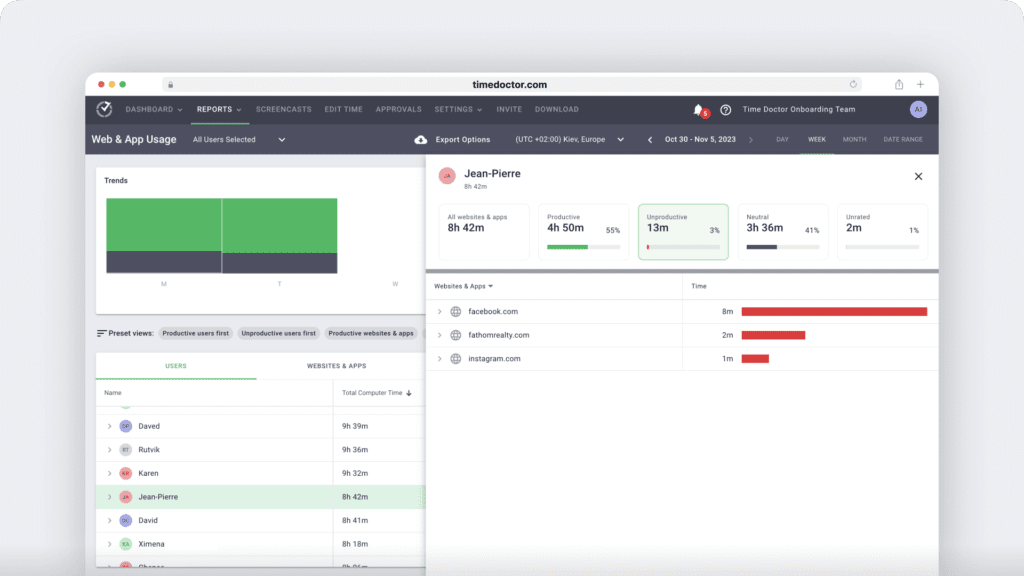
- Web and App Usage Report: Details how much time a team member spends on each website or app.
E. Payroll management
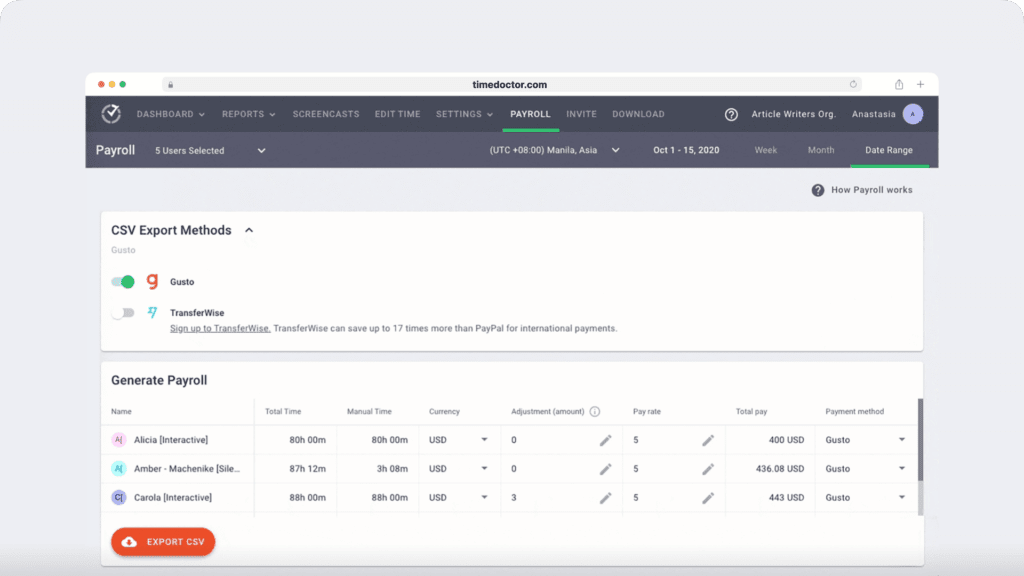
Time Doctor provides payroll management based on fixed salaries or tracked working hours.
It also lets you customize settings like:
- Pay rate for each employee.
- Payment currency for each user.
- Payment type for each employee.
- The date range for the payroll.
Other pros
- Allow employees to track hours even when their internet is down.
- Export reports in either CSV or XLS formats for easy storage.
- Give productivity ratings to websites and apps based on the employee’s or team’s roles.
- Protect your employees’ data with strict security and privacy policy.
- Integrate with tools such as Trello, Google Sheets, and Google Calendar to connect time tracking with day-to-day workflows.
- Support payroll workflows with integrations such as PayPal and Wise.
- Use Time Doctor on Android, Windows, macOS, and Linux operating systems.
Pricing
Time Doctor offers a free 14-day trial that doesn’t require any credit card information. Paid plans start from $7/user per month.
Customer ratings
- G2: 4.4/5 (275+ reviews)
- Capterra: 4.5/5 (400+ reviews)
2. Toggl Track
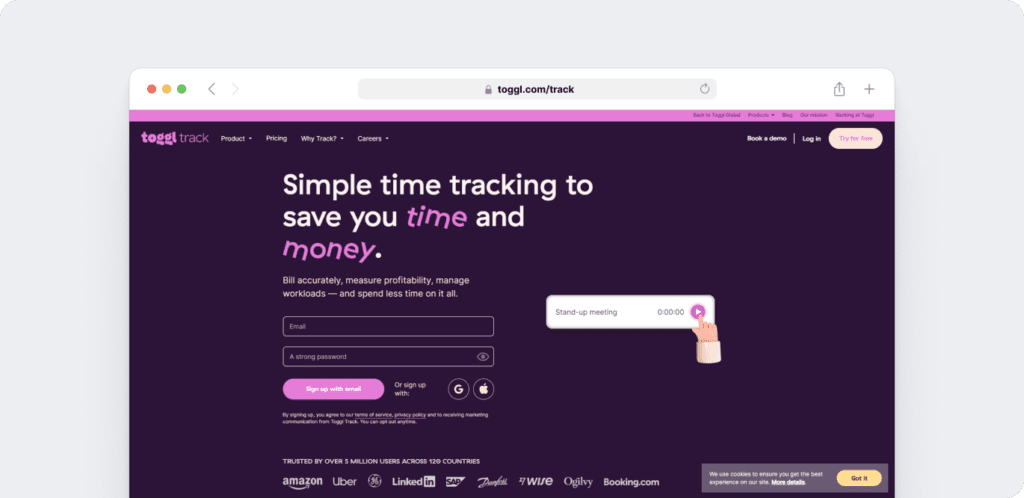
Toggl Track is an intuitive and simple time tracking software. The app offers manual and automatic time tracking, free timesheet templates, project estimates, etc., to streamline your work processes.
Key features
- Remove unwanted unproductive time gaps from timesheets with its Time audit feature to maintain consistency.
- Use Toggl’s public API to create your own Toggl Track integrations.
- Get notifications when your project nears its deadline.
- Access Toggl Track on mobiles, web, and desktop apps.
Pricing
Toggl Track offers a 30-day free trial of its premium features. Its paid plans start from $10/user per month.
Customer ratings
- G2: 4.6/5 (1,495+ reviews).
- Capterra: 4.7/5 (1,785+ reviews)
3. Clockify
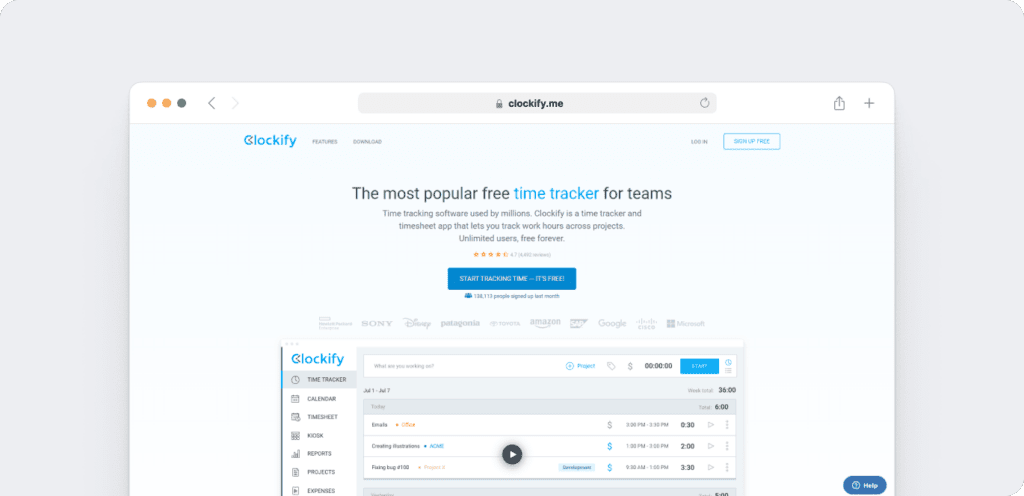
Clockify is a time tracking solution that’s suitable for you, whether you’re a freelancer or a medium-scale business owner. The app makes timekeeping effortless by preventing time theft, offering spreadsheets/timesheets, and providing attendance tracking.
Key features
- Reminds users to take breaks with an inbuilt Pomodoro timer.
- Tracks employees’ time-off requests and holidays.
- Generates invoices based on time-tracking data.
- Integrates with apps like Quickbooks, Trello, GitHub, etc.
Pricing
The time tracking tool is available as a free plan for unlimited users. Clockify’s paid plans start from $3.99/user per month.
Customer ratings
- G2: 4.5/5 (115+ reviews)
- Capterra: 4.7/5 (3995+ reviews)
4. ActivTrak
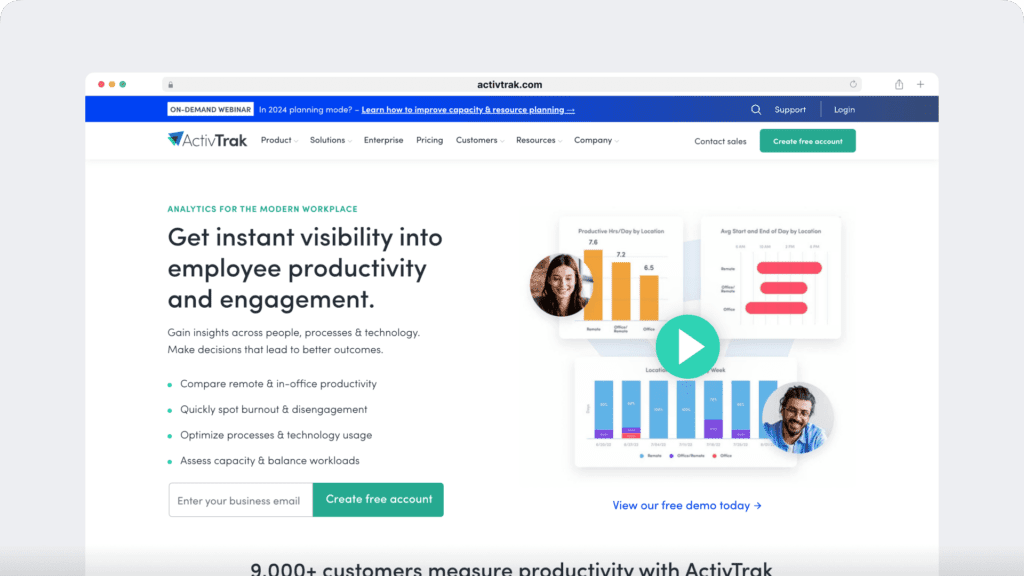
ActivTrak is a cloud-based workforce analytics platform that helps teams improve productivity through reporting, analytics, and visibility into work patterns.
Key features
- Use the tracked time to determine if employees are overworked or underworked.
- Identify overworked employees and reassign tasks to balance workflow.
- Evaluate productivity by filtering reports based on day, week, and month.
- Integrate ActivTrak with apps like Slack, Asana, and Microsoft Teams, with additional integration options available through ActivConnect.
- ActivTrak also supports integrations that bring external data into dashboards for broader visibility, including HRIS-connected time-off data in supported workflows.
Pricing
ActivTrak offers a 14-day free trial. Its paid plans start from $9/user per month.
Customer reviews
- G2: 4.5/5 (190+ reviews)
- Capterra: 4.6/5 (530+ reviews)
5. TimeCamp
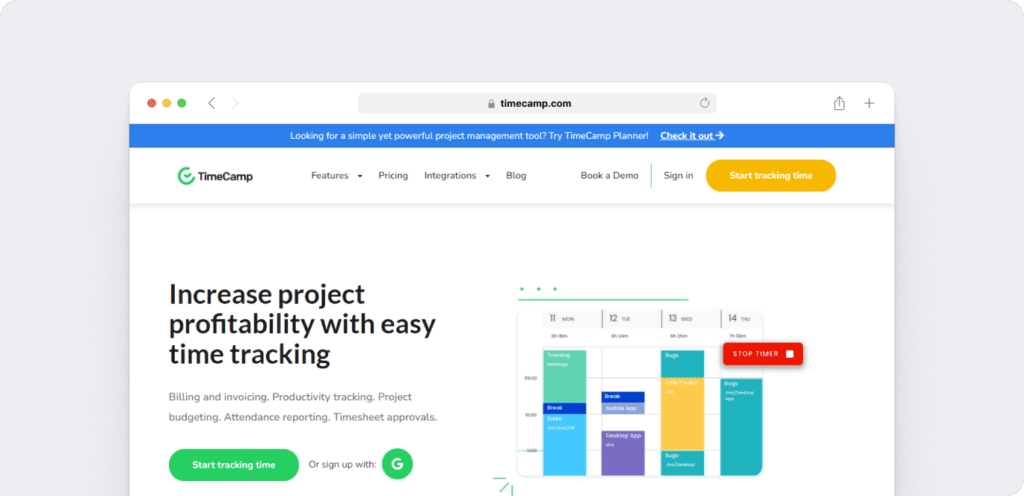
TimeCamp is a project management software that helps project managers track every working hour spent by employees. Managers can track time spent on tasks, monitor project status, and calculate payroll based on the hourly rate.
The software is compatible with Windows, macOS, Linux, iOS, and Android.
Key features
- Track overtime hours and employee attendance.
- Setup project-related keywords to switch time tracking between projects automatically.
- Use the drag-and-drop feature to add time entry easily.
- Monitor Paid Time Offs (PTO), holidays, sick leaves, etc.
Pricing
TimeCamp has a free app that offers unlimited projects and users. It has a free 14-day trial, and its paid models start from $7/user per month.
Customer reviews
- G2: 4.6/5 (175+ reviews)
- Capterra: 4.7/5 (545+ reviews)
6. Bill4Time
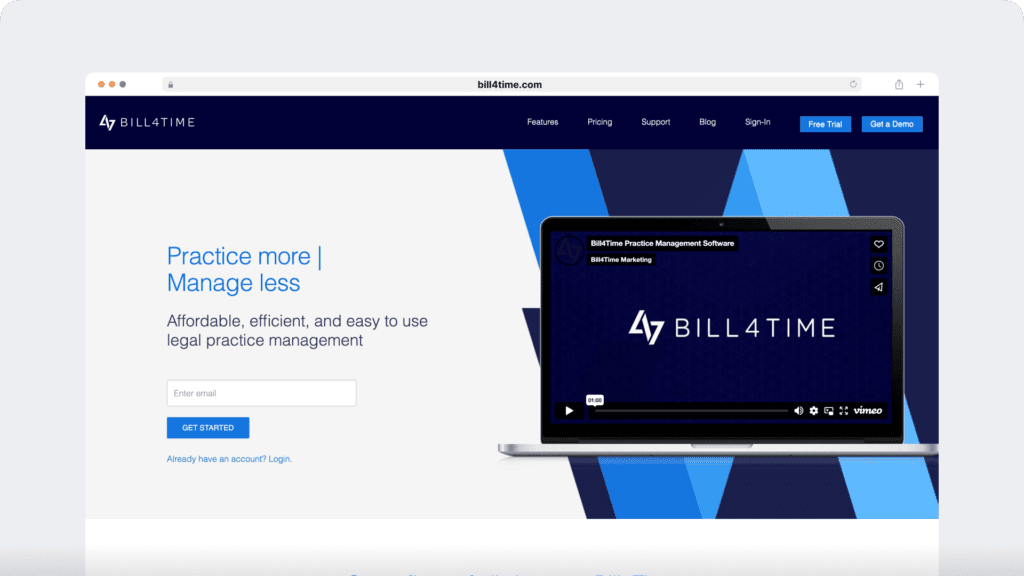
Bill4Time is a cloud-based project management and time tracking software. It lets you track billable hours, optimize spending by monitoring expenses, and offer excellent time management.
The time tracking app is available as a web and mobile app on iOS, Android, and Blackberry devices.
Key features
- Record and track multiple time entries on one screen.
- Customize the dashboard to view the information you need, such as client details, project assignees, etc.
- Upload images of receipts to track your transactions and expenses.
- Allow clients to check invoices and make payments directly via the Client Portal.
Pricing
Bill4Time doesn’t offer a free plan, but you can use its 14-day free trial. Its paid plans start from $29/user per month.
Customer ratings
- G2: 4.3/5 (10+ reviews)
- Capterra: 4.8/5 (155+ reviews)
Wrapping up
Hourly allows you to track time, manage workers’ compensation, provide insights via powerful reports, and so much more!
However, its major pitfall is that some of its features (such as payroll) are limited only to California-based companies.
Although several tools listed here can support different business needs, Time Doctor is a strong option for teams that want time tracking, payroll support, and productivity reporting in one platform.
Get a demo to see how Time Doctor helps you connect time tracking, reporting, and payroll workflows with clearer visibility into productivity.

