How much money are you losing just because your team forgot to hit “Start”?
That one missed click on your time tracker can cost hours. When it happens repeatedly, those hours quietly turn into thousands of dollars slipping from your bottom line.
Let’s say your report shows 870 hours for last month, but your team actually worked closer to 1,000 hours. That’s 130 hours missing. At $50 per hour, that’s $6,500 gone, without a single alert.
This isn’t just about lost time. It disrupts payroll, delays billing, and skews your view of team productivity.
That’s why more businesses are rethinking their tools and switching to custom time tracking solutions.
These time tracking apps, whether on a mobile or desktop app, adapt to your systems, not the other way around. They help you monitor team activity, manage tasks in real-time, and generate accurate reports based on how you work, not how the software thinks you should.
In this guide, you’ll discover which tools are worth your time, how to choose the right one, and what to avoid along the way.
Table of Contents
- What are custom time tracking solutions?
- Who benefits most from custom time tracking?
- Top 10 custom time tracking tools for team productivity and real-time insights
- Comparison table: Top 10 custom time tracking tools
- How to choose the right tool for your team
- Common time tracking mistakes to avoid
What are custom time tracking solutions?
Custom time tracking solutions give you complete control over how your team tracks, organizes, and reports time. Unlike generic tools that follow a fixed format, these systems adjust to fit your business, whether your team is remote, hybrid, or working entirely in-office.
They support real-world workflows by allowing you to track time exactly as your team operates. This includes the ability to set up time entries based on tasks, projects, clients, or departments. It also means you can build reports that reflect your structure, not someone else’s template.
Here’s what custom time tracking tools usually offer:
- Task-level tracking so you can break down time by project, client, or team
- Flexible tracking options, including manual, automatic, or a combination of both
- Screen monitoring and activity tracking when needed to support accountability
- Integration with payroll or project management software to streamline your operations
- Real-time dashboards with filters that give managers and teams instant visibility into what’s happening
This kind of setup helps teams stay focused on meaningful work instead of just “clocking in.” It reduces guesswork, improves transparency, and supports better decisions.
As Julie Silverberg wrote on The Success Partners blog,
“The key is not to prioritise what’s on your schedule, but to schedule your priorities.”
That mindset is precisely why businesses use custom time tracking solutions. They help align your team’s time with what truly matters, so you can spend less energy chasing down hours and more time getting results.
Who benefits most from custom time tracking?
Custom time tracking software isn’t just for large enterprises. It’s built for any business that values accuracy, visibility, and control across its operations.
Whether you’re managing payroll, tracking billable hours, or trying to improve productivity, the right tool can make a big difference.
For business owners and founders
- Improve project profitability through detailed billing reports
- Track billable hours accurately by client, task, or contractor
- Stay on top of payroll and budgeting with automated time data
For operations teams
- Standardize time tracking across remote, hybrid, or in-office environments
- Simplify attendance management, track time off, and streamline timesheet approvals
- Gain real-time insights into productivity without micromanaging your team
For agencies and client-based businesses
- Deliver transparent, client-ready reports for every project
- Capture every billable minute to ensure accurate billing and timely invoicing
- Prevent scope creep by using time budgets and progress alerts
No matter the size of your team, flexibility is essential. With custom time tracking solutions, you can tailor time tracking to align with your operations, workflow, and business objectives, rather than forcing your team to follow rigid systems.
Top 10 custom time tracking tools for team productivity and real-time insights
Below are the top tools that stand out for flexibility, integrations, and support for small businesses, remote teams, and task-level workflows.
1. Time Doctor

Best for: Businesses seeking detailed tracking, productivity analytics, and full visibility across any work setup
Time Doctor is built for companies that need more than just basic time tracking. It offers deep customization, advanced functionality, and flexible controls, which makes it a top choice for businesses managing remote, hybrid, or in-office teams.
Whether you’re tracking employee hours, monitoring screen activity, or pulling payroll-ready reports, Time Doctor helps you optimize your operations using actionable insights.
It supports growing teams with powerful workforce analytics, customizable workflows, and seamless integrations.
Key features that support custom time tracking solutions
a. Employee time tracking
Track time automatically or manually by project, client, or task. Time Doctor ensures that every work hour is accurately recorded across different roles and departments.
b. Employee monitoring
Enable screen monitoring to capture optional screenshots, track apps and websites, and review idle time. These tools help keep team members focused without micromanaging.
c. Workforce analytics
Access insights that show how your team spends time, where bottlenecks occur, and how workload is distributed across the company.
d. Supports remote, hybrid, and in-office teams
No matter where your team works—from home, across time zones, or on-site—Time Doctor keeps track consistently and is centralized.
e. Productivity analytics
Discover the tools, apps, and websites that help your team stay productive. Filter by individual, team, or department for better decision-making.
f. Time management tools
Set goals, track project timelines, and accurately monitor the actual time tasks take to complete. Managers can compare estimated vs. actual time to improve planning accuracy and track project progress more effectively
g. Screen monitoring
Capture blurred or full screenshots at set intervals. Combined with app and URL tracking, this supports accountability without compromising trust.
h. Distributed workforce support
Built with global teams in mind, Time Doctor allows for role-based access, localized settings, and real-time visibility across multiple locations.
i. Unusual activity report
Receive alerts when someone remains inactive for extended periods or exhibits unexpected behavior patterns. This helps flag issues early without intrusive oversight.
j. Payroll integration
Export hours directly into your payroll platform or use built-in calculations to process wages, contractor payments, or team incentives.
k. Attendance tracking
Automatically log clock-in and clock-out times using a digital time clock. Time Doctor helps track availability, punctuality, and attendance trends without manual input.
l. Integrations
Connect Time Doctor with over 60 apps, including Slack, Trello, Asana, QuickBooks, Jira, Gusto, and more. It seamlessly integrates into your workflow without requiring additional steps.
m. Pricing flexibility
Plans scale with your business. Whether you’re a startup or managing multiple teams, you can choose features that fit your needs and budget.
n. Features for every team size
From solo contractors to large departments, Time Doctor offers customizable settings, detailed reporting, and flexible access controls.
Time Doctor doesn’t just track hours, it helps you understand how work happens, where time goes, and how to make every hour count.
Real-world example
SmartBuyGlasses, a global eyewear retailer, implemented Time Doctor to manage its distributed workforce. Within weeks, they reported an estimated 3x increase in overall team performance and significantly improved tracking across their remote departments.
For more insights and related case studies, you can visit Time Doctor’s Case Studies.
Available on
Desktop (Windows, macOS, Linux), mobile app (iOS and Android for manual tracking), and a web dashboard for reporting, payroll, attendance, and workforce analytics.
2. Toggl Track
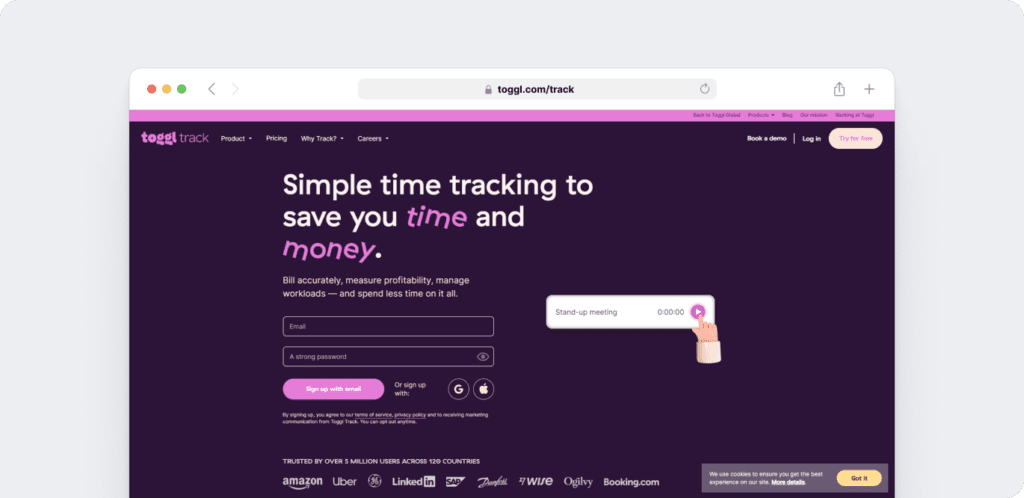
Best for: Freelancers and small teams who want simplicity without sacrificing flexibility
Toggl Track offers a clean and intuitive interface that makes time tracking easy to adopt. You can tag time entries by project, client, or task, then generate quick reports using those filters. The minimal setup and user-friendly design make it a favorite among creatives and startups.
It supports manual time tracking and includes basic project management features. You can assign tasks, set billable rates, and view time allocation across your workweek. This makes it ideal for solo users or small teams who value ease over complexity.
Pros
- Easy to set up and use
- Clean interface with no steep learning curve
- Task tagging and project filters help organize time entries
- Useful for freelancers or teams without complex workflows
- Offers visual timelines and basic reporting
Cons
- It lacks built-in screen monitoring and activity tracking
- It does not offer unusual activity reports or detailed attendance tracking
- Teams may need extra tools or integrations for deeper productivity analytics
- It is less suited for businesses with payroll needs or expanding remote departments
Toggl Track is a strong option for basic time tracking. However, for businesses that require real-time insights, employee monitoring, or more advanced reporting features, it often makes sense to explore custom time tracking tools with more built-in flexibility and control.
3. Hubstaff
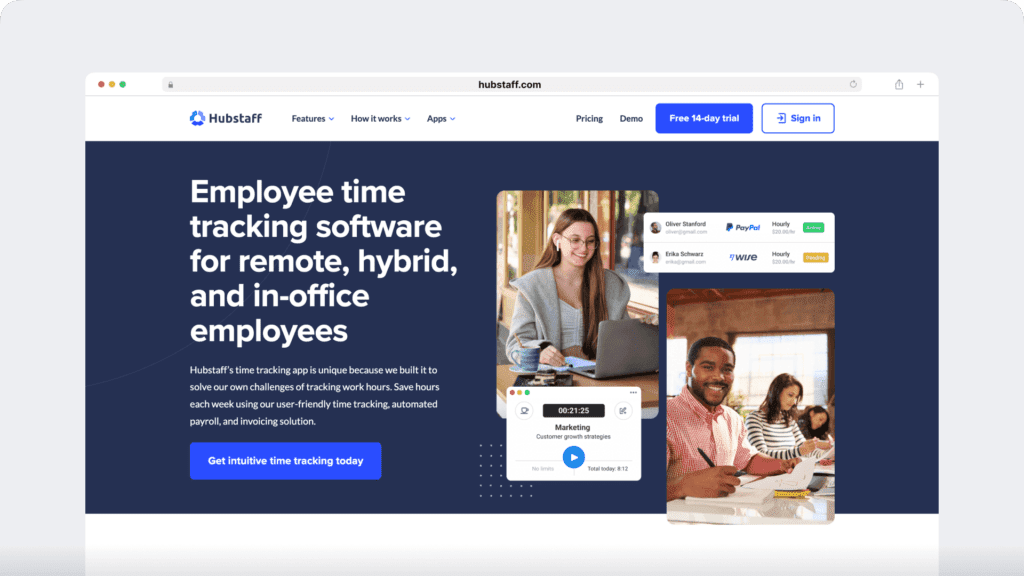
Best for: Field teams and businesses needing GPS tracking
Hubstaff combines GPS-based time tracking with real-time dashboards, productivity scores, and geofencing. It works exceptionally well for field-based industries such as construction, logistics, and home services.
Teams that operate across multiple time zones or rely on location-based schedules often benefit from its built-in tools.
You can assign tasks, track hours, and monitor location data, which helps managers stay informed without constant check-ins. Hubstaff also includes activity levels and optional screenshot capture for remote teams using desktops or mobile devices, giving supervisors visibility into how time is spent.
Pros
- GPS tracking with geofencing to manage field teams
- Real-time dashboards and productivity reports
- Location-aware attendance tracking
- Optional screenshots and activity monitoring
- Works well for remote-first teams or mobile workforces
Cons
- Limited task-level tracking for complex projects
- Productivity metrics may feel surface-level for some teams
- Advanced project management features may require third-party tools
- Not ideal for teams looking to track time across client-based billing or multiple departments
Hubstaff is a strong choice for location-driven businesses. However, teams that require more comprehensive task tracking, payroll automation, or advanced productivity analytics often explore custom time tracking solutions that can accommodate a broader range of workflows.
4. ClickTime
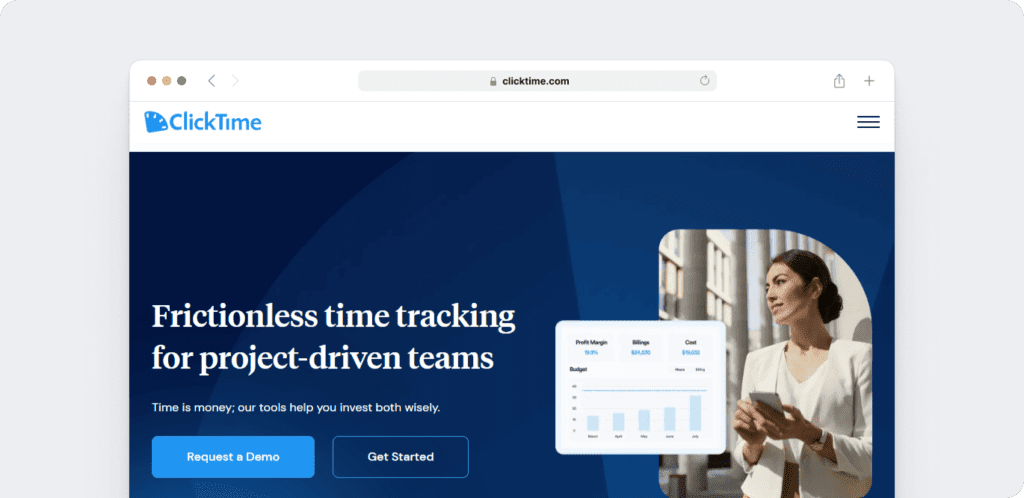
Best for: Mid-size teams managing budgets and forecasting
ClickTime offers more than basic time tracking. It combines project cost controls with forecasting tools, making it a smart option for operations teams and finance leads.
With built-in approval flows, managers can review timesheets before submission, and scheduled notifications keep teams aligned with budgets and timelines.
You can generate reports tailored to finance, HR, or client requirements. The tool also helps track labor costs and allocate time based on department, task, or individual team members.
While ClickTime focuses more on planning and budgeting, it still covers the core project time tracking features most teams need.
Pros
- Budget tracking and project forecasting tools
- Timesheet approvals and scheduling alerts
- Reports tailored to different departments, like HR or finance
- Helpful for project management and resource allocation
- Supports payroll cost tracking and labor planning
Cons
- Limited in-depth productivity analytics
- Lacks built-in screen monitoring or unusual activity reports
- The visual interface may feel dated compared to newer tools
- Requires more setup time to unlock advanced features
ClickTime works well for teams focused on cost control and forecasting. For businesses seeking to integrate detailed time tracking with real-time insights and built-in productivity analytics, other tools may provide a more flexible solution.
5. Harvest
Best for: Agencies focused on clean billing and invoicing
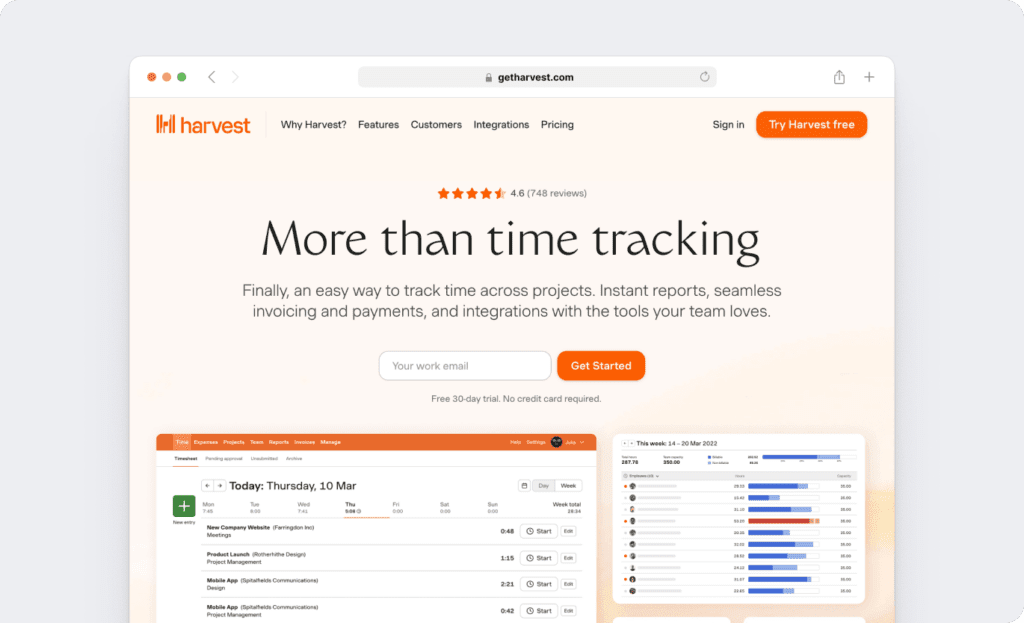
Harvest is designed to make time tracking and invoicing simple. It allows you to track time, log expenses, and send client-ready invoices all from one place.
For client-based businesses, such as agencies or consultancies, this tool streamlines the financial side of project management without requiring a complicated setup.
You can track time by task, project, or team member, then quickly turn those hours into invoices. Harvest also supports tracking against retainers and budgets, providing insight into whether projects remain profitable. It integrates well with popular tools like Basecamp, Trello, and Asana, which keeps everything connected.
Pros
- Clean, user-friendly interface
- Easy time tracking and invoicing in one platform
- Retainer tracking and project budgeting
- Seamless integrations with project management tools
- Great for teams that need to stay on top of client billing
Cons
- Limited productivity or workforce analytics
- No built-in screen monitoring or attendance tracking
- Lacks unusual activity reports and deeper automation
- May not scale well for teams with more complex reporting needs
Harvest delivers strong billing and expense features. But for teams that also need productivity analytics, advanced reporting, or custom tracking rules, a more flexible solution can offer better long-term value.
6. Everhour
Best for: Teams already using tools like Asana or ClickUp
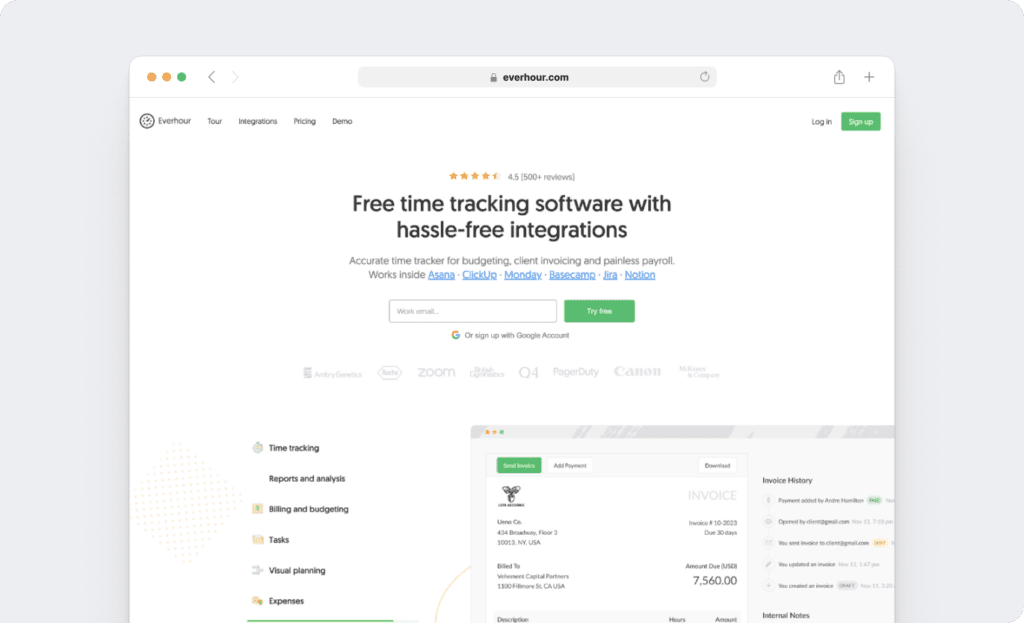
Everhour is designed for teams that want time tracking to integrate seamlessly within their existing project management tools.
It integrates seamlessly with platforms like Asana, ClickUp, Trello, and Basecamp, allowing team members to track time on tasks without needing to switch to a different app.
The tool supports budget tracking, time estimates, and client billing. You can add custom fields, monitor progress, and export reports that align with your invoicing or internal needs. Everhour keeps time tracking accessible and connected to your workflows.
Pros
- Embeds directly inside project management tools
- Task-level time tracking with budget alerts
- Custom fields for flexible reporting
- Simple to adopt for teams already using supported platforms
- Helpful for client billing and project budgeting
Cons
- No screen monitoring or unusual activity reports
- Limited productivity analytics compared to standalone tools
- Reporting may require extra steps for payroll or attendance tracking
- Best suited for teams already locked into specific project tools
Everhour works well when your priority is convenience and tight integration with project platforms. However, teams seeking all-in-one tracking, workforce analytics, or comprehensive visibility across remote teams often prefer solutions with deeper customization options.
7. Paymo
Best for: Businesses that want project planning and time tracking in one
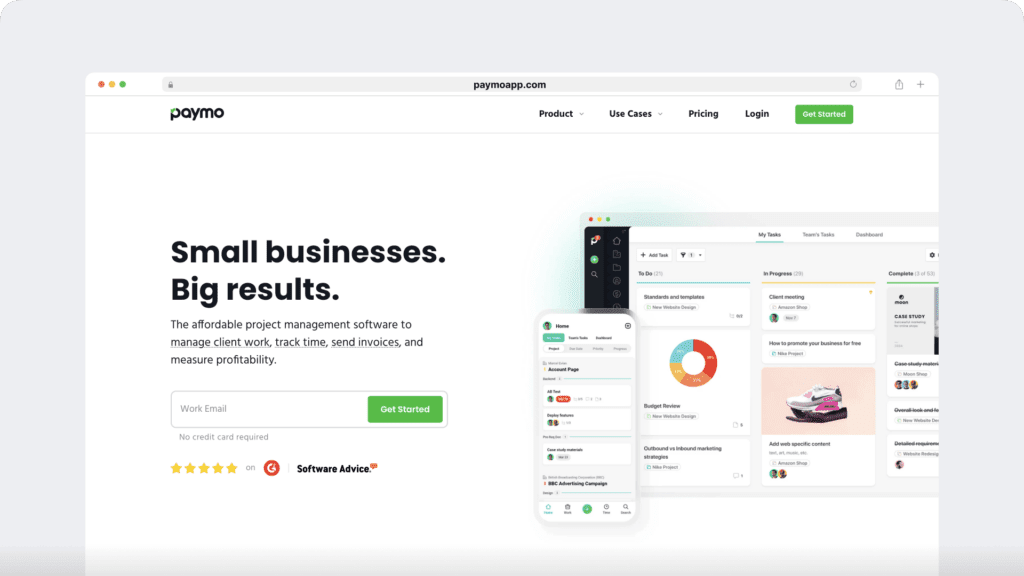
Paymo blends time tracking with full project management features, which makes it a strong choice for teams that want everything in one place. You can manage tasks, assign team members, set deadlines, and track time all within the same platform.
It includes Gantt charts, Kanban boards, and workload views. These tools give teams a clear picture of progress and capacity. In addition, you can generate invoices, log billable hours, and manage client budgets without needing external tools.
For agencies or creative teams juggling multiple projects, Paymo offers both structure and flexibility.
Pros
- Combines project planning and time tracking in one tool
- Task-level tracking with visual timelines and workload views
- Built-in invoicing and budget management
- Ideal for teams managing multiple deadlines and deliverables
- Great for agencies that need both structure and speed
Cons
- It does not include productivity analytics or screen monitoring
- It lacks unusual activity alerts and in-depth attendance tracking
- Some features may feel overwhelming for smaller teams
- It may require setup time to customize workflows effectively
Paymo is a strong all-in-one solution for teams that value project visibility and organized task tracking.
However, for businesses that need deeper insights into how time is spent, especially across distributed teams, tools that include workforce analytics and advanced monitoring offer a more detailed and scalable solution.
8. Clockify
Best for: Growing teams on a budget
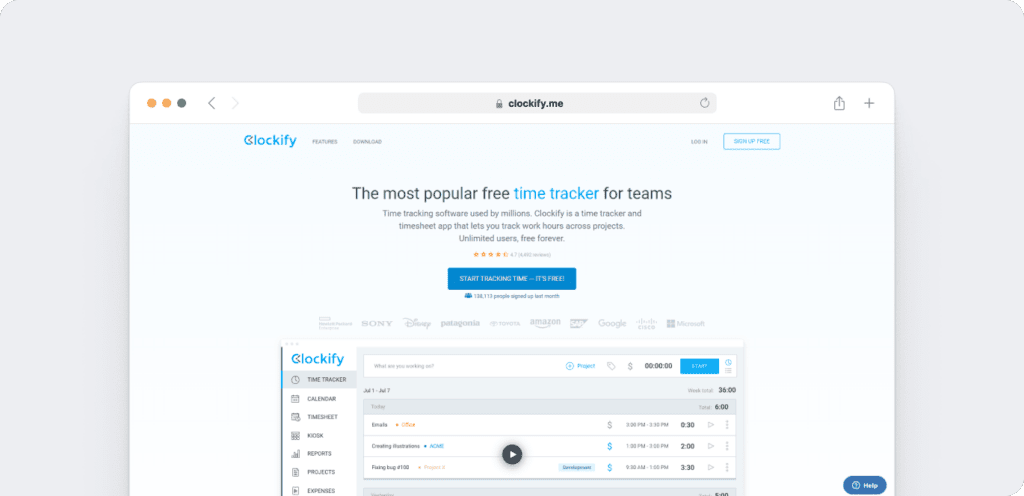
Clockify stands out as one of the few time tracking tools that offers unlimited users on its free plan, with no credit card or day trial limit required.
It allows teams to track time by task, project, or role, making it a popular choice for startups and growing companies that want to stay lean without sacrificing visibility.
You can log hours manually or with a timer, round time entries, and apply billable rates to support client work. Clockify also includes custom reports, basic attendance tracking, and integrations with popular project management platforms.
Pros
- Free plan supports unlimited team members
- Task-level time tracking with project and role filters
- Customizable reports for billing and payroll
- Easy to set up and use for small or mid-sized teams
- Integrates with tools like Asana, Trello, and Jira
Cons
- Limited productivity analytics and no screen monitoring
- Lacks unusual activity reporting or advanced workforce insights
- Attendance tracking is basic and may not scale with complex schedules
- Some features, like invoicing or GPS tracking require a paid upgrade
Clockify is a practical starting point for teams that need simple time tracking and basic reporting. However, as companies grow and need deeper visibility into team performance or more advanced payroll and productivity tools, they often move to solutions with greater flexibility and control.
9. RescueTime
Best for: Individuals focused on deep work and time awareness
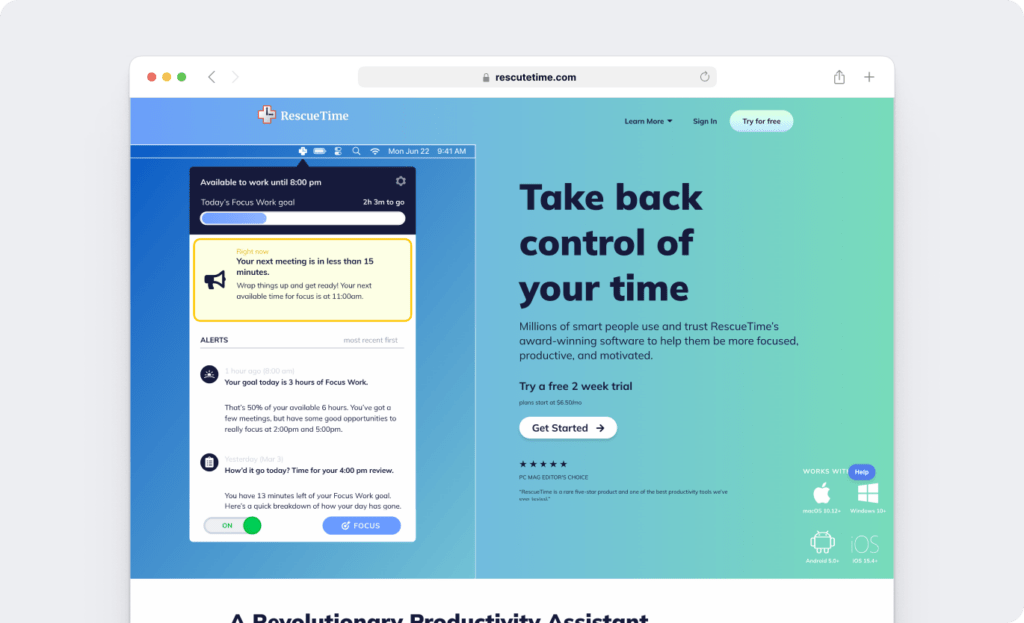
RescueTime is designed for professionals who want to enhance their focus and gain insight into how they spend their day. It runs automatically in the background, tracking time across websites, apps, and tasks without requiring any manual entry.
The tool provides productivity scores, highlights distractions, and offers users a daily snapshot of how much time is spent on focused work versus unproductive activities. It is beneficial for knowledge workers, freelancers, or solo users who want to build better time habits.
Pros
- Fully automatic time tracking with no manual input
- Productivity analytics that highlight focus trends and distractions
- Ideal for solo users looking to improve personal time management
- Offers daily reports and focus goals
- Lightweight and easy to install
Cons
- Lacks client billing, payroll, or project-based tracking
- Does not support attendance or team-based reporting
- No task-level control or manual time editing
- Limited features for teams or multi-user environments
RescueTime is a solid choice for individuals aiming to sharpen their focus and eliminate time-wasting habits. However, teams or businesses that need structured time tracking, payroll integration, or detailed task-level reporting may find greater value in tools designed for collaborative productivity.
10. Timely by Memory
Best for: Privacy-conscious teams that want automation
Timely uses AI to track everything your team does on their devices automatically. Unlike traditional time tracking tools, it avoids screenshots and keystroke monitoring, which makes it ideal for companies that want to respect privacy while still understanding how time is spent.
The tool categorizes time entries by app, website, meeting, and document. You can view activity by project or client and review timelines without requiring team members to log their work manually. This balance of automation and privacy makes it popular among creative, consulting, and software teams.
Pros
- AI-powered time tracking with no manual input required
- No screenshots or intrusive employee monitoring
- Categorizes activity by project, client, or tool
- Supports productivity analytics and timeline reviews
- Easy for team members to adopt and use consistently
Cons
- Limited attendance tracking or approval workflows
- Lacks screen monitoring and unusual activity reporting
- May require extra configuration for project-based billing
- Not ideal for teams that need detailed oversight or payroll integration
Timely works best for teams that value autonomy and want insight without surveillance. However, businesses that require more structured time management, attendance control, or comprehensive project management alignment often benefit from solutions that offer deeper customization and reporting capabilities.
Comparison table: Top 10 custom time tracking tools
| Tool | Best For | Task-Level Tracking | Screen Monitoring | Productivity Analytics | Attendance Tracking | Integrations | Free Plan |
| Time Doctor | Detailed tracking & team visibility | Yes | Yes | Yes | Yes | 60+ business apps | No |
| Toggl Track | Freelancers & small teams | Yes | No | Limited | Limited | Popular PM tools | Yes |
| Hubstaff | Field teams with GPS tracking | Limited | Optional | Yes | Yes | Multiple integrations | Yes |
| ClickTime | Budgeting and forecasting | Yes | No | Limited | Yes | Finance & HR tools | No |
| Harvest | Clean billing and invoicing | Yes | No | No | No | PM tools (Asana, etc) | Yes |
| Everhour | Teams using Asana or ClickUp | Yes | No | Limited | Requires setup | Project tools | No |
| Paymo | Project planning + time tracking | Yes | No | No | Limited | All-in-one platform | Yes |
| Clockify | Growing teams on a budget | Yes | No | Limited | Basic | PM tools | Yes |
| RescueTime | Deep work and time awareness | No | No | Yes | No | Limited | Yes |
| Timely | Privacy-conscious teams | Limited | No | Yes | Limited | Calendar & PM tools | No |
How to choose the right tool for your team
With numerous employee time tracking tools available, selecting the right one depends on your role, goals, and how your team operates. Here’s what to prioritize based on your position:
If you’re a business owner or founder
Focus on tools that help you control costs, improve performance, and grow profitably.
- Choose a tool with accurate time tracking, clear payroll support, and strong ease of use so your team can get started quickly
- Look for task-level tracking to understand where every hour goes
- Prioritize productivity analytics to spot inefficiencies
- Use tools that offer custom billing reports and time budgets
- Make sure it integrates with your accounting and payroll platforms and lets you control permissions for each user
If you’re managing operations or HR
You need tools that bring clarity, reduce admin work, and support a flexible team structure.
- Look for attendance tracking and approval workflows
- Choose software that works for remote, hybrid, and in-office teams
- Use real-time dashboards to support clear team management and monitor activity at a glance
- Consider tools with screen monitoring and unusual activity reports
- Prioritize integrations with HR systems, payroll tools, or internal calendars
If you’re leading an agency or client-facing team
You need to keep projects profitable, clients informed, and invoicing accurate.
- Look for task-level time tracking linked to projects and clients
- Choose a tool with built-in invoicing or easy exports to your billing system
- Make sure it supports budget alerts and time limits to avoid scope creep
- Use tools that integrate with your project management platforms
- Find software that allows you to generate clean, client-ready reports quickly
Your quick checklist
- Tracking style: Do you need manual, automatic, or hybrid time tracking?
- Team structure: Is your team fully remote, in-office, or a mix of both?
- Use case: Will you use the tool for billing, payroll, expense tracking, or productivity analytics?
- Reporting needs: Do you need custom dashboards or client-facing exports, or are you still juggling manual reports in Excel?
- Integrations: Does the tool work well with your project, finance, or HR stack?
- Pricing: Does the plan align with your current budget and provide sufficient flexibility as your team expands?
Common time tracking mistakes to avoid
Even the best time tracking tool can underdeliver if it’s not set up correctly. To help your team get real value from your custom time tracking solution, here are some common mistakes to watch for and how to avoid them.
Ignoring team input during setup
Time tracking only works when your team feels confident using it. If the system feels disconnected from their daily workflow, it quickly becomes a burden.
To prevent this, involve your team members early in the process. Get their input, explain how the tool supports their work, and train them clearly. When people understand the purpose behind time tracking, they’re more likely to use it consistently.
Relying on default reports
Generic reports rarely give you the insights you actually need. Whether you’re managing payroll, analyzing productivity, or reporting to clients, one-size-fits-all dashboards fall short.
Look for tools that let you build custom reports tailored to your business. This ensures your reports align with your project goals, billing needs, and compliance requirements.
Choosing based on price alone
While a free plan may seem appealing, it often comes with trade-offs. Missing integrations, limited support, or lack of scalability can slow your team down.
Instead of focusing only on price, prioritize the features your team really needs. Look at how well the tool integrates with your existing systems, whether it supports accurate payroll and attendance, and if it will grow with your business.
Overlooking employee monitoring laws
If your tool includes features like screen monitoring or activity tracking, you need to follow local laws. Employee monitoring laws vary by country and even by state, especially in places like the U.S., Australia, Canada, and the U.K.
To stay compliant, always be transparent. Let your team know what is being monitored, why it matters, and how the data will be used. This builds trust and helps your business stay aligned with legal and ethical standards.
Final thoughts
Earlier, we uncovered the reality behind those 130 missing hours.
That’s $6,500 lost in just one month.
Now imagine having every one of those hours accounted for. There’s no guessing, no chasing timesheets, and no silent revenue leaks.
With Time Doctor, this becomes possible. You can track every billable hour by task, client, or team member. Whether your workforce is remote, hybrid, or in-office, you stay informed and in control.
You can monitor attendance, generate real-time reports, and automate payroll with accuracy.
If you need screen monitoring, you decide when and how it is used.
If you want deeper insight into how time is spent, productivity analytics and workforce analytics show where your team is focused and where time is being lost.
Time Doctor also alerts you with unusual activity reports when patterns shift, helping you act quickly without micromanaging.
It integrates with over 60 tools, including your task management, HR, and billing systems, keeping everything connected in one place.
So if your business has ever lost track of time, the next question is simple.
What could you recover this month if every hour was visible, verified, and valued?
Get a Demo of Time Doctor today to see how much time, revenue, and peace of mind your team can gain when nothing gets missed.



Carlo Borja is the Content Marketing Manager of Time Doctor, a workforce analytics software for distributed teams. He is a remote work advocate, a father and an avid coffee drinker.