Planning, developing, and executing a project is no cakewalk, especially if your team is working on several projects simultaneously.
The solution to this project management dilemma?
A great project time tracking software solution!
The right project time tracking software lets you track the time spent on projects, calculate project profitability, and improve project workflows. It also helps you analyze and gain insights into your team’s productivity.
In this article, we’ll talk about the top ten project time tracking software you can use for your team. We’ll also discuss the three key questions you should ask yourself while choosing project time tracking software.
Table of Contents
- Top 10 project time tracking software for teams
- 2. Clockify
- 3. My Hours
- 4. Hubstaff
- 5. DeskTime
- 6. Toggl Track
- 7. Harvest
- 8. QuickBooks Time (formerly TSheets)
- 9. Zoho Projects
- 10. Timely
Let’s get started.
Top 10 project time tracking software for teams
Let’s look at the ten best project time tracking software you can use to manage team projects:
1. Time Doctor

Time Doctor is a feature-rich project time tracking and workforce analytics platform that empowers managers with the visibility to lead with trust, not control. Mid-market companies and growing SMBs use it to gain real-time visibility into work, support employee well-being, and continuously improve productivity across remote, hybrid, and in-office teams.
Time Doctor can accurately track the time employees take to wrap up a project or task in real-time. The software also has detailed reporting functionalities that give insights into improving project workflows and employee productivity.
Its desktop app is compatible with several operating systems, including Windows, Linux, and Mac.
Key features
Here’s why Time Doctor is the perfect project time tracking software for your team:
A. Track time spent on projects
Time Doctor is a workforce analytics platform that gives you flexible time tracking so employees can record their hours in a way that fits how they work. The platform captures work activity in real time and transforms it into clear visibility for teams, helping leaders understand how work happens while keeping the experience simple for employees.
In manual/interactive mode, employees simply open the app, select their current task, and start the timer. Time Doctor runs in the background and tracks the apps and websites used during work. When they’re finished or want to take a break, they can stop the timer with a single click.
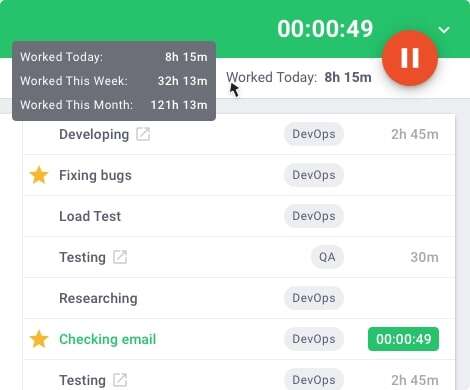
In automatic mode, Time Doctor can start tracking time when employees turn on or log into their work devices. This mode helps improve accuracy and reduces the need for manual edits or forgotten time entries.
Both modes are designed to provide clear visibility for managers and employees while minimizing disruption to the workday.B. Access project productivity reports
B. Productivity reports
Time Doctor tracks several data points related to employees activity. You can access a wide range of reports generated in real-time.
Here’s a quick look at these reports :
- Activity summary report: See active seconds, minutes, unproductive, manual, and mobile time for each employee over a selected time period.
- Attendance report: See if an employee is present, absent, partially absent, or late in real-time.
- Hours tracked report: View the total number of hours tracked by employees for any date range.
- Projects & tasks report: See the time spent on projects as well as individual tasks.
- Timeline report: Look at the time spent on tasks and breaks in a day or the whole week.
- Custom export report: Customize the fields you’d like to include in one single report.
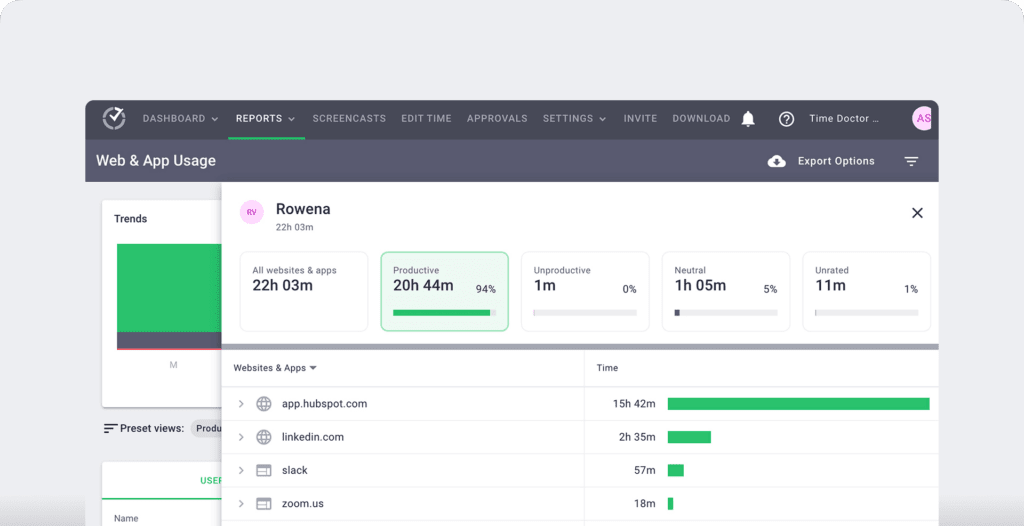
- Web and app usage report: View the time spent by an employee on each app and website during work hours.
C. Set strict productivity ratings
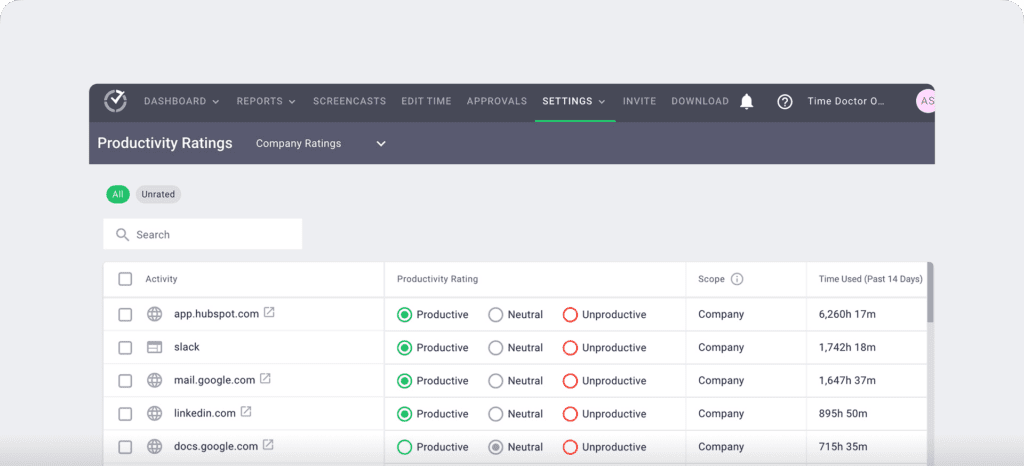
Accurately measure team productivity with Time Doctor’s productivity ratings feature. This feature lets you rate a website or an app as productive, unproductive, neutral, or unrated.
For instance, you could rate a social media website like Facebook as unproductive and Microsoft Excel as productive.
You can adjust the scope of these ratings to apply across the entire organization, a team, or even specific employees.
D. Integrate with project management apps
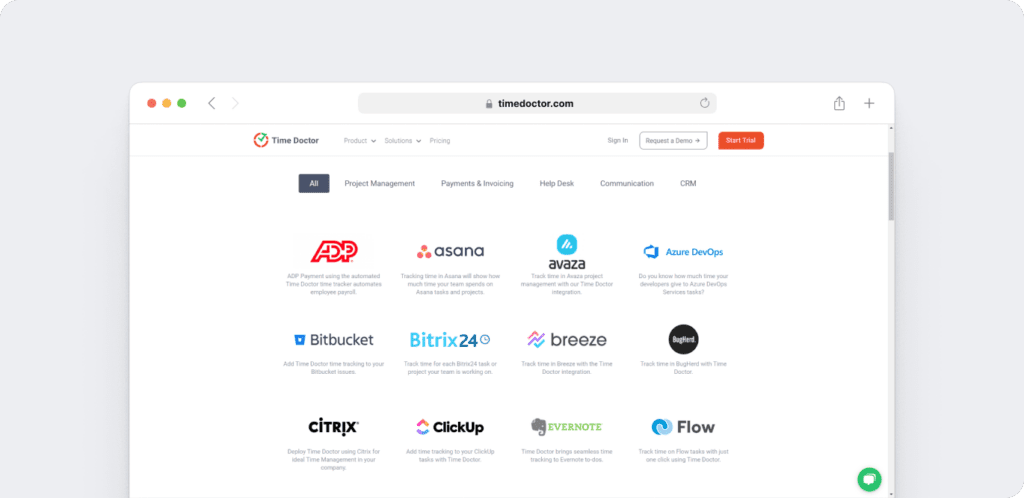
Time Doctor’s powerful Chrome Extension integrates with 60+ tools that include project management, helpdesk, accounting software, and more.
For example, Time Doctor integrates easily with tools like Asana and Jira.
You can even add time tracking to tasks you’ve created on tools like ClickUp. As a result, you can help your team avoid wasting time and work more efficiently.
E. Streamline payroll using payroll management features
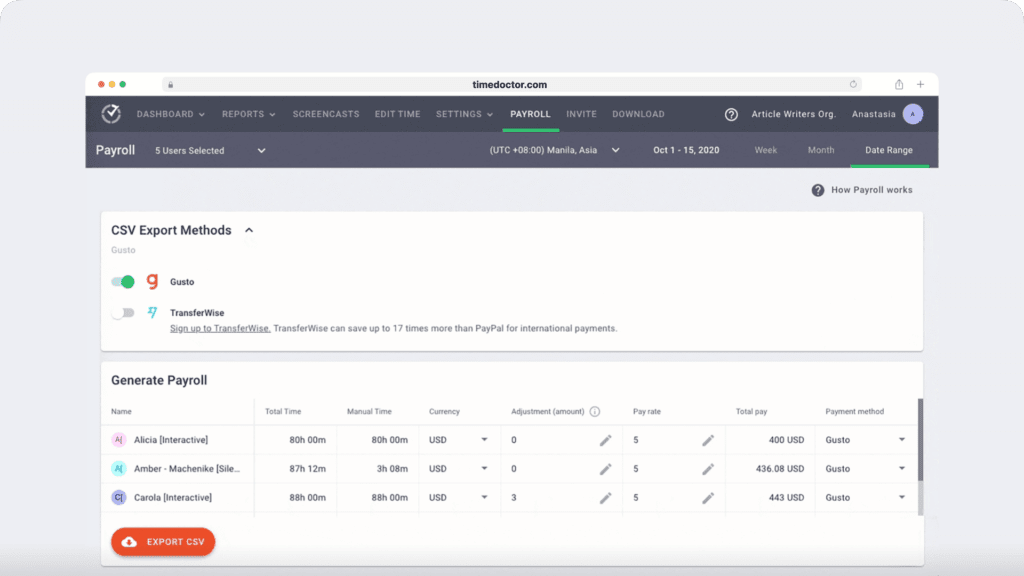
Time Doctor’s smart payroll management lets you calculate billable hours on different projects and pay your employees accurately.
The payroll system is customizable with options to edit the pay rate, payment currency, and payment method for each employee.
You can also integrate Time Doctor with online payment platforms like PayPal, Wise, and Gusto to eliminate the need for another tool to manage employee billable hours.
F. Benchmark AI
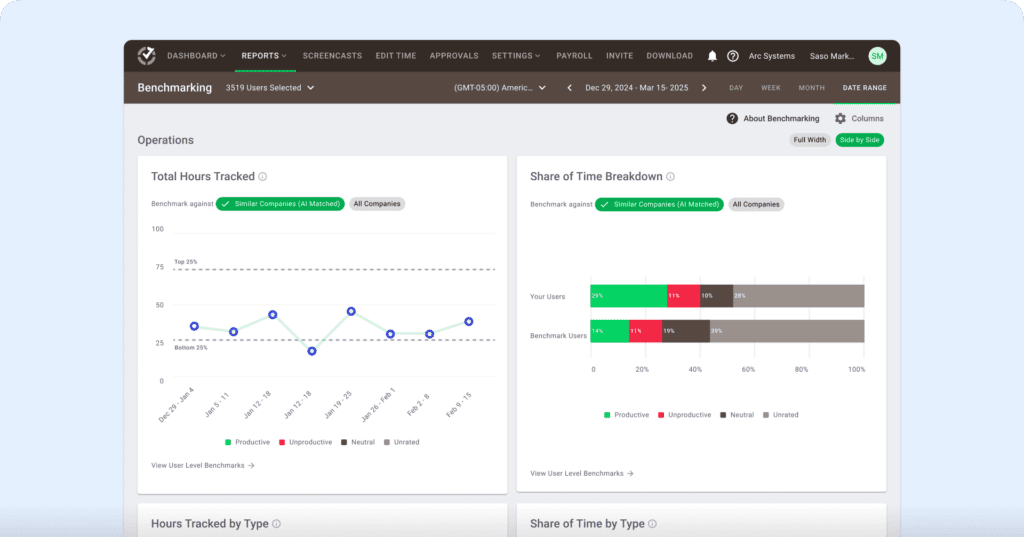
Benchmarks AI helps you understand your team’s performance by comparing their work patterns to similar roles and workflows across Time Doctor’s extensive behavior-based dataset.
- See how your team’s productivity, idle time, and tool usage compare to similar users across thousands of organizations.
- Identify whether shifts in productive time reflect healthy focus, rising workload pressure, or early signs of burnout.
- Spot unusual activity and changes in behavior before they affect performance or well-being.
- Give managers clearer context during coaching by showing where teams fall across percentile rankings and behavior groups.
- Make smarter decisions on resourcing, planning, and workload balancing using AI-matched comparisons instead of generic industry averages.
G. Meeting insight
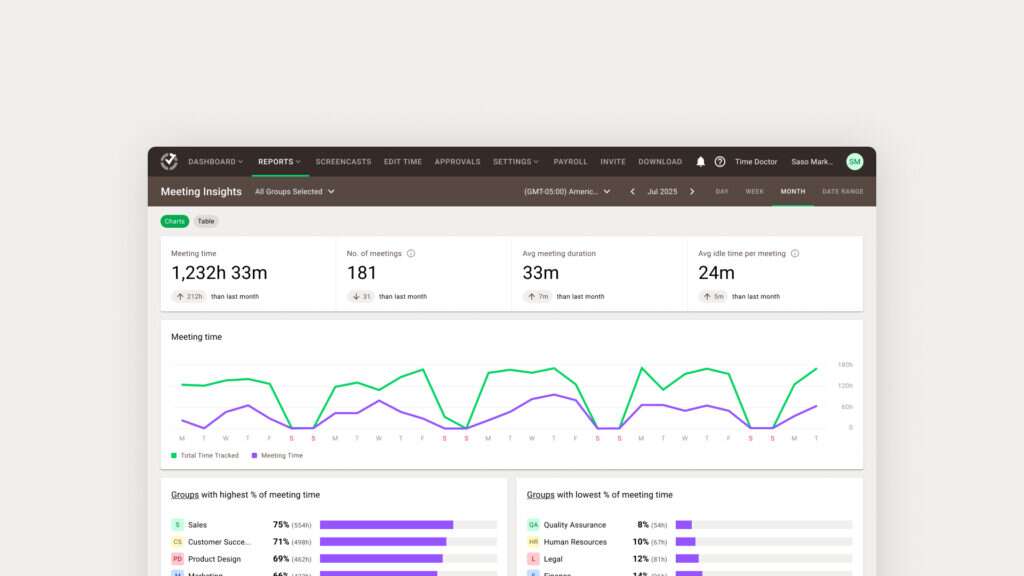
Meeting Insights helps you understand how meetings affect productivity, focus time, and engagement across your team.
- See total meeting hours, number of meetings, and which teams spend the highest or lowest percentage of their time in meetings.
- Measure meeting quality by tracking average duration, idle minutes per meeting, and idle time during meetings versus regular work hours.
- Identify low-value or ineffective meetings by spotting high idle time or unrelated app usage during calls.
- Compare meeting habits across groups to find overload, spot bottlenecks, or highlight teams that collaborate effectively.
- Decide which meetings to shorten, restructure, or move async using data instead of assumptions.
- Protect focus hours by understanding how recurring calls impact productive time and daily workflow.
- Support coaching and policy decisions with clear insights into meeting load, engagement patterns, and collaboration trends.
Pros
- Track how long employees spend on tasks and projects with accurate, down-to-the-second time tracking
- Give managers clear, real-time visibility into work patterns without hovering or micromanaging
- Surface productivity, focus, and work-life balance trends to prevent burnout and capacity issues
- Generate audit-ready timesheets and automate payroll and client billing
- Empower employees with transparency into their own time data so they can self-manage and improve
Pricing
Time Doctor has three affordable pricing plans, and you can quickly sign up for a 14-day free trial without a credit card.
Here’s an overview of the pricing plans:
- Premium: $20/user per month – includes “Standard” features + executive dashboard + client login access.
- Basic: $6.67/user per month – offers time tracking + task management + activity tracking + unlimited screenshots.
- Standard: $10/user per month – includes “Basic” features + integrations + payroll and invoicing.
Customer ratings
- G2: 4.4/5 (420+ reviews)
- Capterra: 4.5/5 (540+ reviews)
2. Clockify
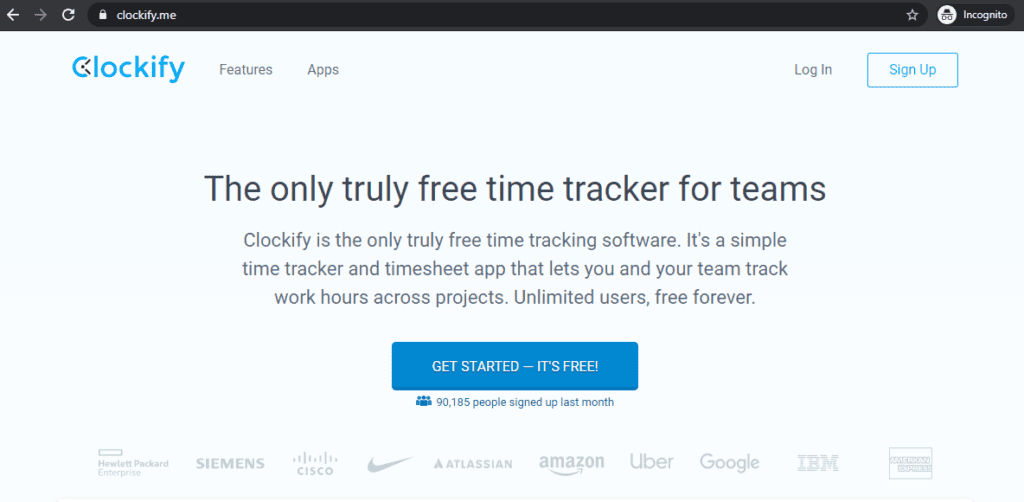
Clockify is an efficient clock app and time tracking software that can help you boost your team’s productivity.
Key features
- Provides a stopwatch to start and stop the timer as you work on a project.
- Enables your team to enter work hours manually for any project.
- Lets you submit and approve accurate timesheets.
- Supports a shared calendar to help your team visually track time.
Pricing
Clockify is a free time tracking tool that supports unlimited users and unlimited projects. Its paid plan gives you access to additional features, and it starts from $3.99/user per month.
Customer ratings
- G2: 4.4/5 (90+ reviews)
- Capterra: 4.7/5 (1500+ reviews)
3. My Hours
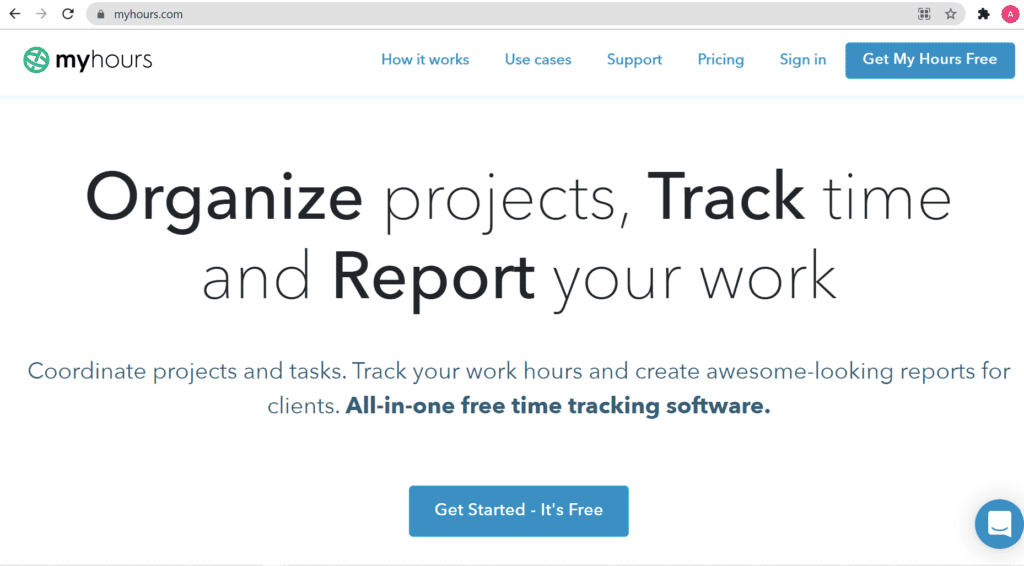
My Hours is a cloud-based time tracking solution and timesheet software suitable for freelancers and small professional services. This clock app lets you track time on projects and generate detailed reports.
Key features
- Supports a real-time tracker to help monitor your team’s work activities during the day.
- Provides timesheet reports with filters to single out a team member, client, or project.
- Lets you download your project reports as PDF or XLS documents.
- Supports invoicing and tracking project profitability by setting up billing rates on projects.
Pricing
My Hours has a limited free version. Its paid plan starts from $7/user per month.
Customer ratings
- G2: 4.7/5 (140+ reviews)
- Capterra: 4.8/5 (700+ reviews)
4. Hubstaff
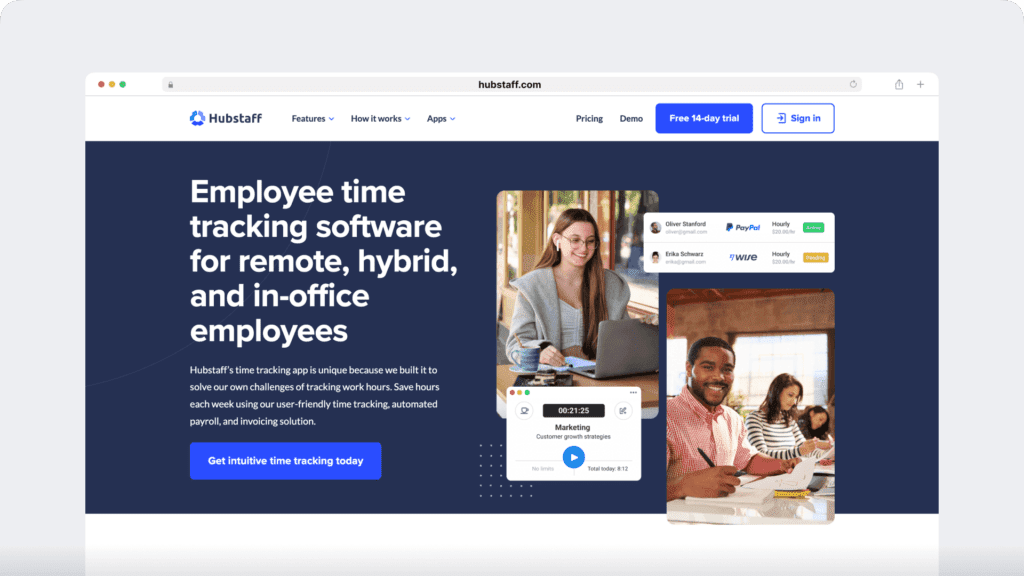
Hubstaff provides time tracking for distributed, hybrid, and field teams, with productivity metrics, GPS-based location features, and payroll capabilities.
Key features
- Time tracking and online timesheets for projects and tasks.
- Screenshots while tracking time.
- Activity levels based on keyboard and mouse movement, with idle-time prompts and handling.
- GPS and geofenced time tracking through the mobile app, including routes and location history.
- Payroll automation with manual or automatic payments.
- Integrations with 30-plus tools.
- Cross-platform apps for Windows, Mac, Linux, iOS, Android, and a browser extension.
- Reports and filters for applications, URLs, activity, idle time, and work sessions.
Pricing
Hubstaff offers a limited free version. Its paid plan starts from $4.99/user per month.
Customer ratings
- G2 : 4.5/5 (1496+ reviews)
- Capterra : 4.6/ 5 (1580+ reviews)
Read our detailed Hubstaff vs. Time Doctor comparison to find the best employee time tracking tool.
5. DeskTime
Desktime is a time management and productivity tool that lets your employees automatically track time spent on different projects. It also helps you calculate overall team productivity and accurate billable time.
Key features
- Offers offline time tracking capabilities.
- Enables project cost calculation with the billable hours tracking feature.
- Provides downloadable project productivity reports.
- Offers a phone time tracking app.
Pricing
DeskTime has a limited free plan. Its paid plan starts from $7/user per month.
Customer ratings
- G2: 4.6/5 (20+ reviews)
- Capterra: 4.5/5 (200+ reviews)
Read our detailed DeskTime vs. Time Doctor comparison for more details.
6. Toggl Track
Toggl Track is an easy-to-use time tracking tool with task management features suitable for smaller teams and projects. Its dashboard feature lets you forecast the project budget and timeline.
Key features
- Supports on-click timers to track time across its web app, desktop app, mobile app, or browser extension.
- Enables Outlook or Google Calendar integrations to create time entries based on calendar events.
- Supports Jira sync feature.
- Offers detailed weekly reports for insights on your team’s activities.
Pricing
Toggl Track has a free plan that supports up to five users. Its paid plans start from $10/user per month.
Customer ratings
- G2: 4.6/5 (1,400+ reviews)
- Capterra: 4.7/5 (1,700+ reviews)
7. Harvest
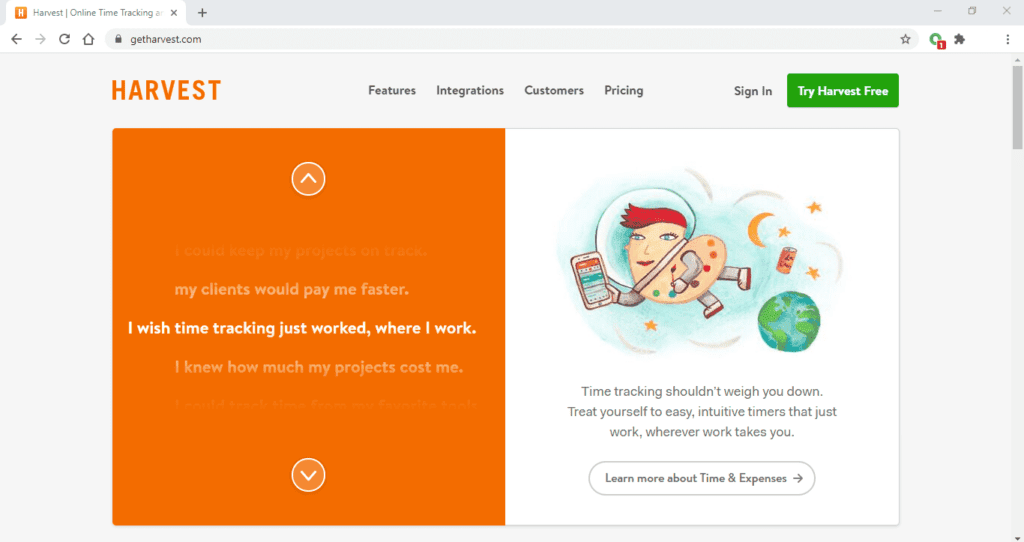
Harvest is a web-based time tracking tool and expense tracking tool suitable for large teams and freelancers. This tool is also a timesheet software with additional invoicing features for better project management.
Key features
- Enables you to stay on top of your project budget with visual reports.
- Offers features to review and give timesheet approval for accurate time tracking.
- Lets you generate invoices automatically from your tracked time.
- Supports integration with Google Calendar and Outlook.
Pricing
Harvest has a free plan that supports one user. Its paid plans support unlimited projects and start from $12/user per month.
Customer ratings
- G2: 4.3/5 (700+ reviews)
- Capterra: 4.5/5 (450+ reviews)
8. QuickBooks Time (formerly TSheets)
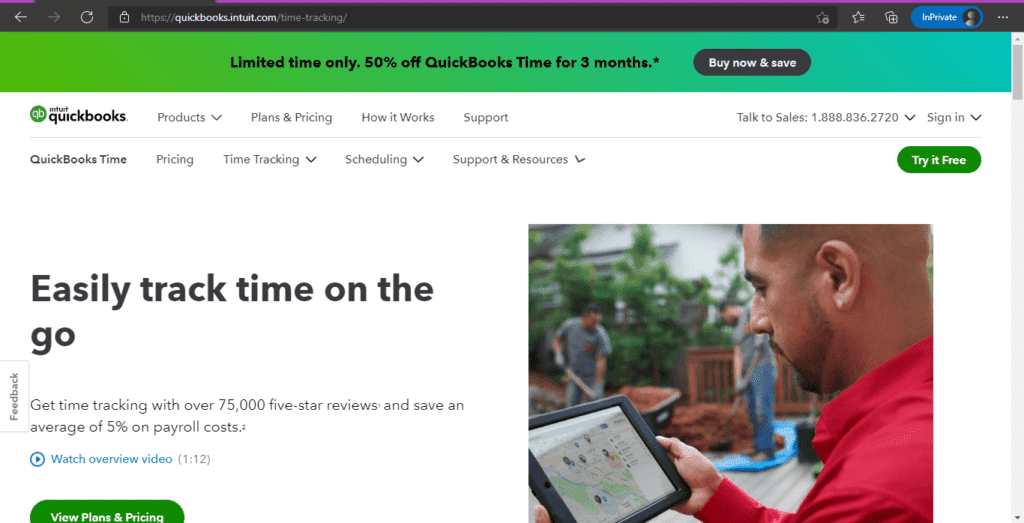
QuickBooks Time is an online time and attendance tracking software that helps monitor your employees’ productivity against different projects. This productivity tool has a simple user interface with multiple clock-in options for employees.
Key features
- Lets you compare estimated and actual work hours spent on a project.
- Enables you to track time against a task for employees performing different tasks under the same project.
- Supports GPS-based attendance tracking for your remote team.
- Provides real-time productivity reports.
Pricing
Quickbooks Time’s paid plans start from a base fee of $20/per month, with an additional $8/user per month.
Customer ratings
- G2: 4.5/5 (1,300+ reviews)
- Capterra: 4.7/5 (5,500+ reviews)
Wondering if QuickBooks (TSheets) is the right tool for you?
Read our article on the pros and cons of TSheets software to find out.
9. Zoho Projects
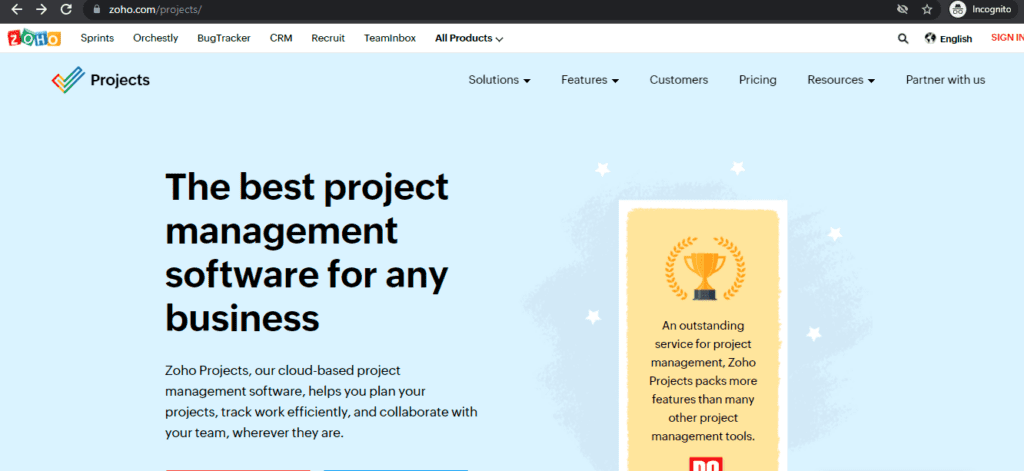
Zoho Projects is a cloud-based project management software that breaks down projects into tasks and sub-tasks.
This productivity tool has a Gantt chart feature that can help you plan and schedule projects.
Key features
- Offers a timesheet template for every project where team members can log their work hours.
- Enables managers to review and give timesheet approval.
- Supports integration with Zoho Books for expense tracking for your project.
- Provides accurate timesheets and dashboard reports.
Pricing
Zoho Projects offers a free plan. Its paid plans start from $5/user per month.
Customer ratings
- G2: 4.3/5 (230+ reviews)
- Capterra: 4.2/5 (230+ reviews)
10. Timely
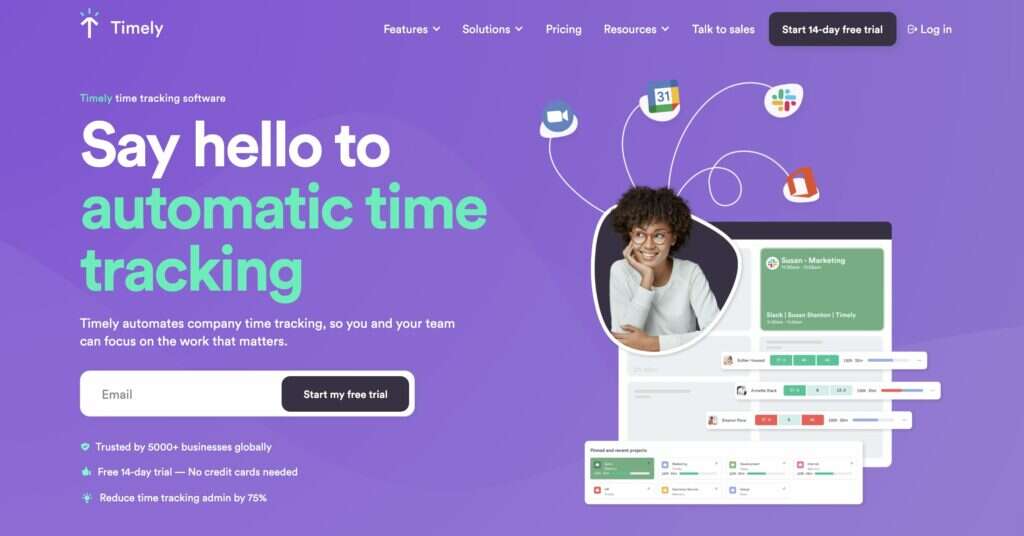
Timely is an automatic time tracking solution that tracks your employees’ time on every website and app. Its expense tracking features let you track project spendings in real-time.
Key features
- Supports time tracking feature against projects in real-time.
- Lets you monitor your project budget through a dashboard.
- Offers automatic notifications for budget movements on a project dashboard.
- Provides access to accurate timesheets and performance reviews.
Pricing
Timely’s paid plans start from $10/user per month.
Customer ratings
- G2: 4.8 (170+ reviews)
- Capterra: 4.7 (600+ reviews)
Still confused about which project time tracking software to use for your team?
Don’t worry.
The next section will discuss the three questions you should ask yourself before choosing a project tracking software.
3 questions to ask yourself while choosing a time tracking software
Here are three questions to help you find the best time tracking software:
1. Is the project time tracking software user-friendly?
Before choosing a project management software solution, consider how easy or difficult it’ll be for your team to use it. After all, a time tracking app is useful only if your entire team adopts it and uses it regularly.
That’s why you should ideally deliberate if a time tracking software is user-friendly before implementing it.
2. Does it integrate with the software you already use?
It’s likely that your team is already using project management software in their project workflows.
If you choose to introduce a project tracking software, it should seamlessly integrate with the project management tool your team is already using and not obstruct their workflow.
3. Can the software handle the size of your team?
Some time tracking software is suitable for smaller teams while others are suitable for larger groups. Before making your pick, consider if the software can handle the size and needs of your team.
Additionally, consider the deployment option the software can offer. While some software has both on-premise and on-cloud solutions, others only support one deployment option. Pick a project time tracking app that’s suitable for your team’s needs.
Wrap up
A project time tracking software solution can streamline your efforts to plan and execute a team project. It can help detect the flaws in your workflow, calculate project profitability, measure employee productivity, and boost their work output.
You can go over the top ten software we’ve discussed in this article and make your pick.
However, if you’re looking for an all-in-one time tracking software solution that has features for reporting, payroll management, task management, and 50+ integrations, then look no further than Time Doctor!
Sign up for Time Doctor’s 14-day free trial today and enjoy all the benefits of project time tracking.

