How do you help your team use their workday well without adding more pressure or distraction?
The right productivity tracking software helps managers understand how time is spent, where work slows down, and what teams need to stay focused.
Employee productivity tracking software provides clear insights into how time is spent, pinpoints inefficiencies, and helps teams stay focused on meaningful work.
These tools are designed to track, manage, and improve workflows in real time, helping teams handle inefficiency, task prioritization, and remote or hybrid work more effectively.
They help streamline processes, improve focus, and keep teams aligned with the work that matters most.
In this article, we’ll look at why employee productivity tracking software matters, who benefits from it, and how it can turn workplace efficiency into measurable results.
Table of contents
- The evolution of employee productivity tracking software
- Why do we need employee productivity tracking software?
- Who uses employee productivity tracking software?
- Is this for you?
- Benefits and key features of employee productivity tracking software
- Top 10 employee productivity tools in 2026
- Case studies and real-life examples
The evolution of employee productivity tracking software
Not long ago, tracking productivity was much more manual and difficult to manage. Managers relied on manual methods like attendance logs, paper timesheets, and occasional employee performance reviews. These approaches were not only time-consuming but often unreliable, leaving plenty of room for errors and inefficiencies.
Fast forward to today, and we have advanced employee monitoring software that has completely transformed how we work. These modern tools provide real-time insights into workflows, track activity across devices, offer intuitive dashboards, and scale more easily as businesses grow.
The shift is not just about technology. Unlike older methods that often felt rigid or intrusive, many modern systems focus on transparency, trust, and better decision-making through actionable insights. They’re designed to help businesses work smarter, not harder, while ensuring employees feel supported rather than micromanaged.
These tools reduce guesswork and help both managers and employees focus on what matters most. The days of messy processes and endless guesswork are behind us, and the future of work is clearer, more efficient, and more empowering than ever.
Why do we need employee productivity tracking software?
Running a team, whether in an office or remotely, comes with plenty of challenges. Employees get distracted, deadlines slip, and workflows can become messy or unorganized.
That is where employee productivity tracking software helps. Available in on-premise and cloud-based formats, these tools help businesses identify what’s working, fix what’s not, and create a smoother, more efficient way of getting things done.
Let’s take a look at how it helps solve everyday workplace problems:
1. Hard to see what everyone’s doing
If you cannot clearly see how your team spends work time, it is difficult to know whether work is on track. This is especially true with remote teams. Employee productivity tracking software gives you a clear picture of who’s working on what, how much time is spent on tasks, and where progress is being made. This gives managers real-time visibility into progress without constant check-ins.
2. Low productivity and too many distractions
It is easy for workdays to get pulled off course by emails, chats, or non-work distractions. Teams often waste time on the wrong things, which adds up quickly. Productivity tracking software helps pinpoint distractions, show how time is being spent, and guide teams back toward higher-value work.
3. Managing remote teams is tricky
When you’re not all in the same office, it’s easy to lose track of who’s doing what. Employee productivity tracking software helps bridge that gap by monitoring user activity, tracking hours, keeping tabs on completed tasks, and making sure everyone’s on the same page. It also integrates with tools your team already uses, making collaboration seamless.
4. Burnout happens when we overwork
When employees, whether in-office or remote, work too much or feel overwhelmed, burnout becomes more likely. Productivity tools can help spot when an employee is putting in too many hours or carrying too much work. This helps managers distribute tasks better and encourage breaks, so everyone stays happy and productive.
5. Workflows get messy and bottlenecks appear
Sometimes tasks get stuck. Maybe someone’s waiting on feedback, or there’s confusion about what needs to be done next. Employee productivity tracking software shines a light on these bottlenecks, making it easier to clear the path and keep projects moving forward smoothly.
6. Deadlines get missed
It’s not always easy for employees to stay on top of their schedules, especially when juggling multiple tasks. Productivity tools help teams prioritize work, manage time, and stay on track for important deadlines.
7. Accountability can be a challenge
Without clear oversight, it’s hard to know who’s staying on task and who might need a little extra support. Employee productivity tracking software makes it easy to track progress, celebrate wins, and pinpoint areas for improvement—creating a culture of transparency and accountability.
8. ROI is a mystery
It can be hard to see whether your team’s effort is translating into results without the right data. Productivity tools provide analytics and reports that show exactly how time and resources are being used, making it clear what’s delivering results and what might need adjusting.
9. Disengaged teams and high turnover
When employees aren’t engaged or feel overworked, they’re more likely to leave. Employee productivity tracking software helps managers spot trends such as uneven workloads or delayed projects, so they can create a more balanced and supportive work environment.
10. Staying compliant with industry rules
In industries like healthcare or finance, tracking time and tasks isn’t just a good idea—it’s required. Productivity tools help keep detailed records and ensure your team meets compliance standards, all while keeping sensitive data secure.
Who uses employee productivity tracking software?
Employee productivity tracking software is not a one-size-fits-all tool. It can support a wide range of organizations, teams, and individuals, from large companies to freelancers. Here is a breakdown of who can benefit and how.
| Category | How it helps | Ideal for |
| Small and Medium-Sized Businesses (SMBs) | Tracks time, optimizes workflows and reduces inefficiencies in daily operations. | Small business owners and managers with limited resources. |
| Large enterprises | Monitors team performance, generates comprehensive reports, and scales across departments. | Department heads and operations managers overseeing large teams. |
| Remote-first organizations | Helps manage remote teams with time tracking, accountability, and collaboration tools. | Team managers and virtual assistants in remote or hybrid setups. |
| Startups | Maximizes output with task tracking, time management, and workflow optimization. | Startup founders and lean teams juggling multiple responsibilities. |
| Outsourcing firms | Ensures remote or external employees meet deliverables and stay accountable. | BPO managers and client success teams monitoring outsourced employees. |
| Healthcare providers | Tracks time for non-clinical tasks like scheduling, billing, and record management. | Healthcare administrators and support staff managers. |
| Executives (CEOs, CTOs, CIOs) | Provides insights into resource allocation and identifies areas for improvement. | CEOs and CTOs making high-level operational decisions. |
| HR Teams | Monitors engagement, identifies performance trends and enforces work policies. | HR managers and talent acquisition teams. |
| Project managers | Tracks progress, manages resources and ensures tasks are completed on time. | IT and creative project managers handling complex tasks. |
| Freelancers and remote workers | Tracks billable hours, provides reports, and ensures deadlines are met. | Freelancers such as writers, designers, and consultants managing their time more effectively. |
| Sales and customer support teams | Tracks time spent on leads and tickets to identify areas for improvement. | Sales reps and customer support teams ensuring efficient workflows. |
Is this for you?
If you manage remote teams, juggle multiple projects, or regularly deal with missed deadlines and unclear workflows, employee productivity tracking software may be a good fit. These tools are not only for large corporations or technical teams. They can also help freelancers, project managers, and business owners who want better visibility into how work gets done.
Benefits and key features of employee productivity tracking software
Employee productivity tracking software helps teams and individuals streamline workflows, improve time management, and support a healthier work-life balance. Here’s a deeper dive into the benefits and features that make it indispensable for modern workplaces:
Key benefits
- Increased accountability
By offering clear, transparent reports, employee productivity tracking software helps teams stay accountable for how time is spent. This builds trust while providing managers with actionable insights to address inefficiencies. - Enhanced time management
Time tracking features help employees stay focused and organized, ensuring tasks are completed on time without last-minute rushes or missed deadlines. - Optimized workflows
By identifying bottlenecks and inefficient processes, the software ensures that teams can redirect their efforts toward what truly matters, improving overall productivity and output quality. - Improved employee well-being
With data on workload distribution and work hours, managers can identify overworked team members, redistribute tasks, and prevent burnout. This fosters a healthier, more balanced work environment. - Data-driven decision making
Detailed reports and analytics give leaders the insights they need to make informed decisions about resource allocation, workflow improvements, and team performance. - Scalability and flexibility
Whether managing a small team or a large enterprise, productivity software adapts to the needs of any organization. Its features grow with your business, making it a future-proof investment. - Cost savings
The software indirectly reduces costs and increases profitability by streamlining processes and minimizing time wasted on non-productive activities.
Essential features
- Time tracking
Tracks hours spent on tasks and projects, providing a clear view of how time is being allocated. This is particularly helpful for remote teams, freelancers, and anyone managing billable hours. - Productivity metrics
Offers detailed reports on productivity levels, helping managers and employees understand trends and improve where needed. - Real-time visibility
Provides up-to-the-minute updates on workflows, allowing managers to spot issues or delays as they happen and address them proactively. - Task management
Enables better prioritization by allowing tasks to be assigned, tracked, and organized effectively. This feature ensures deadlines are met and prevents overlapping responsibilities. - Integrations
Works seamlessly with existing tools like project management platforms, communication apps, and cloud storage solutions. This ensures smoother workflows without disrupting existing processes. - Idle time detection
Identifies periods of inactivity to help employees stay on track and minimize distractions during work hours. - Automated reports
Generates easy-to-understand reports on time usage, productivity, and task completion, saving managers the hassle of manual data collection. - User-friendly dashboards
Simple, intuitive dashboards make it easy for employees and managers to track progress, view insights, and understand performance metrics. - Employee engagement insights
Tracks productivity and work patterns, helping organizations identify trends that may affect morale, workload balance, and satisfaction. - Customizable notifications
Alerts and notifications inform teams of deadlines, progress updates, and time limits, ensuring nothing slips through the cracks. - Data security features
Protects sensitive company data with encryption, user permissions, and access controls to ensure compliance with industry regulations.
Top 10 employee productivity tools in 2026
Employee productivity tools have evolved significantly, and in 2026, several platforms stand out for how they help businesses and individuals work more effectively. Below are the top 10 tools of 2025, complete with what makes them unique, who they’re ideal for, key features, and a few cons to consider.
Top 1 – Time Doctor

What’s unique:
Time Doctor stands out for its focus on workforce analytics, detailed visibility into time use, distraction management, and employee well-being. It is designed to help teams work smarter, stay focused, and build trust through transparent productivity data.
Ideal for:
- Remote teams: Ensures accountability and keeps everyone on track, no matter where they’re working from.
- Freelancers and consultants: Helps track billable hours accurately and provides detailed reports for clients.
- Managers and team leaders: Offers clear insights into team performance without micromanaging.
- Small businesses: Simplifies time tracking and project management, helping smaller teams make the most of their resources.
- Large enterprises: Scales seamlessly to support large teams across multiple departments, offering centralized reporting and insights.
- Global teams: Time zone visibility and multi-currency payroll support help simplify international team operations.
- Project managers: Keeps projects on track by tracking time, monitoring progress, and identifying bottlenecks.
- Startups: Provides lean teams with the tools to optimize workflows and meet tight deadlines.
- Customer support teams: Tracks time spent on tickets and ensures efficient handling of customer inquiries.
- IT teams: Tracks time spent on debugging, coding, and software development, offering insights into development cycles.
Key features:
- Detailed time tracking: Tracks time spent on tasks, projects, apps, and websites, helping teams see where time goes across the workday.
- Distraction alerts: Nudges employees back on track if they become inactive or visit non-work-related sites during work hours.
- Customizable screenshots: An optional feature that adds visibility into workflows while respecting employee privacy through settings like blurring or disabling capture.
- Idle time detection: Automatically detects periods of inactivity, ensuring accurate and fair time logs.
- Comprehensive reports: Generates in-depth productivity reports, showing trends, task efficiency, and overall performance.
- Integration-friendly: Works seamlessly with tools like Trello, Asana, Slack, and over 50 other platforms, making it easy to fit into existing workflows.
- User-friendly dashboard: A simple yet powerful interface ensures both managers and employees can easily access and interpret their data.
- Employee wellness insights: Tracks work patterns to prevent overworking and burnout, promoting a healthier work environment.
- Mobile app support: Enables time tracking and monitoring on the go, perfect for remote or field-based teams.
- Global team support: Automatic time zone syncing and multi-currency payment features make managing international teams a breeze.
Cons:
- Teams may need some onboarding time to get comfortable with the platform’s broader feature set.
- The optional screenshot feature may still raise privacy concerns for some teams, even though it is highly customizable.
Top 2 – Monitask
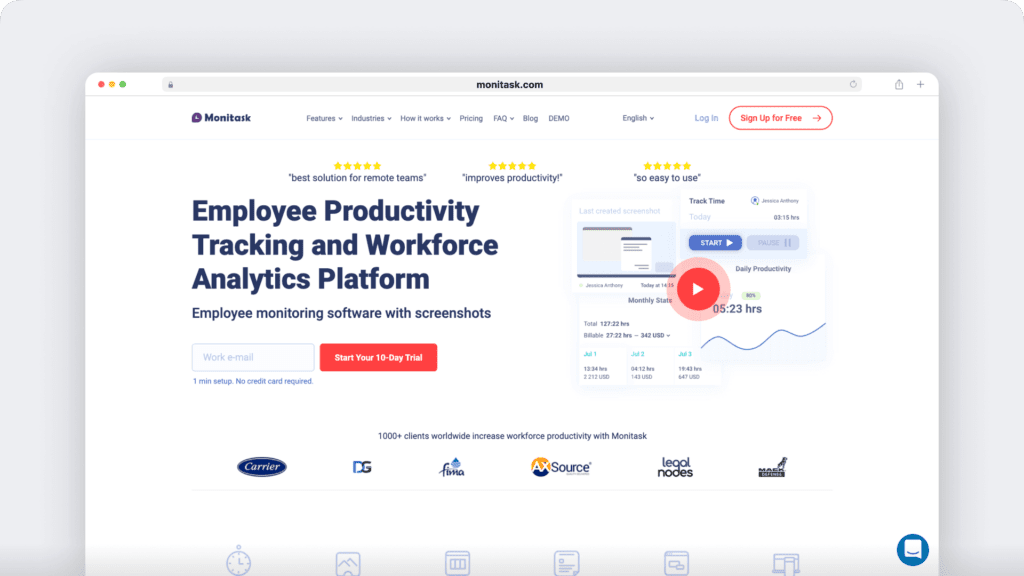
What’s unique: Monitask offers a screenshot blur option to protect employee privacy, making it ideal for teams where trust is paramount.
Ideal for:
- Teams requiring accountability with a balance of privacy.
- Small and medium-sized businesses (SMBs).
Key features:
- Simple time tracking with automated timesheets.
- Project management and task tracking tools.
- Screenshot and activity monitoring with privacy-focused options.
- Cloud-based system accessible from anywhere.
Cons:
- Limited integration options compared to other tools, which may require additional manual workflows.
- Advanced features require a premium subscription, potentially making it less accessible for smaller teams.
- Occasional delays in generating screenshots which could impact immediate insights.
Top 3 – We360.ai
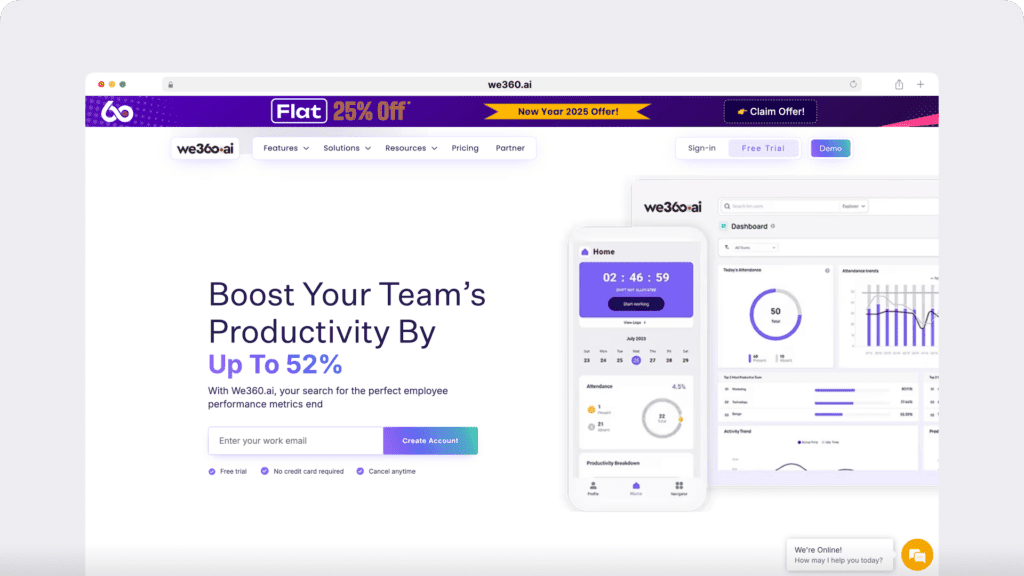
What’s unique: We360.ai offers real-time productivity heatmaps, helping managers visualize performance trends at a glance.
Ideal for:
- Organizations focused on boosting team productivity.
- Managers looking for quick and actionable insights.
Key features:
- Automated productivity tracking and reporting.
- Heatmaps showing high and low productivity periods.
- Task and workflow management.
- Customizable dashboards for easy navigation.
Cons:
- Limited offline tracking options, which could pose challenges for employees with unreliable internet connections.
- The user interface can feel dated compared to competitors, though it remains functional.
- Heatmap features may not provide detailed insights for complex workflows.
Top 4 – ActivTrak
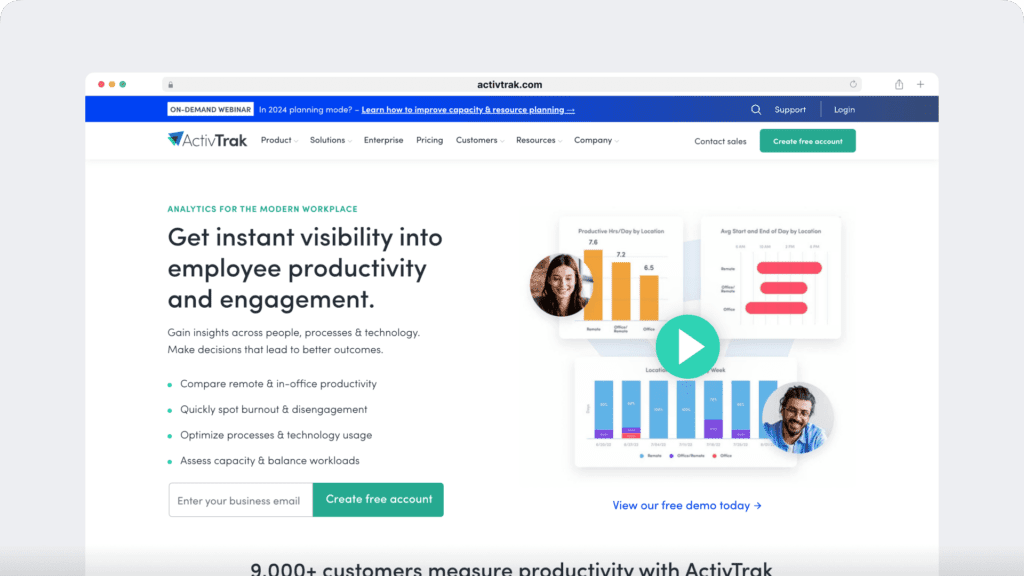
What’s unique: ActivTrak provides workforce analytics that help managers understand productivity patterns, workload balance, and how teams engage with work.
Ideal for:
- Managers looking to improve team engagement.
- Businesses focused on employee well-being and productivity.
Key features:
- Comprehensive behavior analytics and insights.
- Advanced productivity benchmarking.
- Alerts for unusual activity to prevent insider threats.
- Integration with HR tools for seamless workflow management.
Cons:
- May feel too complex for smaller teams that prefer a simpler reporting setup.
- Customization options are limited in the basic plan, potentially requiring upgrades.
- Setup can be time-consuming, particularly for larger teams.
Top 5 – Hubstaff
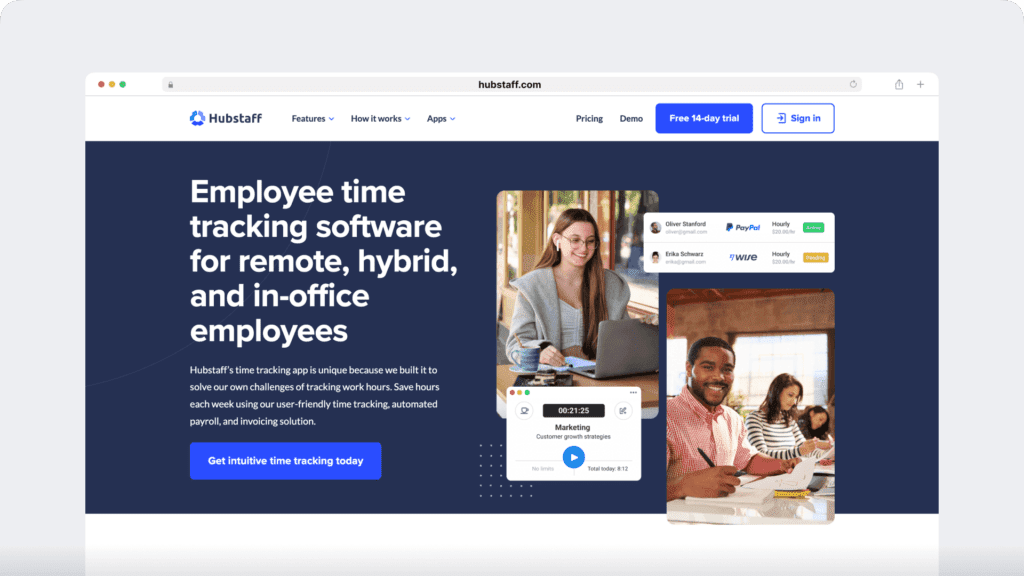
What’s unique: Hubstaff’s GPS tracking for field teams sets it apart, making it perfect for mobile and on-site employees.
Ideal for:
- Field teams and mobile workers.
- Businesses needing precise location tracking for remote jobs.
Key features:
- GPS location tracking and geofencing.
- Time tracking with optional activity monitoring.
- Automated payroll and invoicing.
- Detailed reports on time usage and team productivity.
Cons:
- GPS tracking may not be necessary or useful for desk-based teams.
- Limited features in the free version, requiring upgrades for advanced capabilities.
- Mobile app performance can occasionally be inconsistent, affecting location tracking accuracy.
Top 6 – Insightful
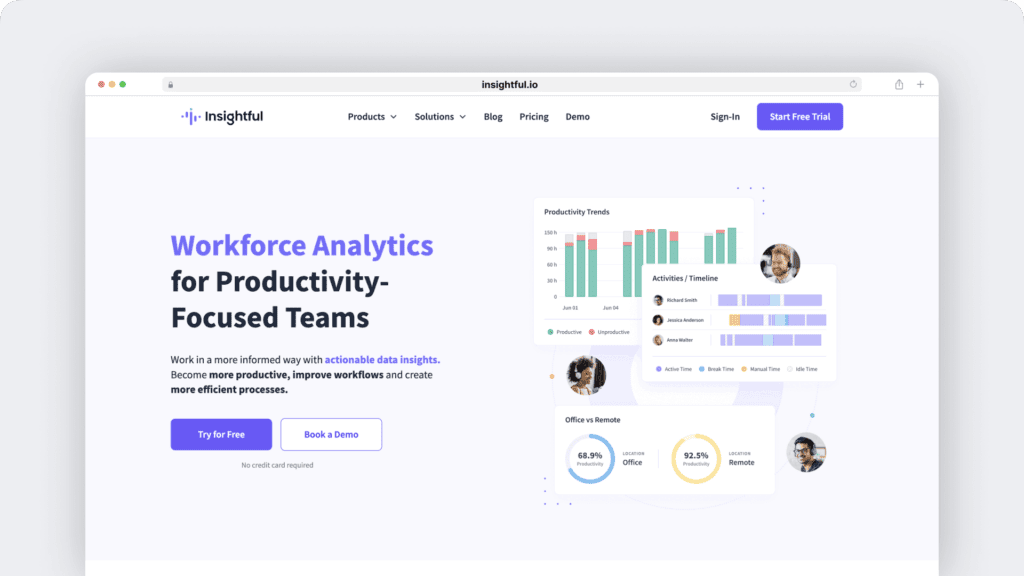
What’s unique: Insightful excels at project-specific time tracking, giving teams a clear picture of how much time is spent on individual projects.
Ideal for:
- Teams working on multiple complex projects.
- Agencies managing billable hours for clients.
Key features:
- Automatic time mapping to projects and tasks.
- Employee monitoring with productivity insights.
- Real-time tracking and reporting.
- Integration with project management tools.
Cons:
- Limited flexibility in setting up custom workflows, which could require workarounds.
- The interface can feel cluttered, particularly for smaller teams.
- A steeper learning curve compared to simpler tools.
Top 7 – Teramind
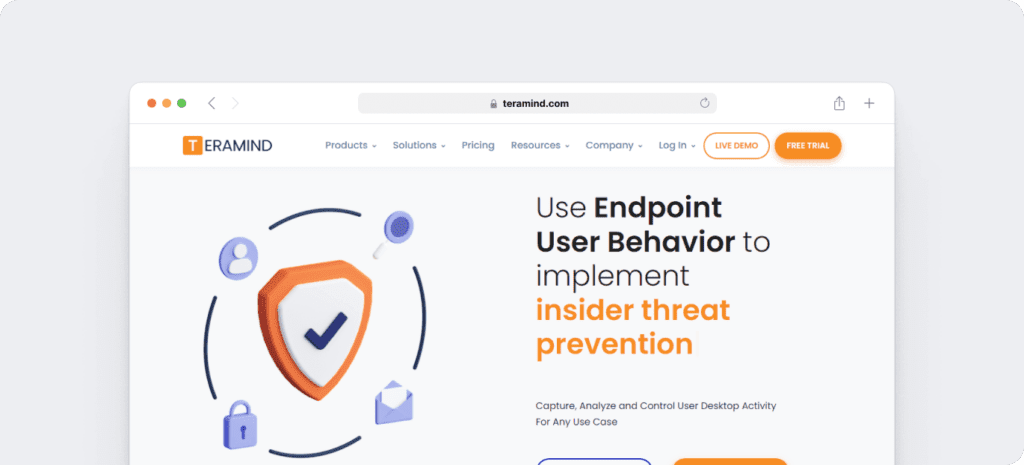
What’s unique: Teramind offers robust insider threat detection, making it a top choice for companies prioritizing data security.
Ideal for:
- Industries requiring high levels of data protection (e.g., finance, healthcare).
- Companies concerned about sensitive information breaches.
Key features:
- Insider threat detection and behavior analytics.
- Screen recording for detailed activity tracking.
- Customizable productivity reports.
- Automated alerts for unusual activity.
Cons:
- The software may feel too intensive for teams that want a lighter-touch, trust-first monitoring approach.
- Higher pricing compared to other tools, which may deter small businesses.
- The robust functionality can make it overwhelming for users seeking simple tracking.
Top 8 – InterGuard
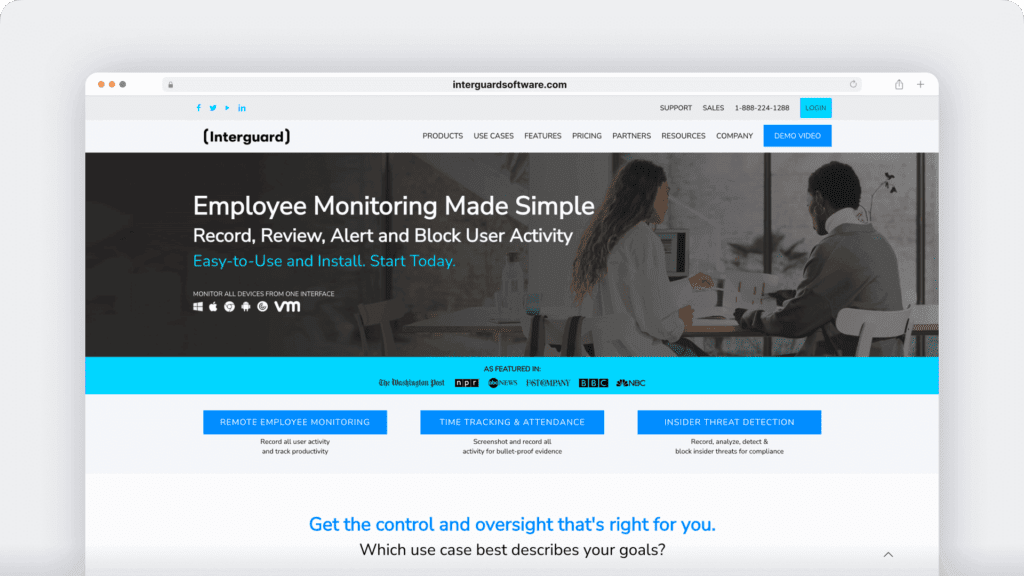
What’s unique: InterGuard provides advanced employee monitoring and insider threat detection features, ensuring productivity and security for modern businesses.
Ideal for:
- Managers requiring detailed activity monitoring and reporting.
- Organizations prioritizing data security and compliance.
Key features:
- Real-time activity tracking with continuous screenshots and video playback.
- Productivity metrics and idle time detection to analyze work habits.
- Insider threat alerts triggered by risky behaviors or policy violations.
- Data loss prevention with controlled access to USB drives and restricted apps.
- Remote incident response to lock devices and retrieve sensitive files.
Cons:
- The interface can be challenging to navigate, particularly for new users.
- Pricing details are not publicly available, so a quote request is required.
Top 9 – Traqq
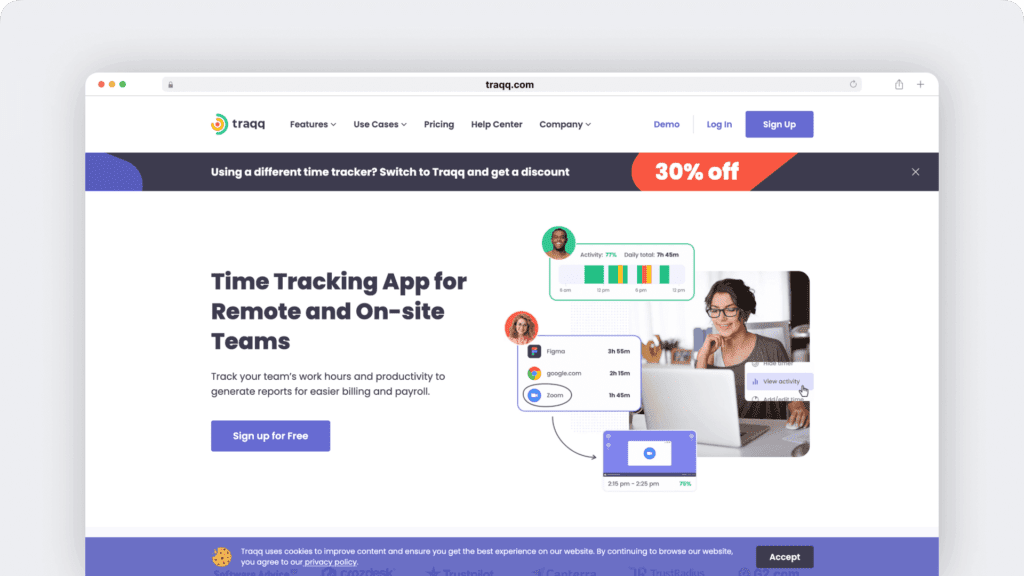
What’s unique: Traqq stands out with ethical time tracking—providing transparency for employees while offering privacy-friendly features.
Ideal for:
- Freelancers and remote workers looking for non-intrusive tracking.
- Small businesses wanting a fair balance between accountability and privacy.
Key features:
- Easy-to-use time tracking with minimal setup.
- Productivity analysis without intrusive monitoring.
- Built-in privacy protections, like blurred screenshots.
- Detailed activity reports.
Cons:
- Limited integration options, requiring manual tracking in some workflows.
- Lacks robust project management features, so it may need to be paired with other tools.
- Reporting capabilities are less advanced than competitors.
Top 10 – DeskTime
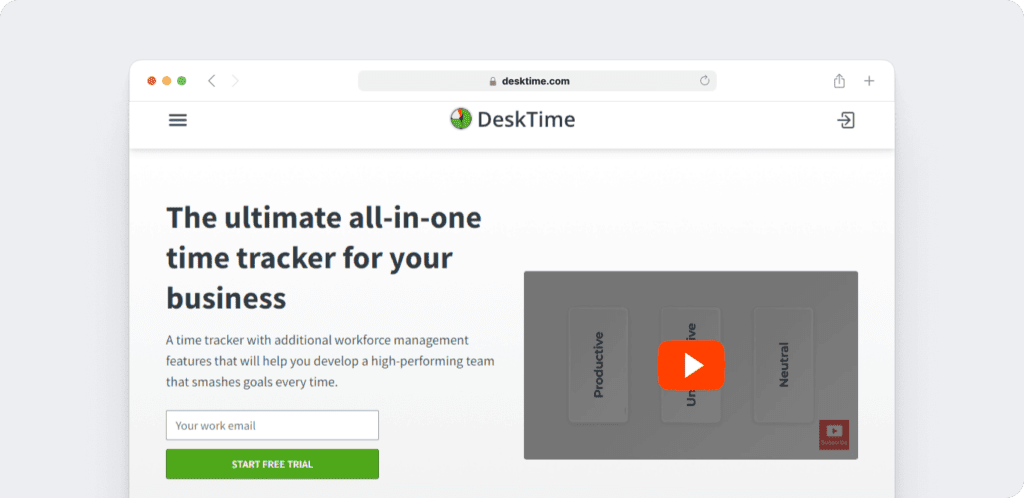
What’s unique: DeskTime offers a built-in Pomodoro timer, helping employees stay focused with structured breaks.
Ideal for:
- Individuals or teams looking to improve focus and time management.
- Remote workers who benefit from timed work sessions.
Key features:
- Automatic time tracking and task categorization.
- Pomodoro-style productivity timer.
- Reporting and analytics on daily productivity.
- Integrations with popular project management tools.
Cons:
- The Pomodoro timer may not suit workflows requiring continuous focus.
- Limited advanced features for larger teams, making it better for smaller setups.
- Mobile app functionality could be improved for more seamless tracking.
Case studies and real-life examples
Many businesses have experienced remarkable transformations by adopting tools that help track productivity and streamline workflows.
For example, Eufonie, an outsourcing company in Madagascar, boosted team productivity by 30% during their transition to remote work. With real-time insights into employee work activities, they effectively balanced workloads, improving efficiency and client satisfaction.
Similarly, Prialto, a managed virtual assistant service, saw a positive return on investment within just one month. By using productivity software to eliminate unproductive workflows and provide detailed, transparent reports to clients, they saved time and strengthened customer relationships.
In Egypt, BokDoc, a surgery marketplace, overcame the challenges of managing a remote team, achieving a 15% increase in productivity by tracking work patterns and streamlining operations. These examples show how the right tools can help businesses improve visibility, streamline workflows, and support better decision-making.
Why Time Doctor stands out
Time Doctor is designed to help businesses improve visibility into productivity without adding unnecessary complexity. Its features, like detailed time tracking, real-time insights, and productivity reports, offer a simple yet effective way to keep teams organized and focused. What sets Time Doctor apart is its ability to balance accountability with trust. Features like optional screenshots and distraction alerts are customizable, so teams can choose the level of visibility that fits their policies and culture.
The platform also integrates seamlessly with popular project management and communication tools, making it easy to fit into existing workflows without disruptions. Whether you’re managing a remote team, tracking billable hours, or looking to streamline your operations, Time Doctor offers a solution that’s intuitive, reliable, and designed to help your team succeed without feeling micromanaged.
Conclusion
Employee productivity tracking software gives businesses a clearer view of how work happens across teams. It helps leaders understand where time goes, where workflows break down, and where employees may need more support.
Whether you are managing a remote workforce, juggling multiple projects, or trying to streamline operations, these tools offer the visibility and structure needed to improve efficiency. With a platform like Time Doctor, teams can reduce inefficiencies, build better work habits, and support both productivity and employee satisfaction.
It’s time to stop guessing and start making data-driven decisions. Take the first step today—try a productivity solution that works for you and see the difference it can make!
Get a demo of Time Doctor to see how employee productivity tracking software can improve efficiency, visibility, and team performance without micromanagement.



Liam Martin is a serial entrepreneur, co-founder of Time Doctor, Staff.com, and the Running Remote Conference, and author of the Wall Street Journal bestseller, “Running Remote.” He advocates for remote work and helps businesses optimize their remote teams.