We’ve come a long way from the manual system of clocking in and out to track employee hours.
The right online time tracking software can make the process more efficient and accurate. Time tracking can provide detailed insights into your team’s work hours and activities. This can help you make business decisions and identify time management problems.
Looking for a time tracking software for your team?
In this article, we’ll discuss the top 11 time tracking software for teams, along with their key features, pricing, and user ratings. We’ll also explain the four key benefits of time tracking for teams.
Table of Contents
- 11 note-worthy time tracking software for teams
- 2. RescueTime
- 3. DeskTime
- 4. Harvest
- 5. Toggl Track
- 6. Timecamp
- 7. Clockify
- 8. BeeBole
- 9. Workpuls
- 10. Hubstaff
- 11. WebWork Time Tracker
Let’s get started.
11 note-worthy time tracking software for teams
Let’s compare 11 of the best time tracking software for teams so that you can make the best choice for your business.
1. Time Doctor
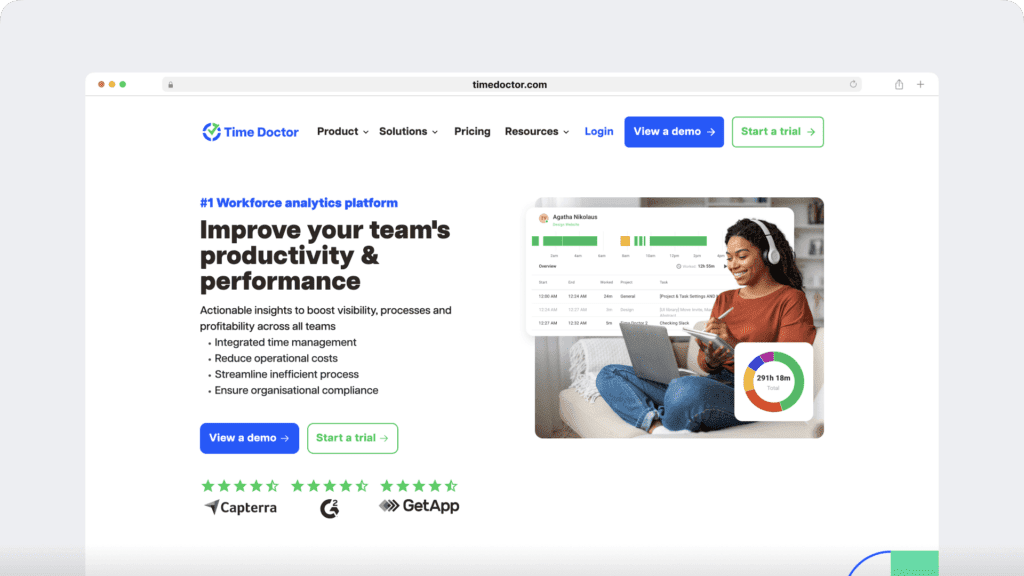
Time Doctor is a workforce analytics platform that empowers managers with the visibility to lead with trust, not control. Mid-market companies and growing SMBs use it to gain real-time visibility into work, support employee well-being, and continuously improve productivity across remote, hybrid, and in-office teams.
Key features
Here are some of Time Doctor’s key features:
A. Simple time tracking
Time Doctor is a workforce analytics platform that gives you flexible time tracking so employees can record their hours in a way that fits how they work. The platform captures work activity in real time and transforms it into clear visibility for teams, helping leaders understand how work happens while keeping the experience simple for employees.
In manual/interactive mode, employees simply open the app, select their current task, and start the timer. Time Doctor runs in the background and tracks the apps and websites used during work. When they’re finished or want to take a break, they can stop the timer with a single click.
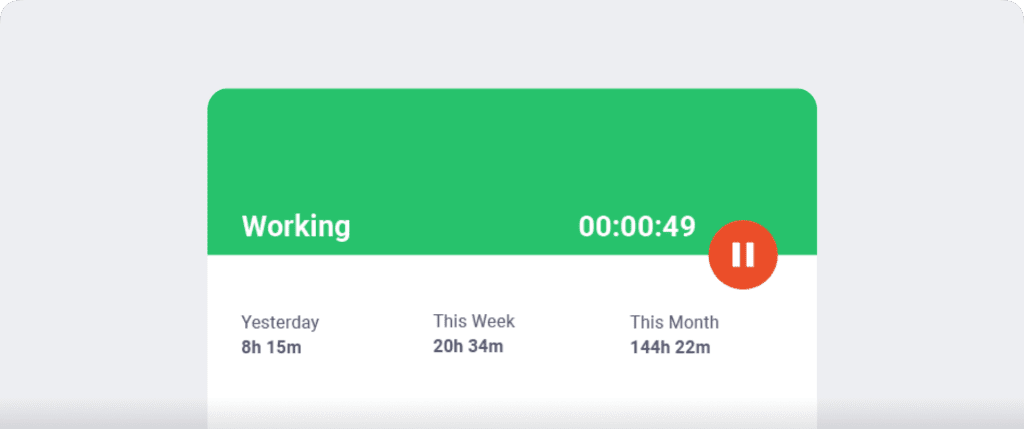
In automatic mode, Time Doctor can start tracking time when employees turn on or log into their work devices. This mode helps improve accuracy and reduces the need for manual edits or forgotten time entries.
Both modes are designed to provide clear visibility for managers and employees while minimizing disruption to the workday.
B. Idle time tracking
Time Doctor measures idle time (periods without keyboard or mouse activity) to help teams understand focus patterns and potential productivity blockers.
- Idle time is measured in idle seconds and idle minutes
- You can configure when idle time should start counting and set limits that make sense for different roles
Instead of silently recording behavior, Time Doctor can display a gentle idle time pop-up when someone has been inactive for too long—nudging them to either refocus or take a break. This helps reduce unintentional time drift and supports more accurate timesheets.
This design helps organizations balance accountability with privacy an

Note: Time Doctor doesn’t function as a keylogger. The app only detects if the user has pressed a key or clicked the mouse. It does not record any details of the activity.
These distraction alerts remind team members to stay focused and productive.
In addition, Time Doctor keeps a record of the percentage of time spent idle while the timer is running.
C. Productivity reports
Time Doctor tracks several data points related to employees activity. You can access a wide range of reports generated in real-time.
Here’s a quick look at these reports :
- Activity summary report: See active seconds, minutes, unproductive, manual, and mobile time for each employee over a selected time period.
- Attendance report: See if an employee is present, absent, partially absent, or late in real-time.
- Hours tracked report: View the total number of hours tracked by employees for any date range.
- Projects & tasks report: See the time spent on projects as well as individual tasks.
- Timeline report: Look at the time spent on tasks and breaks in a day or the whole week.
- Custom export report: Customize the fields you’d like to include in one single report.
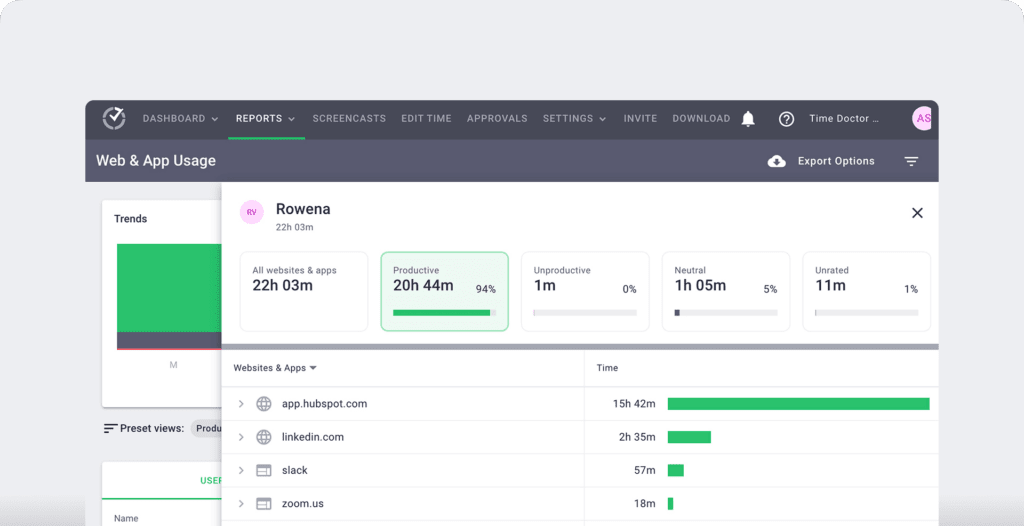
- Web and app usage report: View the time spent by an employee on each app and website during work hours.
D. Payroll integration
Time Doctor makes it easy to convert hourly rates and hours tracked into a payroll.
You can customize the payroll as follows:
- Set the period.
- Change the currency.
- Pay employees an hourly rate or a salary.
Time Doctor integrates with payroll software, such as PayPal and Wise, to send payments.
The entire process, including timesheet approval and payout, can be done automatically and in bulk.

Time Doctor pros
Other benefits of using Time Doctor include:
- Set up optional screencasts (screenshots) of employees’ computers.
- Customize the productivity ratings for websites and applications.
- Track time for a specific task, project, or client.
- Track work time online or offline.
- Use the desktop app for operating systems including Windows, Mac, and Linux.
- Use Time Doctor’s mobile app for Android.
- Access the dashboard to see summary reports, visible to both employees and managers.
- Utilize 60+ integrations, including project management software like Asana, Trello, Basecamp, Zoho Projects, Jira, and Slack, using the Chrome extension.
Check out Time Doctor’s full list of features to learn more.
Pricing
Time Doctor offers a 14-day free trial without requiring credit card information. Paid plans start at $6.70/user per month.
Customer ratings
- G2: 4.4/5 (420+ reviews)
- Capterra: 4.5/5 (540+ reviews)
2. RescueTime

RescueTime is an app for automatic time tracking and distraction management. It runs in the background, allows your team to set focus goals, and generates productivity reports.
Key features
- Track time automatically for your team by choosing start and end times for the tracking app.
- Set up focus sessions to block non-work activities for a selected period.
- Set goals and targets for the workweek, including work hours per week and focus time per day.
- Connect to Outlook or Google Calendar. Display scheduled meetings in your meetings report and show daily targets on your calendar.
Pricing
RescueTime offers a free 14 day trial option. Paid plans start at $6.50/user per month.
Customer ratings
- G2: 4.2/5 (70+ reviews)
- Capterra: 4.6/5 (120+ reviews)
3. DeskTime
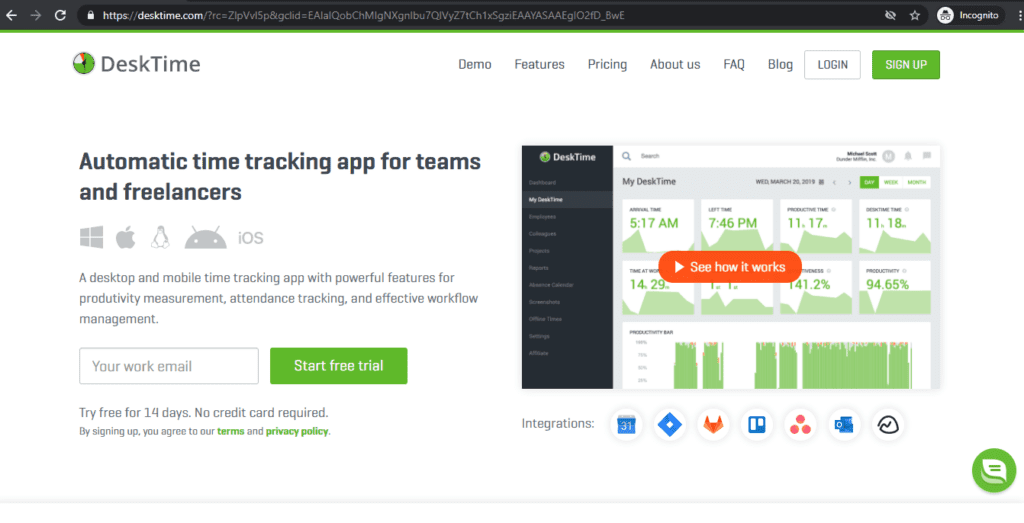
DeskTime is an automatic time tracking software with productivity and project management features.
Key features
- Track time automatically when the computer is turned on, whether online or offline. Pause the timer manually during personal activities.
- Convert time tracked for projects into auto-generated invoices.
- Create shifts, assign them to workers, track absences and productivity, and schedule time off.
- Fill in your team’s hourly rates to estimate project time and costs.
Pricing
DeskTime offers a 14-day free trial. Paid plans start at $7/user per month.
Customer ratings
- G2: 4.6/5 (30+ reviews)
- Capterra: 4.5/5 (200+ reviews)
4. Harvest
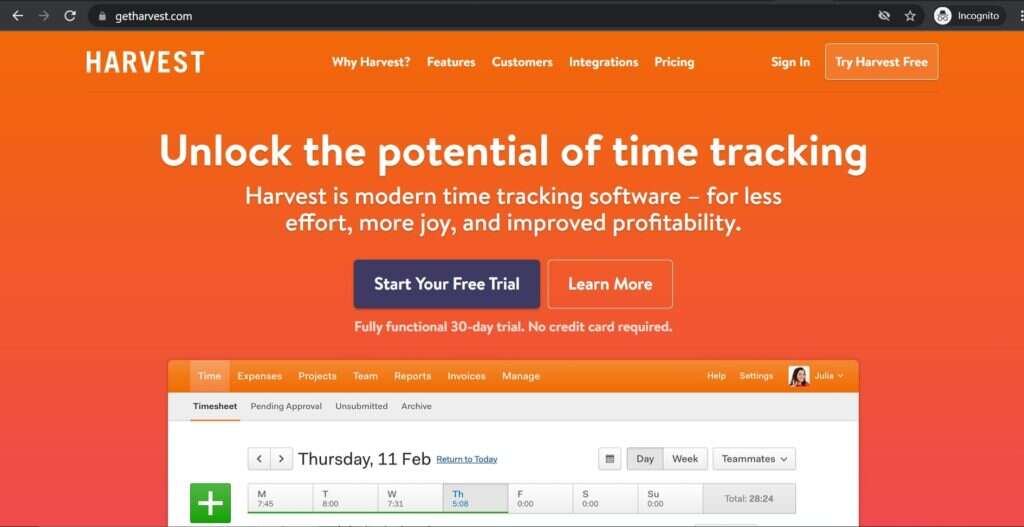
Harvest is a time tracking tool that allows you to track time, generate time reports, and create invoices easily.
Key features
- Track time using the timer or by manually filling in a timesheet.
- Set and track budgets with the help of Harvest’s sister app, Forecast.
- Integrate with Paypal and Stripe to collect client payments, and Quickbooks and Xero to process invoices.
- Import events from Google Calendar and Outlook as time entries.
Pricing
Harvest offers a 30-day free trial. Its paid plan is priced at $12/user per month.
Customer reviews
- G2: 4.3/5 (700+ reviews)
- Capterra: 4.5/5 (400+ reviews)
5. Toggl Track

Toggl Track offers both automatic and manual time tracking. It also includes basic revenue and project management features.
Key features
- Get profitability projections, report earnings-per-client, and set milestones.
- Create a time entry for an event from Google Calendar.
- Set billable rates for different workspaces, team members, and projects.
- Search for time entries that seem too long or short or are unassigned.
Pricing
Toggl Track offers a limited free plan for up to 5 users. Paid plans with extra features, such as templates and billable rates, start at $10/user per month.
Customer ratings
- G2: 4.6/5 (1400+ reviews)
- Capterra: 4.7/5 (1700+ reviews)
6. Timecamp
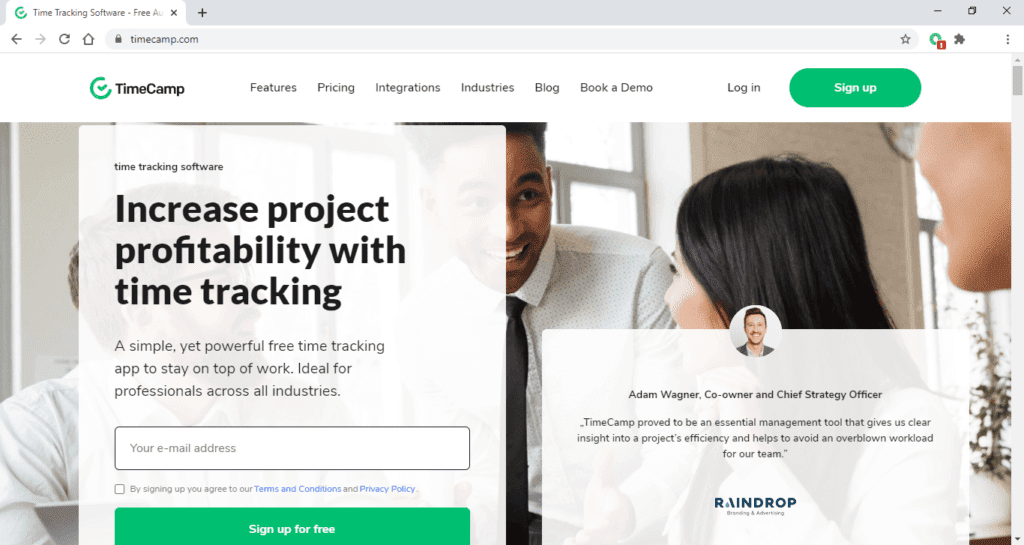
TimeCamp is a cloud-based time tracker offering timesheets, reporting, goal-setting, etc., to inform you about your productivity and profitability.
Key features
- Track web, app, and document usage as well as idle time.
- Utilize 10+ different types of time reports, such as to check time spent on a project or to get a holiday and leave breakdown.
- Approve timesheets automatically or manually.
- Financial control features allow you to set up billing rates, track project budgets, create invoices, and collect payment.
Pricing
Timecamp offers a 14-day free trial and a free tier with limited features for unlimited users. Paid plans start at $7/user per month.
Customer ratings
- G2: 4.7/5 (150+ reviews)
- Capterra: 4.7/5 (500+ reviews)
7. Clockify
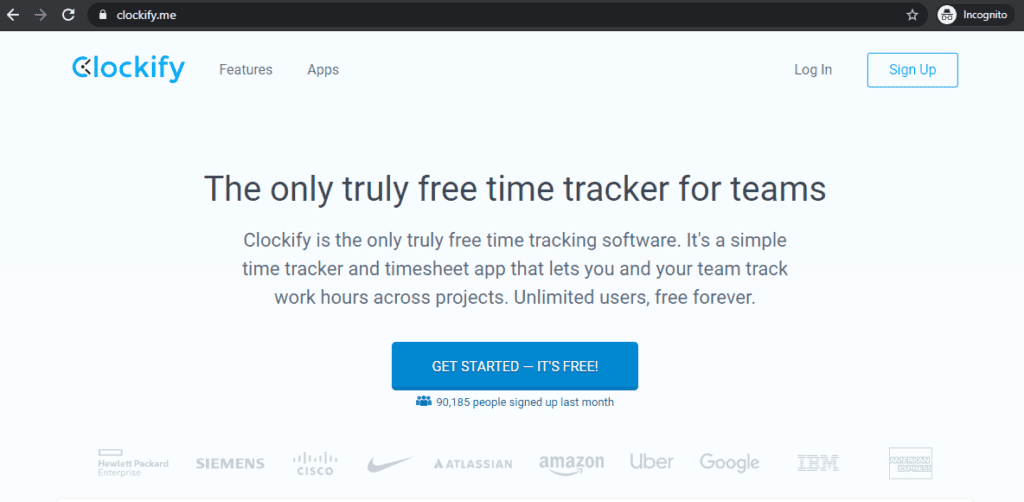
Clockify is a timesheet software that tracks employee time. Its focus is on planning and tracking time rather than employee monitoring.
Key features
- Visualize schedules in calendar view and compare planned versus tracked time.
- View summary reports, detailed reports, and weekly reports. Organize weekly reports by project or employee.
- See who’s available, give assignments, and add people to projects in the schedule view.
- Record and analyze project expenses and attach receipts.
- Fill in timesheets directly from Microsoft Teams.
Pricing
Clockify has a free plan for unlimited users. Paid plans with extra features, such as custom reports and bulk editing, start at $3.99/user per month.
Customer ratings
- G2: 4.5/5 (100+ reviews)
- Capterra: 4.7/5 (2000+ reviews)
8. BeeBole
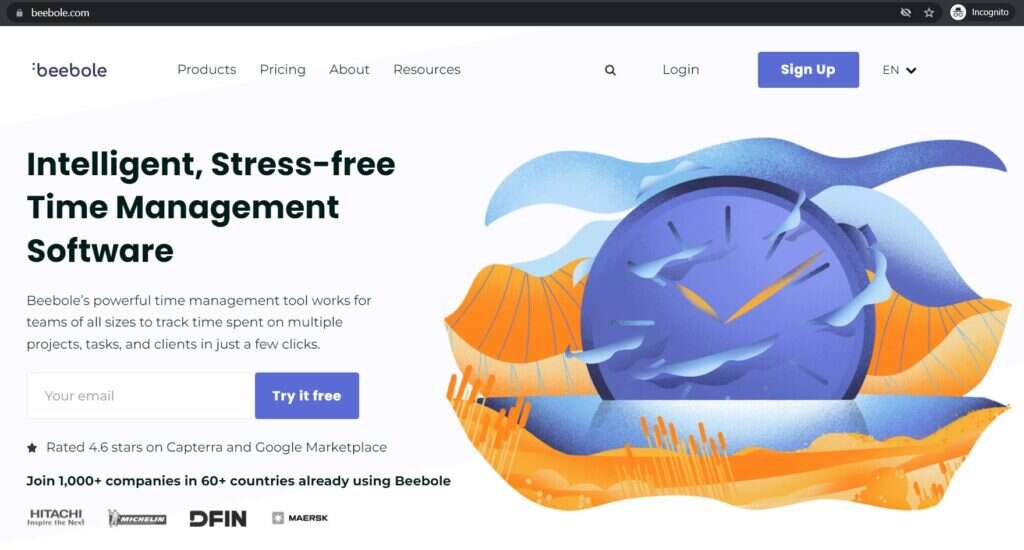
Beebole is a cloud-based time tracking solution that helps businesses understand time usage across team members and projects.
Key features
- Use the timer to track time or manually fill in the timesheet.
- Set project budgets, track profitability, and see non-billable and billable hours spent.
- Create customizable time reports.
- Approve or reject team members’ timesheets.
- Choose from 10 languages for the app interface.
Pricing
Beebole offers a 30-day free trial. The paid plan is priced at $7.82/user per month.
Customer ratings
- G2: 4.5/5 (10+ reviews)
- Capterra: 4.6/5 (100+ reviews)
9. Workpuls
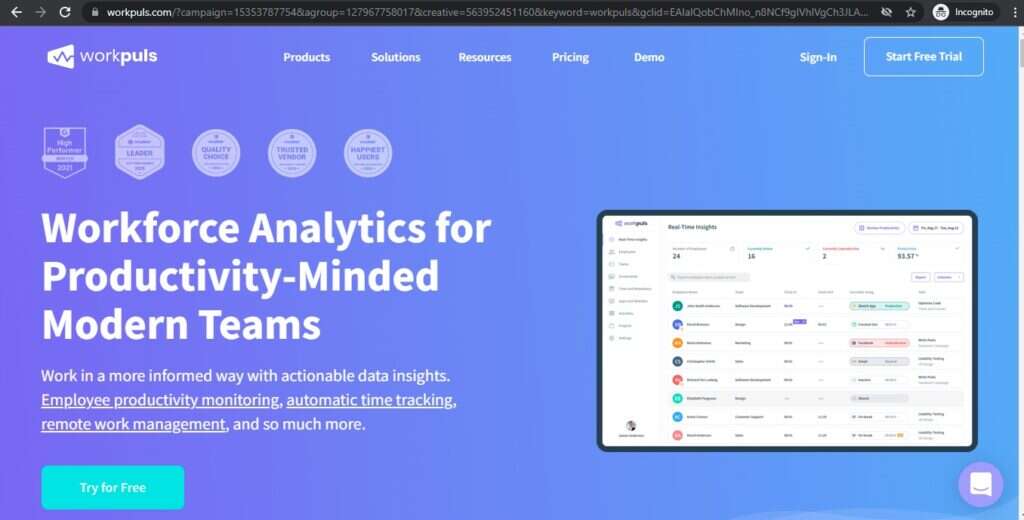
Workpuls is an automatic time tracker and employee monitoring software with some task management features.
Key features
- Have work sorted into projects by the app automatically as the team works.
- Access data collected up to two years ago.
- Set screenshots triggered at intervals, by suspicious activity, or by a manager manually.
- View a Kanban board of project progress on the task board.
Pricing
Wokpuls offers a 14-day free trial. Paid plans start at $8/user per month.
Customer ratings
- G2: 4.8/5 (40+ votes)
- Capterra: 4.8/5 (40+ reviews)
10. Hubstaff
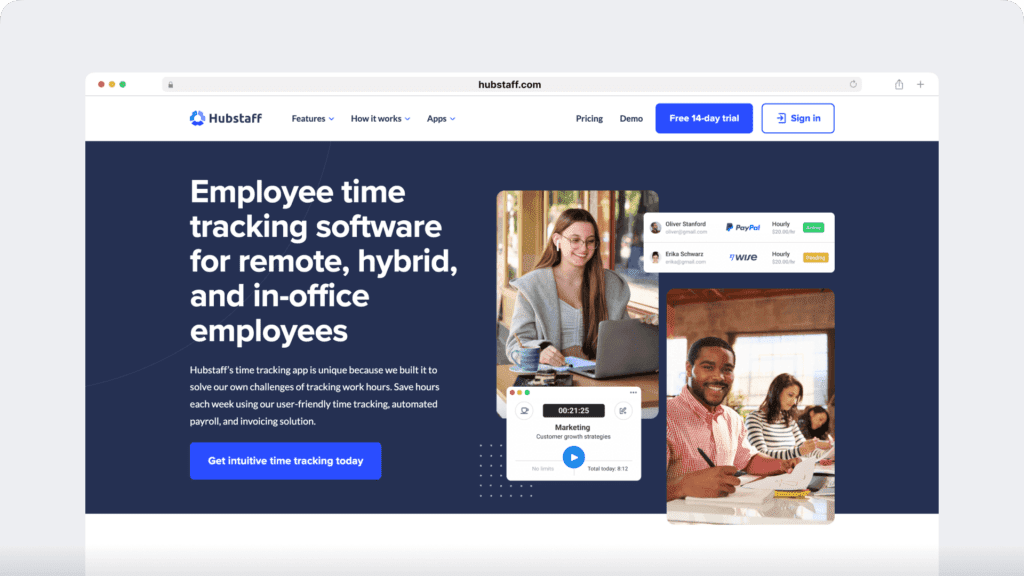
Hubstaff provides time tracking for distributed, hybrid, and field teams, with productivity metrics, GPS-based location features, and payroll capabilities.
Key features
- Time tracking and online timesheets for projects and tasks.
- Screenshots while tracking time.
- Activity levels based on keyboard and mouse movement, with idle-time prompts and handling.
- GPS and geofenced time tracking through the mobile app.
- Payroll automation with manual or automatic payments.
- Integrations with 30-plus tools.
- Cross-platform apps for Windows, Mac, Linux, iOS, Android, and a browser extension.
- Reports and filters for applications, URLs, activity, idle time, and work sessions.
Pricing
Hubstaff offers a 14-day free trial. Paid plans start at $4.99/user per month with a minimum of two users.
Customer ratings
- G2: 4.5/5 (1496+ reviews)
- Capterra: 4.6/ 5 (1580+ reviews)
11. WebWork Time Tracker
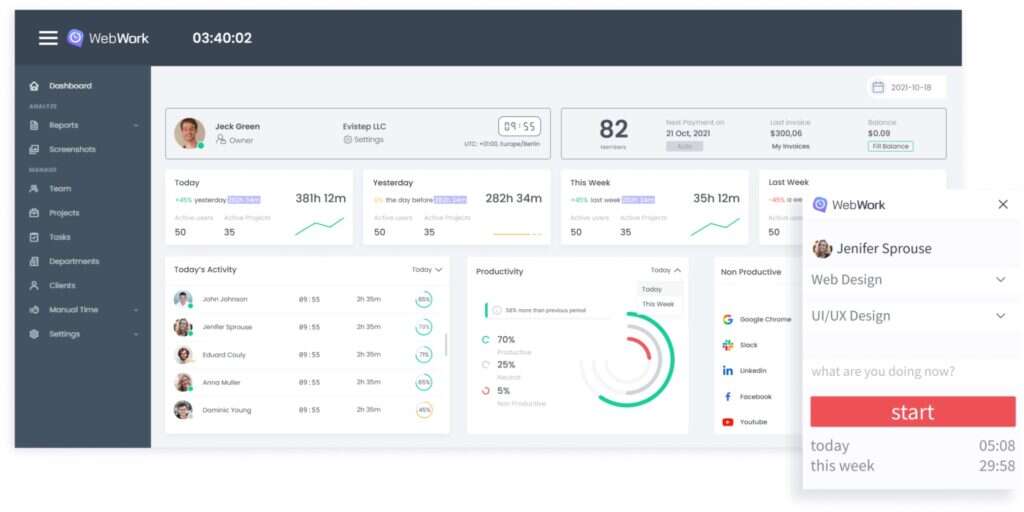
WebWork is a time tracking and employee attendance monitoring software that lets you stay up to date with your teams. It is suitable both for teams and individual use.
Key features
- Time Tracking with 4 screenshot modes for different privacy levels
- Tracking on all platforms, including web, desktop, mobile and Chrome extension
- Employee app and website usage based on what they spend time on
- Detailed reports with attendance metrics, tracked time and more
- Billable hours and invoice for guaranteed payment
Pricing
2.99$ per user/month with a 7-day free trial. Pay for the first month in 30 days’ time.
User ratings
- G2: 4.6/5 (15+ reviews)
Capterra: 4.4/5 (70+ reviews)
Next, let’s look at how time tracking tools can benefit your team.
4 key benefits of time tracking for teams
Time tracking software was created to help solve problems with time usage and productivity at work. Your team can gain a lot from implementing a time tracker.
Here are a few of the benefits you can expect from doing so:
1. Automate manual time tracking systems
Manual records like spreadsheets can be flawed due to human error. They also require time and labor for upkeep.
Time tracking software automates the process, making it more straightforward, effective, and accurate.
2. Gain time usage insights
The first step to improving your team’s productivity is knowing where and how everyone spends their work time.
Employee time tracking software can help you analyze your team’s time management. You’ll discover if team members are spending time wisely or wasting it. This way, you can give credit where it’s due or step in where changes need to be made.
Keeping an eye on performance indicators like how much time it’s taking to finish tasks or which employees are most productive can also help improve teamwork and team collaboration.
3. Increase productivity and profitability
Low productivity in the workplace can cause revenue loss. Time theft, when employees accept pay for time they weren’t working, is an example.
Statistics collected by Finances Online in 2022 reveal that:
- $11 billion are lost in the US annually due to time theft.
- $7.2 billion is the daily cost of unrecorded work activities in the US.
- Companies in the US can reclaim approximately $666,400 by automating their time tracking.
Time tracking can bring responsibility and discipline back into your organization. Team members will know that their activities are visible. The accountability created can help change bad time management habits and prevent time theft. This is especially useful for teams that do remote work.
You’ll also be able to track milestones and growth in your business regarding time and profitability.
Time tracking can help you recover lost time and money by informing you about your team’s work activities. You’ll be able to see where lack of productivity is causing revenue loss and track improvements.
4. Encourage work-life balance
Tracking time can indicate when employees are overworked. You can see if team members are working unreasonable hours or have too much on their plate.
Leaders can step in to help improve their employees’ work-life balance. For example, if they notice an employee is tracking more hours than expected, they can talk to them and adjust their workload. This can help reduce the pressure on team members and allow them to enjoy their free time.
Wrapping up
Time tracking software can improve your team’s productivity and even your business’s profitability. The technology also helps your employees properly manage their time. It streamlines the process of recording employee time in a way that is quick and accurate.
That’s why it’s essential to choose the best time tracking software for your business.
If you want a time tracker that’s easy to use yet provides detailed and accurate productivity insights, Time Doctor’s the right tool for you.
Why not try Time Doctor’s 14-day free trial for your team today?