Citrix Podio is a cloud-based collaboration software that aims to streamline communication and workflows.
However, the tool only offers manual time tracking in the form of timesheets, which can be quite laborious and time-consuming!
So how do we track time effortlessly without an automated Podio time tracking app?
Fortunately, Podio offers powerful plugins and integrations with third-party apps to help you track employee time and productivity levels.
In this article, we’ll discuss how Podio tracks time and why you need an alternate time tracking app. We’ll also cover three time tracking apps you can integrate into your Podio account.
How does Podio track time?
Every feature in Podio, such as project, timesheet, deliverables, etc., is called an “app” that you can use to create a customized Podio workspace for your business.
One of these apps is the Podio timesheet that you can use to manually track your employees’ hours and calculate paychecks.
The timesheet app uses two separate apps for two workspaces (open and private). A workspace in Podio is basically a channel or collaborative group that you can create according to departments, clients, or projects.
Create two new workspaces by clicking on the create workspace button in the workspace selector. Then just add the Podio timesheet app to both the workspaces.

- Use one timesheet app in the private workspace where you can store employees’ wage data.
- Use the other timesheet app in the public workspace for your employees to record their time.
This way, you can keep sensitive data like employees’ wage data private and still use their pay information to calculate their wages.
The timesheet in your private workspace should have the following fields:
- Task title: Single line text field
- Relationship: Shows the app what you’re recording the timesheet for, such as Podio projects app, deliverables app, etc.)
- Contact: Displays who spent time on the specific task or project
- Duration: Shows time spent on a Podio task.
And your Podio public workspace timesheet can have the fields given below:
- Employee name.
- Hourly wage.
- Calculation field (hourly wage multiplied by sum duration).
These are the minimum required fields. You can add other timesheet fields of your choice, such as overtime, estimated completion time, etc.
Note: Save your app first and then fill the calculation field to access data from the referenced app in the relationship field like the project app or deliverables app.
With everything set, here’s how to track time with Podio:
- Create individual items in your private app for your employees along with their billing period.
- Let your employees fill their time entries in the Podio public app.
- Then view the total wages in the calculation field from your Podio private app for the billing periods entered by your employees.
In addition to time tracking, Podio also offers task management, team conversations, and some other features.
Other Podio features
Along with tracking tasks, Podio also lets you:
- Automate sales funnels.
- Streamline conversations.
- Encourage teamwork through messaging.
- Share workflows with clients.
Although Podio offers these amazing features, its inability to automate the entire time tracking process may disrupt your workflow. Let’s check out a few more reasons why you should look for a different time tracking app for Podio.
Why look for alternatives to the Podio time tracking app?
Here are 4 reasons why you should consider integrating Podio with a third-party time tracking app or finding a Podio alternative:
1. Laborious time tracking
Podio uses manual timesheets to track time, which is quite tedious to set up.
Even after completing the setup, a manual timesheet can be time-consuming for employees to fill out at frequent intervals. Moreover, timesheets can’t always be accurate as there’s scope for human error with manual data entry.
As a result, there will be inaccurate payroll processing since employees are paid according to the timesheet.
Employers may also have to spend time approving these timesheets. Additionally, without real-time time tracking and insights, employers will have no choice but to overlook factors like inaccurate time tracking data, over time, unhealthy work patterns, etc.
2. Doesn’t allow automations
Automation is a necessity for any workspace as it lets you focus on important issues instead of repetitive mundane tasks. But Podio doesn’t allow automating administrative tasks like time tracking, attendance reports, invoices, etc. As a result, you have to do them manually.
3. Lack of advanced time tracking features
As Podio doesn’t offer an in-built automatic time tracking or employee monitoring feature, you may not have an insight into what your team members do during their billable hours.
You’ll have no choice but to rely on their manual timesheets without a way to cross-check the entered data, especially since the Podio time tracking app doesn’t monitor idle minutes. So, even employees’ breaks may be counted as billable hours.
This may motivate a few employees to enter false time-cards. Or some may even forget to track their time – leading to inaccuracy in assessing employee productivity levels.
Moreover, Podio only gives an overview of the tasks you create or the tasks delegated to you. As a manager or owner, this may not be very helpful as you need to see the tasks created by your employees across the organization to have an idea of their real-time activities.
So, the lack of an automatic time tracking feature might negatively affect your task and resource allocation as you’re not fully aware of your employees’ task statuses and workload.
What’s the solution?
An advanced time tracker app could solve all of these issues.
With an online time tracker, an employer can:
- Track time spent on various Podio tasks.
- Find inefficient working habits.
- Automate repetitive administrative tasks like invoicing, timesheets, etc., to save time and effort.
As these time trackers generate automated timesheets and timelines, you can also eliminate the need for tedious manual timesheet entries.
Some of these time tracking apps also push employees to improve their efficiency through their activity level reports. Employees can use these reports to track their productivity, motivating them to increase efficiency.
With that said, check out the time tracking apps you can use to monitor your employees’ time, productivity, and efficiency.
3 best Podio time tracking app alternatives
Here are three incredible time tracking tools you can use to track time on Podio:
1. Time Doctor
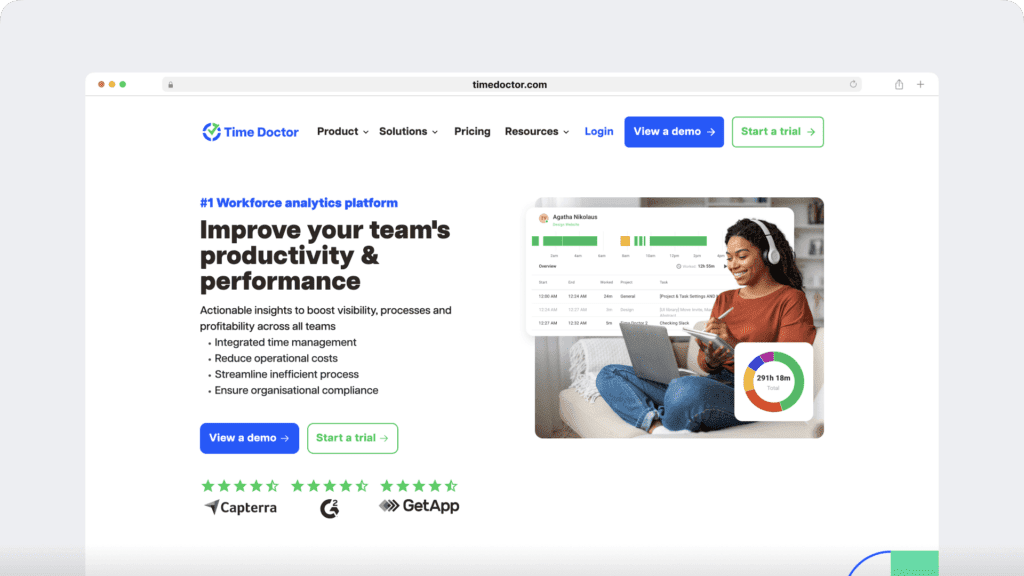
Time Doctor is a workforce analytics platform that empowers managers with the visibility to lead with trust, not control. Mid-market companies and growing SMBs use it to gain real-time visibility into work, support employee well-being, and continuously improve productivity across remote, hybrid, and in-office teams.
You can solve your Podio time tracking issues with Time Doctor’s advanced features and its Podio integration.
To track time on Podio using Time Doctor, all you need to do is download the Time Doctor’s desktop app and Google Chrome extension.
How to integrate Time Doctor with Podio:
Step 1
To access the Chrome extension, ensure you’re using the interactive (not silent) time version of Time Doctor’s desktop app.
After downloading the compatible version of the app, enable the Project and Tasks feature in the Settings / Company Settings.

Step 2
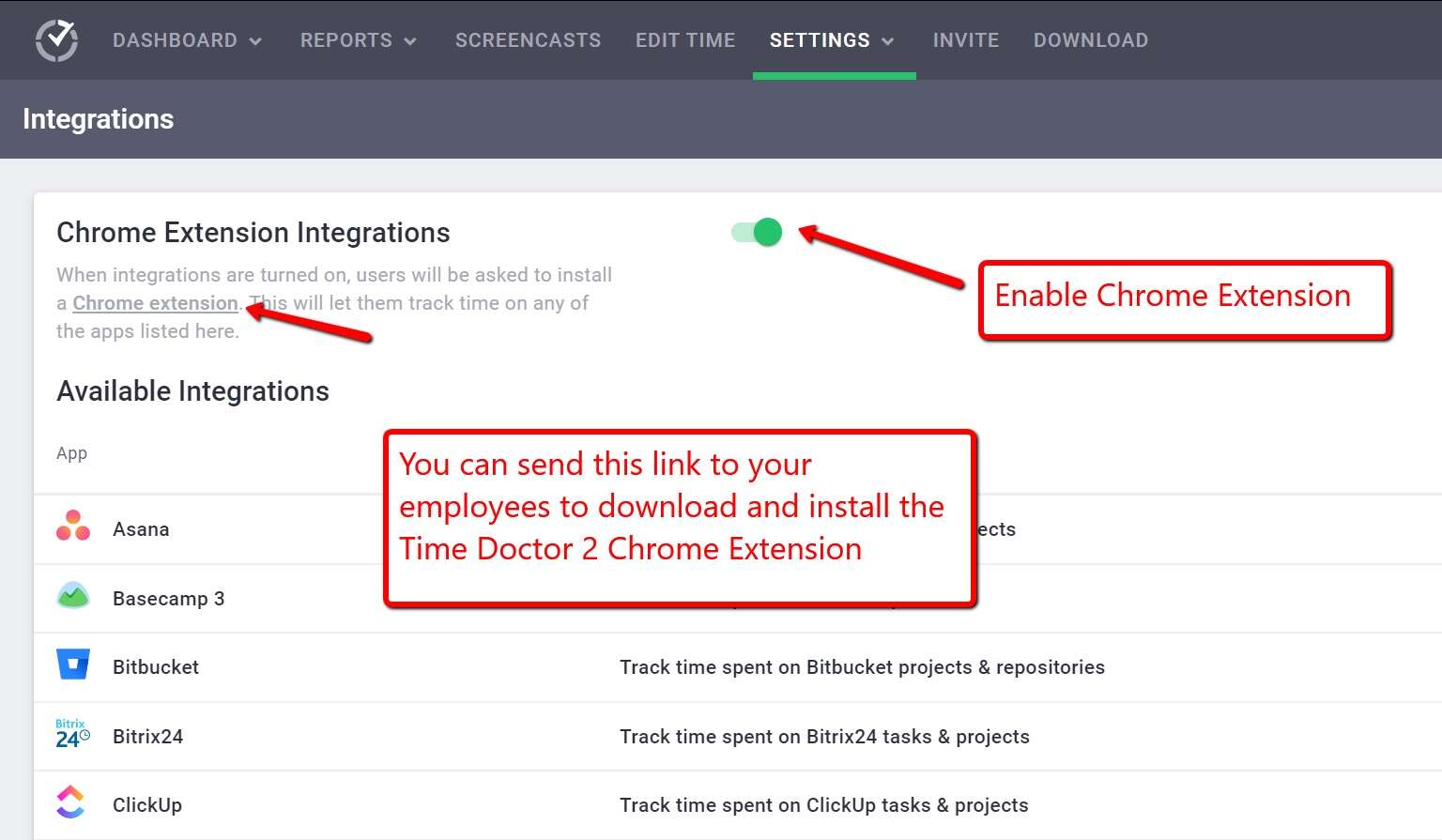
Enable the Chrome extension by going to the Settings > Integrations page. You should be an admin to do this step.
Step 3
Once you enable the Google Chrome extension, your employees will receive notifications asking them to download the extension.
Step 4
After the setup is complete, you’ll find the Start and Stop button of Time Doctor on Podio’s interface, which you can now use to track your employees’ time.
Now that we know how to set up Time Doctor with Podio, let’s look at some incredible features it offers.
Key features
Apart from the extension for tracking time, here are some Time Doctor features you’ll enjoy:
A. Interactive and automatic time tracking
Time Doctor is a workforce analytics platform that gives you flexible time tracking so employees can record their hours in a way that fits how they work. The platform captures work activity in real time and transforms it into clear visibility for teams, helping leaders understand how work happens while keeping the experience simple for employees.
In manual/interactive mode, employees simply open the app, select their current task, and start the timer. Time Doctor runs in the background and tracks the apps and websites used during work. When they’re finished or want to take a break, they can stop the timer with a single click.
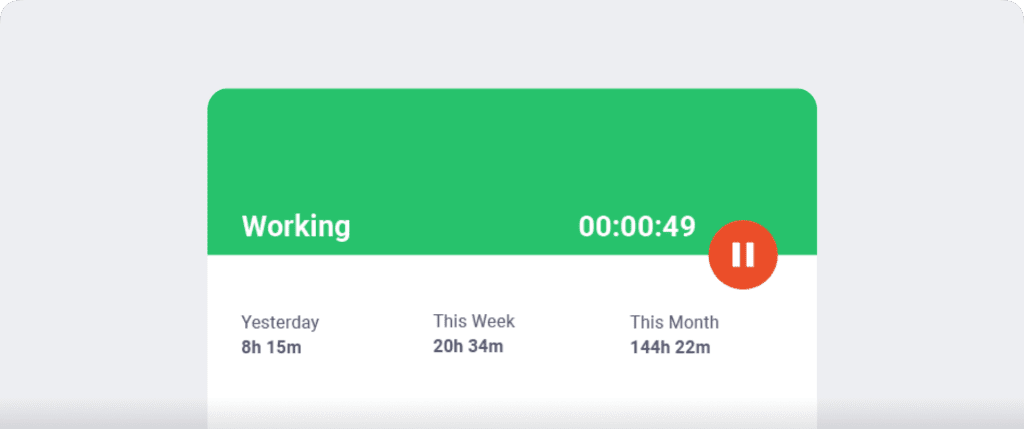
In automatic mode, Time Doctor can start tracking time when employees turn on or log into their work devices. This mode helps improve accuracy and reduces the need for manual edits or forgotten time entries.
Both modes are designed to provide clear visibility for managers and employees while minimizing disruption to the workday.
B. Idle time tracking
Time Doctor measures idle time (periods without keyboard or mouse activity) to help teams understand focus patterns and potential productivity blockers.
- Idle time is measured in idle seconds and idle minutes
- You can configure when idle time should start counting and set limits that make sense for different roles
Instead of silently recording behavior, Time Doctor can display a gentle idle time pop-up when someone has been inactive for too long—nudging them to either refocus or take a break. This helps reduce unintentional time drift and supports more accurate timesheets.
This design helps organizations balance accountability with privacy and trust.Moreover, you can set how long the timer can run without any activity. Once it reaches the limit, the tracker automatically stops tracking time and displays an idle time pop-up. This pop-up alerts employees to focus on their tasks.

Note: Time Doctor doesn’t support keylogging and only checks if the keys are in use to protect user privacy.
C. Screencasts (Optional)
To give an accurate insight into your employees’ work hours, Time Doctor provides real-time screenshots of their screens.
However, this feature is optional, so you can enable or disable it as you wish.

Note: You can also delete or blur the screenshots if it contains any sensitive data like employees’ personal information to protect their privacy.
D. Productivity reports
Time Doctor tracks several data points related to employees activity. You can access a wide range of reports generated in real-time.
Here’s a quick look at these reports :
- Activity summary report: See active seconds, minutes, unproductive, manual, and mobile time for each employee over a selected time period.
- Attendance report: See if an employee is present, absent, partially absent, or late in real-time.
- Hours tracked report: View the total number of hours tracked by employees for any date range.
- Projects & tasks report: See the time spent on projects as well as individual tasks.
- Timeline report: Look at the time spent on tasks and breaks in a day or the whole week.
- Custom export report: Customize the fields you’d like to include in one single report.
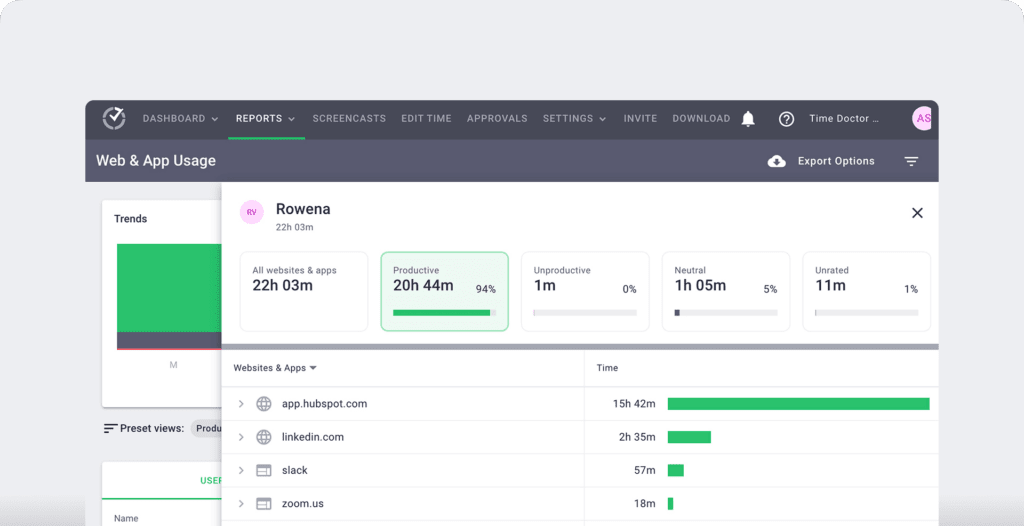
- Web and app usage report: View the time spent by an employee on each app and website during work hours.
E. Payroll management
Time Doctor offers an automated payroll management system based on fixed salaries or working hours.
It also lets you customize various settings like:
- Pay rate for each employee.
- The payment type for each employee.
- Payment currency for each user.
- Date range for the payroll.

Key features
- Allow employees to track time even when their internet is down.
- Export reports in either CSV or XLS formats for easy storage.
- Protect your and employees’ data with strict security and privacy policy.
- Integrate via Chrome Extension with apps like Google Docs, Jira, etc., to track time across multiple platforms.
- Pay bills on time with integrations with Paypal and Wise.
- Use Time Doctor on Android, Windows, macOS, and Linux operating systems.
Pricing
Time Doctor’s paid plans start as low as $6.70/user per month. The tool also offers a free 14 day trial that doesn’t require credit card information.
Customer ratings
- G2: 4.4/5 (420+ reviews)
- Capterra: 4.5/5 (540+ reviews)
2. Hubstaff
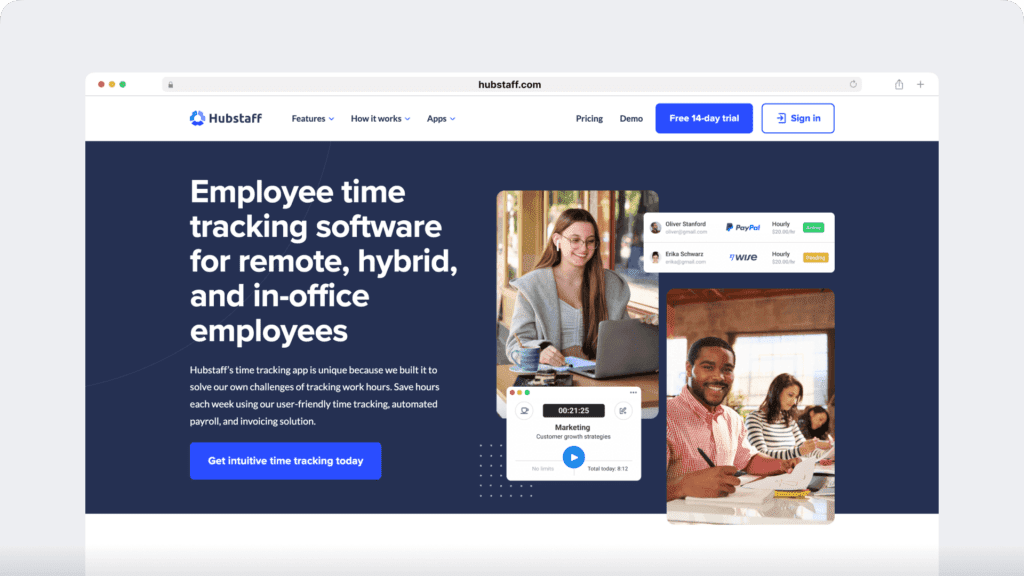
Hubstaff provides time tracking for distributed, hybrid, and field teams, with productivity metrics, GPS-based location features, and payroll capabilities.
Key features
- Time tracking and online timesheets for projects and tasks.
- Screenshots while tracking time.
- GPS and geofenced time tracking.
- Payroll automation with manual or automatic payments.
- Integrations with 30-plus tools.
- Cross-platform apps for Windows, Mac, Linux, iOS, Android, and a browser extension.
Pricing
Hubstaff offers a free account for a single user. Its paid plans start at $4.99/user per month.
Customer ratings
- G2: 4.5/5 (1496+ reviews)
- Capterra: 4.6/ 5 (1580+ reviews)
3. Toggl Track
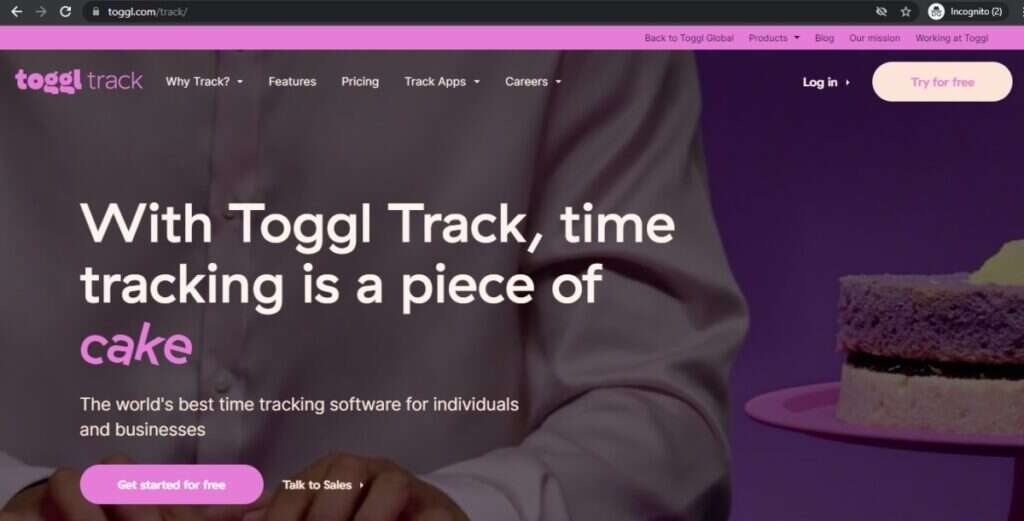
Toggl Track is another intuitive time tracking and project management tool that integrates with Podio. It offers automatic and manual time tracking, reports, project estimates, etc.
The tool also offers a public API that users can use to create their own Toggl track implementations.
Key features
- Set important keywords, like project name, as written triggers to immediately start tracking time.
- Estimate approximate time based on time tracking data for similar projects.
- Automate reminders prompting employees to meet their target working time.
- Invite clients as users to collaborate on projects.
Pricing
Toggl Track offers a 30-day free trial period. Its paid pricing models start from $10/user per month.
Customer ratings
- G2: 4.6/5 (1000+ reviews)
- Capterra: 4.7/5 (1500+ reviews)
Wrapping up
Podio is a great team management tool. However, it only offers manual time tracking that’s quite laborious.
If you already use Podio for task management, team communication, and collaboration – you can easily integrate Podio with better time tracking software like Time Doctor to get the best of both worlds.
Time Doctor also supports advanced features like automated reports, payrolls, comprehensive reports, etc., to help manage your workspace more efficiently.
So what are you waiting for?
Sign up for Time Doctor today to experience how a powerful time tracking app can boost your project management and productivity!