
Payroll management is a time-consuming, repetitive, and error-prone process, but it is an essential part of a business, which is why finding tools that help you save time really matters.
Fortunately, modern payroll time tracking software providers help improve accuracy and efficiency by connecting real work data to payroll. . It reduces errors and manual work. These tools make it easier to track billable hours, support accurate job costing, generate invoices, and maintain fairness across every pay cycle..
But there are a plethora of these tools in the market, and it can be challenging to find one that suits your business for maximum efficiency and better time management.
In this article, we’ll explore what payroll time tracking is and know its benefits. We’ll also list the top 11 payroll time tracking software and cover their main benefits.
Table of Contents
- What is payroll time tracking?
- 11 popular payroll time tracking software
- 4. Toggl Track
- 5. ADP
- 6. Gusto
- 7. Timesheets.com
- 8. Buddy Punch
- 9. Hubstaff
- 10. Jibble
- 11. Clockify
Let’s get started.
What is payroll time tracking?
Payroll time tracking is the process of logging employee work hours and storing the data as timesheets for payroll processing.
You can carry out payroll time tracking by:
- Manual time entry: Using time cards, paper or spreadsheet-based timesheets, etc., where employees have to manually enter data.
- Automatic time tracking: Using time tracking tools that automatically generate timesheets from real work activity.
But using manual timesheets for payroll processing can be time-consuming and erroneous. Whereas payroll processing with time-tracking tools is more accurate and efficient.
Benefits of payroll time tracking
Payroll time tracking helps businesses track hours, manage and maintain employee payroll.
Here are some of its main benefits:
- Bills clients and pays employees accurately.
- Generates reports on employee productivity, overtime, etc., to help make data-driven and transparent business decisions.
- Ensures compliance with FLSA (Fair Labor Standards Act), which necessitates employers to keep employee time records.
- Helps safeguard employers’ interests during legal disputes, as timekeeping data can act as evidence.
- Builds trust by creating a clear, verifiable record of work that benefits both employers and employees.
Now that we know the benefits of payroll time tracking, let’s look at the best time tracking software.
11 popular payroll time tracking software
Here are the 11 best time tracking software:
1. Time Doctor
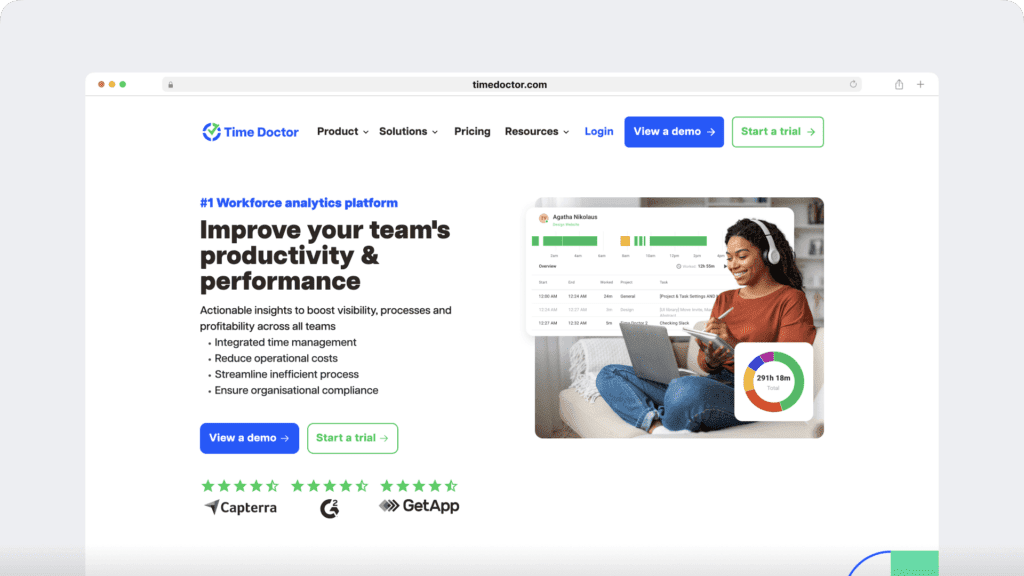
Time Doctor isn’t just payroll and time tracking software, it’s a workforce analytics platform that gives leaders real-time visibility into how work actually happens.
Beyond recording hours, it provides the clarity leaders need to ensure every hour worked is recorded accurately and paid fairly. With insights that support smarter capacity planning, cost forecasting, and day-to-day coaching,
Time Doctor helps distributed and hybrid teams stay aligned, accountable, and productive without adding complexity.
- Automated payroll processing: Generate accurate, transparent payrolls directly from verified time data with support for multiple currencies, pay periods, and payment methods to ensure consistency and confidence across every pay cycle.
- Payroll integrations: Connect securely and effortlessly with Gusto, ADP, PayPal, and Wise to automate batch payments and reduce admin work.
- Benchmarks AI: Identify top performers and workload trends with AI-driven benchmarks that reveal performance insights and balance across teams.
- Meeting Insights: Understand how meetings impact productivity and focus time across teams. Get visibility into total meeting hours, engagement trends, and idle time to identify overload and improve collaboration balance.
- Unusual activity report: Get automatic alerts for unexpected activity changes, such as drops in focus time or unusual manual edits — so you can act early with context and confidence before issues escalate.
- Idle time and attendance tracking: Gain visibility into active and idle time, manage shifts, and monitor attendance in real time to support accurate payroll, fairness, and compliance.
- Real-time productivity reports: Access visual reports on hours worked, projects, and activity levels to support data-driven coaching and performance improvement.
- Privacy-first design: Choose optional screenshot blurring and employee-facing dashboards to maintain transparency and trust.
- Global workforce readiness: Gain visibility into payroll and performance insights for distributed or hybrid teams across multiple time zones, ensuring consistency, trust, and alignment everywhere work happens.
- Custom exports and reporting: Export only the data you need for audits, compliance, or HR systems — without manual consolidation.
- Easy adoption: Simple setup, intuitive interface, and multilingual support reduce onboarding time and IT lift.
Pricing
Time Doctor offers a 14-day free trial plan (no credit card required). Its paid plans start at $6.67/user per month.
Customer reviews
- Capterra: 4.5/5 (500+ reviews)
- G2: 4.4/5 (400+ reviews)
2. QuickBooks Time

QuickBooks Time is an online time tracking solution that reminds employees to clock in when they arrive at the office. It also generates accurate payrolls.
Key features
- Lets employees clock in and out securely using a four-digit pin.
- Offers a mobile app that supports offline time tracking.
- Lets you track real-time changes in labor costs and account for them in the payroll.
- Helps streamline workflow management between accounting, payroll, and HR departments.
Pricing
QuickBooks Time offers a 30-day free trial. Its paid plans start at $10/user per month
Customer reviews
- Capterra: 4.7/5 (7,000+ reviews)
- G2: 4.5/5 (1,400+ reviews)
3. TimeCamp
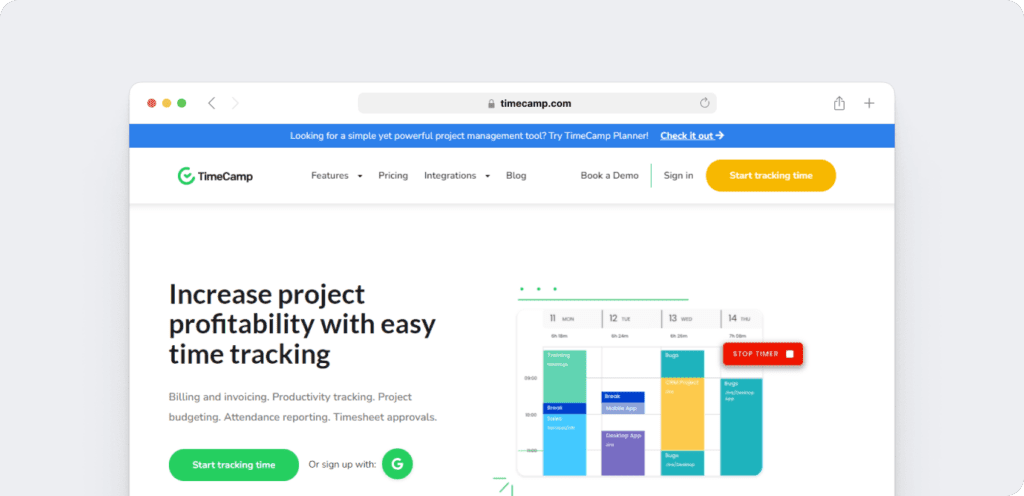
TimeCamp is a time tracking and payroll software aiming to increase your profitability with transparent timesheets, budget tracking, and other features.
Key features
- Helps see a team’s performance and the time they took to complete a specific task.
- Helps categorize tracked time as billable or non-billable for easy payroll.
- Lets you appoint an employee to approve timesheets while locking others out of this option for accurate payroll.
- Lets you set up the tax rates based on the country the company is located in.
Pricing
This time clock app offers a free plan with limited features. Its paid plans start at $1.49/user per month.
Customer reviews
- Capterra: 4.7/5 (550+ reviews)
- G2: 4.6/5 (300+ reviews)
4. Toggl Track
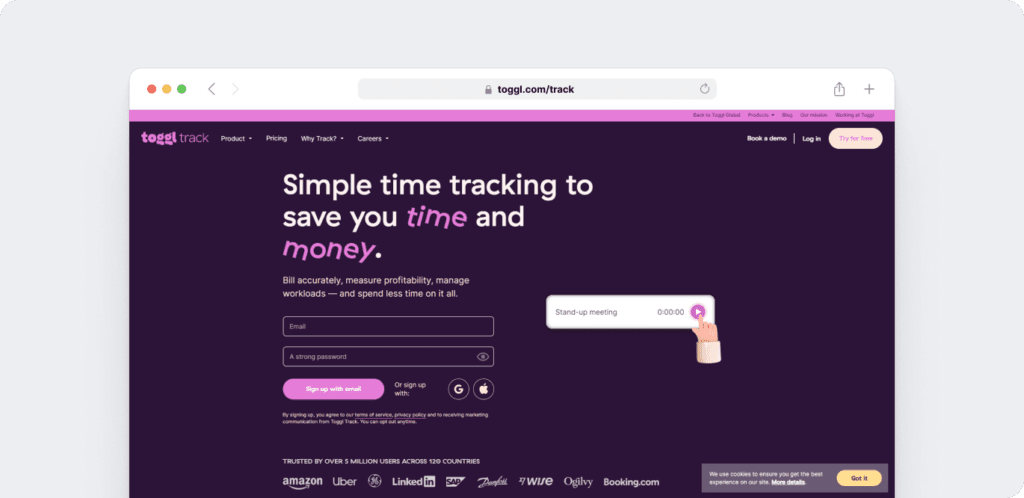
Toggl Track is a time tracking software that helps track employee hours, create timesheets, and generate payrolls.
Key features
- Set email reminders and desktop notifications to remind employees to track time.
- Lets you download payroll timesheets in CSV or Excel formats in just two clicks.
- Helps you gauge an employee’s contribution towards billable work.
- Automatically tracks every website or application the employee has visited for more than 10 seconds.
Pricing
The employee time tracking app offers a free plan with limited features. Its paid plans start at $9/user per month.
Customer reviews
- Capterra: 4.7/5 (2,500+ reviews)
- G2: 4.6/5 (1,500+ reviews)
5. ADP

ADP is an employee scheduling and payroll software that offers timekeeping and attendance tracking features to streamline workforce management
Key features
- Offers a dashboard showing employee time tracking, scheduling, and attendance data.
- Lets you track time-off requests, payroll, and other information from the ADP Mobile app.
- Gives employees real-time access to PTO (Paid Time Off) balances like vacation days or sick leaves.
- Allows you to manage labor costs and productivity by displaying data on a dashboard.
Pricing
The employee time tracking software offers a free three-month trial. The tool’s pricing is available on request.
Customer reviews
- Capterra: 4.4/5 (7,000+ reviews)
- G2: 4.2/5 (3,700+ reviews)
6. Gusto

Gusto is an employee time tracking software offering full-service payroll, time and attendance, and reporting features.
Key features
- Records employee clock ins and outs through a dedicated button on the mobile or desktop app.
- Verifies hours tracked off-site with the geolocation functionality.
- Lets you customize paid time off policies and automatically sync paid holidays to the payroll.
- Shows approved time off, key dates, and payroll reminders on Outlook, iCal, and Google calendar.
Pricing
Gusto doesn’t offer any free plan. The employee time tracking tool’s paid plans start at $6/user per month along with $49 per month base fees.
Customer reviews
- Capterra: 4.6/5 (4,100+ reviews)
- G2: 4.6/5 (3,600+ reviews)
7. Timesheets.com
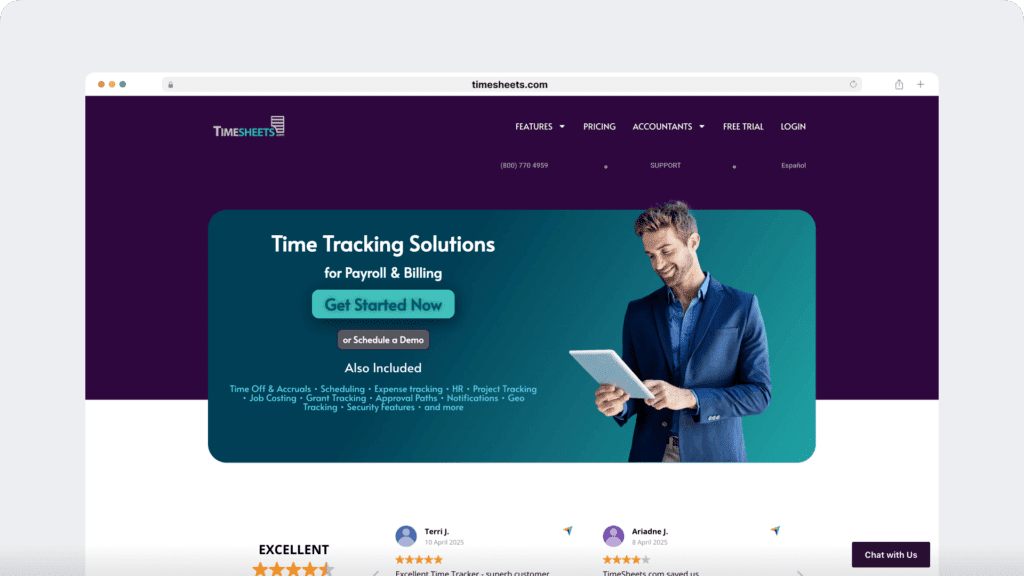
Timesheets.com is a time tracking software with time off and PTO, mileage tracking, reporting, and more features. It’s built for freelancers as well as small and medium business owners.
Key features
- Lets employees clock in and clock out by making manual time entries daily, tracking time for a task in real-time, or filling out a timesheet at the end of the week.
- Prevents employees from logging in and out from unauthorized devices by locking IP addresses or using the photo timestamp feature.
- Lets you track time-off requests and accruals.
- Provides final payroll reports with all employee and client data.
Pricing
This time clock app offers a free plan. Paid plan starts at $5.50/user per month.
Customer reviews
- Capterra: 4.7/5 (800+ reviews)
- G2: 4.2/5 (460+ reviews)
8. Buddy Punch
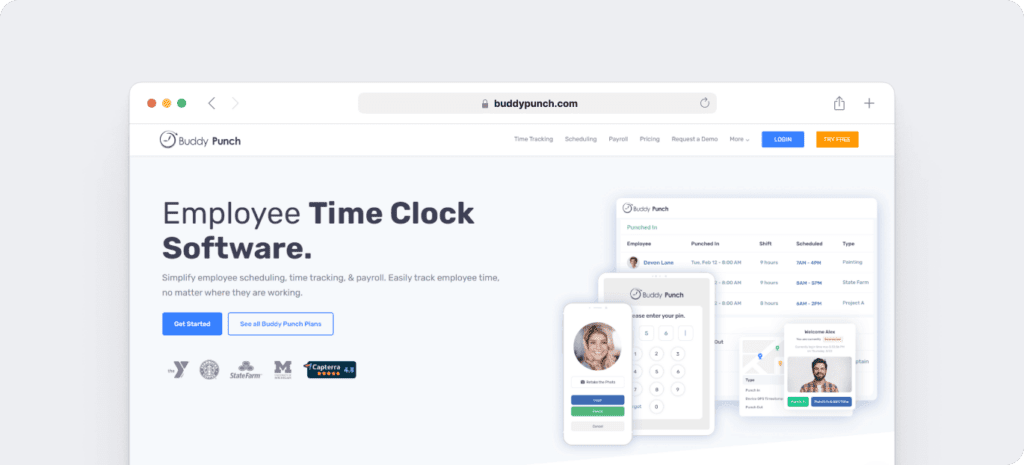
Buddy Punch is a payroll and time tracking software that helps companies stay on top of employee attendance, time off, and overtime in real-time.
Key features
- Restricts employees’ clock in and out to job sites using the geofencing feature.
- Offers employee scheduling with a drag and drop functionality.
- Lets you customize overtime calculations to ensure payroll calculations are correct.
- Integrates with popular third-party software, like PayPlus and SurePayroll, to run payroll smoothly.
Pricing
The employee time tracking app offers a free trial. Its paid plans start at $4.49/user per month along with $19/month base fees.
Customer reviews
- Capterra: 4.8/5 (1000+ reviews)
- G2: 4.8/5 (300+ reviews)
9. Hubstaff
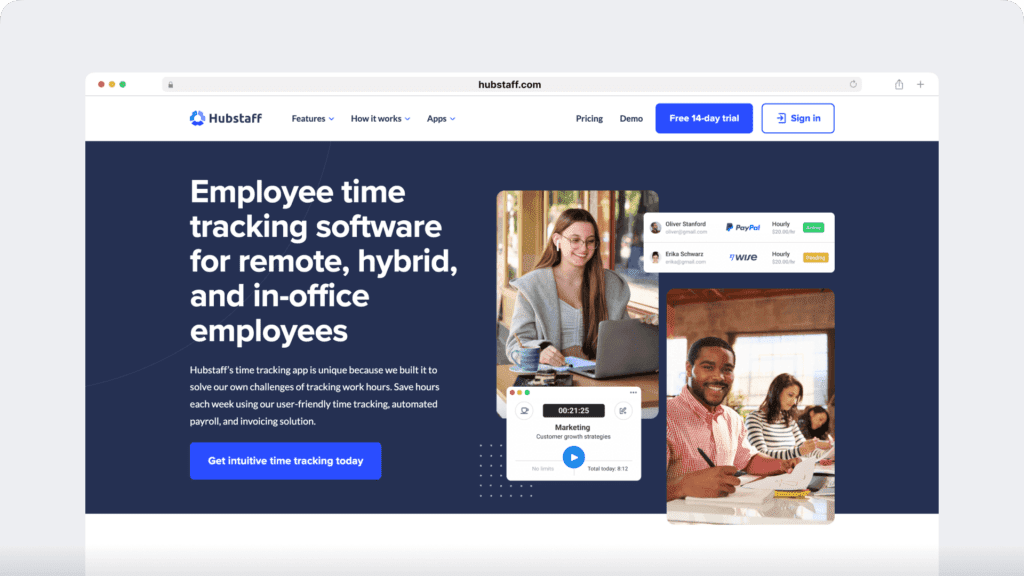
Hubstaff is an employee time card and attendance software suitable for freelancers and startups.
Key features
- Sends alerts when employees arrive later than the scheduled time with an automated attendance tracking feature.
- Integrates with Paypal, Payoneer, Wise, and Bitwage to automate payroll based on billable hours.
- Helps you with client invoicing based on timesheet data.
- Set recurring shifts with employee scheduling features.
Pricing
The employee time tracking app offers a free plan with limited features. Its paid plans start at $4.99/user per month.
Customer reviews
- Capterra: 4.6/5 (1,550+ reviews)
- G2: 4.5/5 (1,440+ reviews)
10. Jibble
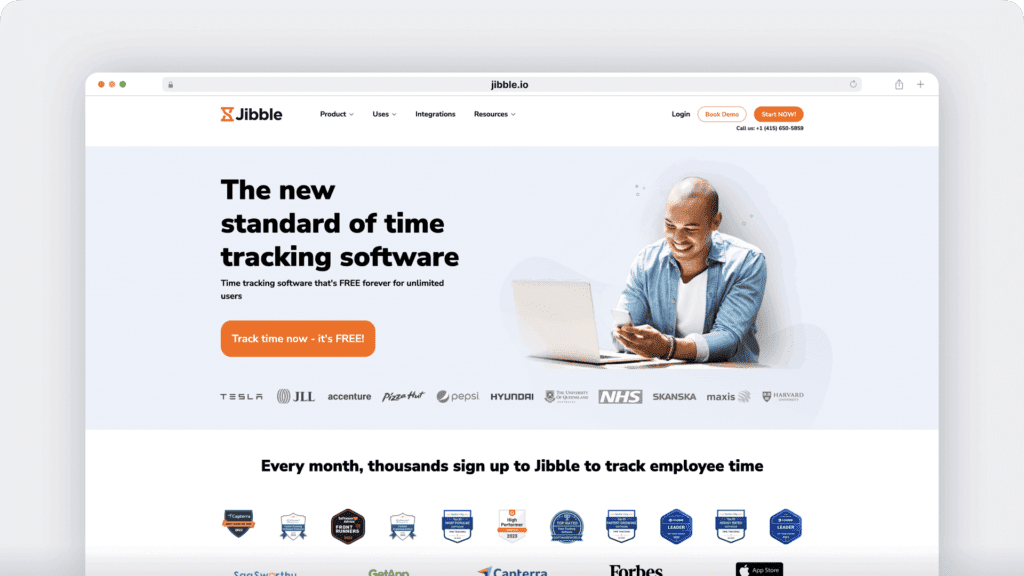
Jibble is a time tracking app that offers GPS tracking and employee scheduling to increase productivity.
Key features
- Lets employees clock in with their mobile device or a shared kiosk using the facial recognition feature.
- Set time limits on how early employees can clock in, and how late they can clock out.
- Automatically calculates work hours, overtime, and billable hours for payroll-ready timesheets.
- Allows you to export timesheets in Excel Spreadsheet or CSV formats.
Pricing
Jibble offers a free plan with limited features. Its paid plans start at $2/user per month.
Customer reviews
- Capterra: 4.9/5 (1400+ reviews)
- G2: 4.6/5 (150+ reviews)
11. Clockify
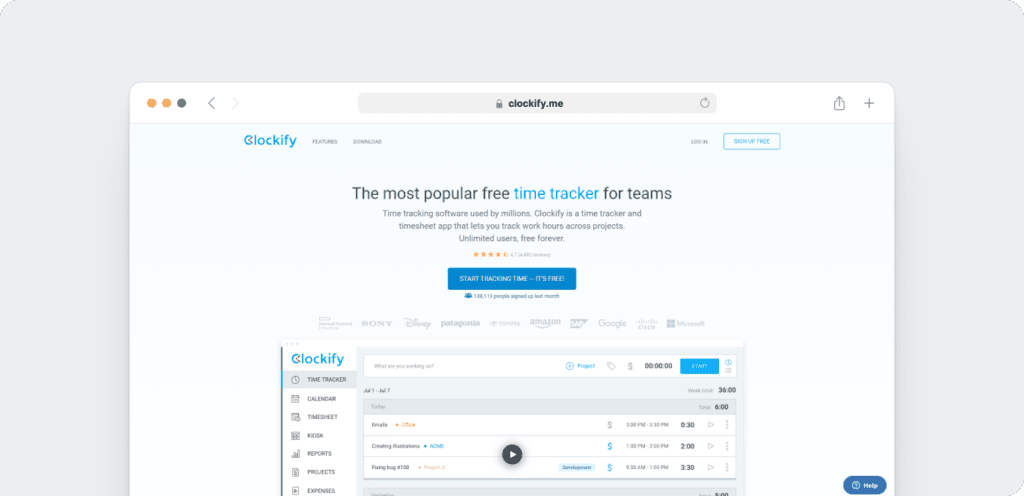
Clockify is a time and expense tracking app that records employee hours and overtime pay for accurate invoicing and payroll.
Key features
- Offers a desktop (Windows, Mac, and Linux) and mobile app (Android and iOS) for tracking time.
- Offers advanced payroll attributes like expense tracking, GPS tracking, and invoicing.
- Lets you manage leave accruals and check balances from the same place.
- Helps with scheduling projects and employees for better workflow and resource management.
Pricing
Clockify offers a free plan with limited features. Its paid plans start at $5.49/user per month.
Customer reviews
- Capterra: 4.8/5 (9,100+ reviews)
- G2: 4.5/5 (170+ reviews)
Comparison table: 11 best payroll time tracking software
| Software | Starting price (per user/month) | Key payroll features | Ideal for |
| Time Doctor | $6.67 | Automatic time tracking, payroll integrations (Gusto, ADP, etc.), and real-time productivity insights | Small businesses to large enterprises |
| QuickBooks Time | $3.50 | Real-time labor cost tracking, secure PIN-based clock-ins | SMBs using QuickBooks |
| TimeCamp | $1.49 | Billable/non-billable categorization, tax setup by country | Freelancers, SMBs |
| Toggl Track | $9.00 | Exportable payroll reports, auto activity tracking | Creative and remote teams |
| ADP | Custom pricing | PTO management, mobile time tracking | Mid-sized to large enterprises |
| Gusto | $6 + $49 base fee | Geolocation, calendar sync, full-service payroll | Businesses needing HR + payroll |
| Timesheets.com | $5.50 | Manual time entry, photo timestamp, PTO tracking | SMBs and freelancers |
| Buddy Punch | $4.49 + $19 base fee | Geofencing, scheduling, overtime customization | Field-based teams |
| Hubstaff | $4.99 | Automated payroll via PayPal/Payoneer, invoicing | Remote teams and freelancers |
| Jibble | $2.00 | GPS & facial recognition, payroll-ready exports | On-site teams, budget-conscious businesses |
| Clockify | $5.49 | Time & expense tracking, invoicing, leave management | Agencies and project-based teams |
Now that you know the industry’s prominent payroll time tracking software, let’s see how deploying one can help your business.
5 key benefits of using payroll time tracking software
Here are the 5 pros of using a payroll time tracking system:
- Improves payroll accuracy: You can ensure every hour worked is recorded accurately and fairly, using tracked time data and hourly rates to run precise, transparent payrolls.
- Faster payroll processing: With a digital tool, you don’t have to process employee timesheets manually. It’ll automatically generate payroll in seconds, saving time for both managers and employees.
- Ensures regulatory compliance: It simplifies compliance with built-in safeguards that help you stay aligned with working-hour and overtime regulations, giving you confidence and a clear audit trail.
- Offers automation: Automating routine timekeeping tasks frees employees from manual admin work, giving them more time to focus on meaningful, high-value tasks — improving productivity and engagement.
- Ensures payroll fairness: Unlike paper timecards or spreadsheets, the payroll time tracking tool uses verified work data instead of manual entries. This helps ensure employees are paid accurately for their time while giving businesses confidence in fair, transparent payroll costs.
Wrapping up
Payroll time tracking software simplifies invoicing, timekeeping, and productivity tracking while improving accuracy and accountability across your team. When evaluating options, look for proven results, strong customer support, and workforce analytics that give you clear visibility into how work actually happens. These factors ensure the tool truly supports your goals.
Each platform in this list has its strengths, but Time Doctor stands out as a workforce analytics solution that turns real-time work data into actionable insights that improve payroll accuracy, strengthen performance visibility, and help leaders make confident, fair decisions at scale.
Get a demo to track time precisely and run payroll with confidence and clarity.
Frequently asked questions (FAQs)
Payroll, time tracking, and time clock software, like Time Doctor, help businesses automatically record employee work hours and generate accurate, compliant payrolls. By replacing manual timesheets with digital tracking, Time Doctor gives HR and finance teams real-time visibility, fewer errors, and more time to focus on strategic work — all while ensuring fairness and trust in every pay cycle.
By capturing real-time work data, Time Doctor ensures every hour worked is recorded accurately and fairly. The platform eliminates manual entry errors, provides transparency into work patterns, and creates a clear audit trail that helps teams stay compliant and confident in every pay cycle.
Yes. Most leading tools — including Time Doctor — integrate with platforms like Gusto, ADP, PayPal, and Wise, allowing HR teams to process payroll automatically without switching between systems.
Absolutely. Time Doctor is built for hybrid and remote teams, giving leaders real-time visibility into attendance, productivity, and time data — all in one dashboard that supports clarity, trust, and accountability across distributed teams.
Time Doctor automates timesheets, payroll calculations, and compliance reporting. With features like Benchmarks AI, Unusual Activity Reports, and payroll integrations, it gives HR and finance teams the insights they need to ensure accuracy, fairness, and trust in every pay cycle.


Carlo Borja is the Content Marketing Manager of Time Doctor, a workforce analytics software for distributed teams. He is a remote work advocate, a father and an avid coffee drinker.