Traditional attendance systems like paper or spreadsheet-based attendance templates can be time-consuming and prone to human error.
Instead, it’s best to use a daily attendance app.
Along with attendance tracking functionality, they offer several advanced features like time tracking, shift scheduling, and more.
But with hundreds of tools available today, which one is the best for you?
Let’s find out.
In this article, we will cover the 10 best daily attendance apps available today and highlight their key features, pricing, and user ratings. We will then discuss why a daily attendance app is essential for your business.
Table of Contents
- Top 10 daily attendance apps for your business
- 2. Hubstaff
- 3. Timely
- 4. Clockify
- 5. Calamari
- 6. Harvest
- 7. DeskTime
- 8. Connecteam
- 9. factoTime
- 10. Harpoon
Let’s get started.
Top 10 daily attendance apps for your business
Let’s take a detailed look at the 10 best daily attendance apps available today:
1. Time Doctor
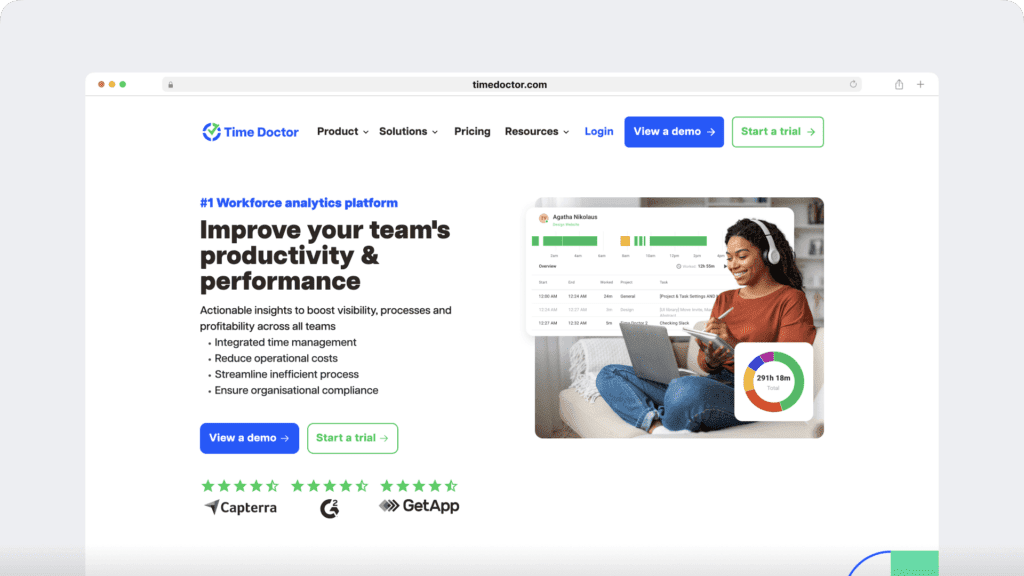
Time Doctor is a robust employee performance management and workforce analytics platform that provides teams with AI-powered insights into how work happens across remote, hybrid, and in-office environments. It brings time tracking, attendance, and productivity analytics together, so HR, operations, and business leaders can act sooner, support well-being, and make smarter decisions based on real data.
You can track employee attendance and productivity using its Windows, Mac, Linux, and Android apps.
Time Doctor’s attendance reporting feature lets managers know whether employees are present, absent, partially absent, late, or if the shift is underway.
For example, if an employee clocks in after the scheduled time for a particular shift, the reports will display that they were “late” when they clock in.
Here’s what these statuses mean:
- Present (minimum required hours): Tracked time for at least a second in the first five minutes of the shift and worked for the minimum required hours.
- Present (no minimum required hours): Tracked time for at least one second of work in the first five minutes of the shift.
- Absent: The user didn’t track time during the shift.
- Partially absent: The user tracked time during the shift, but it was less than the minimum required hours.
- Late: Tracked time during the shift, but they didn’t track time in the first five minutes of the shift.
- Shift underway: Since the statuses Present, Absent, and Partially Absent won’t be known until the end of the shift, all shifts currently underway will show “Shift Underway”. However, if a shift is currently underway and an employee is late, the shift’s status will show as “Late”.

With the attendance report, you can also:
- Get attendance data in real-time.
- Conduct performance assessment based on employee attendance.
- Adjust employee schedules based on attendance.
But this is not all Time Doctor has to offer. Let’s check out some other key features.
Key features
Here’s a detailed look at some of Time Doctor’s best features:
1. Time tracking
Time Doctor is a workforce analytics platform that gives you flexible time tracking so employees can record their hours in a way that fits how they work. The platform captures work activity in real time and transforms it into clear visibility for teams, helping leaders understand how work happens while keeping the experience simple for employees.
In manual/interactive mode, employees simply open the app, select their current task, and start the timer. Time Doctor runs in the background and tracks the apps and websites used during work. When they’re finished or want to take a break, they can stop the timer with a single click.You can then click on the Stop icon to take a break or stop working on the task.
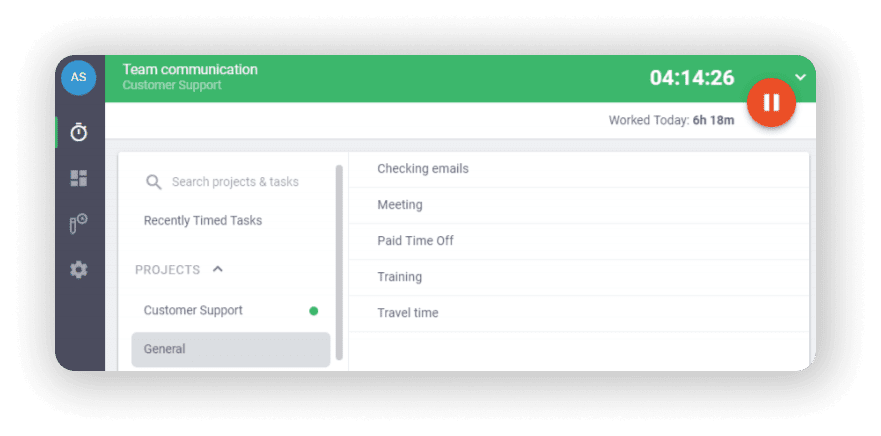
In automatic mode, Time Doctor can start tracking time when employees turn on or log into their work devices. This mode helps improve accuracy and reduces the need for manual edits or forgotten time entries.
Both modes are designed to provide clear visibility for managers and employees while minimizing disruption to the workday.
2. Work schedules
Time Doctor’s work schedule feature allows managers to take complete control over employee schedules. They can use this feature to create schedules and track attendance for their employees.
To create a work schedule, simply:
- Export as a CSV file with all the users and date range.
- Add the employee name(s), email, employee ID, unique identifier, and date column.
- Import the CSV file back into the system.
Additionally, you can edit or remove schedules by simply exporting the file. The edited version will then overwrite the old one when imported again. You can also delete a shift by clicking the trash icon.

3. Payroll management
With Time Doctor’s payroll management feature, managing employee payroll and client invoices becomes simple.
You must activate the payroll feature first to use it. You can then configure it to:
- Select the employees you wish to add to the system.
- Select the date range in which the payment will be executed.
- Select the payment method (PayPal, ADP, Wise, and more).
- Define the pay rate for each employee or freelancer.
- Export the CSV file and upload it to the payment method for batch payments.

4. Productivity reports
Time Doctor tracks several data points related to employees activity. You can access a wide range of reports generated in real-time.
Here’s a quick look at these reports :
- Activity summary report: See active seconds, minutes, unproductive, manual, and mobile time for each employee over a selected time period.
- Attendance report: See if an employee is present, absent, partially absent, or late in real-time.
- Hours tracked report: View the total number of hours tracked by employees for any date range.
- Projects & tasks report: See the time spent on projects as well as individual tasks.
- Timeline report: Look at the time spent on tasks and breaks in a day or the whole week.
- Custom export report: Customize the fields you’d like to include in one single report.
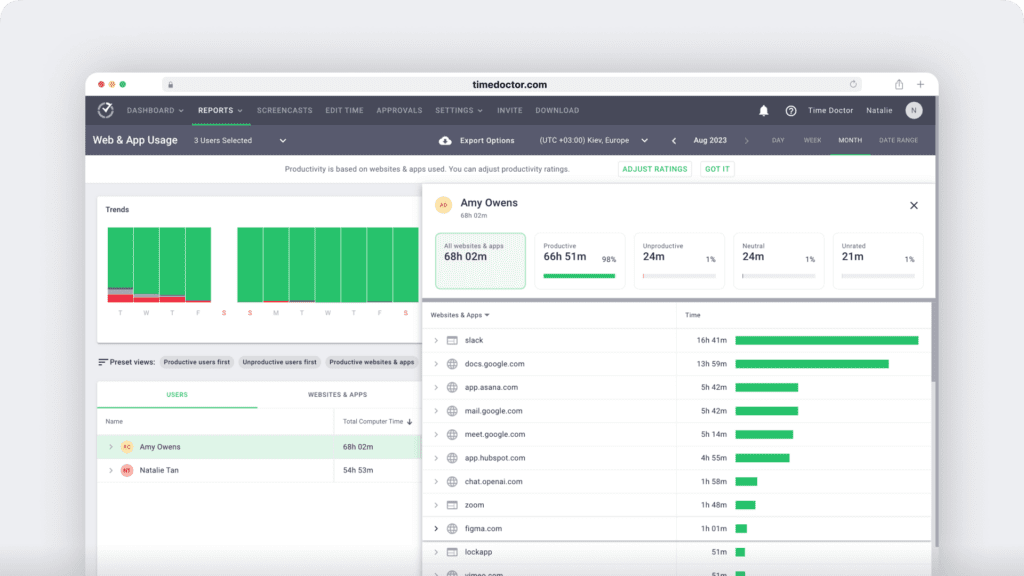
- Web and app usage report: View the time spent by an employee on each app and website during work hours.
Pricing
Time Doctor offers a 14-day free trial without any credit card requirement. Its basic plan starts at $6.70/user per month.
User ratings
- G2: 4.4/5 (420+ reviews)
- Capterra: 4.5/5 (540+ reviews)
2. Hubstaff
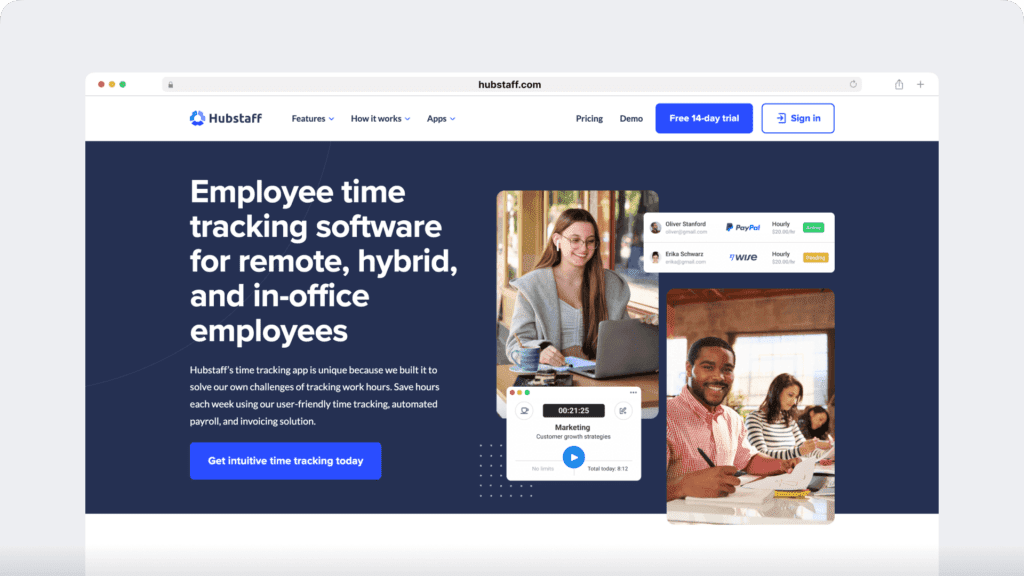
Hubstaff provides time tracking for distributed, hybrid, and field teams, with productivity metrics, GPS-based location features, and payroll capabilities.
Key features
- Time tracking and online timesheets for projects and tasks.
- Screenshots while tracking time.
- Activity levels based on keyboard and mouse movement, with idle-time prompts and handling.
- GPS and geofenced time tracking through the mobile app, including routes and location history.
- Payroll automation with manual or automatic payments.
- Integrations with 30-plus tools.
- Cross-platform apps for Windows, Mac, Linux, iOS, Android, and a browser extension.
- Reports and filters for applications, URLs, activity, idle time, and work sessions.
Check out our article on Hubstaff vs. Time Doctor for a detailed comparison.
Pricing
Offers a free limited plan available for a single user. Paid plans start at $4.99/user per month.
User ratings
- G2: 4.5/5 (1496+ reviews)
- Capterra : 4.6/ 5 (1580+ reviews)
3. Timely
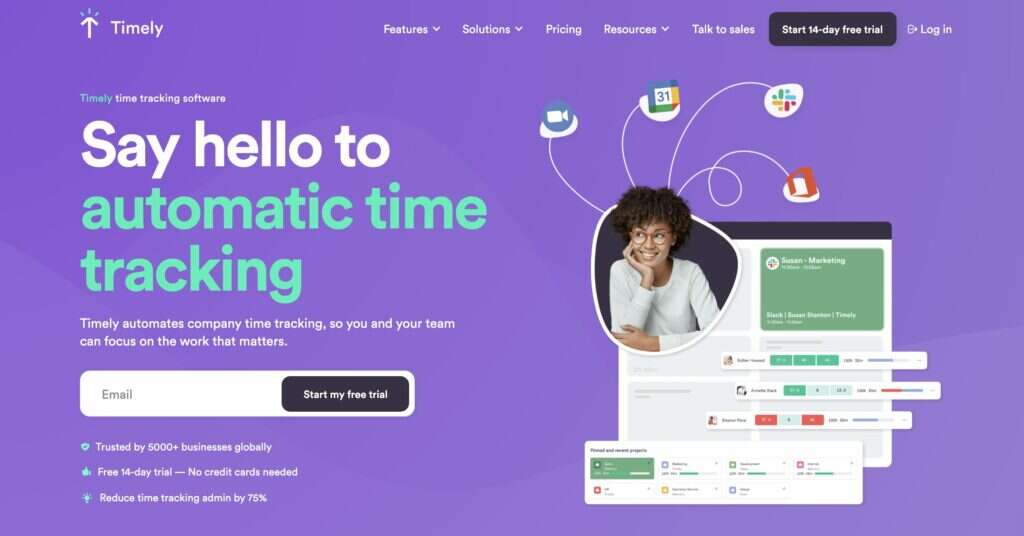
Timely is a time tracker and attendance management software that uses AI to automatically track every website and app you use.
Key features
- Automates time tracking to eliminate human error in tracking.
- Detailed timesheet generation to carry out billing, invoicing, and payroll.
- Stay updated on project progress through automated notifications.
- Provides a bird-eye view of team members with dashboards, calendars, and reports.
- Offers integration with popular applications, including Harvest and Quickbooks.
Pricing
Paid plans start at $10/user per month.
User ratings
- G2: 4.8/5 (180+ reviews)
- Capterra: 4.7/5 (200+ reviews)
4. Clockify

Clockify is an employee time tracking and attendance software that specializes in reporting on employee productivity and team performance.
Key features
- Simple attendance check-ins and easy-to-use procedures for time tracking.
- Overtime notifications to help managers track who is going over scheduled hours.
- GPS tracking to keep up to date with on-field as well as remote teams.
- Track project time and budget for efficient project management.
- Can export reports, invoices, and timesheets as PDF files to send to clients.
Check out our Clockify review for an in-depth look.
Pricing
Paid plans start at $4.99 per month. A free limited plan is available.
User rating
- G2: 4.4/5 (90+ reviews)
- Capterra: 4.7/5 (1500+ reviews)
5. Calamari
Calamari is a time tracking and attendance management app suitable for small businesses that helps keep the attendance register up to date.
Key features
- Reminders to let employees know when to start the day’s work.
- QR code scanner for additional attendance taking.
- Absence calendars to track vacation, days off, or remote work in shared calendars.
- Syncs PTO for you to access leave days, time off, and more from the app.
- Integrates with online tools like Slack, Jira, and Asana.
Pricing
Leave management plans start at $2/month per employee and the clock-in/clock-out option starts at $2.5/month per employee.
User rating
- G2: 4.5/5 (10+ reviews)
- Capterra: 4.7/5 (300+ reviews)
6. Harvest
Harvest is a time tracking and attendance management software suitable for businesses of all sizes.
Key features
- Custom time reports that can be exported to third-party analysis tools like Microsoft Excel.
- Offers offline and online time trackers for accurate time tracking and attendance.
- Photo capturing functionality to assist accountants in maintaining a receipt database.
- Reminders for employees to submit a timesheet in time.
- Supports Stripe and Paypal integrations for speedy payments.
Read more about Harvest in this comprehensive guide.
Pricing
Offers a limited free plan for a single seat. Paid plans start at $12/seat per month.
User rating
- G2: 4.3/5 (720+ reviews)
- Capterra: 4.5/5 (450+ reviews)
7. DeskTime
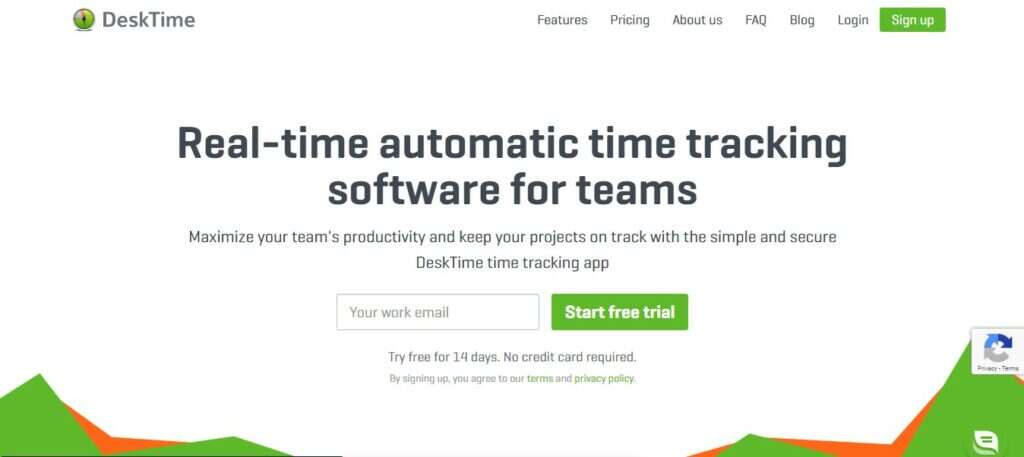
DeskTime is an employee attendance tracking app that generates a time and attendance sheet for easy invoicing, expense tracking, and more.
Key features
- Pomodoro Timer to boost productivity by reminding employees to take breaks.
- Private time feature to allow employees to take a digital time out.
- Simple and easy-to-generate invoices for calculating final costs and bills.
- A mobile app to track time when away from the desktop.
- Integrates with productivity apps like Google Docs, Google Sheets, Word, and Excel.
Read our in-depth comparison on DeskTime vs. Time Doctor.
Pricing
Offers a free plan with limited functionalities. Paid plans start at $7/user per month.
User rating
- G2: 4.7/5 (20+ reviews)
- Capterra: 4.5/5 (230+ reviews)
8. Connecteam
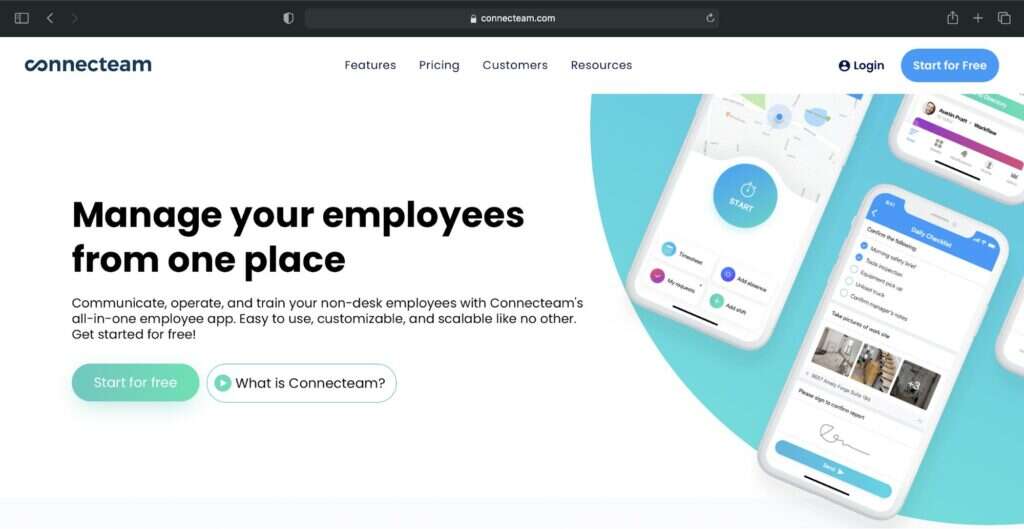
Connecteam is a simple workforce and attendance management app that helps managers efficiently manage their team from anywhere at any time.
Key features
- GPS time clock to manage on-field employees
- Kiosk attendance tracker app that enables employees to log in from a single location with a personalized pin.
- Forms and checklists to keep supervisors updated on project progress.
- Shift information can be added in the form of notes, pictures, and videos.
- Sends notifications for employee absence and PTO requests.
Pricing
Offers a plan for up to 50 users. Paid plans start at $47/month.
User rating
- G2: 4.1/5 (20+ reviews)
- Capterra: 4.8/5 (13+ reviews)
9. factoTime
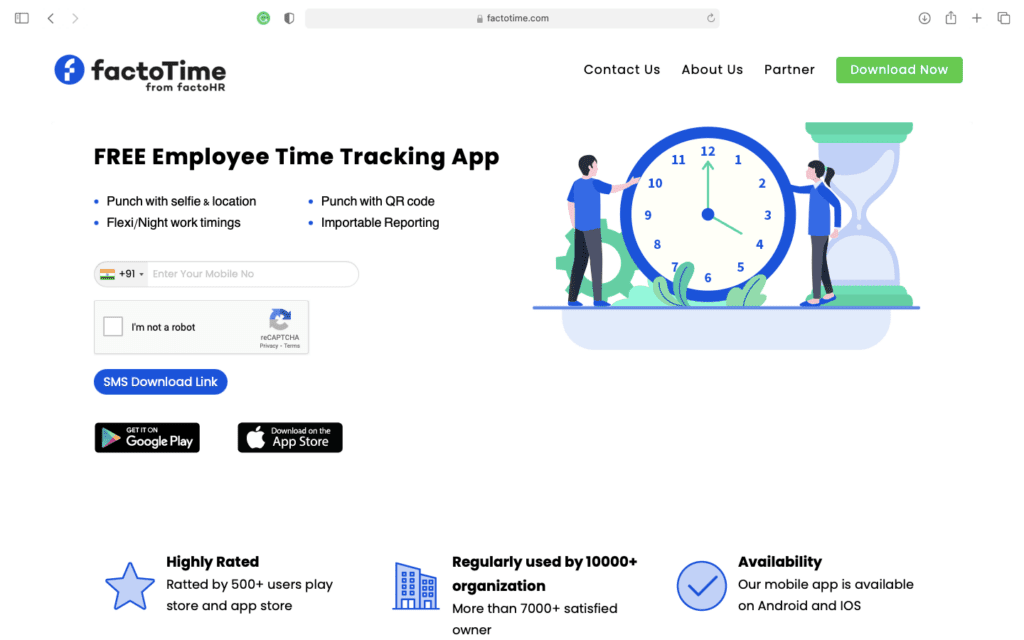
factoTime is a mobile-based employee attendance tracker that uses a three-step punch-in system for employee clock-in.
You can download their iOS and Android apps available on Google Play Store and Apple App Store.
Key features
- Captures employee locations when they punch in from a work site.
- QR code punch-in to prevent time theft.
- Registered device sign-in only to avoid buddy punching.
- GPS location based attendance tracker for more accurate attendance and time tracking reports.
- SMS download link for quick and easy download.
Pricing
factoTime is a free-to-use app.
User ratings
- G2: N/A
- Capterra: N/A
10. Harpoon
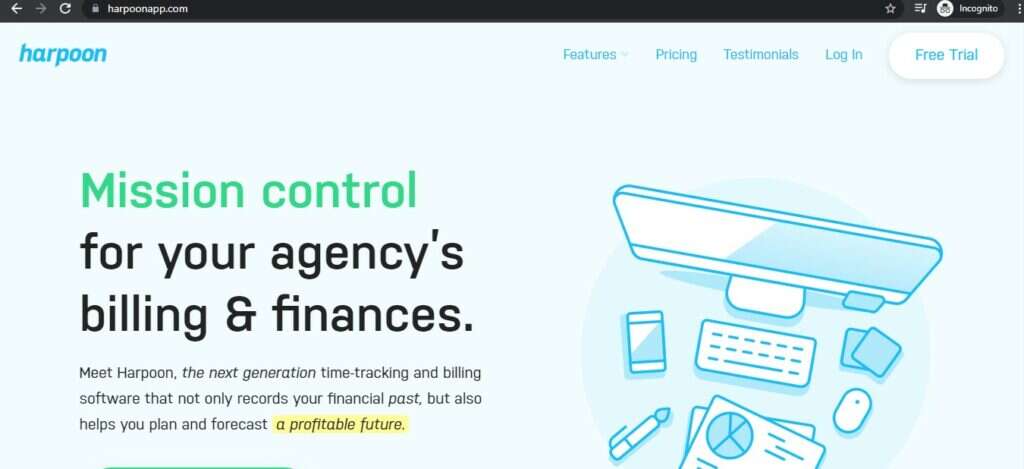
Harpoon is a billing, time tracking, and employee attendance app suitable for freelancers. You can set financial goals, invoice your clients, track your revenue, and more.
Key features
- One-click timers for simple pause-and-play time tracking.
- Set maximum weekly working hours for each team member to avoid burnout.
- Can automatically generate an hours budget to control labor costs.
- Accurate employee productivity data optimize overall productivity levels and increase profit.
- Offers a desktop app for Mac.
Pricing
Plans start at $19/month for two users. It also offers a no-credit-card free trial.
User rating
- G2: N/A
- Capterra: N/A
Now, these are some amazing tools that can make tracking attendance super easy.
But why do you need a daily attendance app in the first place?
Let’s take a quick look at the advantages of using attendance tracking software.
Why should you use a daily attendance app?
Here are some major benefits of using a daily attendance app:
- Easier shift scheduling: Shift scheduling helps managers and business owners manage their employees better through a daily attendance sheet, time-off tracking, and work schedules system.
- Workflow automation: These software can help track attendance and working hours, compile a timesheet and generate reports to save time that otherwise would’ve been spent on tedious paperwork or spreadsheet tools.
- Easy payroll management: Automatic timesheet and reports generation helps streamline the payroll process.
- Accurate wage calculation and billing: The risk of human error in calculation can lead to financial loss and disgruntled employees. Using time tracking and attendance management software can significantly diminish this risk.
- Better forecasting and estimates: Tracked time and attendance data can help you make better financial decisions and allocate resources smartly.
Final words
Using an attendance tracking app for your business can not only reduce manual work but also help in efficient shift scheduling and resource allocation.
Go through the list of tools mentioned above to pick the one that suits your needs best.
Clearly, Time Doctor stands out as an all-in-one solution with its nifty features like time tracking, comprehensive productivity reports, employee scheduling, and more.
So why not sign up for Time Doctor for hassle-free attendance management?