Want to find the best Yaware alternatives?
At first, Yaware TimeTracker seems like a capable employee monitoring solution.
However, on closer inspection, you’ll notice it has a lot of limitations.
For starters, this tool from Yaware.com doesn’t allow teams to track time manually. Nor does it prevent your employees from browsing social media at work. Additionally, it can calculate your employee’s salaries, but it doesn’t have the features to manage your payroll.
That’s why this article highlights the 7 best Yaware alternatives available today. We’ll take a look at their key features, pricing, and user ratings for each software to help you make the right choice.
Table of Contents
- 5 features to look for in Yaware alternatives
- Top 7 alternatives to Yaware timetracker
- 2. Tsheets
- 3. Hubstaff
- 4. RescueTime
- 5. Everhour
- 6. Replicon
- 7. Payhero
Let’s begin.
5 features to look for in Yaware alternatives
While looking for an alternative for Yaware TimeTracker, you might get lost in a sea of productivity tools.
To narrow down your search and make it easier to spot the best options, look for these five features:
1. Ease of time tracking
Your time tracking software should allow you to effortlessly track the time your employees spend on work.
But why?
If the software is too complex, it will take your team ages to figure out how to use it to track time. This might even hurt your staff’s productivity as they’re bogged down by learning a new tool instead of actually working.
Make sure that your time tracking application has the following characteristics:
- Quick setup procedure
- A visual display that’s easy to understand
- Simple manual or automatic time tracking system
Since your employees might be using different systems, it should also be able to track time on multiple platforms like Windows, Mac OS, Linux, Android, iOS, etc.
2. Comprehensive reports
Project management software can do a whole lot more than merely managing your team. They can give your team members and freelancers a productivity boost.
How can this be done?
These software can measure your team’s performance with powerful reports. These reports can show your team members when they are the most and least productive.
A few sample reports include:
- Daily/Monthly work hours
- Productive and idle time
- Web activity or usage
You should also be able to share your reports with clients and remote employees if necessary for added transparency.
3. Timesheet management
A good Yaware TimeTracker alternative shouldn’t merely capture the hours spent on work. It should also compile all the time tracked into neat timesheets.
Timesheets are essential in answering the following questions:
- Which remote employees are working today?
- How many hours were spent on this project?
- How much should you pay your freelancers?
- How much should you bill your clients?
To sum it up, a timesheet generally comes in handy when invoicing your clients, or managing your payroll.
4. Data security
In order to monitor your employees, a time tracking software can take screenshots and capture their browsing history.
That’s why most of your team members might be anxious to install a tracking tool on their system.
They might have a few concerns regarding security, such as:
- The tool monitors them after work hours.
- Other employees have access to their browsing data.
- Their passwords and screenshots falling into the wrong hands.
To put your team at ease, you should carefully inspect all the Yaware alternatives before choosing the right one. Ensure that they don’t have any feature that can put your data in jeopardy like keyloggers.
5. Integrations
Chances are that your team isn’t just using a time tracker at work.
They might be using a host of other project management software ranging from CRM tools, real time communication apps, and more.
Wouldn’t it be great if all of these tools were connected?
It would make it way easier to streamline your workflow, as well as manage your staff’s productivity across multiple platforms.
While looking for an alternative for Yaware TimeTracker, spend time to visit the website of the software to see what integrations it offers. If your time tracker can integrate with the other tools you use, you can seamlessly monitor productivity across your workplace apps – keeping your team super-productive!
Top 7 alternatives to Yaware timetracker
Now that you know what to look for in Yaware alternatives, let’s take a look at 7 of the best tools out there:
1. Time Doctor
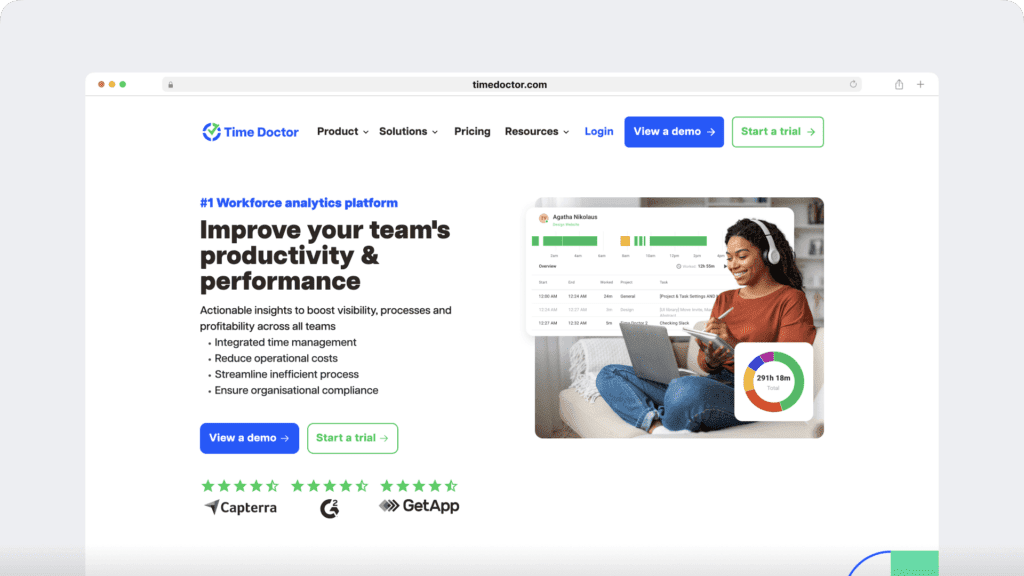
Time Doctor is a workforce analytics platform that gives leaders and employees real-time insights into time use, focus, and workload balance. Instead of quietly tracking people in the background, it makes productivity data transparent and accessible—so everyone can see what’s working, spot issues early, and have fair, data-backed conversations.
Time Doctor lets you:
- Track how long employees spend on tasks and projects with accurate, down-to-the-second time tracking
- Give managers clear, real-time visibility into work patterns without hovering or micromanaging
- Surface productivity, focus, and work-life balance trends to prevent burnout and capacity issues
- Generate audit-ready timesheets and automate payroll and client billing
- Empower employees with transparency into their own time data so they can self-manage and improve
Time Doctor also has a mobile app that supports on-the-go time tracking and productivity insights for Android devices.
Let’s look at a few features that make Time Doctor the ultimate Yaware TimeTracker alternative:
A. Interactive time tracking
With Time Doctor, you guide your team to track work hours in real time using the desktop app, mobile app, or Chrome extension. Time links to projects and tasks, so every entry has context for reviewable timesheets.
- Start or stop a task timer to record work as it happens
- Switch tasks to keep entries precise and tied to deliverables
- Assign task lists for your team or approve from an approved catalog
- View daily and weekly totals that roll into timesheets for approval
- See a timeline of work periods and breaks to spot gaps or overlaps
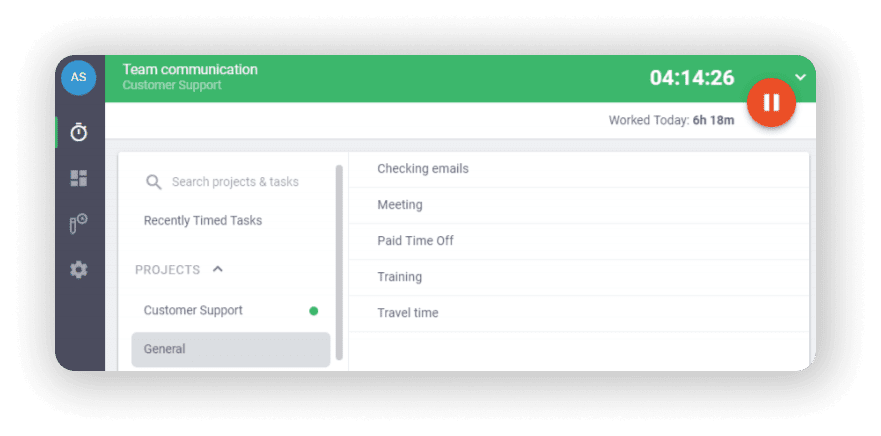
Note: Admins and managers have the ability to enable Time Doctor’s automatic time tracking feature for their teams and remote teams.
B. Productivity reports
Time Doctor tracks several data points related to employees activity. You can access a wide range of reports generated in real-time.
Here’s a quick look at these reports :
- Activity summary report: See active seconds, minutes, unproductive, manual, and mobile time for each employee over a selected time period.
- Attendance report: See if an employee is present, absent, partially absent, or late in real-time.
- Hours tracked report: View the total number of hours tracked by employees for any date range.
- Projects & tasks report: See the time spent on projects as well as individual tasks.
- Timeline report: Look at the time spent on tasks and breaks in a day or the whole week.
- Custom export report: Customize the fields you’d like to include in one single report.
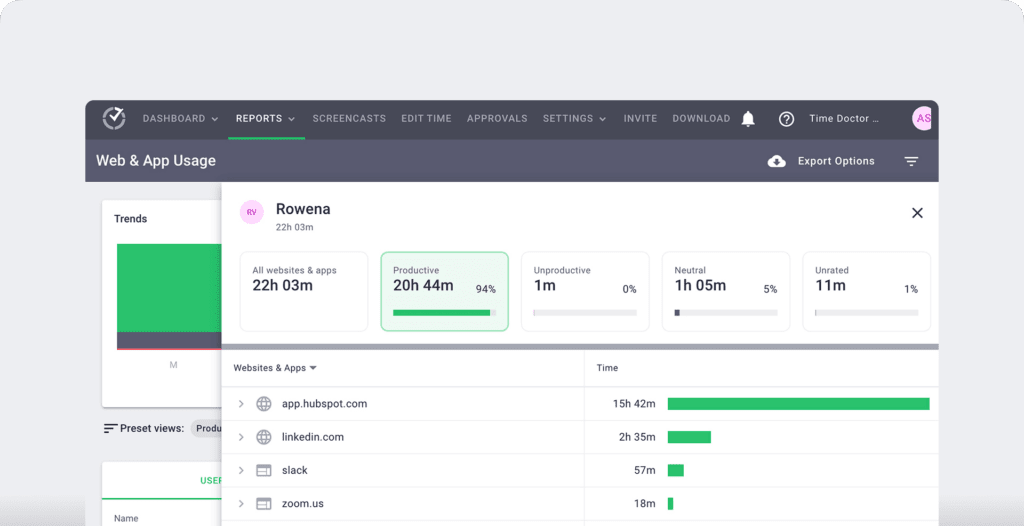
- Web and app usage report: View the time spent by an employee on each app and website during work hours.
C. Idle time tracking
Time Doctor measures idle time (periods without keyboard or mouse activity) to help teams understand focus patterns and potential productivity blockers.
- Idle time is measured in idle seconds and idle minutes
- You can configure when idle time should start counting and set limits that make sense for different roles
Instead of silently recording behavior, Time Doctor can display a gentle idle time pop-up when someone has been inactive for too long—nudging them to either refocus or take a break. This helps reduce unintentional time drift and supports more accurate timesheets.

This design helps organizations balance accountability with privacy and trust.Moreover, you can set how long the timer can run without any activity. Once it reaches the limit, the tracker automatically stops tracking time and displays an idle time pop-up. This pop-up alerts employees to focus on their tasks.
D. Payroll
Time Doctor lets you generate payroll at any point in time for any employee. It takes your paid leaves and other absence into account via automated timesheets to give accurate payroll data.
You can then easily export the payroll as a CSV file and import it into your preferred payment method.
This workforce analytics software allows you to:
Access Time Doctor on computers, tablets, and mobiles to track time online and off and upload it to your preferred payment website, or make a manual payment.
- Customize payroll with optional pay periods and currencies
- Integration with Paypal, Payoneer, and others that you already use
- Automate timesheets and upload them for batch payments and bulk billing
- Set up payroll for salary or hourly employees
- Manually approve timesheets or set them for automatic approval

F. Integrations
E. Chrome extension and integrations
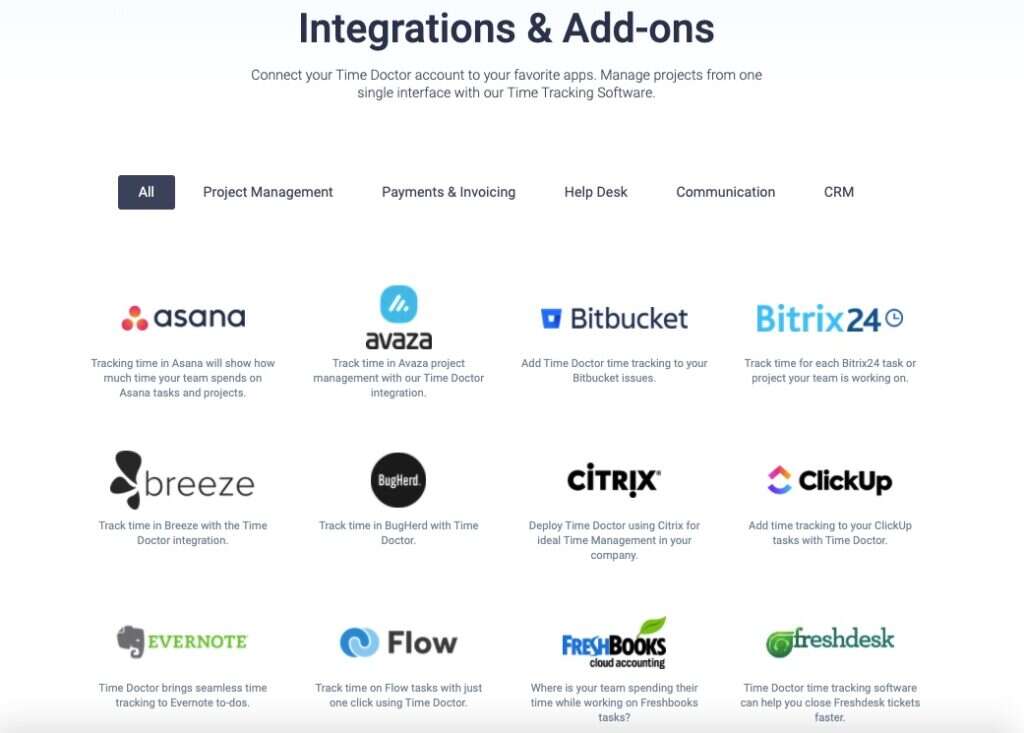
Time Doctor’s powerful Chrome Extension integrates with 60+ tools that include project management, helpdesk, accounting software, and more.
For example, Time Doctor integrates easily with tools like Asana and Jira.
You can even add time tracking to tasks you’ve created on tools like ClickUp. As a result, you can help your team avoid wasting time and work more efficiently.
Pricing
Time Doctor offers 3 plans
- Basic – $6.70 per user/month (billed yearly)
- Gain instant visibility into your remote or hybrid workforce.
- Standard – $11.70 per user/month (billed yearly)
- Monitor productivity trends and identify early signs of disengagement.
- Premium – $16.70 per user/month (billed yearly)
- Detect burnout risks before they impact performance and the bottom line.
Time Doctor also offers a 14-day free-trial; no credit card required.
User ratings
- G2: 4.4/5 (420+ reviews)
- Capterra: 4.5/5 (540+ reviews)
2. Tsheets

Tsheets is an easy-to-use employee tracker and productivity tool with a great number of features. However, it comes with a relatively hefty price tag.
Key features
- Real time interactive reports for project management and payroll.
- Employee scheduling feature for easy workforce management.
- Time clock kiosk for desktop, iPhone, and iPad.
- Overtime alerts to stay up to date with labor expenses.
- Useful integrations for popular payroll and accounting software.
Pricing
Tsheets offers two tiers:
- Premium: $20 base fee per month + $8/month/user
- Elite: $40 base fee per month + $10/month/user
Customer ratings
- G2: 4.5/5 (1000+ reviews)
- Capterra: 4.7/5 (5000+ reviews)
3. Hubstaff

Hubstaff provides time tracking for distributed, hybrid, and field teams, with productivity metrics, GPS-based location features, and payroll capabilities.
Key features
- Time tracking and online timesheets for projects and tasks.
- Screenshots while tracking time. No keystroke logging. App and URL tracking are optional and off by default.
- Activity levels based on keyboard and mouse movement, with idle-time prompts and handling.
- GPS and geofenced time tracking through the mobile app, including routes and location history.
- Payroll automation with manual or automatic payments, supporting payment providers.
- Integrations with 30-plus tools.
- Cross-platform apps for Windows, Mac, Linux, iOS, Android, and a browser extension.
- Reports and filters for applications, URLs, activity, idle time, and work sessions.
Pricing
Hubstaff offers a free plan with limited features and 3 paid plans:
- Free: time tracking with limited screenshots.
- Starter: $4.99/month per user
- Grow: $7.50/month per user
- Team: $10.00/month per user
- Enterprise: $25.00/month per user
Customer ratings
- G2-4.5/ 5 (1496+ reviews)
- Capterra – 4.6/ 5 (1580+ reviews)
For a closer look at Hubstaff, check out our detailed Hubstaff review.
4. RescueTime
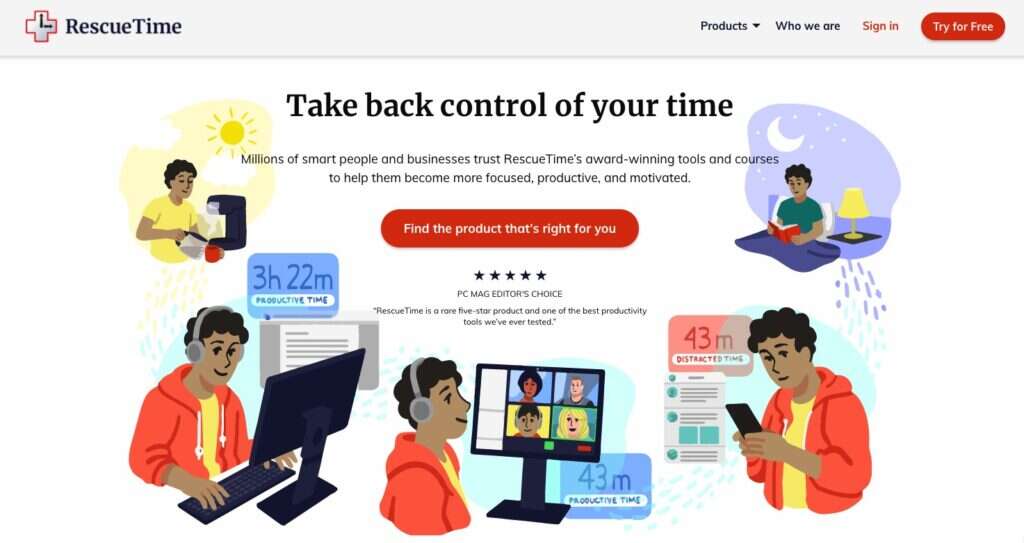
Rescue Time is an automatic time tracking tool that monitors what websites and apps you use during work hours.
Key features
- Track software usage during work hours.
- Offline time tracking can be done manually.
- Increase performance by setting productivity goals.
- Block distracting websites and social media for a few hours.
- Weekly productivity report emails that show time spent on productive and distracting websites.
Pricing
- Free plan: only includes limited features like time tracking and reports.
- Solo plan: $6.50/month
- Teams: $9/month/user
Customer ratings
- G2: 4.1/5 (50+ reviews)
- Capterra: 4.6/5 (100+ reviews)
Curious about Rescue Time? Read our detailed review here.
5. Everhour
Everhour is an all-in-one time management software for budgeting, invoicing, and payroll. Unfortunately, it only offers an iOS app and doesn’t support Android.
Key features
- Ability to switch from automatic time tracking to manual.
- Track time for tasks and smaller subtasks.
- Project profile lets you see if your team is using time and resources efficiently.
- Prevent your team from overworking by adding weekly time limits.
- Chrome extension integrates with project management tools like Asana, Trello, ClickUp, etc.
Pricing
Everhour offers 3 plans:
- Free plan: suited for small teams (up to 5) or freelancers.
- Basic plan: $5/month/user – for teams more than 5.
- Enterprise plan: price on request.
Customer ratings
- G2: 4.7/5 (50+ reviews)
- Capterra: 4.7/5 (250+ reviews)
6. Replicon
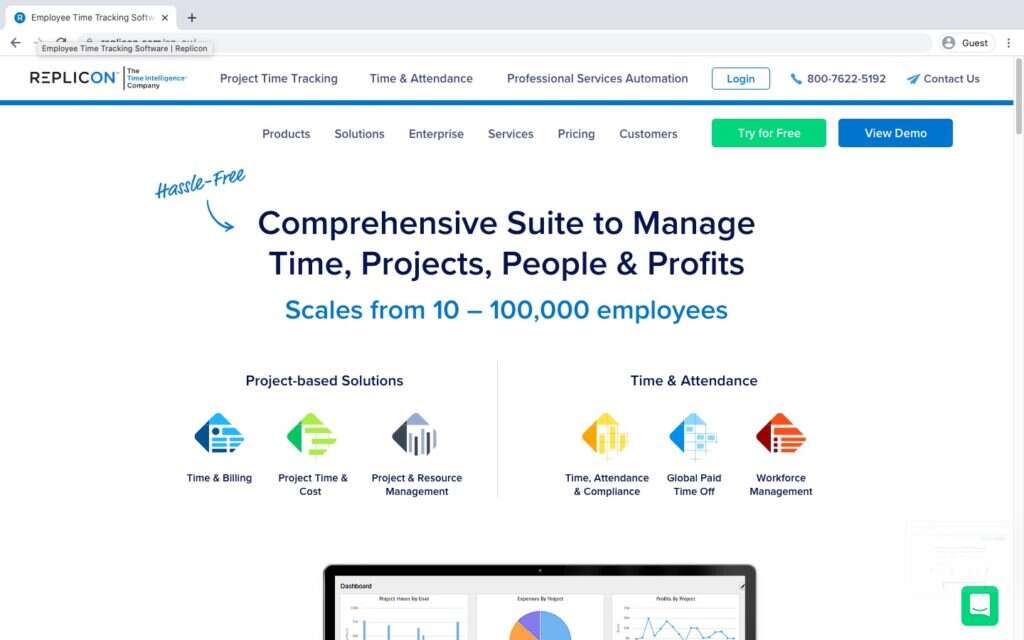
Replicon is a software suite that offers tons of tools for time tracking, project management, billing, and more. While it’s a powerful tool, it’s also complicated to use and navigate.
Key features
- Can create a unique template for each timesheet.
- Analytics dashboard that displays business metrics like top billable clients, employee time, etc.
- Crew feature allows for easy workforce management.
- Web-based software that can be accessed on Windows, Mac OS, iPhone, iPad, or any other mobile device.
Pricing
Replicon offers 3 packages geared towards large, medium, and small business owners:
- Quick start package: $19/month/user.
- Plus package: $63/month/user.
- Enterprise package: by quote.
Customer ratings
- G2: 4.2/5 (450+ reviews)
- Capterra: 4.6/5 (500+ reviews)
7. Payhero
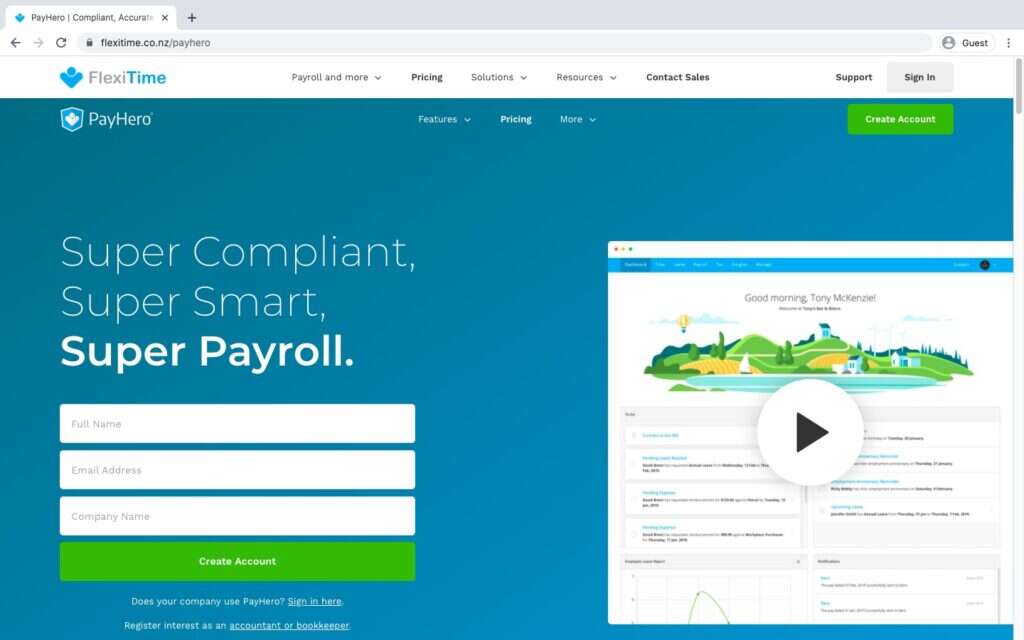
Payhero is a timesheet and payroll solution from the SaaS company Flexitime. However, this software is more suited for small business owners.
Key features
- Photo time clock app accurately captures when your employees clock in and out.
- Quick leave management system that saves you and your employees’ time.
- Supports manual timesheet entry for HR and admins.
- Real time expense claim feature to capture your receipts from your mobile device.
- Feature-rich time tracking application for Android and iOS, which includes timesheets and GPS tracking.
Pricing
Flexitime offers just one monthly plan for Payhero that costs USD $26 for 20 payslips and every other feature.
Customer ratings
- G2: NA
- Capterra: NA
Conclusion
Sure, Yaware TimeTracker is a decent employee time tracking software.
However, when it’s compared to other time tracking tools, Yaware doesn’t seem to stick out from the crowd.
Each of the tools we highlighted here has something great to offer you in terms of monitoring employee productivity.
However, there’s one clear leader among the pack.
With its comprehensive time tracking, reporting, and data security features, Time Doctor is the only tool you’ll ever need.
So why not sign up for our 14-day free trial, and elevate your team’s productivity today?