Tracking time lets staffing companies monitor employee productivity, individual capacity, and most importantly, ensure their employees aren’t under or overpaid.
However, manual methods like Excel timesheets can result in poor timekeeping and non-compliance with government payroll requirements. This can also lead to fines, back payments, and penalties.
That’s why you should use a time tracking tool.
But with hundreds of tools available today, which one should you choose?
In this article, we’ll cover 10 time tracking tools for staffing companies with their key features, pricing, and user ratings. Also, learn the five key benefits of tracking time for staffing companies.
Table of Contents
- Top 10 time tracking tools for staffing companies
- 2. HiveDesk
- 3. On-Time Web
- 4. QuickBooks Time
- 5. Hubstaff
- 6. Toggl Track
- 7. OnTheClock
- 8. ClockShark
- 9. ClickTime
- 10. Tempus
Let’s get started.
Top 10 time tracking tools for staffing companies
A staffing or recruiting agency is an organization that fulfills the staffing needs of companies based on their skills requirements. In simpler terms, it acts as a middleman between employers and employees.
And to ensure that the agents are working diligently and getting paid fairly, it’s important to track time accurately.
Now let’s look at the 10 best time tracking solutions for staffing agencies:
1. Time Doctor
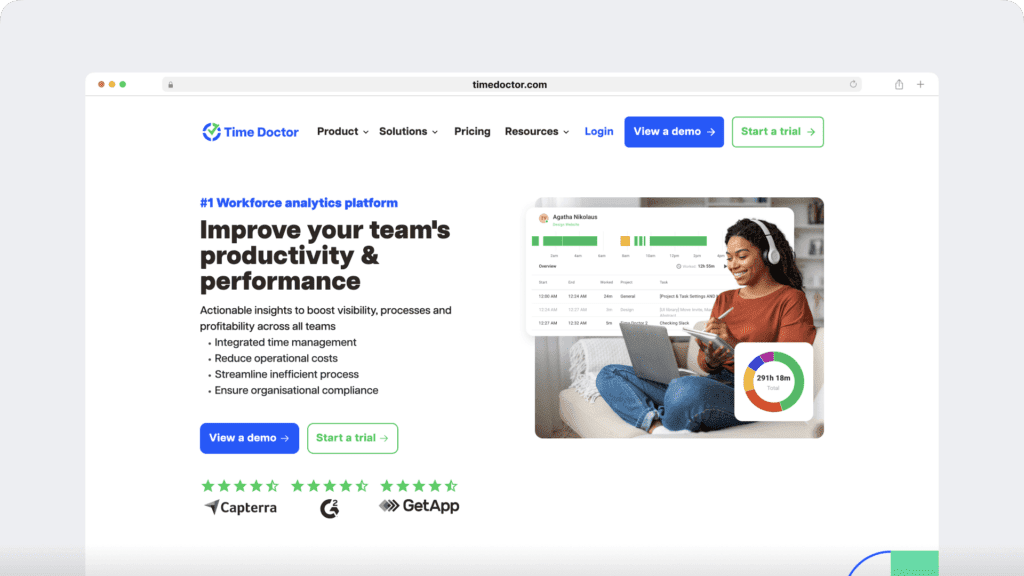
Time Doctor is a workforce analytics platform that empowers managers with the visibility to lead with trust, not control. Mid-market companies and growing SMBs use it to gain real-time visibility into work, support employee well-being, and continuously improve productivity across remote, hybrid, and in-office teams.
Key features
Here’s a detailed look at some of Time Doctor’s most powerful features:
A. Simple time tracking
Time Doctor is a workforce analytics platform that gives you flexible time tracking so employees can record their hours in a way that fits how they work. The platform captures work activity in real time and transforms it into clear visibility for teams, helping leaders understand how work happens while keeping the experience simple for employees.
In manual/interactive mode, employees simply open the app, select their current task, and start the timer. Time Doctor runs in the background and tracks the apps and websites used during work. When they’re finished or want to take a break, they can stop the timer with a single click.
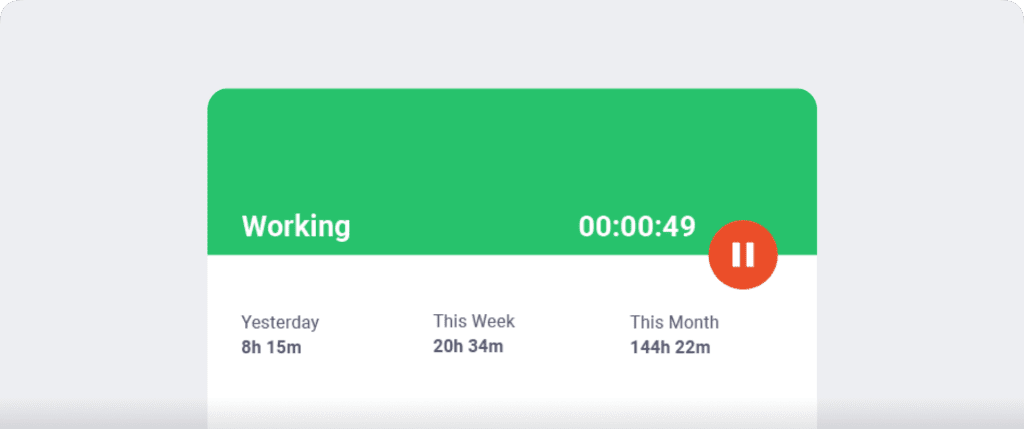
In automatic mode, Time Doctor can start tracking time when employees turn on or log into their work devices. This mode helps improve accuracy and reduces the need for manual edits or forgotten time entries.
Both modes are designed to provide clear visibility for managers and employees while minimizing disruption to the workday.
B. Idle time tracking
Time Doctor measures idle time (periods without keyboard or mouse activity) to help teams understand focus patterns and potential productivity blockers.
- Idle time is measured in idle seconds and idle minutes
- You can configure when idle time should start counting and set limits that make sense for different roles
Instead of silently recording behavior, Time Doctor can display a gentle idle time pop-up when someone has been inactive for too long—nudging them to either refocus or take a break. This helps reduce unintentional time drift and supports more accurate timesheets.
This design helps organizations balance accountability with privacy and trust.Moreover, you can set how long the timer can run without any activity. Once it reaches the limit, the tracker automatically stops tracking time and displays an idle time pop-up. This pop-up alerts employees to focus on their tasks.

Note: Time Doctor isn’t a keystroke logger. It only checks if there’s any mouse or keyboard activity.
C. Screencasts (Optional)
The screencasts feature helps you verify whether employees in your staffing company are working on the assigned task or not by taking screenshots of your employees’ work screens.
This way, you’ll also be able to gain useful insights into employee time and computer use.

Note: To protect employee privacy, Time Doctor lets you blur or delete screenshots with sensitive data like passwords.
D. Productivity reports
Time Doctor tracks several data points related to employees activity. You can access a wide range of reports generated in real-time.
Here’s a quick look at these reports :
- Activity summary report: See active seconds, minutes, unproductive, manual, and mobile time for each employee over a selected time period.
- Attendance report: See if an employee is present, absent, partially absent, or late in real-time.
- Hours tracked report: View the total number of hours tracked by employees for any date range.
- Projects & tasks report: See the time spent on projects as well as individual tasks.
- Timeline report: Look at the time spent on tasks and breaks in a day or the whole week.
- Custom export report: Customize the fields you’d like to include in one single report.
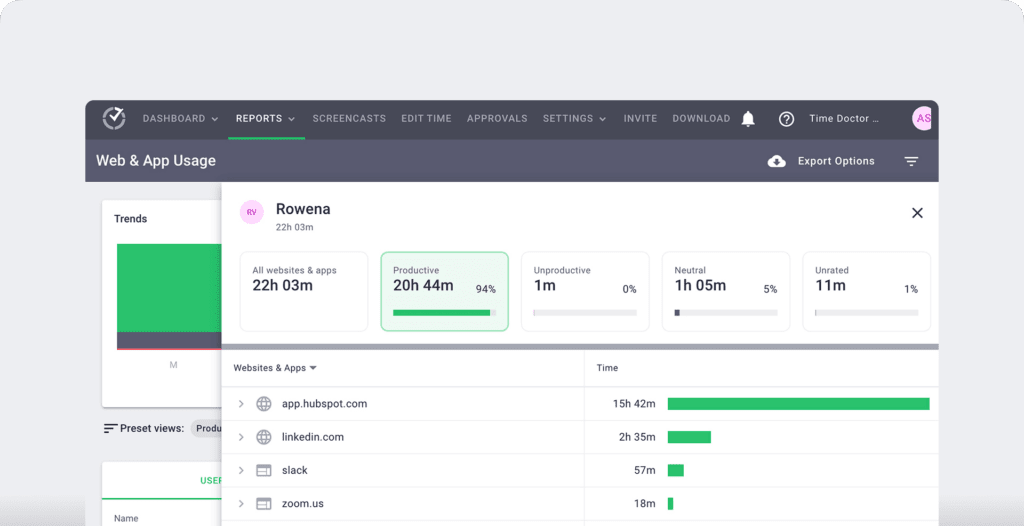
- Web and app usage report: View the time spent by an employee on each app and website during work hours.
E. Payroll management
Time Doctor payroll management feature lets staffing companies calculate billable hours and generate payroll based on the time tracking data. This can help your company build a credible reputation with clients.
With this feature, you can:
- Automate timesheets to pay your employees regularly.
- Approve a timesheet manually or automatically.
- Customize your staffing company’s payroll system with options to edit each employee’s payment currency, pay rate, and payment method.
- Integrate with payroll software like Paypal and Wise.
- Export your payroll as a CSV file and make batch payments by uploading it to PayPal, Wise, or Gusto.

F. Chrome integrations
Time Doctor’s powerful Chrome Extension integrates with 60+ tools that include project management, helpdesk, accounting software, and more.
For example, Time Doctor integrates easily with tools like Asana and Jira.
You can even add time tracking to tasks you’ve created on tools like ClickUp. As a result, you can help your team avoid wasting time and work more efficiently.
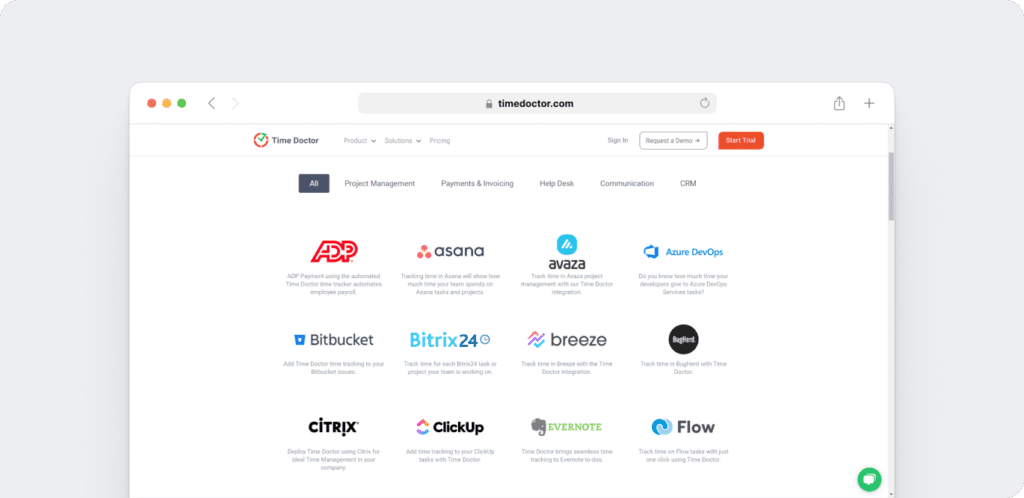
Check out other tools you can integrate with Time Doctor.
Also, read about other features of this powerful tool.
Pricing
Time Doctor’s basic plan starts at $6.70/user per month. It also supports a 14-day free trial that doesn’t require any credit card information.
User ratings
- G2: 4.4/5 (420+ reviews)
- Capterra: 4.5/5 (540+ reviews)
2. HiveDesk
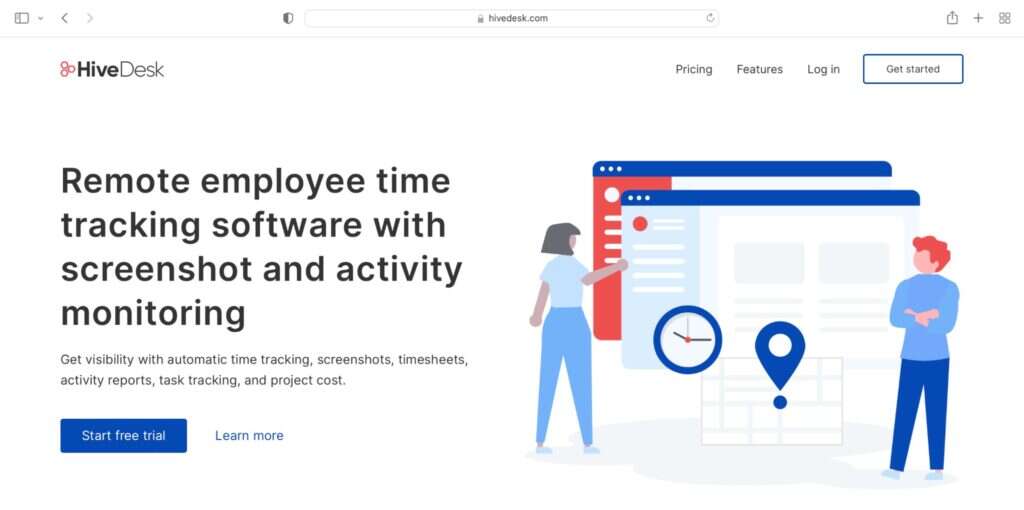
HiveDesk is time tracking software for staffing agencies that helps maximize billable hours and profitability with timesheets, reports, and cost tracking.
Key features
- Online timesheets to save employee time spent on filling timesheets.
- Dashboard to view the time logged by each employee for each project and client.
- Use screenshots as proof of work.
- Track which employees are working actively with activity reports.
- Set a default pay rate for each employee.
Pricing
HiveDesk offers a 14-day free trial. Paid plans start at $25/month for up to five users and one admin.
User ratings
- G2: N/A
- Capterra: 4.4/5 (20+ reviews)
3. On-Time Web
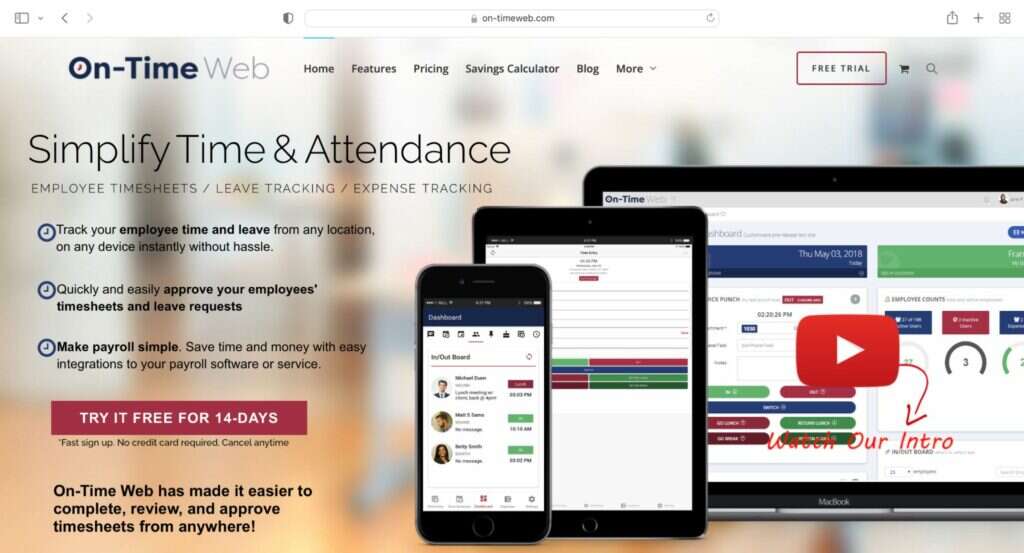
On-Time Web is cloud-based time tracking software that allows staffing agencies to focus on important tasks by gathering accurate, real-time punches from anywhere.
Key features
- Accurate time entry through your personalized website or on-site time clock.
- Easily approve employee timesheets and leave requests.
- Set default cost labels for employees for each industry.
- Quickly filter and create custom reports for any client.
- Use the mobile app to gather punches for on-field employees.
Pricing
On-Time Web plans start at $35/month for up to 24 employees. You can also try the 14-day free trial.
User ratings
- G2: 4.3/5 (10+ reviews)
- Capterra: 4.6/5 (10+ reviews)
4. QuickBooks Time
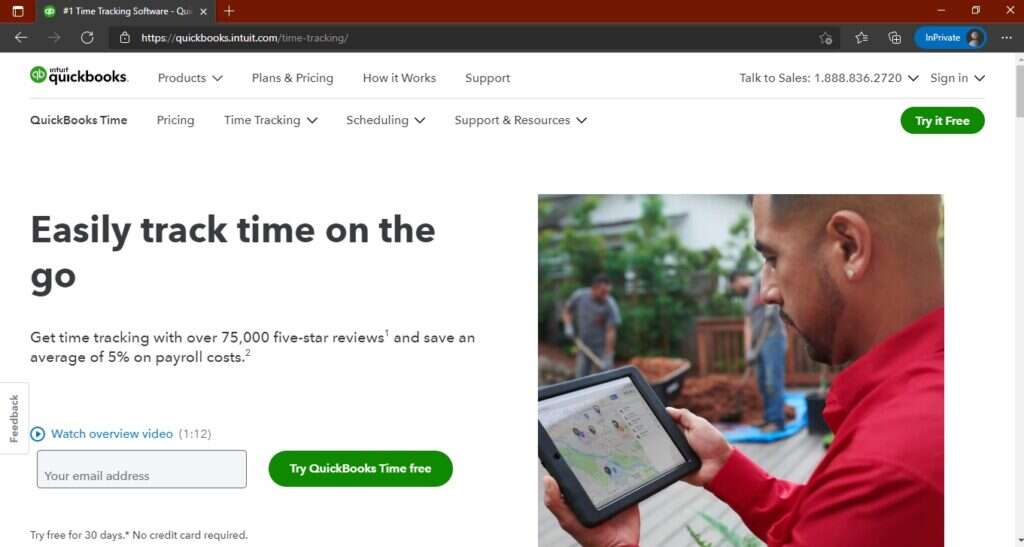
QuickBooks Time is a time tracking system suitable for remote employees, temporary employees as well as individuals who work from different locations.
Key features
- Track work hours for the entire team.
- Categorize tracked data by job, employee, or project and create intuitive client reports.
- Easy employee scheduling through a drag-and-drop interface.
- Email, text, and push notifications to alert about schedule changes.
- GPS tracking and geofencing for reminding employees to clock in when they arrive at a job site.
Read more about QuickBooks Time in this comprehensive review.
Pricing
Quickbooks Time plans start at $20/month. It also supports a 30-day free trial.
User ratings
- G2: 4.5/5 (1300+ reviews)
- Capterra: 4.7/5 (5500+ reviews)
5. Hubstaff
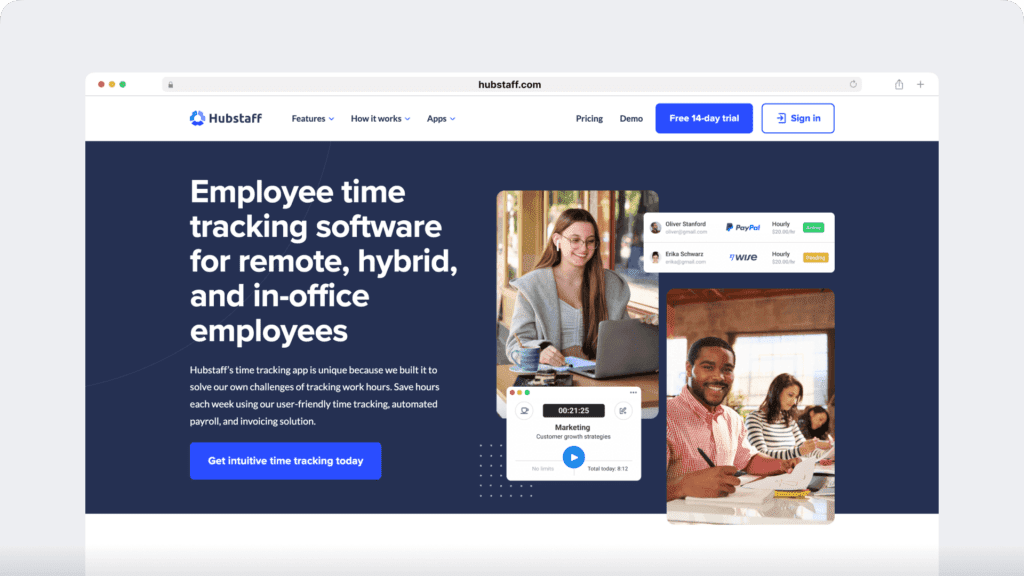
Hubstaff is an employee time tracking and task management tool that allows a staffing company to track their team’s time through timesheets, reports, and GPS tracking.
Key features
- Time tracking and online timesheets for projects and tasks.
- Screenshots while tracking time.
- Activity levels based on keyboard and mouse movement, with idle-time prompts and handling.
- GPS and geofenced time tracking through the mobile app.
- Payroll automation with manual or automatic payments.
- Integrations with 30-plus tools.
- Cross-platform apps for Windows, Mac, Linux, iOS, Android, and a browser extension.
- Reports and filters for applications, URLs, activity, idle time, and work sessions.
Pricing
Hubstaff supports a 14-day free trial. It also has a free plan with limited functionalities. Paid plans start at $4.99/user per month.
User ratings
- G2: 4.5/5 (1496+ reviews)
- Capterra: 4.6/ 5 (1580+ reviews)
6. Toggl Track

Toggl Track is a time tracking solution suitable for a small to medium-sized staffing firm and offers time tracking and project management features.
Key features
- Pin frequently-used time entries at the top of the timer page for easy access.
- Team dashboard to see who is over capacity and who might have excess capacity.
- Export reports as CSV or PDF with the level of detail you want.
- Monitor what tasks are generating revenue by assigning billing rates by workspace, team member, project, and more.
- Track time across the web, desktop, mobile apps, and browser extension.
Pricing
Toggl Track supports a 14-day free trial. Paid plans start at $9/user per month.
User ratings
- G2: 4.6/5 (1400+ reviews)
- Capterra: 4.7/5 (1700+ reviews)
7. OnTheClock

OnTheClock is a cloud-based time tracking solution that helps staffing and temp agencies boost productivity and improve their payroll process through time tracking functionalities.
Key features
- Clock in and clock out functionality to automatically record employee time.
- Access tracked data from anywhere in the world.
- Offers GPS time clock features like geofencing, live GPS tracking, and punch location map.
- Time clock app to let employees send PTO (paid-time-off) requests.
- Integrates with payroll systems such as QuickBooks, ADP, and Paychex.
Pricing
OnTheClock supports a free plan for up to 2 users. Paid plans for more than three employees start at $3/month per user. It also offers a 30-day free trial.
User ratings
- G2: 4.5/5 (30+ reviews)
- Capterra: 4.7/5 (500+ reviews)
8. ClockShark
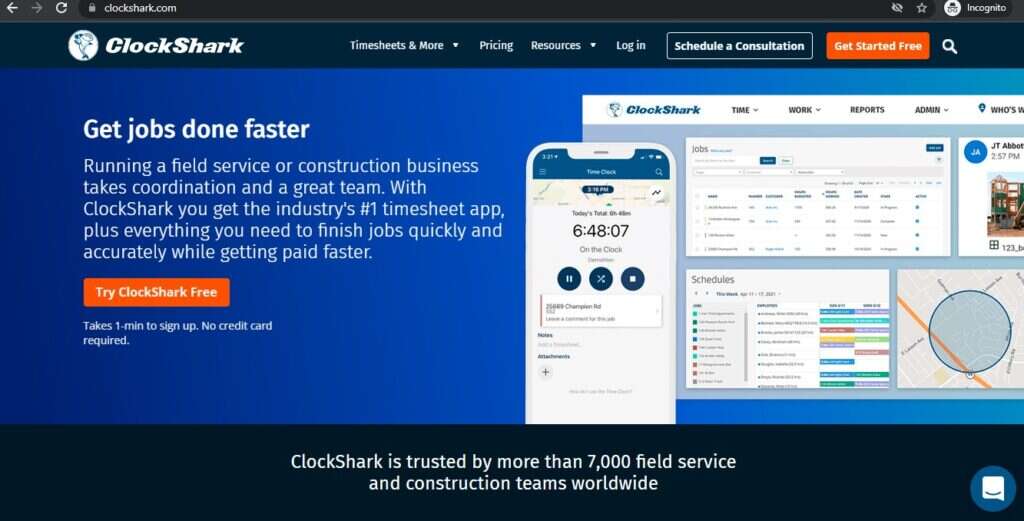
ClockShark is a time tracking platform that helps businesses in the construction and staffing industry to manage their team with time and attendance tracking, scheduling, and more.
Key features
- User-friendly mobile app for employees clock time.
- Drag a job or a worker to the calendar for easy scheduling.
- GPSTrak and GPSFence feature to view where each employee is.
- Review completed timesheets to see what tasks were worked on and for how long.
- Integrates with accounting and payroll systems like Xero and Paychex.
Pricing
ClockShark plans start at $3/month per user with a base fee of $20/month. It also offers a 14-day free trial.
User ratings
- G2: 4.7/5 (270+ reviews)
- Capterra: 4.7/5 (1500+ reviews)
9. ClickTime
ClickTime is a time tracking tool that enables staffing, recruiting, and HR organizations to track time and manage projects, budgets, and teams efficiently.
Key features
- Track time on your desktop, iPhone, and Android devices.
- Understand true employee capacity and make data-driven hiring, staffing, and contracting decisions.
- Project insights feature to predict profitability and monitor costs.
- Track employee and project performance in real time and improve operations to maximize margins.
- Integrates with third-party apps like Salesforce, Jira, Trello, and more.
Pricing
ClickTime plans start at $13/user per month. It also offers a 14-day free trial.
User ratings
- G2: 4.3/5 (150+ reviews)
- Capterra: 4.6/5 (200+ reviews)
10. Tempus

Tempus is a time tracking app that helps staffing companies track temporary employee time and simplify the client-supervisor approval process.
Key features
- Offers detailed mobile and desktop timesheets.
- Monitor timesheet submission and approval process.
- One-click approval for your clients through email.
- Export timesheets for a date range and export as PDF to share with clients.
- Integrates with invoicing and payroll apps like Quickbooks and Invoice Ninja
Pricing
Pricing plans start at $40/month for up to 80 timesheets.
User ratings
- G2: N/A
- Capterra: N/A
Next, let’s learn the benefits of tracking time in a staffing company.
5 key benefits of time tracking for staffing companies
- Simplifies time tracking: Automatically generates timesheets based on tracked time data from various temp jobs.
- Increases accuracy: Eliminates manually filling in timesheets to prevent human errors. Also, timesheets or time cards are verified upon submission by managers.
- Offers intuitive reports: Use reports to see hours worked by each temporary employee on various clients and projects. Also, monitor profitability, budget data, and other costs.
- Improves the billing process: Track billable hours and get accurate timesheets to bill your clients. And integrate with invoicing tools to simplify the billing process.
- Other useful features: Some tools even offer activity reports and screenshots to provide as proof of work to clients.
Wrapping up
From simplified time tracking and increased accuracy to streamlined payroll and lower project costs, time tracking can do wonders for your staffing company.
Go through the list of handpicked tools mentioned to pick the right tool.
Here’s a tip: Look for a user-friendly time tracking tool with handy features like attendance, comprehensive reports, and payroll.
Fortunately, Time Doctor supports all of these and more!
Why not sign up for Time Doctor’s free trial to optimize your staffing company’s workflows?