Using employee time tracking apps is a proven way to improve productivity and efficiency in the workplace.
However, finding the right employee time tracking app or software for your needs can be challenging.
An excellent employee time clock app typically offers features such as automatic trackers, real-time reports, employee scheduling, and more for accurate productivity and time tracking.
In this article, we’ll explore the top 10 employee time tracking apps, including their pricing and customer ratings, to help you choose the best tool for your needs. We’ll also discuss the benefits of using employee time tracking apps and answer five related frequently asked questions.
Table of Contents
- Top 10 employee time tracking apps & software
- 5 benefits of using an employee time tracking app
- 3 frequently asked questions for employee time tracking apps
Let’s begin.
Top 10 employee time tracking apps & software
Here’s our pick for the top 10 employee time tracking software and apps.
1. Time Doctor
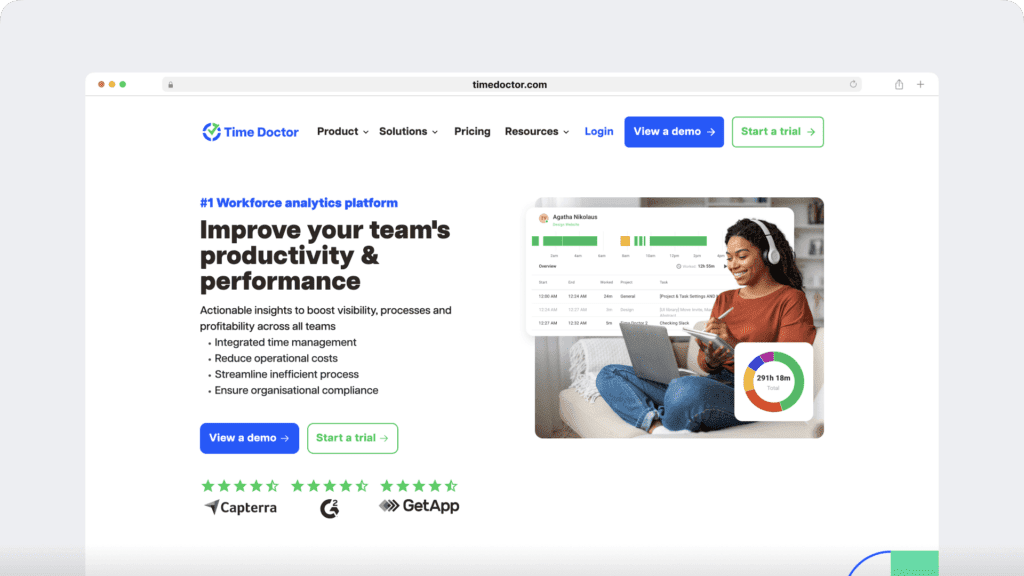
Time Doctor is a workforce analytics platform that empowers managers with the visibility to lead with trust, not control. Mid-market companies and growing SMBs use it to gain real-time visibility into work, support employee well-being, and continuously improve productivity across remote, hybrid, and in-office teams.
Key features
A. Time tracking
Time Doctor is a workforce analytics platform that gives you flexible time tracking so employees can record their hours in a way that fits how they work. The platform captures work activity in real time and transforms it into clear visibility for teams, helping leaders understand how work happens while keeping the experience simple for employees.
In manual/interactive mode, employees simply open the app, select their current task, and start the timer. Time Doctor runs in the background and tracks the apps and websites used during work. When they’re finished or want to take a break, they can stop the timer with a single click.
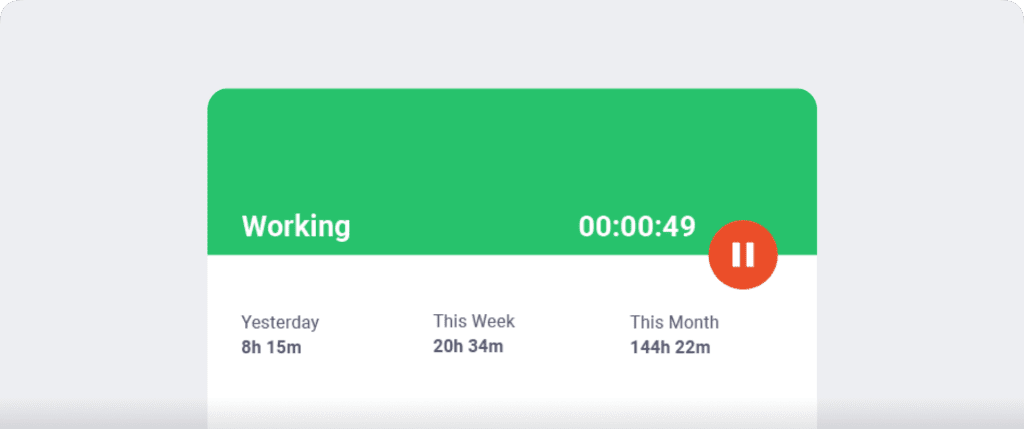
In automatic mode, Time Doctor can start tracking time when employees turn on or log into their work devices. This mode helps improve accuracy and reduces the need for manual edits or forgotten time entries.
Both modes are designed to provide clear visibility for managers and employees while minimizing disruption to the workday.
C. Productivity reports
Time Doctor tracks several data points related to employees activity. You can access a wide range of reports generated in real-time.
Here’s a quick look at these reports :
- Activity summary report: See active seconds, minutes, unproductive, manual, and mobile time for each employee over a selected time period.
- Attendance report: See if an employee is present, absent, partially absent, or late in real-time.
- Hours tracked report: View the total number of hours tracked by employees for any date range.
- Projects & tasks report: See the time spent on projects as well as individual tasks.
- Timeline report: Look at the time spent on tasks and breaks in a day or the whole week.
- Custom export report: Customize the fields you’d like to include in one single report.
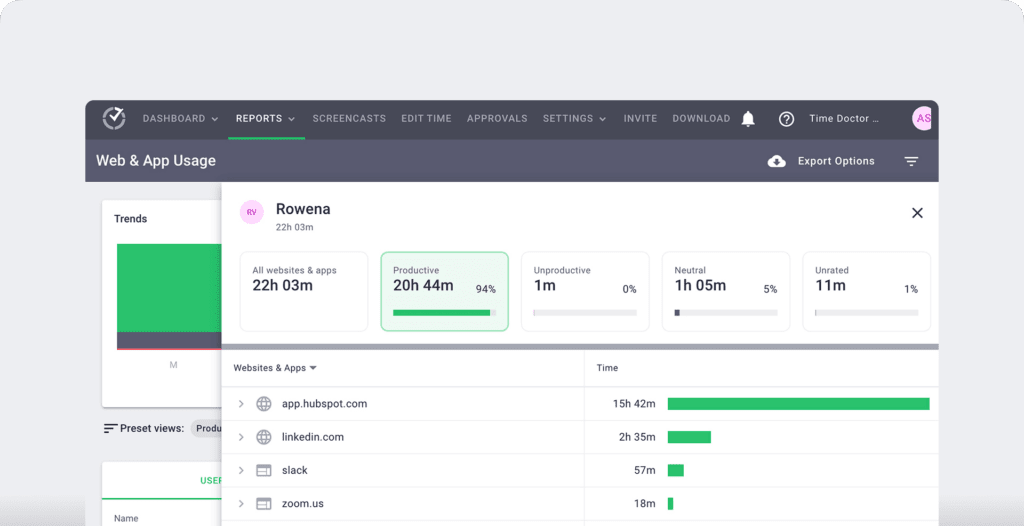
- Web and app usage report: View the time spent by an employee on each app and website during work hours.
C. Work schedules
Managers can use Time Doctor’s Work Schedules feature to create and edit employee shifts.
Here’s what you can do with schedules:
- Save time by automating schedule creation and updates.
- Easily adjust schedules to ensure round-the-clock availability.
- Monitor and manage employee overtime.

D. Productivity ratings
Time Doctor’s productivity rating feature allows you to categorize each website and app your employees use during work hours in terms of:
- Productive.
- Unproductive.
- Unrated.
- Neutral.
This way, you can choose which sites and apps are productive. For example, you can categorize a work website like ClickUp as productive and social media sites as unproductive.

E. Chrome extension and integrations
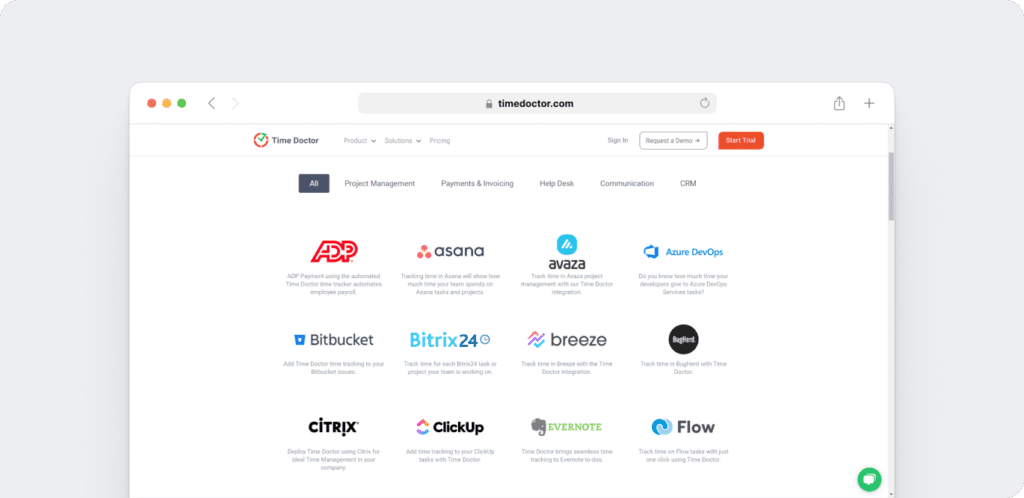
Time Doctor’s powerful Chrome Extension integrates with 60+ tools that include project management, helpdesk, accounting software, and more.
For example, Time Doctor integrates easily with tools like Asana and Jira.
You can even add time tracking to tasks you’ve created on tools like ClickUp. As a result, you can help your team avoid wasting time and work more efficiently.
Pricing
Time Doctor offers a 14-day free trial (no credit card required) and paid plans start as low as $6.70/user per month.
Customer ratings
- G2: 4.4/5 (420+ reviews)
- Capterra: 4.5/5 (540+ reviews)
2. DeskTime
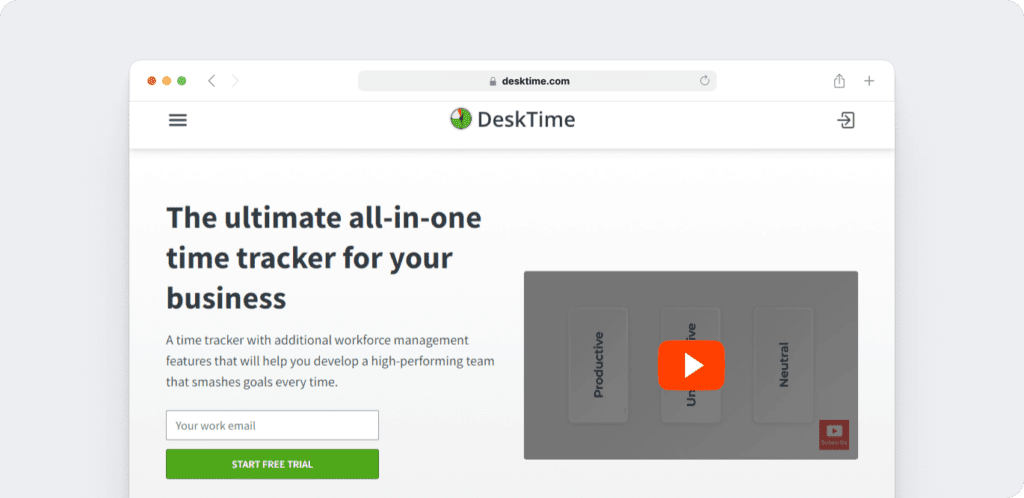
DeskTime is a project management, time tracker, and performance analysis tool. It can track time and offers a productivity or efficiency score at the end of the workday.
Key features
- Allows offline and online time tracking to track employee hours.
- Provides detailed, visual, and insightful time reports.
- Supports a Pomodoro timer to reduce burnout and fatigue.
- Lets managers access time tracked to create accurate invoices.
Pricing
DeskTime offers a free limited version while paid plans start at $7/user per month.
Customer ratings
- G2: 4.6/5 (30+ reviews)
- Capterra: 4.5/5 (235+ reviews)
Check out our comparison between DeskTime and Time Doctor.
3. Connecteam
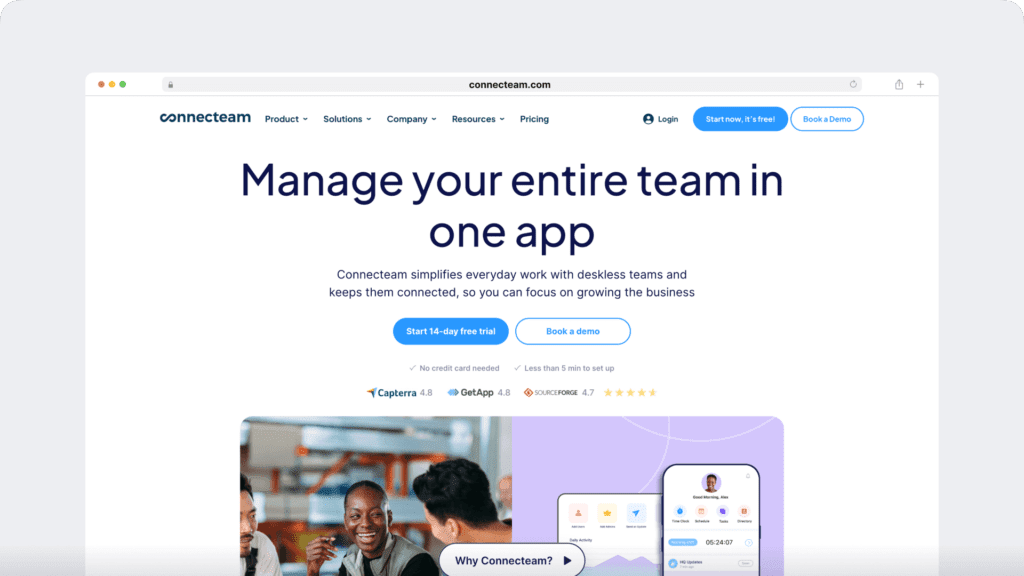
Connecteam is a workforce and attendance management app that allows managers to stay up to date on their remote teams from anywhere.
Key features
- Allows employees to clock in and out of work from one location with a PIN.
- Uses GPS tracking so managers can detect exactly where teams are working.
- Reminds employees to clock in within designated boundaries with geofencing technology.
- Sends managers notifications for employee PTO (Paid Time Off) requests.
Pricing
Connecteam provides a limited free plan. Paid plans start at $47 as a base fee with $0.6/user per month charged after.
Customer ratings
- G2: 4.3/5 (30+ reviews)
- Capterra: 4.8/5 (135+ reviews)
4. QuickBooks Time

QuickBooks Time is a quality employee time clock and scheduling app. Employees can clock in and out through their Android and iOS mobile devices.
Key features
- Sets geofencing boundaries to remind employees where to clock in.
- Uses project time tracking to compare hours worked to budgeted hours.
- Helps you make changes to employee scheduling on the QuickBooks time tracking app.
- Allows employees to clock in with a PIN from a single device, like a company tablet.
Pricing
Paid plans start at $20/month + $8/user per month.
Customer ratings
- G2: 4.5/5 (1395+ reviews)
- Capterra: 4.7/5 (5525+ reviews)
5. Clockify
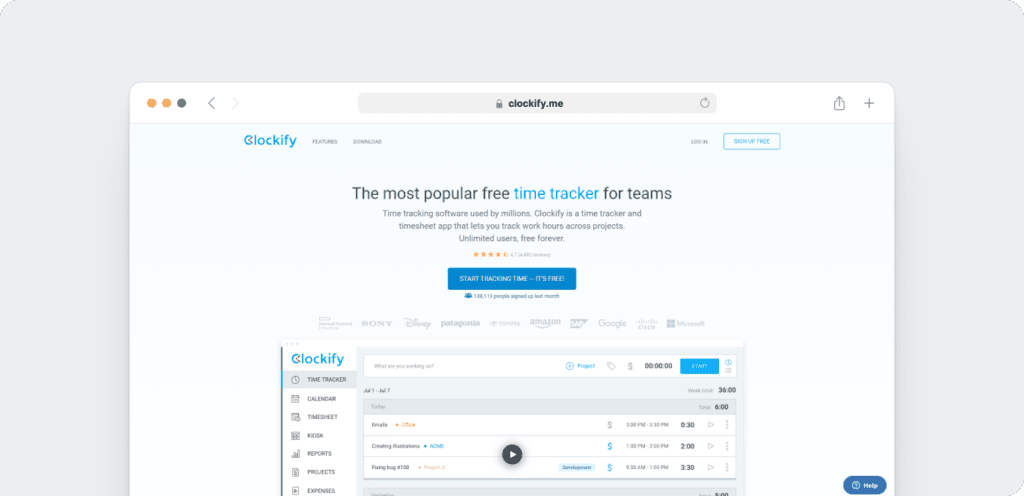
Clockify is an employee time tracking and attendance software. It is useful for getting insightful reports on employee performance.
Key features
- Lets managers know which employee is going over their daily work hours limits with overtime notifications.
- Allows you to track your field team’s GPS location.
- Exports reports such as timesheets and profit and cost reports as a PDF, CSV, and Excel spreadsheet.
- Helps managers stay on top of projects with project time tracking.
Pricing
Clockify has a free limited plan, followed by paid plans starting at $4.99/user per month.
Customer ratings
- G2: 4.5/5 (110+ reviews)
- Capterra: 4.7/5 (1610+ reviews)
6. Buddy Punch
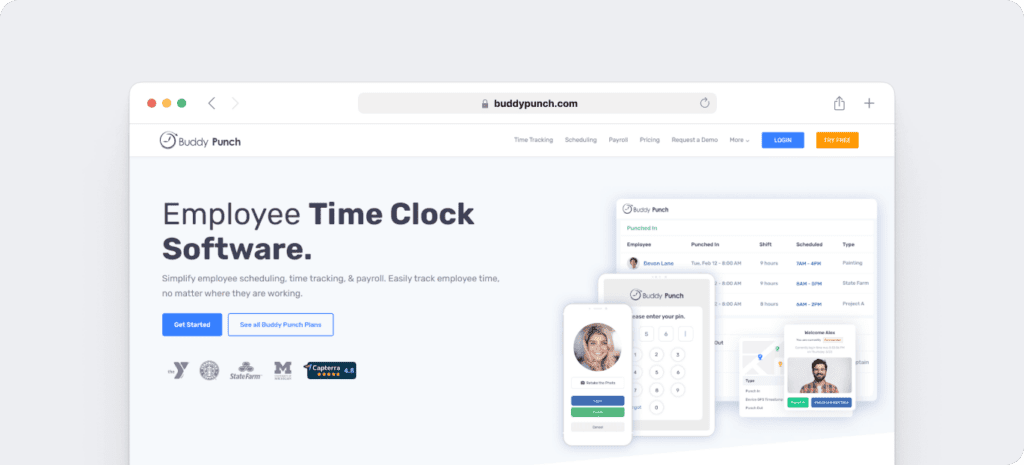
Buddy Punch is an employee time clock and attendance tracking app that promotes employee accountability.
Key features
- Uses QR codes and facial recognition technology for employee work sign in.
- Allows employees to clock in from designated positions with geofencing.
- Lets you customize reports to include only relevant information and data.
- Takes pictures of employees (optional) when they clock in to eliminate buddy punching.
Pricing
There’s a free trial available for Buddy Punch while paid plans start at $3.49/user per month with a $19/month base fee.
Customer ratings
- G2: 4.8/5 (115+ reviews)
- Capterra: 4.8/5 (655+ reviews)
7. ClickTime
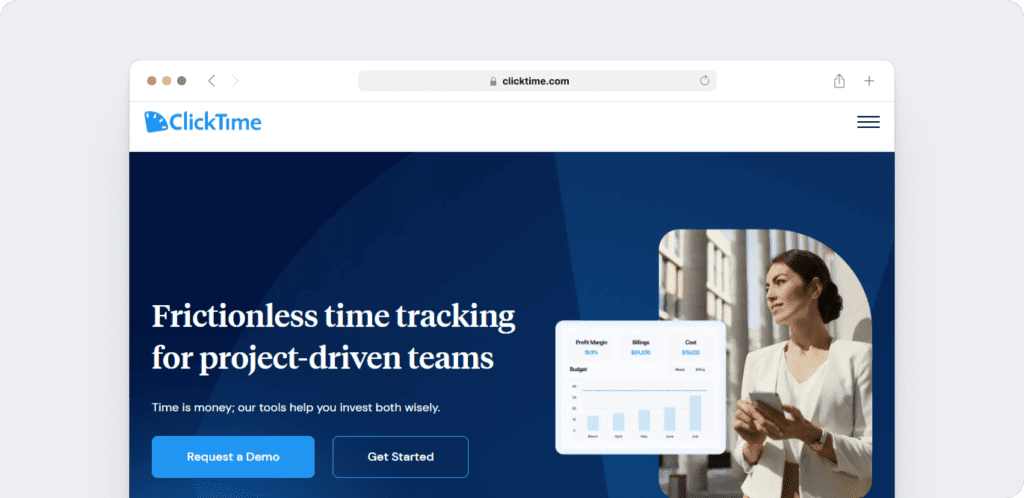
ClickTime streamlines the time tracking process by facilitating an accurate time entry, timesheet, and invoice.
Key features
- Generates reports in more than 80 visual illustrations.
- Captures receipts on the app for expense reporting.
- Highlights overtime hours for time card approval and also notes who approved those hours.
- Manages how much time off employees still have which managers can approve with PTO management.
Pricing
ClickTime offers a free trial, after which, paid plans start at $10/user per month.
Customer ratings
- G2: 4.3/5 (150+ reviews)
- Capterra: 4.6/5 (200+ reviews)
8. When I Work
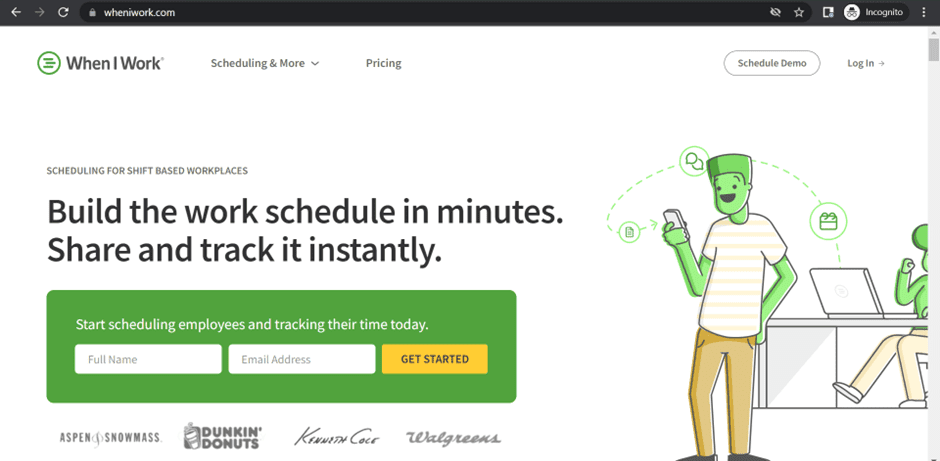
When I Work is a time clock app that assists companies with shift scheduling. Employees will receive a push notification whenever someone makes changes to a schedule.
Key features
- Eliminates early employee clock in with work scheduling.
- Lets you use work distribution reports to approve timesheets and track labor costs.
- Allows employees to only clock in at the work location with geofencing technology.
- Prevents overtime with alerts before employees go over their time limits.
Pricing
A free trial is available for When I Work, and paid plans start at $4/user per month.
Customer ratings
- G2: 4.4/5 (245+ reviews)
- Capterra: 4.5/5 (895+ reviews)
9. Hubstaff
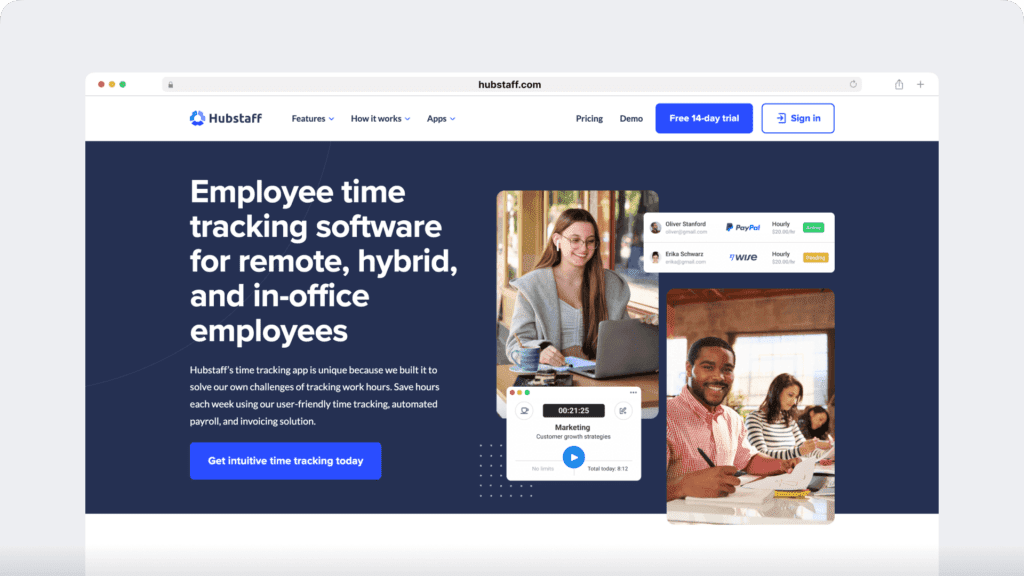
Hubstaff provides time tracking for distributed, hybrid, and field teams, with productivity metrics, GPS-based location features, and payroll capabilities.
Key features
- Time tracking and online timesheets for projects and tasks.
- Screenshots while tracking time
- Activity levels based on keyboard and mouse movement, with idle-time prompts and handling.
- GPS and geofenced time tracking through the mobile app.
- Payroll automation with manual or automatic payments.
- Integrations with 30-plus tools.
- Cross-platform apps for Windows, Mac, Linux, iOS, Android, and a browser extension.
- Reports and filters for applications, URLs, activity, idle time, and work sessions.
Pricing
Hubstaff paid plans start at $4.99/user per month. A free trial is also available to test out the app.
Customer ratings
- G2: 4.5/5 (1496+ reviews)
- Capterra :4.6/ 5 (1580+ reviews)
Here’s an in-depth comparison of Hubstaff vs. Time Doctor.
10. TimeCamp
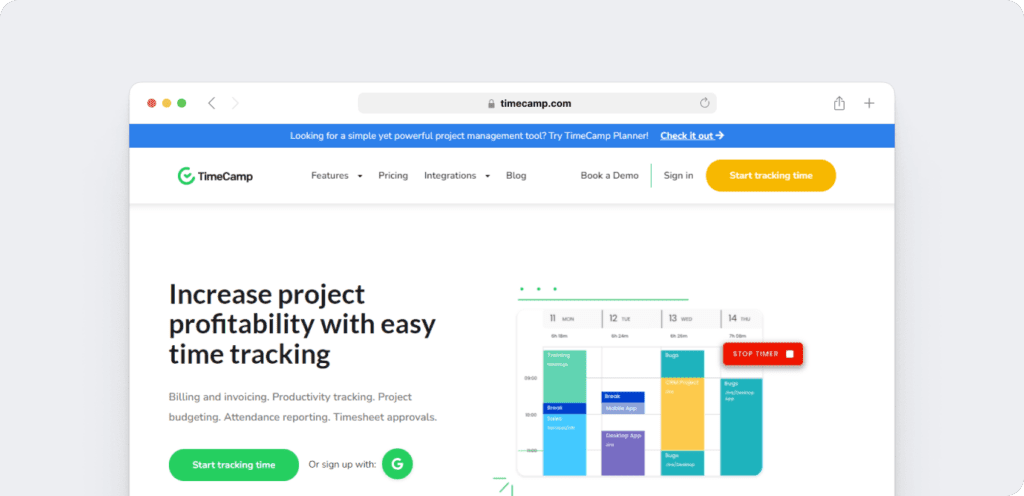
TimeCamp is a time clock app that allows managers to stay on top of employee productivity.
Managers can set up keyword tracking so the app will automatically start tracking the time of the task with the keyword in it.
Key features
- Checks which apps and websites employees use during work hours.
- Marks employee timesheets as billable and non-billable to assist invoicing and resource management.
- Helps project managers maintain productivity and profitability with detailed reports.
- Calculates if the project is running within a designated budget and is still profitable.
Pricing
TimeCamp provides a free limited version, and paid plans start at $7/user per month.
Customer ratings
- G2: 4.7/5 (175+ reviews)
- Capterra: 4.7/5 (540+ reviews)
Now that we know what the best employee time tracking apps are, let’s take a look at their benefits.
5 benefits of using an employee time tracking app
Here are some pros you can expect when you implement time tracking into your business.
1. Fewer mistakes calculating payroll
Mistakes and errors can be costly and can lead to major losses.
How?
Incorrect time tracking can result in employees receiving incorrect wages, which could lead to both a profit decline and a reduction of employee morale.
With time tracking software, you can reduce such manual errors and improve overall accuracy
In fact, according to Acumen Data Systems, automated time tracking can make up for time lost through manual time tracking and recapture more than $666,400 in yearly wages.
2. Eliminate time theft and buddy punching
Did you know the American Payroll Association found that 75% of US businesses are affected by time theft, leading to a productivity loss of $400 billion annually?
Using time tracking software eliminates the possibility of time theft and makes employees more accountable for every hour.
Time tracking software logs every second of an employee’s work and doesn’t round up to the nearest hour. This benefits the employer when planning the payroll distribution and client invoicing as the billable hours will be accurate.
3. Identify overtime
Employee time tracking apps can alert managers when employees are working overtime.
Sometimes employees may become overwhelmed and forget to clock out, leading to more significant issues around billable hours. Time tracking software can identify this, keeping you aware of potential overtime issues.
4. Better team management
Limiting employee work hours can improve their well-being. When employees work a reasonable amount of hours, it reduces the probability of burnout.
This can even enhance their productivity in the long run.
5. Regulatory compliance
The time clock is digital, which means all records from tracking employee time are stored electronically and readily available when needed.
This can help companies adhere to the Fair Labor Standards Act (FLSA) and avoid possible legal implications in the future.
Let’s look at some recurring questions around employee time tracking apps.
3 frequently asked questions for employee time tracking apps
Here are some frequently asked questions around employee time tracking apps that can make the transition much smoother for you.
1. What do I need to look for in an employee time tracking app?
Some of the employee monitoring features to look for are tracking attendance, shift scheduling, and timesheet templates.
Manual and automatic time tracking allows you to either leave the time tracking to your employees or let the app track time automatically when they begin working.
Additionally, if you would like client invoicing and payroll distribution features, some employee time tracking apps can assist with batch payments and incorporate reports with client invoices.
2. Should I use separate time tracking apps for desktop and mobile?
You can use separate apps only if you feel they can be helpful for the setting and the job type. Fortunately, many time tracking apps offer desktop and mobile apps to suit your needs.
Mobile time tracking is beneficial if you have teams that work in the field and the office.
3. What are some important integrations for time tracking software?
Most time tracking software and employee management tools can integrate with various project management, payment and invoicing, CRM(Customer Relationship Management) software, and task managers.
Try finding a time tracking tool that can integrate with some of the most popular apps such as Asana, GitLab, ClickUp.
Wrapping up
Incorporating a time tracking app in your business can improve employee productivity and efficiency throughout your organization.
Today’s best time clock software offer capabilities such as report generation and scheduling. They also contribute towards payroll management, marking attendance, and overtime.
Also, using employee time tracking software saves you money and makes sure you are compliant with your country’s labor laws.
So why not sign up for Time Doctor’s free trial and streamline employee time tracking?