In addition to scheduling, performance management, and payroll, time tracking is an integral part of workforce management.
But how does time tracking help in workforce management?
Tracking employee work hours helps you understand how work actually happens, spot inefficiencies early, and make better decisions about workload, staffing, and performance.
However, manual methods like spreadsheets often create delays, errors, and limited visibility into real work patterns.
That’s why teams rely on time tracking tools that provide accurate, real-time visibility into how time is spent.
In this article, we’ll highlight the top 10 time tracking software for workforce management along with the key features, pricing, and user ratings. We’ll also take a quick look at the five key benefits of using a time tracking tool for managing your workforce.
Table of Contents
- Top 10 time tracking software for workforce management
- 2. Connecteam
- 3. ActivTrak
- 4. Teamwork
- 5. BambooHR
- 6. Hubstaff
- 7. Timecamp
- 8. Clockify
- 9. Shiftbase
- 10. Workday payroll and workforce management
Let’s get started.
Top 10 time tracking software for workforce management
Workforce management is an internal process that helps businesses optimize employee productivity and organizational competency.
Here’s a list of 10 excellent time tracking tools for efficient workforce management:
1. Time Doctor

Time Doctor is a workforce analytics platform that gives you visibility into how work happens so you can lead with trust, not control. Teams use it to gain real-time visibility into work, support employee well-being, and improve productivity across remote, hybrid, and in-office environments.
Key features
Let’s check out some of Time Doctor’s best features:
A. Time tracking
Time Doctor is a workforce analytics platform that gives you flexible time tracking so employees can record their hours in a way that fits how they work. The platform captures work activity in real time and turns it into clear, actionable visibility so you can understand how work happens without adding complexity for your team.
In manual/interactive mode, employees simply open the app, select their current task, and start the timer. Time Doctor runs in the background and tracks the apps and websites used during work. When they’re finished or want to take a break, they can stop the timer with a single click.
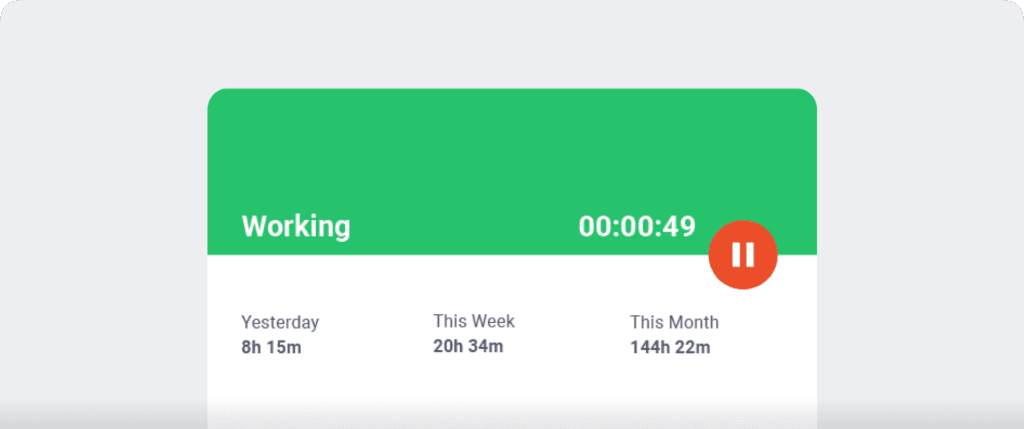
In automatic mode, Time Doctor can start tracking time when employees turn on or log into their work devices. This mode helps improve accuracy and reduces the need for manual edits or forgotten time entries.
Both modes are designed to provide clear visibility for managers and employees while minimizing disruption to the workday.
B. Idle time tracking
Time Doctor measures idle time (periods without keyboard or mouse activity) to help teams understand focus patterns and potential productivity blockers.
- Idle time is measured in idle seconds and idle minutes
- You can configure when idle time should start counting and set limits that make sense for different roles
Instead of silently recording behavior, Time Doctor can display a gentle idle time pop-up when someone has been inactive for too long—nudging them to either refocus or take a break. This helps reduce unintentional time drift and supports more accurate timesheets.
This approach helps you balance accountability with employee trust. You can also set how long the timer runs without activity. Once it reaches the limit, the tracker automatically stops tracking time and displays an idle time pop-up. This pop-up alerts employees to focus on their tasks.
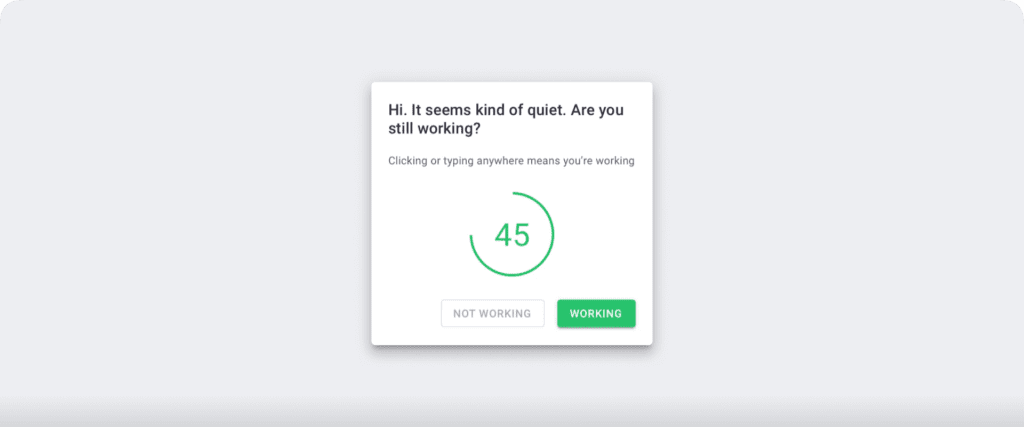
Note: Time Doctor doesn’t support keylogging to protect user privacy. It only tracks if the keys are in use.
C. Screencasts (Optional)
The screencasts functionality lets you take screenshots of employees’ screens, giving you real-time insights into employee time and computer use.
Moreover, as this feature is optional, you can disable or enable it for employees’ computer screens.
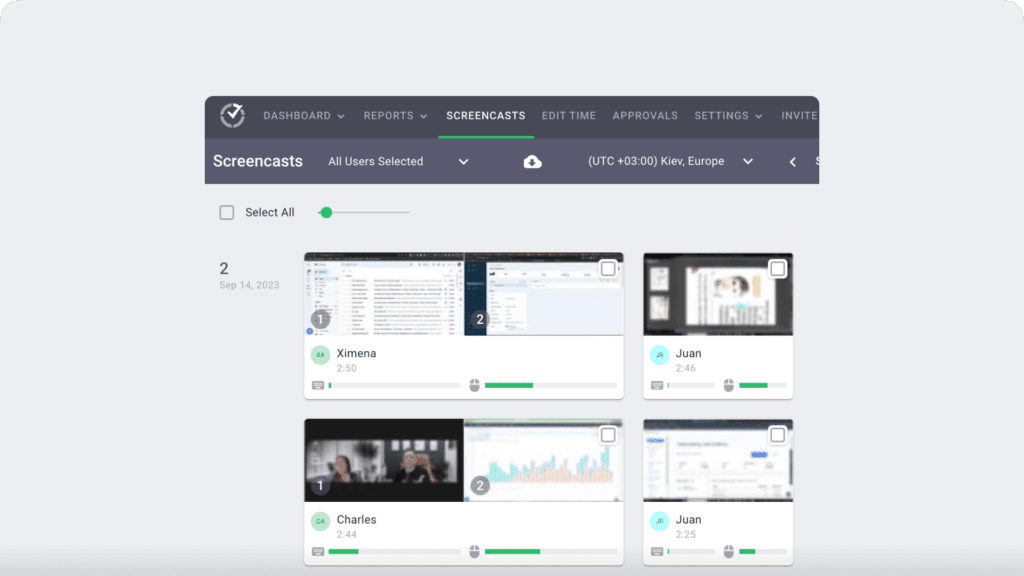
Note: To protect user privacy, you can blur or delete screenshots with sensitive data like passwords.
D. Shifts and schedules
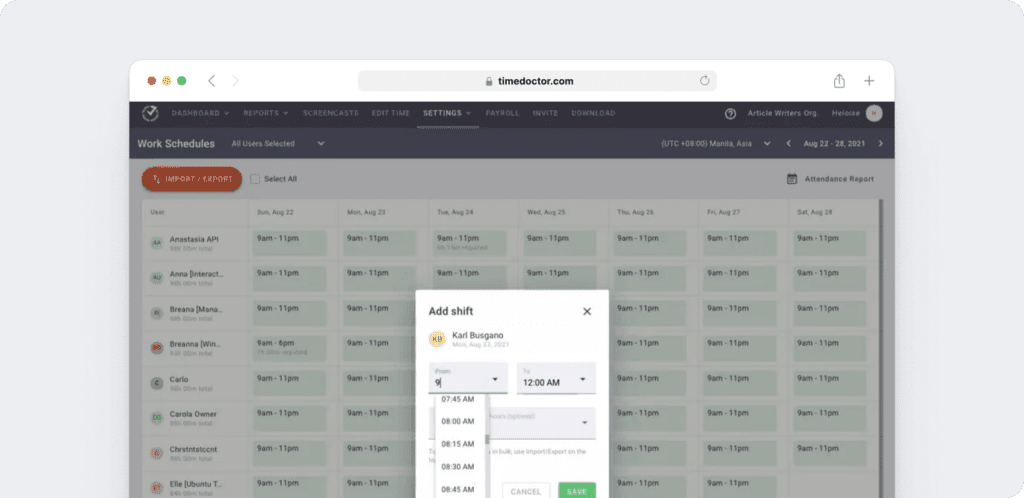
Managers can use Time Doctor’s Work Schedules feature to create and edit employee shifts.
Here’s what you can do with schedules:
- Monitor and manage employee overtime.
- Save time by automating schedule creation and updates.
- Easily adjust schedules to ensure round-the-clock availability.
E. Productivity reports
Time Doctor gives you clear visibility into how time is spent across your team. You can access a wide range of reports generated in real-time.
Here’s a quick look at these reports :
- Activity summary report: See active seconds, minutes, unproductive, manual, and mobile time for each employee over a selected time period.
- Attendance report: See if an employee is present, absent, partially absent, or late in real-time.
- Hours tracked report: View the total number of hours tracked by employees for any date range.
- Projects & tasks report: See the time spent on projects as well as individual tasks.
- Timeline report: Look at the time spent on tasks and breaks in a day or the whole week.
- Custom export report: Customize the fields you’d like to include in one single report.
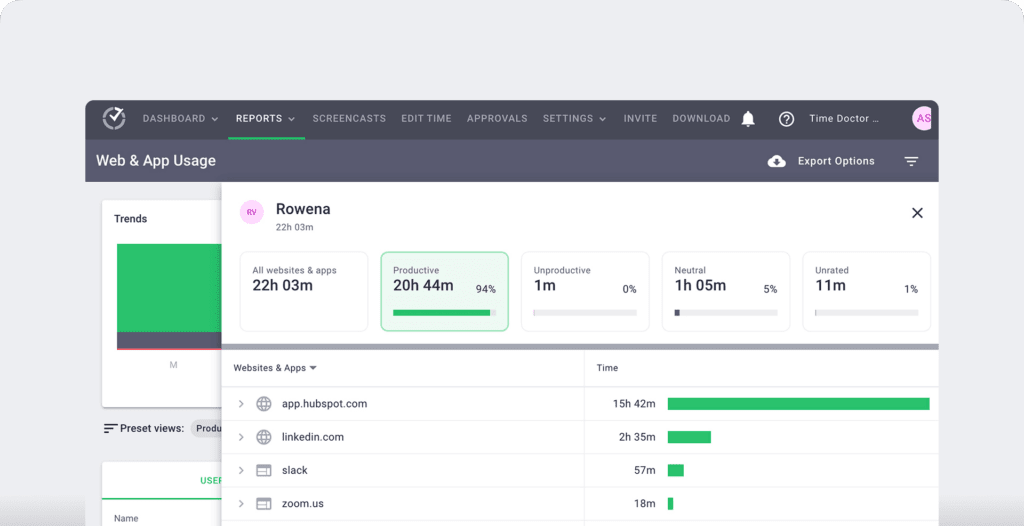
- Web and app usage report: View the time spent by an employee on each app and website during work hours.
F. Payroll management
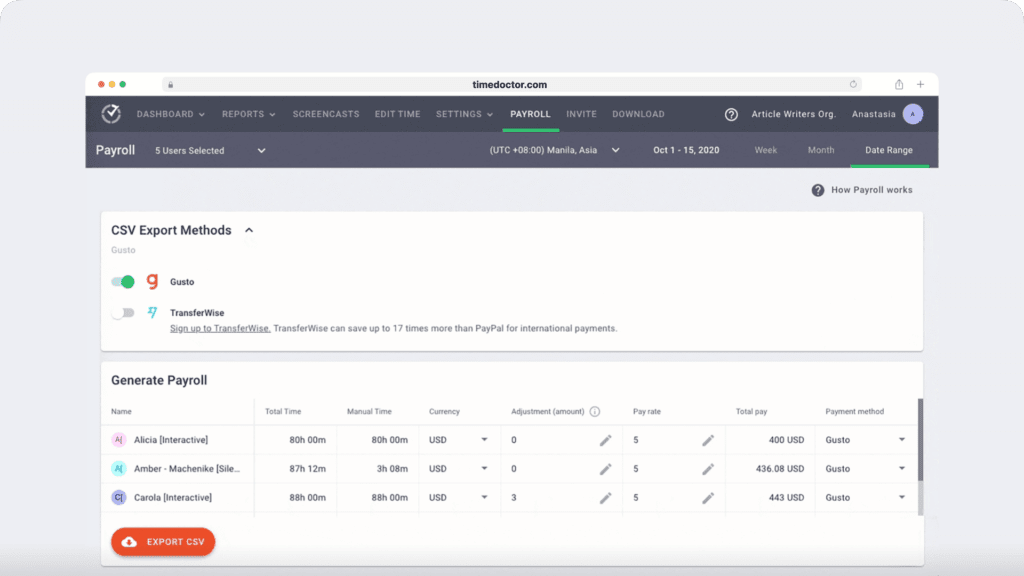
You can turn tracked time directly into payroll, reducing manual work and improving accuracy.
Here’s how you can do that:
- Select an hourly rate for each employee.
- Choose a payment method and currency for each employee.
- Save all the information you enter for the next payroll.
- Additionally, you can also make batch payments using Time Doctor. The tool lets you export and upload payroll to PayPal, Wise, Gusto, and ADP.
Discover Time Doctor’s other amazing features.
Pricing
Time Doctor supports a 14-day free trial that doesn’t require any credit card information. Its paid plans start at $6.70/user per month.
User ratings
- G2: 4.4/5 (420+ reviews)
- Capterra: 4.5/5 (540+ reviews)
2. Connecteam
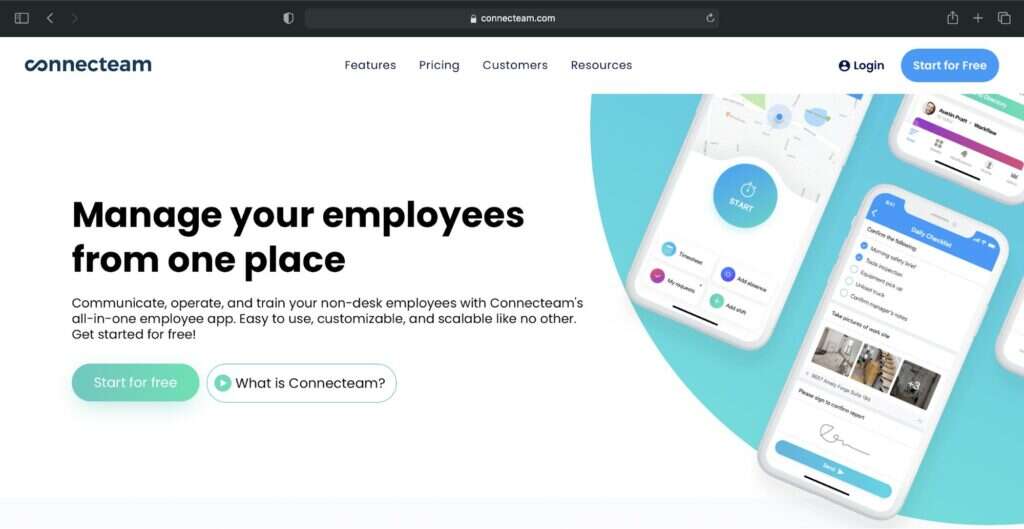
Connecteam is an all-in-one workforce management software suitable for remote workers as well as companies of all sizes and industries.
Key features
- Tracks work hours spent on jobs, projects, and clients with an employee time clock.
- Digitizes workflows and procedures with digital forms and checklists.
- Offers task automation and internal communication features for efficient task management.
- Has a drag and drop interface to quickly assign and duplicate employee schedules.
- Integrates with business apps like QuickBooks Online and Google Calendar.
Pricing
Connecteam has a free plan for up to 50 users. Paid plans start at $47/month for more than 50 users.
User ratings
- G2: 4.3/5 (30+ reviews)
- Capterra: 4.8/5 (130+ reviews)
3. ActivTrak
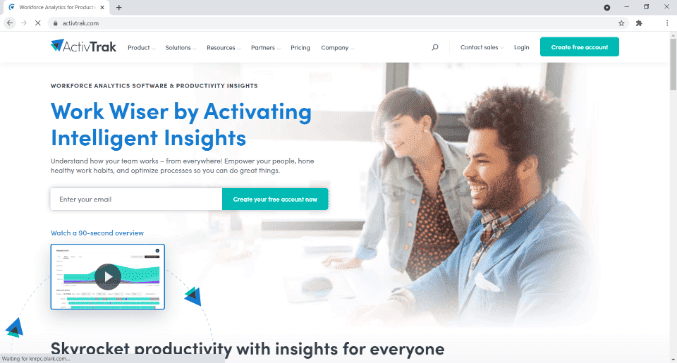
ActivTrak is a workforce analytics and productivity management platform that provides insights into how teams work and how time is spent across tools and workflows.
Key features
- Automatically captures employees’ daily start time, end time, and work duration.
- Sets and tracks goals to boost motivation and track progress.
- Gives a summary of workforce performance and productivity trends with dashboards.
- Analyzes tracked data to surface productivity patterns and support workforce optimization decisions.
- Provides detailed logs of user activities and security events for security monitoring.
It also connects with external systems through integrations and APIs, including HRIS tools, allowing teams to sync data such as time-off into productivity dashboards for broader visibility.
Pricing
ActivTrak supports a limited free plan for up to three users. Paid plans start at $9/user per month.
User ratings
- G2: 4.5/5 (190+ reviews)
- Capterra: 4.6/5 (530+ reviews)
4. Teamwork
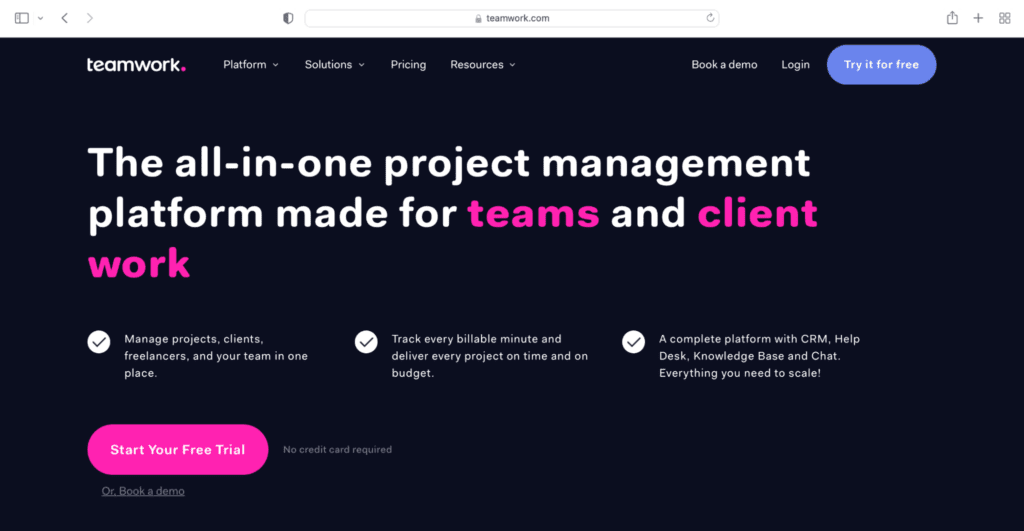
Teamwork is a project management platform that offers valuable tools and reports for timekeeping, project planning, budgeting, resource management, and more.
Key features
- Offers time tracking software to effectively track time and bill client projects accurately.
- Supports task automation to streamline projects and focus on strategic and creative tasks.
- Displays key project metrics and activity timelines with the dashboard.
- Lets you easily create invoices using the billable time logs.
- Provides reports to track the profitability of projects based on time, cost, and budget.
Pricing
Teamwork has a free plan for up to five users. Paid plans start at $12.5/user per month.
User ratings
- G2: 4.4/5 (950+ reviews)
- Capterra: 4.5/5 (650+ reviews)
5. BambooHR
BambooHR is a Human Resource Information System (HRIS) suitable for small to medium-sized businesses. It helps HR (Human Resources) managers create custom workflows to collect and organize workforce data.
Key features
- Track and edit time worked on specific projects or tasks.
- Manage workforce data like personal information and payment methods with accurate employee records.
- Provides employee self-service options like time-off requests, company calendar, and directory.
- Efficiently manage information through all phases of hiring with the Applicant tracking system (ATS).
- Instantly generates intuitive reports on almost any data in the tool.
Pricing
It offers a 7-day free trial. Pricing is available on request.
User ratings
- G2: 4.4/5 (1000+ reviews)
- Capterra: 4.6/5 (1500+ reviews)
6. Hubstaff
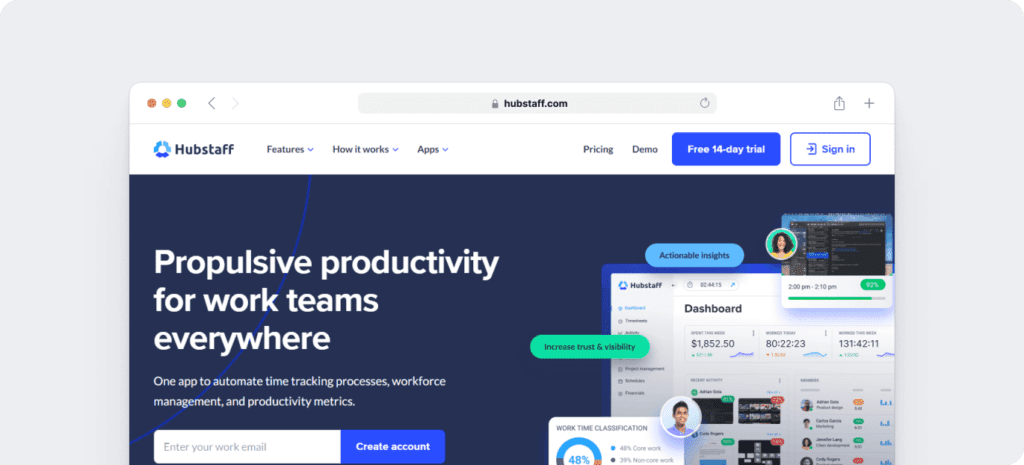
Hubstaff provides time tracking for distributed, hybrid, and field teams, with productivity metrics, GPS-based location features, and payroll capabilities.
Key features
- Time tracking and online timesheets for projects and tasks.
- Screenshots while tracking time.
- Activity levels based on keyboard and mouse movement, with idle-time prompts and handling.
- GPS and geofenced time tracking.
- Payroll automation with manual or automatic payments.
- Integrations with 30-plus tools.
- Cross-platform apps for Windows, Mac, Linux, iOS, Android, and a browser extension.
- Reports and filters for applications, URLs, activity, idle time, and work sessions.
Pricing
Hubstaff supports a 14-day free trial. Paid plans start at $4.99/user per month.
User ratings
- G2: 4.5/5 (1496+ reviews)
- Capterra: 4.6/ 5 (1580+ reviews)
7. Timecamp
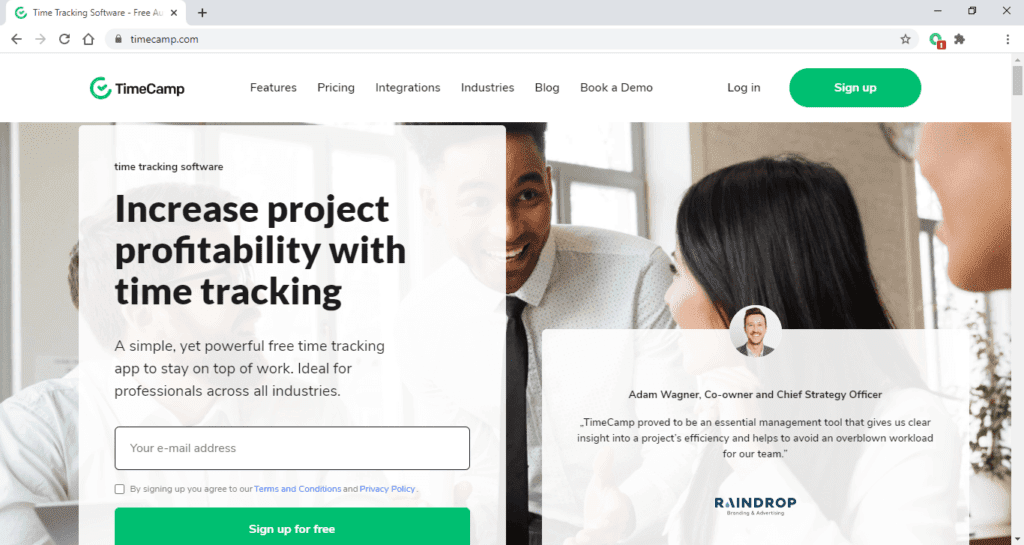
Timecamp is a free time tracking solution that helps managers monitor how their workforce spends time, to boost productivity and efficiency.
Key features
- Track each employee’s time spent on apps, websites, and documents to allocate tasks efficiently.
- Automate timesheet approval process or set up notifications to alert when approval is due.
- Assign keywords to clients or projects to track time automatically.
- Simple clock in and out and leave-reporting for managing employee attendance.
- Set up custom billing rates for each team member, project, and client.
Pricing
Timecamp offers a limited free plan. Its paid plans start at $7/user per month.
User ratings
- G2: 4.7/5 (170+ reviews)
- Capterra: 4.7/5 (500+ reviews)
8. Clockify
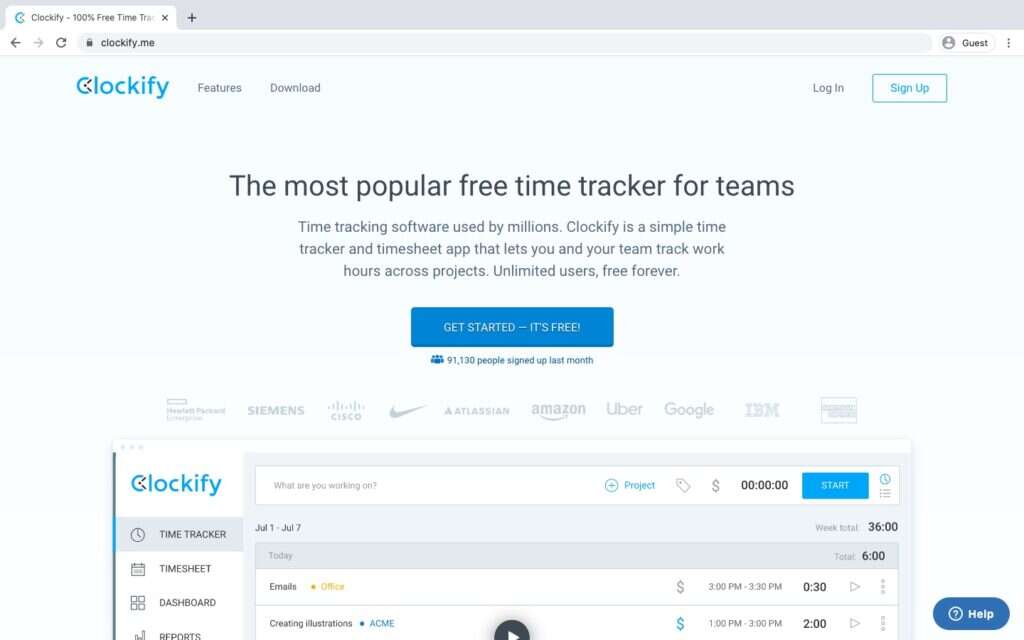
Clockify is a time tracking and attendance software solution that allows managers to track and monitor employee time, productivity, and billable hours.
Key features
- Track time for your tasks with the start and stop timer.
- See where you spend time and what your team is working on with dashboards.
- Visualize how your day looks and log time with calendars.
- Supports scheduling to help you plan projects and visualize the team’s capacity.
- Supports integration with tools like QuickBooks, Jira, and Helpscout.
Pricing
Clockify has a free plan with limited features. The paid plans start at $4.99/user per month.
User ratings
- G2: 4.5/5 (110+ reviews)
- Capterra: 4.7/5 (2900+ reviews)
9. Shiftbase
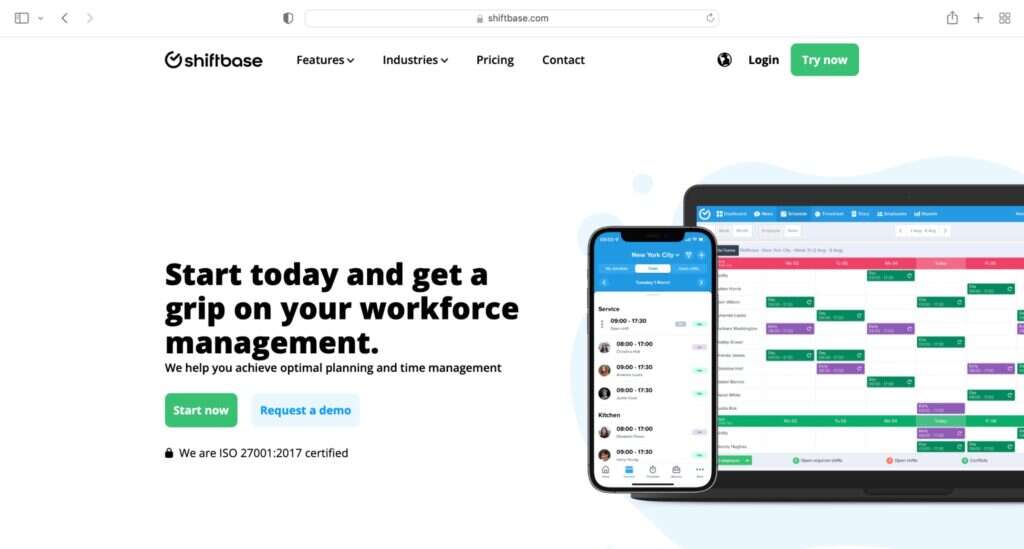
Shiftbase is a user-friendly employee scheduling software that provides end-to-end solutions to start-ups, SMEs as well as enterprises.
Key features
- Punch in from anywhere using the mobile app, desktop, or a clock terminal.
- Set up repeating as well as standard shifts with the drag-and-drop interface.
- Indicate employee availability in the work schedule with the iOS and Android mobile apps.
- Add expected turnover to planning and see the percentage of labor costs in the employee schedules.
- Automatically forwards submitted absence requests to supervisors for a quick approval.
Pricing
Shiftbase offers a free plan for up to 75 employees. Its paid plans start at $2.75/user per month.
User ratings
- G2: N/A
- Capterra: 4.4/5 (170+ reviews)
10. Workday payroll and workforce management
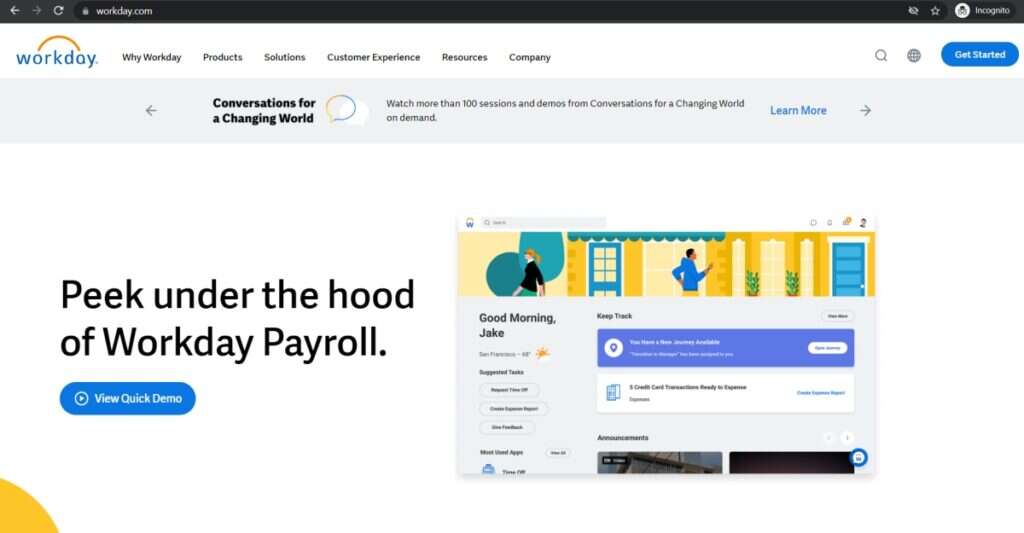
Workday Payroll and Workforce Management is a cloud-based workforce management software that helps organizations automate repetitive tasks.
Key features
- Review and approve time for the entire team at once.
- Mobile time tracking with geofencing to remind employees to clock in and clock out.
- Easily track time-off, leave requests, balances, and accruals.
- AI-powered scheduling that matches employee shift preferences with business needs to generate schedules.
- Offers seamless payroll experience for employees in the US, Canada, the UK, and France.
Pricing
Workday Payroll and Workforce Management doesn’t offer a free trial. Pricing is available on request.
User ratings
- G2: N/A
- Capterra: N/A
Next, let’s find out the benefits of using tracking time software for managing your workforce.
5 key benefits of using time tracking software for workforce management
Here’s a quick look at the five key benefits:
- Increased productivity: Time data helps you see where time is lost, where work slows down, and where improvements can be made. They can then take actionable steps to prevent them.
- Support self-improvement: Time tracking features like reports can offer valuable employee performance insights. Employees can then reach out to their peers or managers to get tips on improving productivity.
- Reduce overworking: Tracking time can help employees identify their productive hours. They can then use these hours to tackle critical tasks. It also helps identify possible bottlenecks in the workflow. Employees can take measures to solve them.
- Reduce errors: An accurate time entry in time cards translate to error-free payroll and client invoice. Also, some tools offer payroll automation features that can help save both time and money.
- Better visibility into risks: Some time tracking tools can track employee behaviors and activity logs. This can help determine when and where a security breach may occur.
Wrapping up
Using time tracking software gives you clearer visibility into how work happens across your organization.
You can use it for employee scheduling, forecasting, payroll management, training management, and more. Similarly, your workforce can use such platforms to track their work hours, notify their availability, and submit time-off requests.
You can go through the tools mentioned above to pick the best time tracking software.
If you want an all-in-one time tracking, scheduling, payroll management, and performance management software, then Time Doctor is the tool for you.
Get a demo to improve workforce visibility and make better decisions with real-time data.

