
GitLab is a DevOps platform that helps developers manage the software development process, from the planning stage straight through to the release.
The GitLab app also offers a time tracking feature that allows you to track estimates and time spent on epics and merge requests within the app itself.
But is GitLab time tracking the answer to all your time management needs?
In this article, we will explain how to use the time tracking feature in GitLab and discuss its limitations. Then, we’ll list seven tools that integrate with GitLab to overcome those limitations.
Table of Contents
- What is GitLab time tracking?
- How to track time in GitLab
- 4 limitations of using GitLab time tracking
- 7 best time tracking tools to track time in GitLab
Let’s go!
What is GitLab time tracking?
GitLab lets software developers write source code and do code review. This gets loaded to the GitLab repository —a storage and data management system.
Developers can also use it to run the CICD (Continuous Integration and Continuous Delivery) pipeline to release new software versions.
Embedded into all of this is GitLab’s time tracking component.
Software development teams are the primary users of the GitLab time tracking feature.
They use it to estimate the time needed to complete issue tracking tasks and record the actual amount of time they spend on particular tasks on the issue board.
You can use GitLab time tracking to:
- Track the time spent working on the issue or merge request.
- Add a time estimate to a specific issue or merge request.
- View a report of the time spent on particular tasks.
Here are some of GitLab’s main time tracking features:
- Built-in time tracker: Track estimates and time spent within the issue or merge request.
- Slash Commands: Use text-based shortcuts for popular actions with an issue or merge request.
- External users: Invite external users to collaborate on code and specify their permissions.
How to track time in GitLab
To add time to the GitLab app, you need to use the following primary ‘slash commands’:
- /estimate: Set an expected amount of time to complete a task.
- /spend: Enter the time you’ve already spent on the task.
Here’s a step-by-step guide on how GitLab time tracking works:
1. Adding a time estimate
To enter a time estimate:
- Open the issue or merge request you would like to add an estimate for.
- Type /estimate followed by the time.
- Enter the time as digits followed by the appropriate unit for that time. For example, if you add an estimate of two months, three weeks, two days, five hours, and twelve minutes on a task, enter it as /estimate 2mo 3w 2d 5h 12m.
- Any time added will be counted towards the current total time spent for the issue or merge request.
- The estimated time remaining is automatically calculated and is shown when hovering over the time tracking information in the right-hand sidebar.
2. Adding time spent
To enter time spent:
- Open the issue or merge request you would like to add the time spent for.
- Type /spend and then enter the time.
- Enter the spent time as digits followed by the appropriate unit for that time. For example, if you spent three weeks, two days, fourteen hours, and two minutes on a task, enter it as /spend 3w 2d 14h 2m.
- To subtract time, enter a negative value. For example, /spend -5d, to reduce the total time spent by five days.
- You can also remove all time spent with the command /remove_time_spent.
3. Logging time for existing entries
Additionally, you can log time after you enter time spent the first time:
- Open the issue or merge request you would like to add additional time for.
- Get the details on how long you spent and the date you spent it on. For example, if you want to add one hour on to the work done on the 5th of December 2021, then type in /spend 1h 2021-12-05.
4. Adding comments to time logs
You can also add comments to time logs:
- Open the issue or merge request you would like to add a comment for.
- Type the comment you’d like to add.
- Type in which quick action you’d like to add a comment for and add the values. For example, Draft MR and address comments provided /spend 1h.
- It will display in the time log summary/notes section column.
5. Viewing a time tracking report
To get a report on the time tracked:
- Open the issue or merge request you would like to see a time report for.
- Look for the time tracking report in the right-hand sidebar.
- Click on it to view the time tracking report.
Wondering how much all these features cost?
GitLab has a limited free plan which includes the time tracking feature, and paid plans start at $19/user per month.
For any other questions relating to GitLab’s time tracking feature, you can visit their community forum.
Next, we’ll take a look at some of GitLab’s major limitations.
4 limitations of using GitLab time tracking
Although GitLab’s time tracking functionality is useful, the feature still lacks several crucial time management features like:
- A log of an employee’s online activity to assess their productivity.
- Timesheet approval to avoid time theft and buddy punching.
- Pop-up notifications that will bring employees’ attention back to the work at hand.
- Payroll management for a streamlined payroll and billing process.
Additionally, while slash commands can be easy to use, they’re prone to mistakes as opposed to an interactive time tracking system or automated software.
So, let’s explore some other time tracking software options that you can integrate with GitLab to utilize all the features above.
7 best time tracking tools to track time in GitLab
Here are seven alternative time tracking tools that you can use to track time in GitLab:
1. Time Doctor

Time Doctor is a workforce analytics platform that empowers managers with the visibility to lead with trust, not control. Mid-market companies and growing SMBs use it to gain real-time visibility into work, support employee well-being, and continuously improve productivity across remote, hybrid, and in-office teams.
Time Doctor is compatible with all devices and supports Windows, Mac, Linux, Android, iOS, and Chrome operating systems.
Time Doctor also caters to several robust integrations, including Jira, GitHub.
How to track time in GitLab with Time Doctors Integration
Here’s a step-by-step guide on how to get started with Time Doctor’s GitLab Integration:
- Download the Time Doctor desktop app and install it.
- Download the Time Doctor Chrome extension and add it to your browser.
- Log into your Time Doctor account.
- On your GitLab project, you will now see the Time Doctor Start Timer button in the user interface.
- Click that button and start tracking the time you spent on GitLab through Time Doctor.
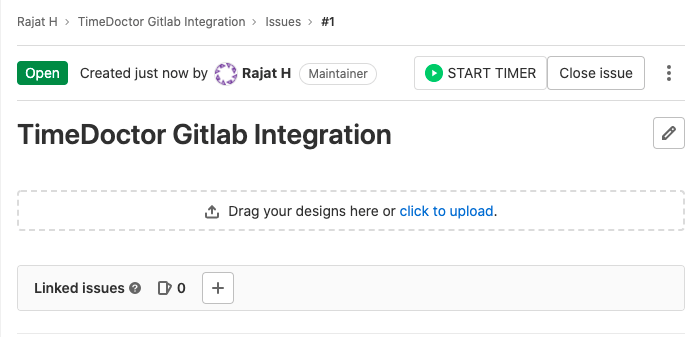
Time Doctor’s Chrome browser extension enables GitLab users to:
- View the timer and reported time next to the Gitlab issue title as well as the total time by the entire project.
- Reported time by each employee and its progress towards the original estimate.
- Group, sort, and filter reports, export time reports and invoice your clients.
Since the time tracking button is added to GitLab issues and merge/pull requests, developers can use this GitLab time tracking integration to save time and avoid disrupting workflows. Additionally, your team can avoid switching between different apps to get tasks done.
But that’s not all!
Time Doctor offers an array of advanced workforce analytics features. Let’s take a look at what they are.
Other key features
These are some of Time Doctor’s key features:
A. Time tracking
Time Doctor is a workforce analytics platform that gives you flexible time tracking so employees can record their hours in a way that fits how they work. The platform captures work activity in real time and transforms it into clear visibility for teams, helping leaders understand how work happens while keeping the experience simple for employees.
In manual/interactive mode, employees simply open the app, select their current task, and start the timer. Time Doctor runs in the background and tracks the apps and websites used during work. When they’re finished or want to take a break, they can stop the timer with a single click.

In automatic mode, Time Doctor can start tracking time when employees turn on or log into their work devices. This mode helps improve accuracy and reduces the need for manual edits or forgotten time entries.
Both modes are designed to provide clear visibility for managers and employees while minimizing disruption to the workday.
B. Productivity rating
Time Doctor’s productivity rating feature tracks every website and app accessed during work hours. This way, you can see which apps and websites your employees spend the most time on while working.
Additionally, it allows admins to choose which websites and apps are productive. For example, you can categorize Google Docs as productive and social media sites as unproductive.
Each website and application has one of four possible productivity ratings:
- Productive.
- Unproductive.
- Neutral.
- Unrated.

C. Productivity reports
Time Doctor tracks several data points related to employees activity. You can access a wide range of reports generated in real-time.
Here’s a quick look at these reports :
- Activity summary report: See active seconds, minutes, unproductive, manual, and mobile time for each employee over a selected time period.
- Attendance report: See if an employee is present, absent, partially absent, or late in real-time.
- Hours tracked report: View the total number of hours tracked by employees for any date range.
- Projects & tasks report: See the time spent on projects as well as individual tasks.
- Timeline report: Look at the time spent on tasks and breaks in a day or the whole week.
- Custom export report: Customize the fields you’d like to include in one single report.
- Web and app usage report: View the time spent by an employee on each app and website during work hours.

D. Payroll management
Time Doctor’s payroll feature and its integrations make paying part-time and full-time employees a breeze.
You can pay your employees straight from the app when you add their relevant details such as pay rate and working hours.

Pricing
Time Doctor’s plans start as low as $6.70/month after a 14-day free trial — no credit card required.
User ratings
- G2: 4.4/5 (420+ reviews)
- Capterra: 4.5/5 (540+ reviews)
2. Clockify

Clockify’s integration with GitLab makes it easier for you to further control all your software development related tasks and responsibilities right from the app itself.
Key features
- Any time tracked in GitLab will reflect on Clockify reports.
- Create a project template to save time when scheduling shifts.
- Track project budget and time for efficient project management.
- Export and send reports, invoices, and timesheets as PDF files.
Pricing
Clockify has a limited free plan. Its paid plans start at $4.99/user per month.
User ratings
- G2: 4.5/5 (110+ reviews)
- Capterra: 4.7/5 (1600+ reviews)
Learn more about this tool in our detailed Clockify review.
3. Hubstaff
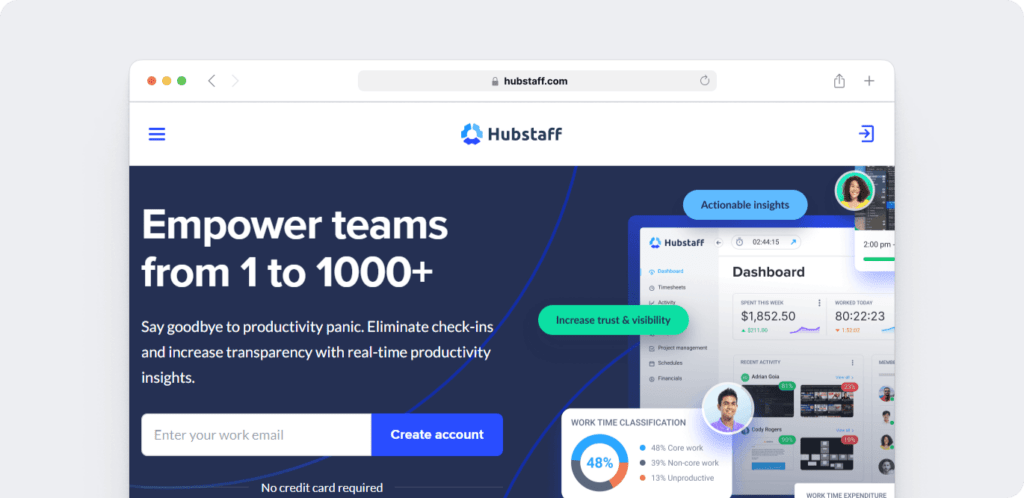
Hubstaff provides time tracking for distributed, hybrid, and field teams, with productivity metrics, GPS-based location features, and payroll capabilities.
Key features
- Time tracking and online timesheets for projects and tasks.
- Screenshots while tracking time. App and URL tracking are optional and off by default.
- Activity levels based on keyboard and mouse movement, with idle-time prompts and handling.
- GPS and geofenced time tracking through the mobile app.
- Payroll automation with manual or automatic payments.
- Integrations with 30-plus tools
- Cross-platform apps for Windows, Mac, Linux, iOS, Android, and a browser extension.
- Reports and filters for applications, URLs, activity, idle time, and work sessions.
Pricing
The Hubstaff app offers a limited free plan. Its paid plans start at $4.99/user per month.
User ratings
- G2: 4.5/5 (1496+ reviews)
- Capterra :4.6/ 5 (1580+ reviews)
4. TMetric
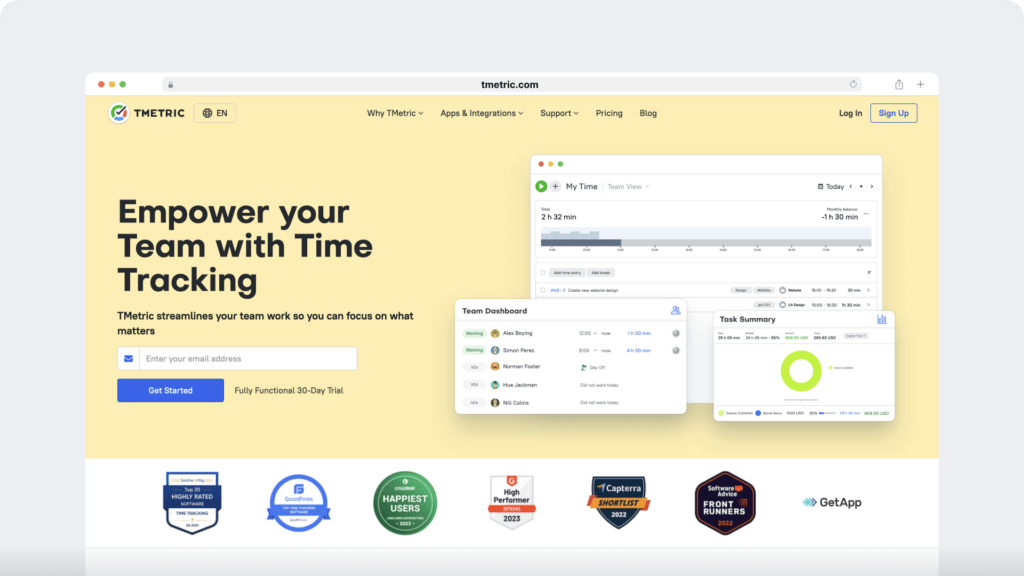
TMetric is a time tracking tool that integrates with GitLab seamlessly. The app notifies users of online activity and lets users track time while offline.
Key features
- A time entry will have a backlink to the issue or merge request.
- The title used in GitLab issues or merge requests will apply to the TMetric time entry.
- You can edit time entries without disturbing the label assigned to the issue or merge request.
- Time reports will show which time entries were edited to avoid time theft.
Pricing
TMetric has a limited free plan. The paid plans start at $5/user per month.
User ratings
- G2: 4.6/5 (100+ reviews)
- Capterra: 4.5/5 (240+ reviews)
5. Harvest
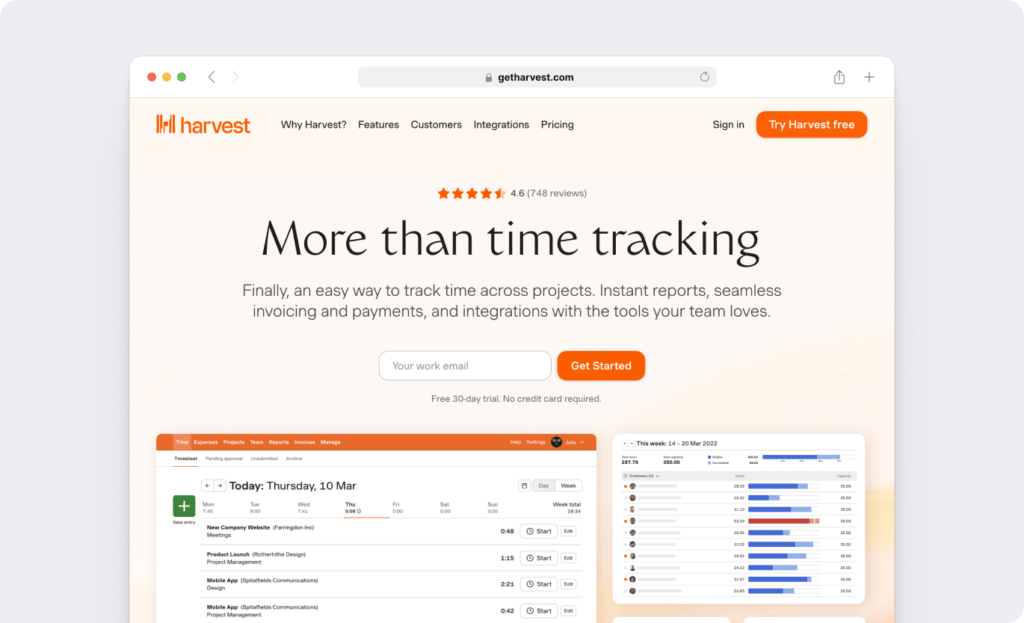
Harvest helps companies get valuable business insights with the help of its time and expense tracking features. Additionally, GitLab’s integration can transform the app into a powerful project management and software development app.
Key features
- Project management features that help you keep a count of internal costs and budgets.
- Reminders will make sure you track time consistently.
- Use visual reports to understand what your employees spend the most time on.
- Review data from previous pipeline tasks so you can plan more efficiently.
Pricing
Harvest has a free plan for one user. Paid plans start at $12/month per user.
User ratings
- G2: 4.3/5 (730+ reviews)
- Capterra: 4.5/5 (450+ reviews)
Check out this Harvest review for a deeper insight.
6. DeskTime
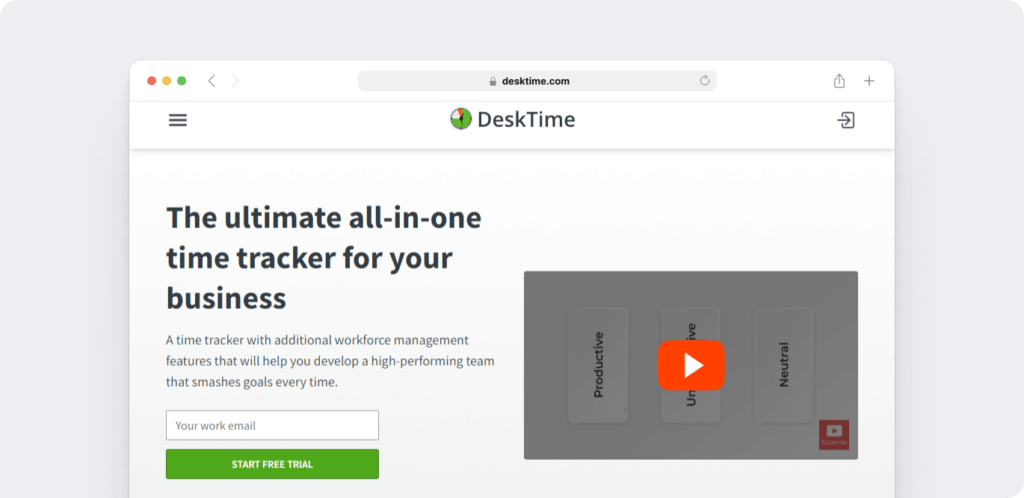
DeskTime, with GitLab, automates the generation of time and attendance sheets for easy invoicing, expense tracking, and more.
Key features
- Automatic time tracking ensures employees don’t forget to track time.
- Document tracking ensures that you know exactly how much time you spent on a document or project.
- App and URL tracking informs you about your employees’ app and web usage.
- A mobile app helps managers stay on top of each project’s progress wherever they are.
Pricing
DeskTime offers a free plan with limited features. Paid plans start at $7/user per month.
User ratings
- G2: 4.6/5 (20+ reviews)
- Capterra: 4.5/5 (230+ reviews)
7. DueFocus

DueFocus is a time tracking app that integrates with GitLab.com to streamline software development processes and improve employee productivity.
Key features
- The team pulse feature helps managers view the entire team’s daily progress.
- Employees can also access team productivity reports to match the productivity levels of their colleagues.
- Its focus analysis feature offers detailed productivity indicators.
- Managers can assign a priority level to each task and change the status of tasks.
Pricing
Contact support for a custom quote.
User ratings
- G2: N/A
- Capterra: N/A
Wrapping up
While GitLab time tracking does offer some basic time management functionality, it lacks several crucial features offered by other robust time management apps.
You can go through our list of alternative time tracking tools to select one that fits your business needs and budget.
If you’re looking for a comprehensive time-tracking app with powerful reports and intuitive features, you should definitely opt for Time Doctor.
Get a demo of Time Doctor and experience it for yourself?

