Any growing business needs a time tracking solution that tracks its employees’ work hours, offers location monitoring, and generates real-time analytics.
That’s exactly what the Paychex time tracking app – Paychex Flex Time – does. Although it may take time to figure out the app, Paychex Flex Time offers incredible features like GPS tracking, biometric time tracking, and automated payroll service.
But is Paychex Flex Time the best employee time tracking solution for your business?
In this article, we’ll explore the Paychex time tracking app in detail and two reasons why you should look for an alternative. Also, we’ll cover six fantastic time tracking substitutes for Paychex.
Table of Contents
- What is Paychex time tracking?
- 5 key features of Paychex time tracking app
- How much does Paychex time tracking cost?
- 2 reasons to look for Paychex time tracking alternative
- 6 best Paychex time tracking alternatives
Let’s get started!
What is Paychex time tracking?
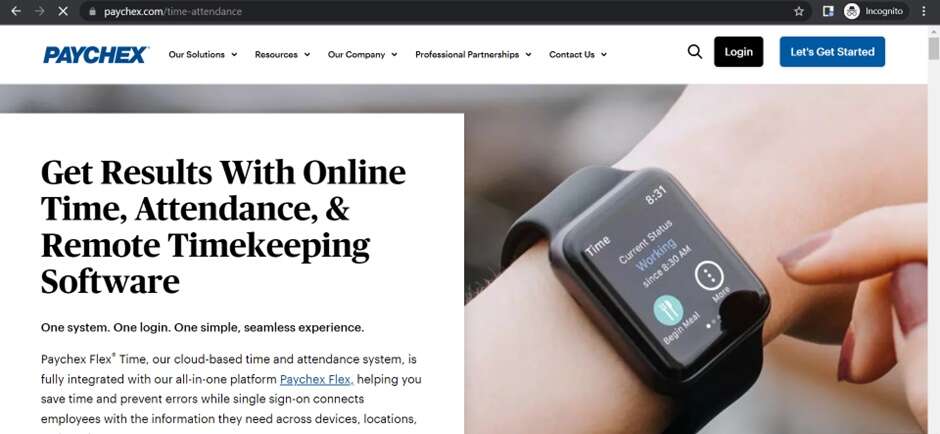
Paychex Inc offers a cloud-based time and attendance tracking software used by small and medium business owners.
The app combines time tracking, attendance management, scheduling templates, and a host of other features. These features will help you track employee work hours, boost productivity, and streamline your workflows.
Paychex offers two time clock options:
1. Paychex Flex App
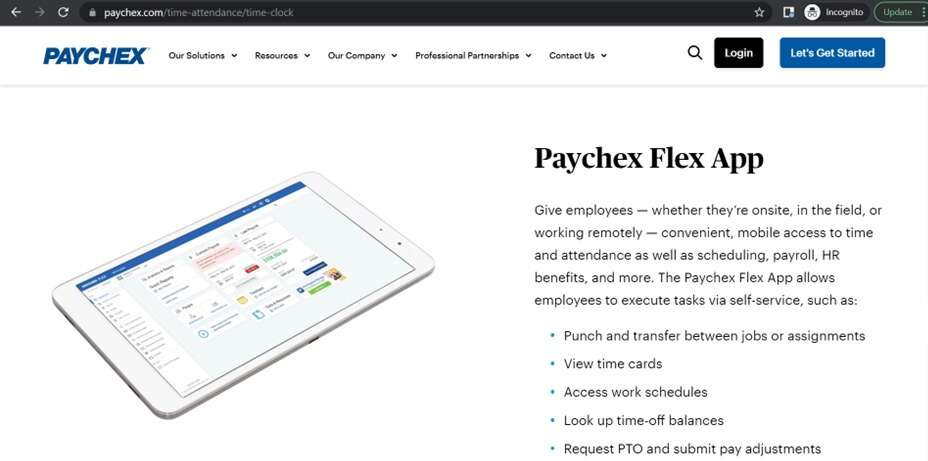
Paychex Flex App provides on-site and off-site time tracking, scheduling, payroll service, etc. With this app, you can:
- Track employee time across different projects.
- Access time card.
- Check employee work schedules.
- View time-off balances.
And more.
2. Paychex Iris Time Clock
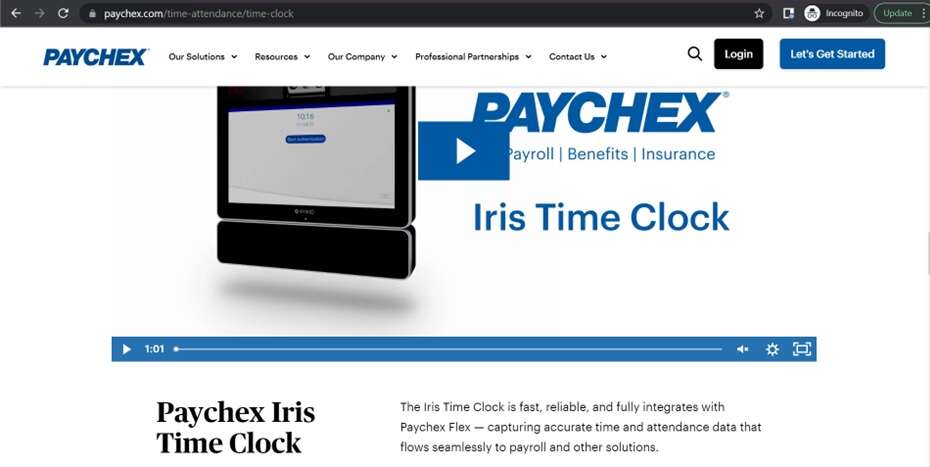
Paychex Iris Time Clock is a biometric time tracking solution that scans employees’ irises to record their clock in and out time. The app lets you :
- Clock in even while wearing gloves, masks, safety glasses, etc.
- Integrate with payroll management tools.
- Use employee self-service features like swap shifts, request time offs, etc.
- Sign in and out offline and store important attendance data until a connection is re-established.
The time tracking tool integrates fully with its Human Resource Management (HCM) app, Paychex Flex. The Paychex Flex app acts as a single platform to help you with business processes like payroll, benefits administration, paid-time-off (PTO) management, pay stub generation, etc.
Based on your company needs and size, you can choose the following HCM plans:
- Paychex Flex Select.
- Paychex Flex Pro.
- Paychex Flex Enterprise.
Next, let’s check out some features of Paychex time tracking.
5 key features of Paychex time tracking app
Here are five features of the Paychex time tracking app:
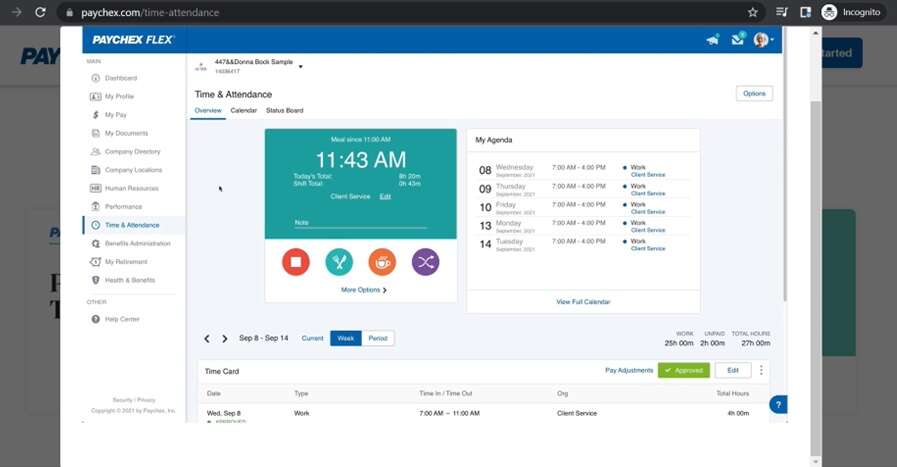
1. Time tracking
Paychex offers a variety of employee time tracking methods such as:
- Time tracking through web and mobile apps.
- Paychex Time Kiosk app.
- Biometric time tracking.
These features offer flexibility, allowing you to track employees’ work hours however you wish.
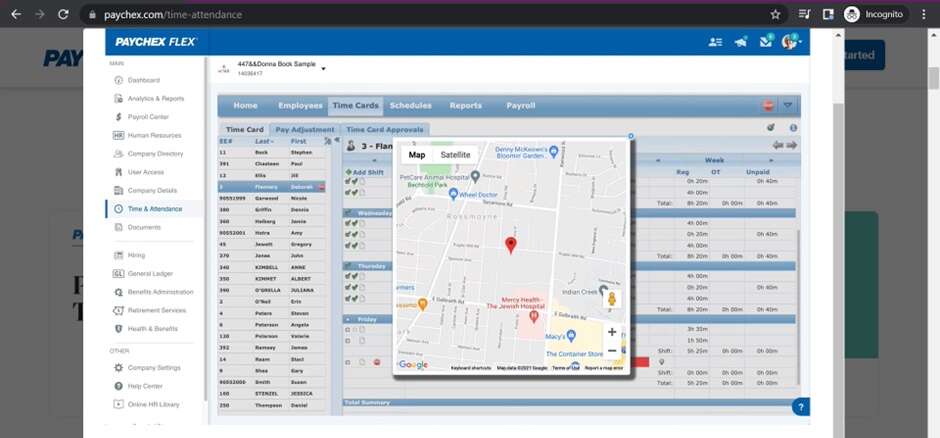
2. Geolocation and Geo-fencing
With GPS tracking, you can get real-time notifications of where your employees work from. Additionally, Paychex’s geofencing feature lets you set work perimeters or mark places from where your employees can clock in.
3. Employee scheduling
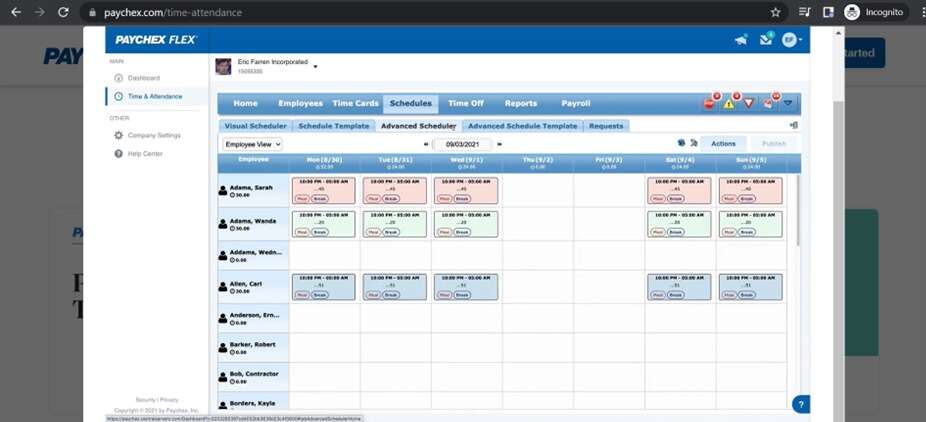
The app automates scheduling through its visual scheduler and employee scheduling templates.
With Paychex, you can:
- Set scheduling exceptions (work hours or budget limits).
- View employee availability.
- Access weekly work schedules.
- Generate custom schedule templates.
4. Payroll management
Using Paychex time tracking data, you can track cheque dates, calculate employee work hours, and pay your employees accurately on time. The app also ensures compliance with employment laws such as minimum wages and overtime rules by integrating with the Paychex HR solution.
5. Real-time reporting
Paychex uses its employee timekeeping data to generate insightful reports. The app’s real-time updates help you view key performance indicators, employee attendance, most productive employee hours, manage labor online, etc.
Along with custom reporting, Paychex offers reports on:
- Time off accruals: These are the paid-off leaves employees have earned or accumulated over a time period.
- Forecasting: The app uses previous financial and employee information to forecast the budget as well as labor requirements.
- Shift differentials: These reports show the additional pay earned by employees through extra shifts.
- Employee earnings record: These reports show detailed employee payroll data, including compensation, payroll taxes, employee benefits, etc.
Paychex lets you download these reports in Excel, XML, CSV, and PDF formats.
How much does Paychex time tracking cost?
Paychex doesn’t offer any free trial or plan. It has two types of pricing plans:
- Paychex Flex Time Essentials.
- Paychex Flex Time.
Paychex Flex Time Essentials is suitable for small to medium businesses as it comes with a lower pricing and limited features. Paychex Flex Time offers additional features such as schedule templates and shift swapping.
The price of these plans is only available upon request.
Inspite of its useful features, the Paychex time tracking app has some shortcomings that may make it unsuitable for your business. Let’s check them out.
2 reasons to look for Paychex time tracking alternative
Here are two reasons why Paychex Flex Time may not be ideal for your business:
1. Crowded user interface
Paychex Flex Time offers many features like manual time entries, biometrics, PTO management, etc., crowding the app’s user interface.
This makes it difficult for users to navigate the app and results in a steep learning curve.
2. Poor customer support
Users may require customer support and training to learn Paychex’s multiple features. However, Paychex’s customer service isn’t always available, leaving you alone to figure out the app. This results in a difficult user onboarding process.
So what’s the solution?
You can invest in other incredible time tracking apps like Time Doctor that offer free trials, user-friendly time & attendance tracking, and powerful automation. Let’s take a look at some of these tools.
6 best Paychex time tracking alternatives
Here are six Paychex time tracking alternatives to help your business manage time better.
1. Time Doctor

Time Doctor is a workforce analytics platform that empowers managers with the visibility to lead with trust, not control. Mid-market companies and growing SMBs use it to gain real-time visibility into work, support employee well-being, and continuously improve productivity across remote, hybrid, and in-office teams.
With Time Doctor’s incredible features, you can track your employees’ work hours, access insightful reports, and automate payroll processing.
Let’s check out these and other handy Time Doctor features in detail:
Key features
1. Time tracking
Time Doctor is a workforce analytics platform that gives you flexible time tracking so employees can record their hours in a way that fits how they work. The platform captures work activity in real time and transforms it into clear visibility for teams, helping leaders understand how work happens while keeping the experience simple for employees.
In manual mode, employees simply open the app, select their current task, and start the timer. Time Doctor runs in the background and tracks the apps and websites used during work. When they’re finished or want to take a break, they can stop the timer with a single click.
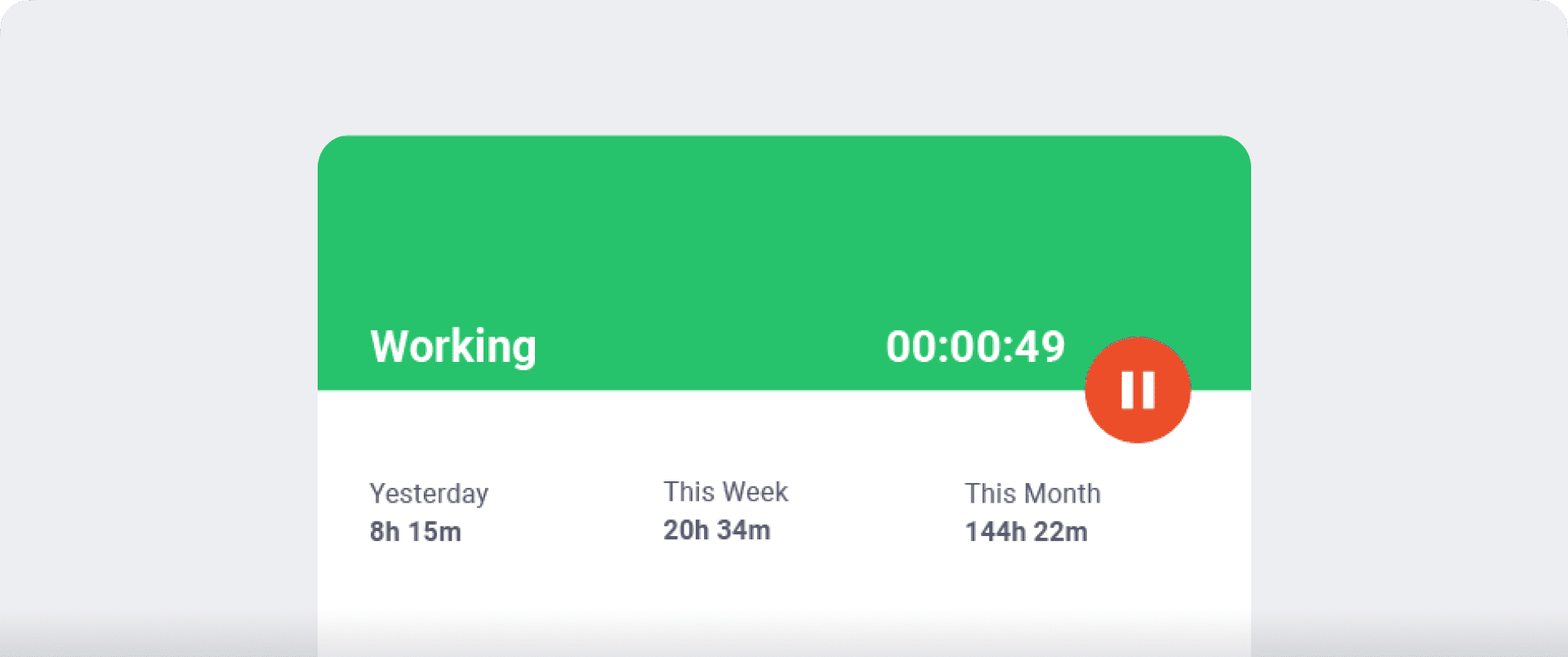
In automatic mode, Time Doctor can start tracking time when employees turn on or log into their work devices. This mode helps improve accuracy and reduces the need for manual edits or forgotten time entries.
Both modes are designed to provide clear visibility for managers and employees while minimizing disruption to the workday.
2. Idle time tracking
Time Doctor measures idle time (periods without keyboard or mouse activity) to help teams understand focus patterns and reduce productivity blockers.
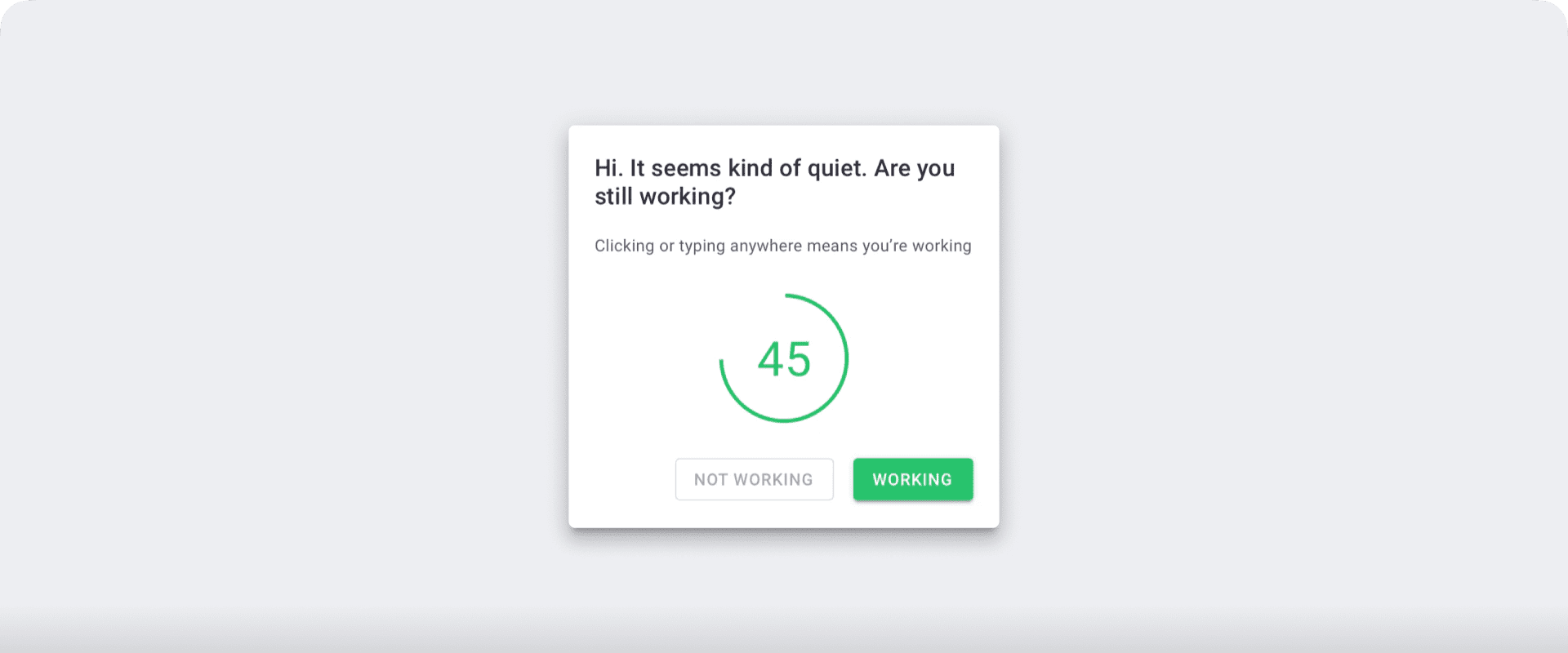
Idle time is tracked in seconds and minutes, with configurable thresholds based on different roles. When someone is inactive for too long, Time Doctor can show a gentle idle-time pop-up that prompts them to refocus or take a break. This helps prevent unintentional time drift and keeps timesheets accurate.
You can also set a maximum idle limit, after which the timer automatically stops and notifies the employee.
Note: Time Doctor doesn’t support keylogging. To protect user privacy, the app only checks if the mouse or keys are in use.
3. Screencasts (Optional)
You can use Time Doctor’s real-time screenshots to get accurate insights into your employees’ productivity levels. Time Doctor lets you use the following settings:
- Off: No screenshot or video.
- Video: Continuous video recording (available on Premium plan).
- Screenshot: Choose a predefined time to take screenshots (every three minutes, 15 minutes, or 30 minutes.)
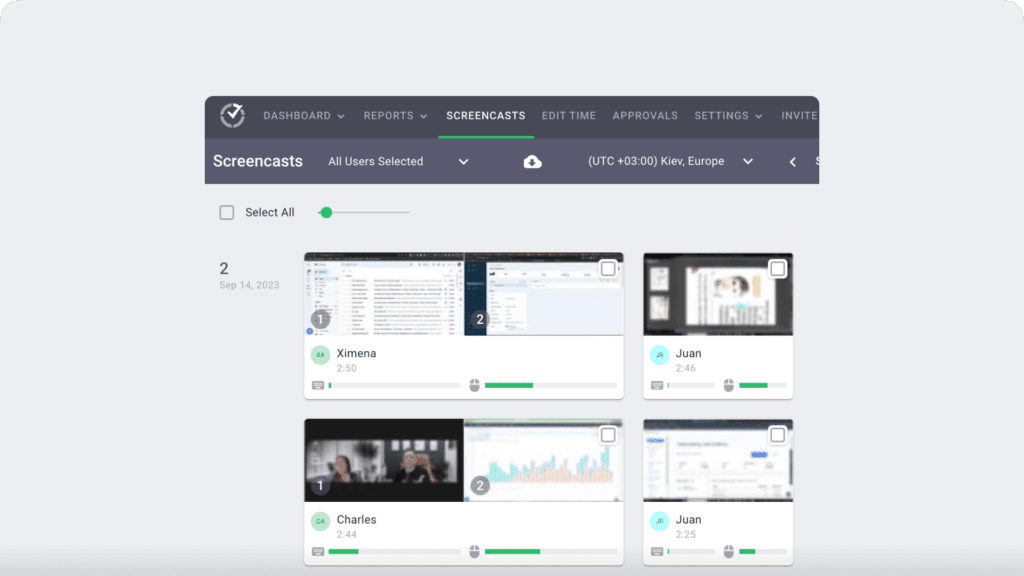
Note: Admins and managers can delete or blur the screenshots if they contain sensitive data like employees’ personal information to protect their privacy.
4. Productivity reports
Time Doctor tracks several data points related to employees activity. You can access a wide range of reports generated in real-time.
Here are some of the reports available:
- Activity summary report: See active seconds, minutes, unproductive, manual, and mobile time for each employee over a selected time period.
- Attendance report: See if an employee is present, absent, partially absent, or late in real-time.
- Hours tracked report: View the total number of hours tracked by employees for any date range.
- Projects & tasks report: See the time spent on projects as well as individual tasks.
- Timeline report: Look at the time spent on tasks and breaks in a day or the whole week.
- Custom export report: Customize the fields you’d like to include in one single report.
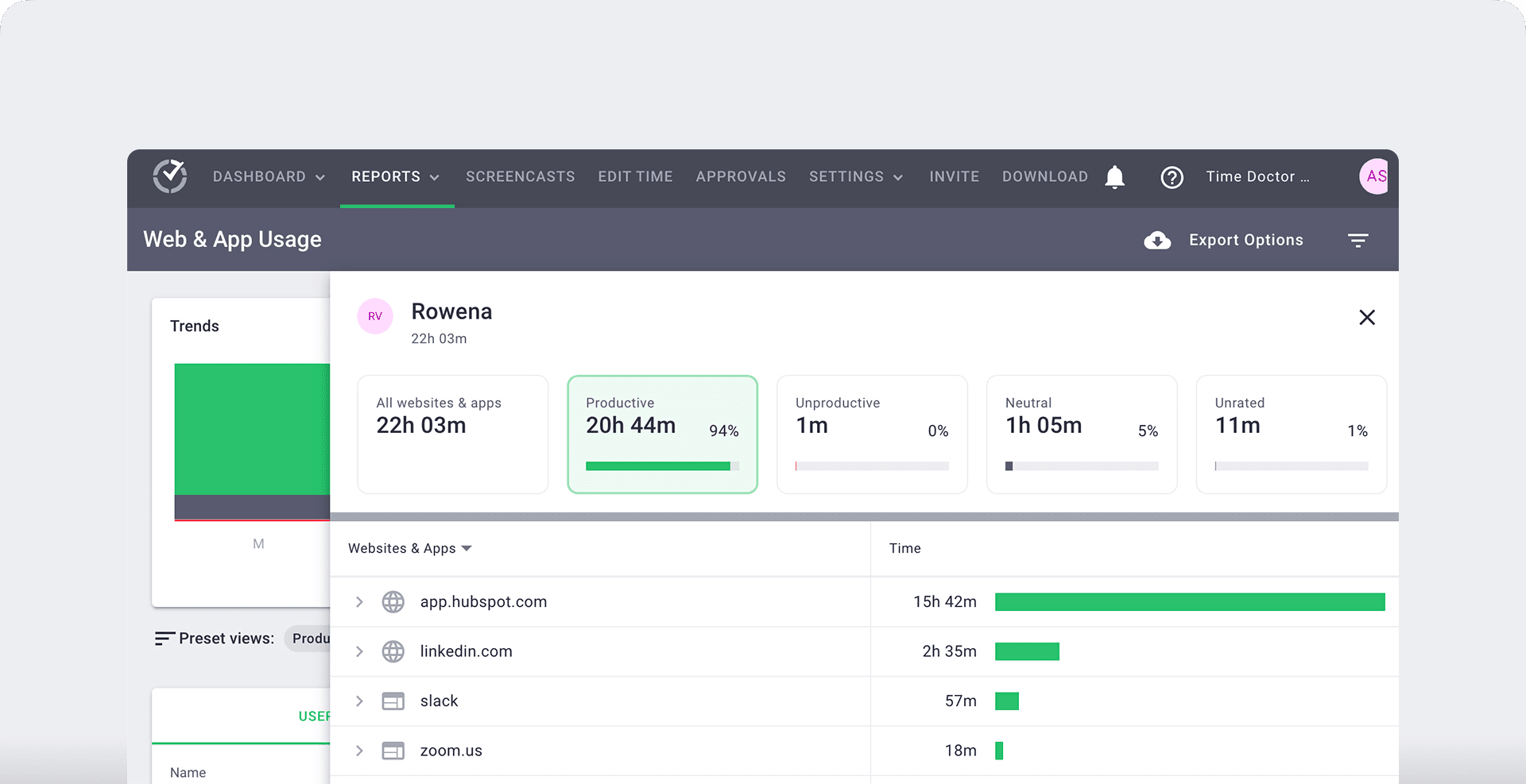
- Web and app usage report: View the time spent by an employee on each app and website during work hours.
5. Payroll management
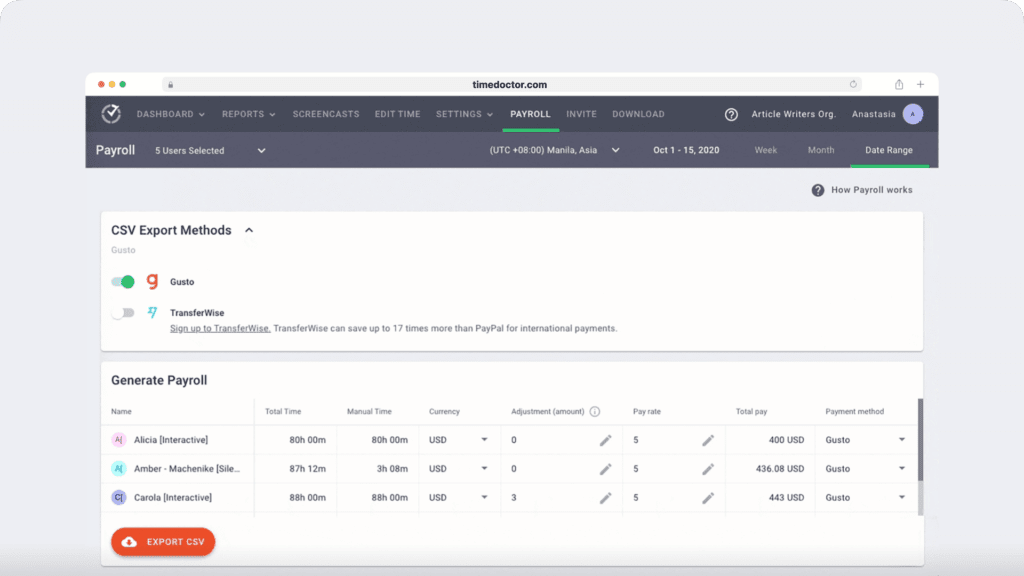
Time Doctor provides an automated payroll management system based on the employee’s working hours.
You can customize payroll details like:
- Payment currency
- Payment method
- Pay period
Other pros
- Allow employees to track work hours offline.
- Export reports in either CSV or XLS formats for easy storage and external sharing.
- Give productivity ratings to websites and apps used by employees.
- Protect your employees’ data with strict security and privacy policies.
- Integrate via Chrome Extension with apps like Trello, Google Calendar, etc., to track time across multiple platforms.
- Use Time Doctor on Android, Windows, macOS, and Linux operating systems.
Check out Time Doctor’s other fantastic features.
Pricing
Time Doctor has three affordable pricing plans, and you can quickly sign up for a 14-day free trial without a credit card.
Here’s an overview of the pricing plans:
- Basic: $6.67/user per month – offers time tracking + task management + activity tracking + unlimited screenshots.
- Standard: $10/user per month – includes “Basic” features + integrations + payroll and invoicing.
- Premium: $20/user per month – includes “Standard” features + executive dashboard + client login access.
Customer ratings
- G2: 4.4/5 (420+ reviews)
- Capterra: 4.5/5 (540+ reviews)
2. QuickBooks Time
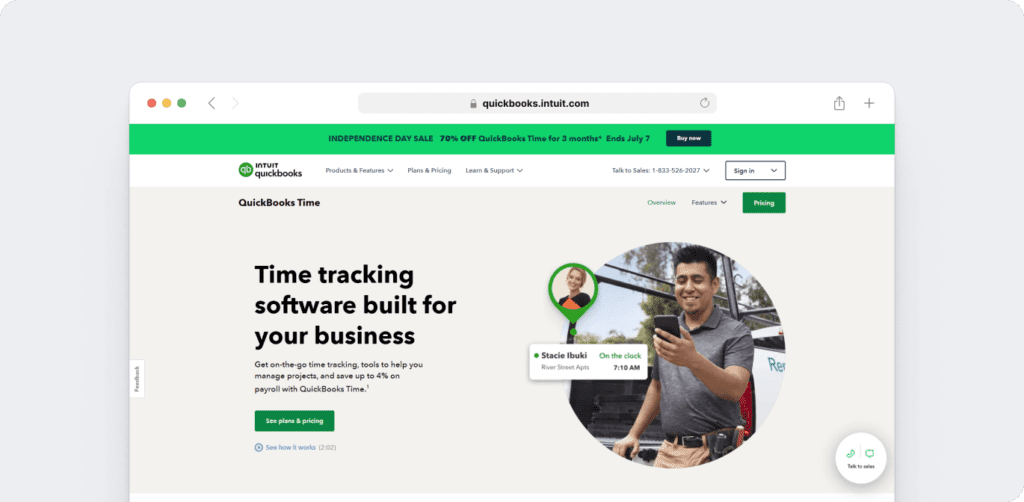
QuickBooks Time is a time tracking app that offers attendance management and employee scheduling features. The app integrates with tools like JazzHR and MakeShift to automate HR services like employee hiring, applicant tracking, etc.
Key features
- Offers QuickBooks Time Kiosk to track employee time in a single location.
- Records clock-in location after an employee logs in with its geofencing feature.
- Lets you edit and share work schedules easily with your team.
- Integrates with QuickBooks Payroll to automate employee pay and billing.
Pricing
QuickBooks Time offers a 30-day free trial. Its paid plans start from $25/month.
Customer ratings
- G2: 4.5/5 (1395+ reviews)
- Capterra: 4.7/5 (5550+ reviews)
Check out our in-depth review of the QuickBooks Time tracking app.
3. DeskTime
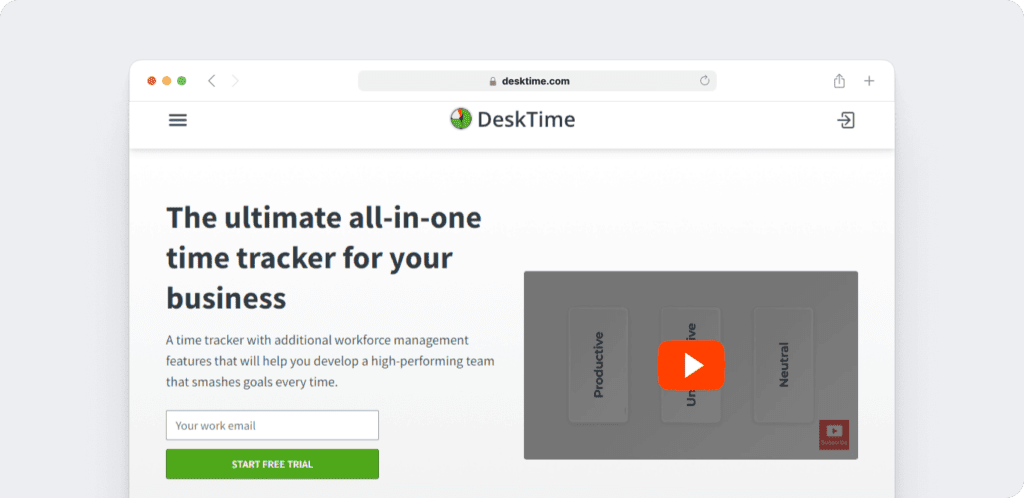
DeskTime is a time management tool that offers an app and web-based employee time tracking, suitable for businesses and freelancers. The app helps you monitor employee productivity and streamline workflows.
Key features
- Tracks time when you switch on your computer with its automatic time tracker.
- Records time spent on individual projects and tools like Excel, Word, Photoshop, etc.
- Lets your team members take a digital break with its private time feature.
- Calculates project costs using time tracking data.
Pricing
DeskTime offers a free plan with limited features. Its paid plans begin from $7/user per month.
Customer ratings
- G2: 4.5/5 (140+ reviews)
- Capterra: 4.4/5 (235+ reviews)
4. Homebase
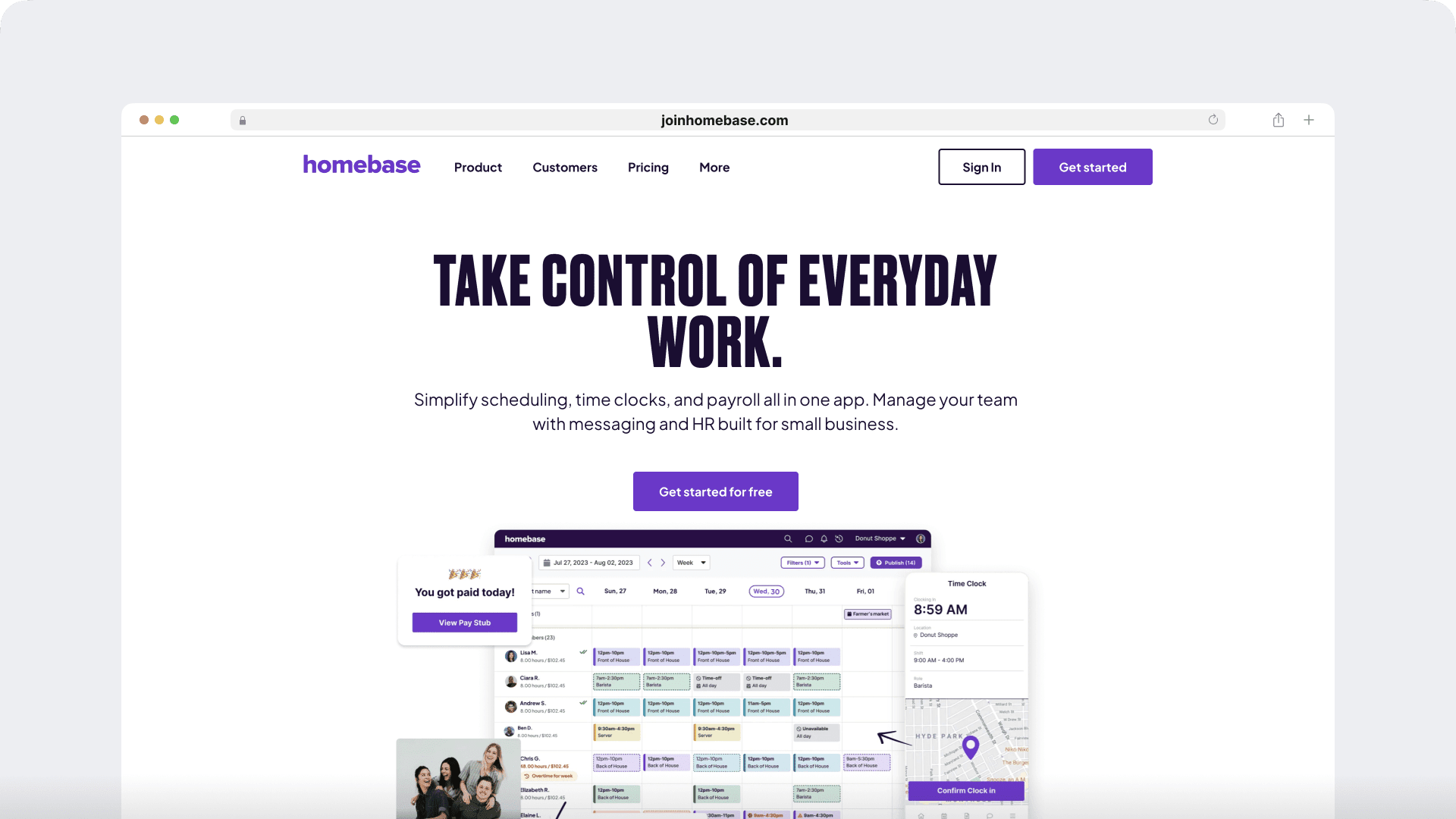
Homebase is a cloud-based time tracking system used in industries like retail, healthcare, customer service, etc. The app offers easy employee scheduling features and also automates business operations like payroll processing.
Key features
- Tracks time on desktop, mobile device, and Point-Of-Sale (POS) systems.
- Prevents early clock-ins and late clock-outs to standardize work hours across the board.
- Alerts employees when they’re late for shifts.
- Integrates with payroll software like ADP, QuickBooks, Rippling, etc.
Pricing
Homebase offers a free plan for a single location. Its paid plans start from $19.95/location per month.
Customer ratings
- G2: 4.2/5 (80+ reviews)
- Capterra: 4.6/5 (830+ reviews)
5. Toggl Track
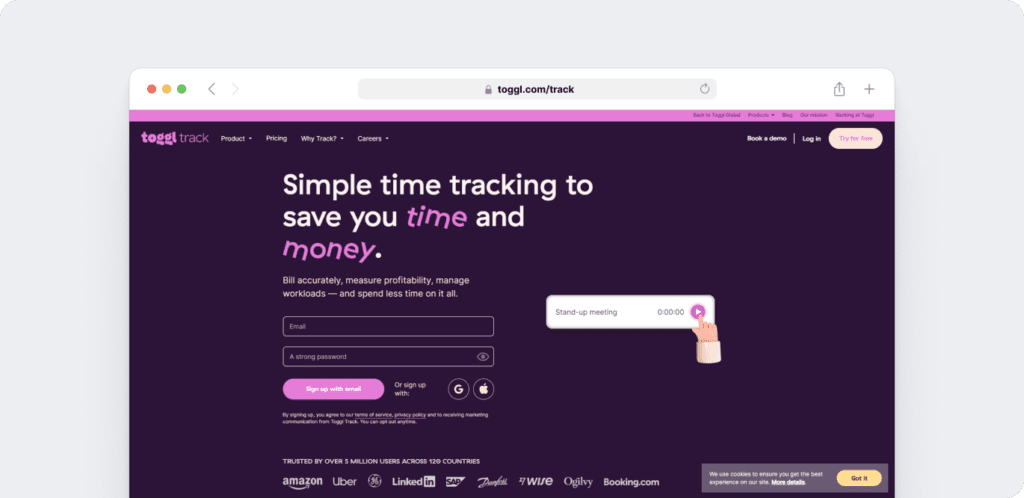
Toggl Track is a flexible, easy-to-use time tracking solution suitable for freelancers, small and big companies. The app provides a simple user interface, generates detailed productivity reports, and tracks time across multiple devices.
Key features
- Tracks time spent on any application or website for more than 10 seconds with its timeline feature.
- Pins popular time card entries at the top of the timer page for easy accessibility.
- Sends alerts when your project reaches its deadline.
- Integrates with Google Calendar and Outlook to track time according to event entries.
Pricing
Toggl Track offers a free plan. Its paid plans start from $10/user per month.
Customer ratings
- G2: 4.6/5 (1495+ reviews)
- Capterra: 4.7/5 (1810+ reviews)
Curious to know more?
Check out the comprehensive Toggl Track review to learn more about the app.
6. Hubstaff
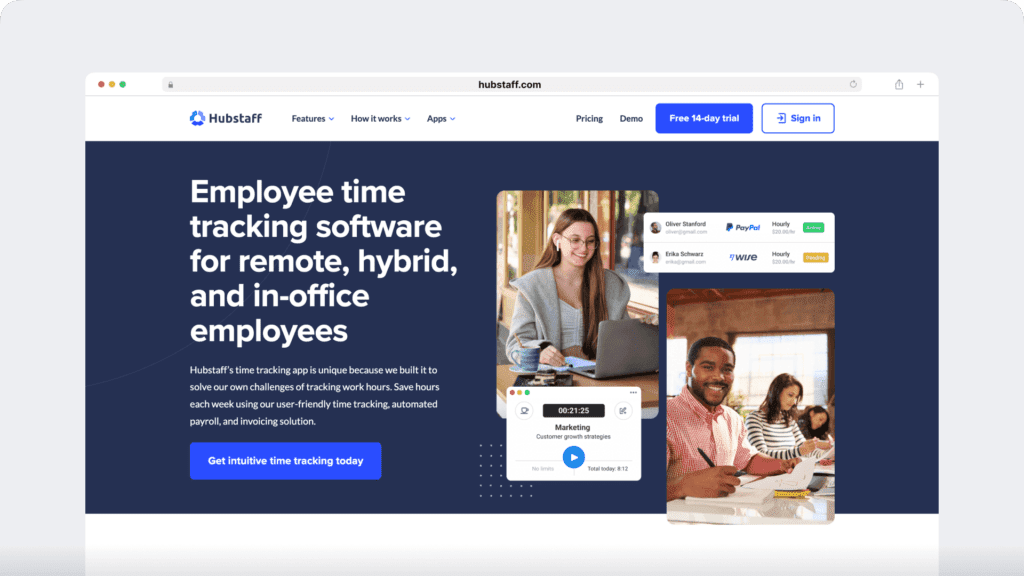
Hubstaff is an employee time tracking and workforce management tool. It offers GPS tracking, agile project management, and an efficient attendance solution.
Key features
- Time tracking and online timesheets for projects and tasks.
- Screenshots while tracking time.
- GPS and geofenced time tracking through the mobile app.
- Payroll automation with manual or automatic payments.
- Integrations with 30-plus tools.
- Cross-platform apps for Windows, Mac, Linux, iOS, Android, and a browser extension.
- Reports and filters for applications, URLs, activity, idle time, and work sessions.
Pricing
Hubstaff offers a 14-day free trial. Its paid plans start from $4.99/user per month.
Customer ratings
- G2: 4.5/5 (1496+ reviews)
- Capterra: 4.6/5 (1580+ reviews)
Wrapping up
Paychex time tracking app offers excellent features such as multiple time tracking options, detailed reporting, and GPS tracking. However, it’s still tricky to navigate and lacks good customer service, making it unsuitable for your business.
Don’t worry!
You can use our list to select a time tracking tool best suited to your business needs. But if you’re looking for a comprehensive solution, choose a powerful time tracking app like Time Doctor for efficient attendance systems, report generation, and payroll features.
So sign up for Time Doctor’s free 14-day trial today for an enhanced time tracking experience!

