Are you trying to decide which workforce analytics or employee monitoring tool truly fits your team?
While ActivTrak is a widely adopted solution with strengths in areas like workforce analytics, dashboard visibility, and management controls, many teams look for alternatives that prioritize trust, privacy, and flexibility alongside productivity tracking.
In this article, we’ll compare 7 leading alternatives, including platforms with stronger options for time tracking, payroll, distraction management, and employee-friendly privacy controls.
Whether your priority is detailed reporting, integrations, or work-life balance insights, this guide will help you evaluate which tool best aligns with your team’s needs.
Table of contents
- 5 things to look for in a good ActivTrak alternative
- The 7 best ActivTrak alternatives
- 2. Hubstaff
- 3. Teramind
- 4. QuickBooks Time (formerly TSheets)
- 5. Interguard
- 6. TimeCamp
- 7. Veriato
5 things to look for in a good ActivTrak alternative
Finding the right employee monitoring tool can feel like walking into a crowded store with too many options. It’s hard to know what works best for your team’s unique needs.
ActivTrak is recognized for its BI dashboards and broad workforce analytics features. Many teams also explore alternatives that place more emphasis on coaching-focused analytics, connected workflows, or employee-friendly flexibility. If that is your priority, here are 5 essential features to consider.
1. Distraction management
Distractions are everywhere. For example, social media, streaming platforms, and countless apps can pull your team’s focus away from work.
ActivTrak includes controls such as website and app blocking, as well as management-focused coaching tools. Many organizations, however, also look for alternatives that emphasize employee empowerment by providing real-time nudges or reminders that encourage focus without restricting access.
Both approaches can support productivity, and the right choice depends on whether you prefer management-directed controls or tools that help individuals stay accountable to themselves
2. Flexible time tracking
Time tracking is the foundation of productivity management. It ensures you know how long tasks truly take, which helps with project planning, timesheets, and budget management. ActivTrak provides automatic time tracking and idle detection, which cover many organizations’ needs. At the same time, some teams look for alternatives that add more flexibility.
For example, they may want the ability to start and stop a timer manually, record offline work such as calls or travel, or connect tracked hours with payroll and attendance workflows. These features make time data not only accurate but also more practical for billing and workforce planning.
3. Detailed reporting
Reports act like a roadmap for understanding team performance. They show where work is on track, where adjustments are needed, and how time is distributed across projects. ActivTrak offers a wide range of dashboards that give management-level visibility into workforce patterns.
At the same time, some organizations look for reporting that is simpler, more customizable, and directly connected to daily time tracking. Options such as flexible exports, clear timesheet views, and project-level summaries can make it easier to share insights with managers, clients, or payroll teams.
4. Privacy features
Transparency is essential for building trust in any monitoring or workforce analytics tool. ActivTrak provides visibility features designed for managers and already includes privacy protections such as no keystroke logging, no screen recording, and employee access to their own data.
However, some organizations look for alternatives that offer more flexibility and employee empowerment. For example, you may want configurable screenshot settings, options like blurring or deletion, or additional ways for employees to review and understand their own activity data. These types of controls help teams stay accountable while also supporting a culture of openness and trust.
5. Payroll and billing connections
Most organizations rely on more than just project and communication tools. They also need to connect time data with billing, payroll, and attendance workflows. ActivTrak integrates with a range of third-party applications, particularly for analytics, reporting, and dashboard visibility.
Its HRIS integration is designed to sync approved time-off data into dashboards, giving teams visibility into employee availability alongside productivity data.
Teams that want time-off data to connect more directly with time tracking, attendance, or payroll workflows may also compare alternatives based on how those systems work together.
Some teams prefer alternatives that include direct payroll connections, simple billing features, or lightweight project management tied to tracked hours. These options help keep data consistent across systems and make it easier to link productivity insights with everyday financial workflows.
The 7 best ActivTrak alternatives
Here’s a closer look at the top competitors to ActivTrak, with features, pros and cons, and real-world applications to help you choose the right fit for your team.
1. Time Doctor

Key features
- Workforce analytics platform with distraction management and idle detection
- Privacy-first design with no keystroke logging and optional screenshots (with blurring or deletion)
- Customizable reports on time, projects, apps, and websites to surface trends and bottlenecks
- Payroll integration with PayPal, Payoneer, Wise, and multi-currency support for connected payment workflows
- 60+ integrations across project management, communication, and operational workflows
- Mobile app for iOS/Android and offline tracking with auto-sync
- Employee-facing dashboards to build trust and empower self-management
Pros
- Real-time nudges help employees refocus without blocking access
- Easy-to-use interface that supports quick adoption
- Employee access to their own data encourages autonomy and accountability
Cons
- Offline tracking does not update reports in real time while a device is disconnected. However, all work hours are stored locally and synced automatically once reconnected, so no data is ever lost.
- Some organizations that want strict visual oversight may see optional screenshots as less comprehensive than continuous monitoring. However, the flexibility to choose activity reports instead supports privacy and builds employee trust.
Best use case
Ideal for remote or distributed teams that need to balance productivity insights with employee trust. Managers get clear visibility into workflows, while employees stay empowered through transparent data, privacy controls, and connected operational workflows.
Ideal for
Organizations with remote, hybrid, or global teams that want actionable visibility, trust-first productivity analytics, and integrated payroll support.
2. Hubstaff
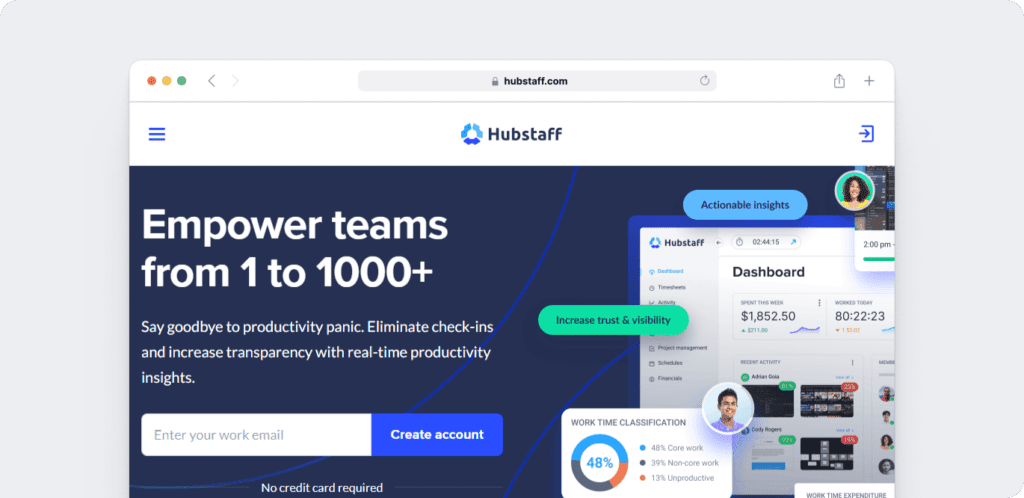
Hubstaff combines time tracking with workforce management tools, making it ideal for distributed and on-the-go teams.
Key features
- Automatic time tracking with GPS and geofencing capabilities and a user experience tailored for on-the-go teams.
- Idle time detection and detailed timesheets.
- Payroll integration for seamless invoicing and payments.
- Integrates with tools like Jira and Trello for enhanced project management.
Pros
- Affordable pricing for small teams.
- Supports both manual and automatic time tracking.
- GPS and geofencing features for field-based teams
Cons
- Reporting and analytics are less detailed than some alternatives
- Integration glitches reported by some users.
Best use case
A construction company uses Hubstaff to track employees working across multiple job sites. GPS and geofencing features ensure accurate clock-ins, and timesheets are synced directly with payroll systems for quick invoicing.
Ideal for
Small businesses, remote employees, and teams needing GPS tracking or payroll integration.
3. Teramind
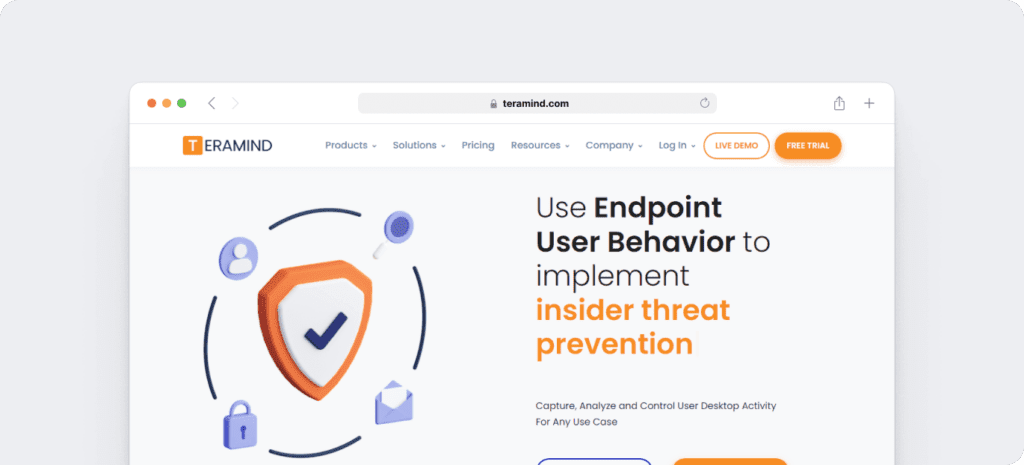
Teramind focuses on advanced productivity monitoring and insider threat detection, making it ideal for industries with strict compliance requirements and includes website usage tracking for comprehensive oversight.
Key features
- User activity monitoring (UAM) and behavior analytics.
- Data loss prevention (DLP) to protect sensitive information.
- Dynamic risk scoring to identify potential threats.
- Real-time alerts for suspicious activity.
Pros
- It has security features for high-compliance industries.
- Customizable monitoring options.
- It has analytics for detecting risky behavior.
Cons
- Higher pricing may be difficult for small teams.
- Setup and configuration can be complex for non-technical user
Best use case
A financial services firm uses Teramind to monitor sensitive client data and prevent unauthorized access. Real-time alerts notify the compliance team of unusual file access, ensuring the firm adheres to strict data protection standards.
Idle for
Large enterprises and industries prioritizing security and data loss preventionloss prevention
4. QuickBooks Time (formerly TSheets)
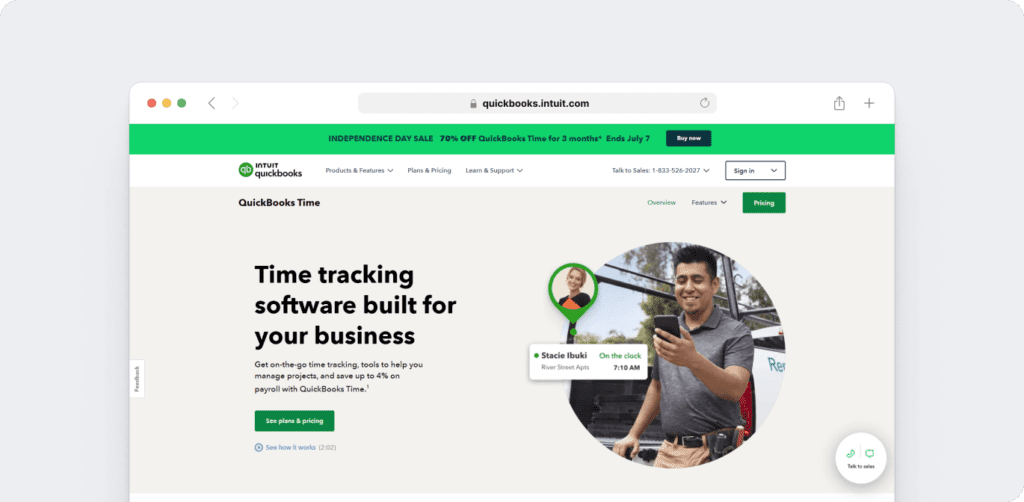
QuickBooks Time is designed for businesses that already use QuickBooks and want an easy way to connect time tracking with payroll and invoicing.
Key features
- One-click clock-in and clock-out functionality.
- Real-time reports and overtime tracking.
- Mobile apps for Android and iOS.
- Direct integration with QuickBooks for payroll.
Pros
- Ideal for businesses already using QuickBooks.
- Mobile-friendly interface for on-the-go tracking.
- Reliable overtime and payroll tracking.
Cons
- The platform is mainly designed for payroll and scheduling, so it is less suited for teams that want advanced productivity features
- It is best for businesses that already use QuickBooks, which may make it less flexible for other payroll systems.
Best use case
A catering company uses QuickBooks Time to track employee hours at event locations. The app syncs with QuickBooks for payroll, saving the team hours of manual entry.
Ideal for
Ideal for small businesses and teams that already manage payroll with QuickBooks.
5. Interguard
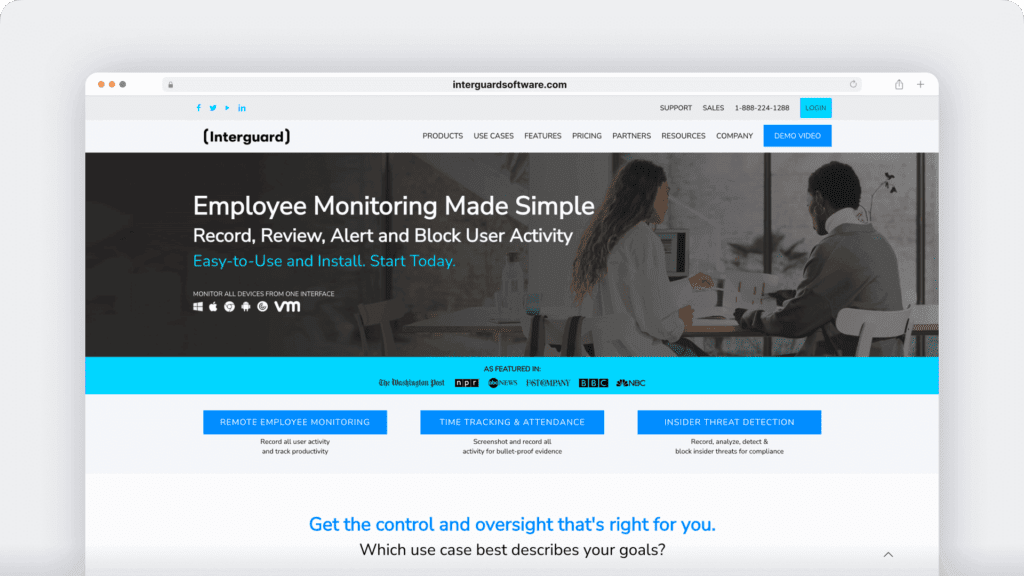
InterGuard combines productivity tracking with monitoring tools for industries prioritizing compliance.
Key features
- Tracks websites and applications used during work hours, giving visibility into online activity.
- Offers customizable screenshot monitoring that can be adjusted to fit company policies.
- Sends real-time alerts when off-task activity is detected so managers can respond quickly.
- Provides behavior analytics and insider threat detection to support compliance and security needs
Pros
- Provides a wide range of monitoring tools for visibility into employee activity.
- Strong focus on compliance and insider threat detection.
- Real-time alerts for quick action.
Cons
- The platform’s setup and management can feel complex for smaller teams without dedicated IT resources.
- It has fewer third-party integrations available, which may limit flexibility for organizations that rely on a wide variety of apps.
Best use case
A legal firm uses InterGuard to monitor employee activity, ensuring sensitive client data is only accessed by authorized personnel. Real-time alerts help managers prevent potential security breaches.
Ideal for
Organizations that prioritize compliance and data security.
6. TimeCamp
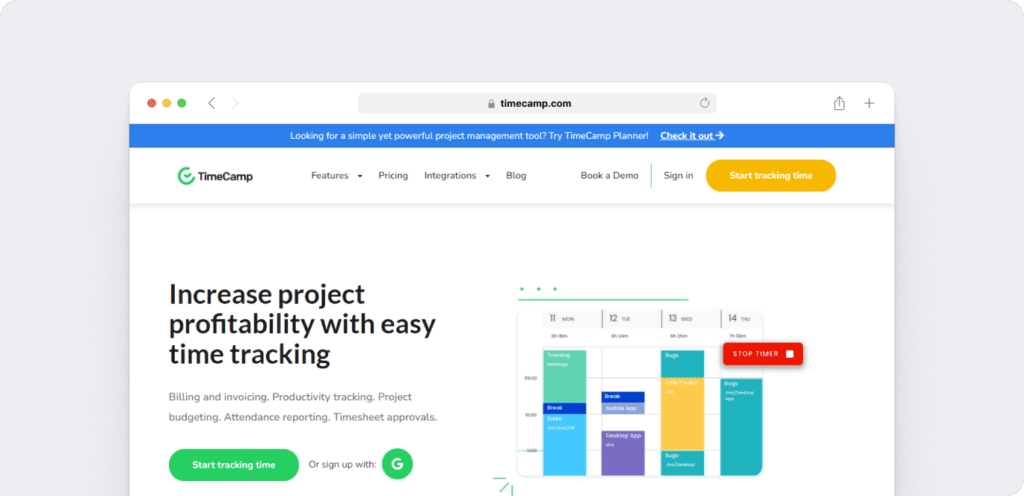
TimeCamp is a straightforward solution for time tracking and invoicing, designed for small teams and freelancers who need simple reporting and integrations.
Key features
- Automatic time tracking with visual reports.
- Attendance tracking and analysis.
- Integrations with over 100 apps like Slack and Asana.
- GPS tracking for remote employees.
Customer ratings
- G2: 3.3/5
- Capterra: 3.9/5
Pros
- Simple setup that works well for individuals and small teams.
- Clear, easy-to-read reports that support project planning.
- Wide range of app integrations.
Cons
- Focuses mainly on core tracking features rather than advanced analytics.
- Some features are available only on higher-tier plans.
Best use case
A freelance web designer can use TimeCamp to track project hours and automatically create invoices for clients.
Ideal for
Freelancers, startups, and small businesses that need a simple way to track time and manage projects.
7. Veriato
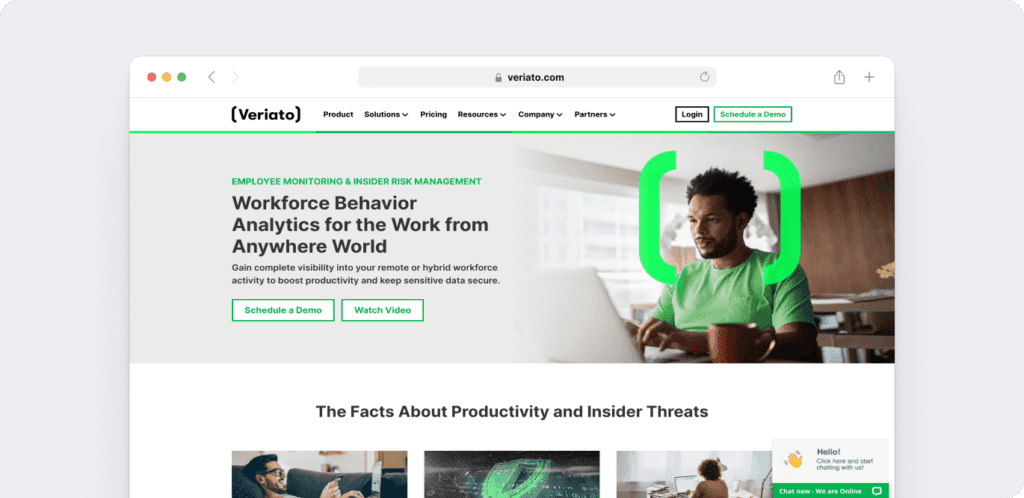
Veriato is built for employee monitoring and behavior analytics, with a focus on compliance and insider threat detection. It is often chosen by industries that require strict data protection.
Key features
- Screenshot monitoring and app usage tracking.
- Customizable alerts for suspicious activity.
- Detailed reporting that covers both productivity and security concerns.
Pros
- Focused on security and productivity insights.
- Customizable monitoring options.
- Designed for compliance-heavy industries.
Cons
- Setup and ongoing management can require technical expertise.
- Limited integration options.
Best use case
A cybersecurity company uses Veriato to monitor employee behavior and ensure compliance with internal data protection policies.
Ideal for
Security-conscious businesses and industries requiring compliance monitoring.
Comparison table
| Tool | Best For | Key Features | Pricing | G2 Rating | Capterra Rating |
| Time Doctor | Remote teams | Distraction management, payroll workflows | $6.67/user/mo | 4.4/5 | 4.5/5 |
| Hubstaff | Invoicing & payroll | GPS tracking, timesheets | $4.99/user/mo | 4.5/5 | 4.6/5 |
| Teramind | Security & compliance | Behavior analytics, DLP | $11.25/user/mo | 4.6/5 | 4.6/5 |
| QuickBooks | Small businesses | One-click time tracking | $17.50/user/mo | 4.5/5 | 4.7/5 |
| InterGuard | Compliance | Real-time alerts | $25/user/mo | 3.3/5 | 3.9/5 |
| TimeCamp | Freelancers | Visual time tracking | $1.49/user/mo | 4.7/5 | 4.7/5 |
| Veriato | Behavior monitoring | Insider threat detection | $15/user/mo | 4.3/5 | 4.2/5 |
Conclusion
When comparing ActivTrak with its alternatives, the question isn’t only about features but about approach. Some tools lean heavily on security and enforcement, while others focus on payroll, mobile tracking, or lightweight project management.
If your team values visibility and trust, Time Doctor offers workforce analytics that connect productivity insights with payroll, well-being, and daily workflows. This combination helps you support teams with clarity rather than control, especially when time tracking data needs to support day-to-day operations beyond dashboard visibility.
If you feel like you’re missing visibility into how work really gets done, Time Doctor gives you the insights to lead confidently with trust and clarity.
View a demo to see how Time Doctor helps your business improve productivity, track hours accurately, and support your teams with trust-driven workforce analytics.
Frequently asked questions (FAQs)
Yes. With multi-currency payroll support, real-time tracking across time zones, and 24/7 multilingual assistance, you can manage global teams without worrying about payroll errors or communication gaps.
You get workforce analytics that show patterns in productivity, workload, and focus. These insights help you identify when a team member needs support, so you can guide them with coaching rather than micromanaging.
You can access high-level dashboards that combine employee time tracking, productivity analytics, and project data. This provides you with the clarity to identify bottlenecks, balance workloads, and make informed decisions for growth.
Yes. Time Doctor links tracked time with payroll systems, helping support accurate billing, invoicing, and contractor payments within connected workflows.
This can be especially useful for teams that want time tracking, attendance, and time-off data to work together more closely across operations.
You can see when idle time is unusually high, when distractions occur often, or when workloads look unbalanced. These signals give you a chance to address burnout or disengagement early while keeping everything transparent for your team.
Yes. Your team can see their tracked hours, reports, and timesheets anytime. This transparency enables them to take ownership of their performance and fosters trust in the process.
Whether your employees are in the office, remote, or hybrid, you get consistent visibility across all locations. This ensures accountability and fairness for everyone, no matter where they work.

