Leading a hybrid or remote team is harder when you cannot clearly see how work happens across roles, schedules, and locations.
Many businesses need to improve productivity, balance workloads across time zones, and reduce burnout risk without falling into micromanagement.
That is why workforce analytics software has become essential. These tools help businesses spot burnout, reduce inefficiencies, and improve retention, but the right choice depends on what kind of visibility your team needs.
This guide breaks down the top workforce analytics software of 2026 and the key features to look for, so you can choose a platform that fits your workflows, team structure, and decision-making needs.
Table of Contents
- Why workforce analytics software is important for remote and hybrid teams
- The top 10 workforce analytics software of 2026
- Key features to look for in workforce analytics software
- What happens when you don’t use workforce analytics
- Which workforce analytics software should you choose?
Why workforce analytics software is important for remote and hybrid teams
Business leaders can only make effective decisions with accurate information.
This is where workforce analytics software becomes essential, particularly for the following reasons:
Tracking productivity without micromanaging
Teams today need smarter ways to understand how work is progressing. Modern tools give you visibility into work patterns without making people feel constantly watched.
Using these tools, workers feel trusted and can focus on their tasks. Managers get real data about work patterns and output. The whole team benefits from clear expectations and fair tracking.
For distributed teams working across regions, workforce analytics tools help track productivity, monitor collaboration, and streamline schedules across time zones.
Identifying employee engagement and well-being gaps
Spotting signs of disengagement or overload early saves time and money. Good analytics tools show you important signs of trouble. They track things like:
- How long people work each day
- When they seem most productive
- If they’re taking enough breaks
- Whether workloads are fair
- If they engage with team projects
Good workforce analytics tools help you monitor these patterns more clearly. You’ll notice when someone works unusual hours or shows signs of stress. The system alerts you when work patterns change suddenly. This means you can offer help before small problems turn into resignations.
Optimizing work schedules for different time zones
Running a global team brings special challenges. People work at different times, and finding good meeting slots can be tough. Workforce analytics tools help by showing when your team works best, making collaboration across time zones easier to manage.
These tools track each person’s most productive hours. You’ll see natural work patterns across time zones. This helps you:
- Schedule meetings when everyone is alert
- Plan project handoffs between regions
- Avoid asking for late-night work
- Balance workloads fairly
- Keep communication flowing
Ensuring fair performance evaluation
Traditional performance reviews often miss important details. Analytics tools give you solid facts to work with. They give managers more objective data to support performance discussions, rather than relying only on opinions or impressions.
With clear numbers, you can:
- Compare similar roles fairly
- Track improvement over time
- Spot top performers
- Find training needs
- Give feedback based on facts
This makes reviews fairer and more helpful.
Every team member gets the same fair treatment. The system measures everyone by the same standards. This builds trust and shows people their work matters. It also helps managers make better choices about raises, promotions, and training needs.
The top 10 workforce analytics software of 2026
The following tools share some core capabilities, but each has a different strength. Some focus on workforce visibility, while others are better suited for HR planning, scheduling, or employee engagement.
Higher pricing does not always mean a better fit. Pick a tool that:
- Fits your budget
- Matches your team size
- Gives you the features you need
- Works with your other tools
- Grows with your company
Try free demos when you can. This helps you find what works best for your team before spending money.
Time Doctor

Time Doctor is a workforce analytics platform that helps remote, hybrid, and in-office teams improve productivity while maintaining employee trust and privacy. It gives leaders a clear view of how time is spent, where workloads become uneven, and how work patterns affect performance.
- Key features
- Automated time tracking with project mapping, productivity insights, and workload visibility.
- Real-time activity monitoring with privacy-focused screenshot options.
- 60+ integrations across project management, payroll, and operational workflows.
- Pricing
- 14-day trial available.
- Basic: $8 per user/month (monthly billing) or $6.70 per user/month (annual billing).
- Standard: $14 per user/month (monthly) or $11.70 per user/month (annual).
- Premium: $20 per user/month (monthly) or $16.70 per user/month (annual).
- Enterprise: Custom pricing available.
BambooHR
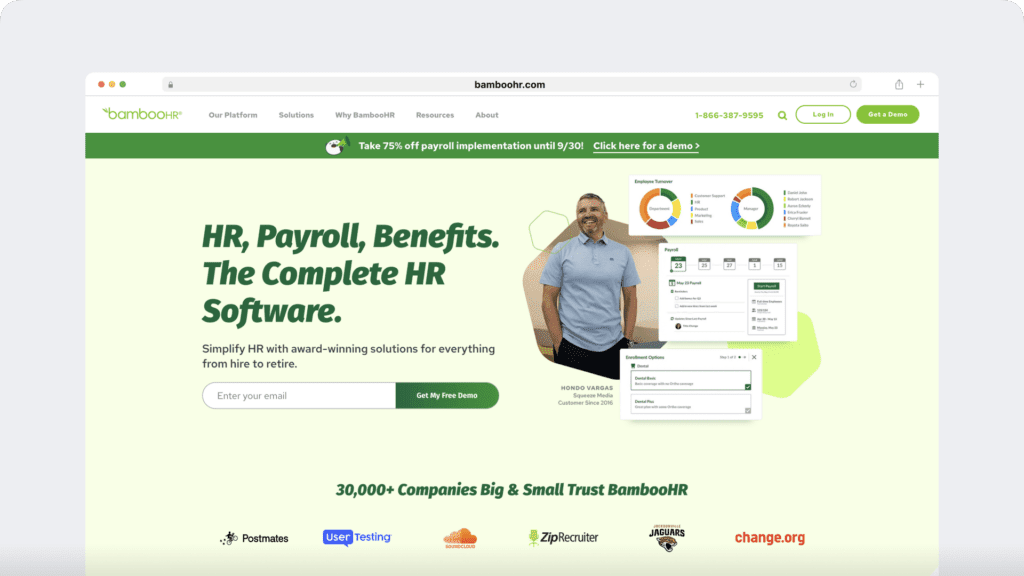
BambooHR simplifies HR tasks and helps teams track employee satisfaction and turnover risk.
- Key features
- Employee performance tracking and feedback tools.
- Streamlined hiring and onboarding systems.
- Time-off tracking with customizable reports.
- Pricing
- Custom pricing based on company size and needs; specific package details are not publicly disclosed.
ActivTrak
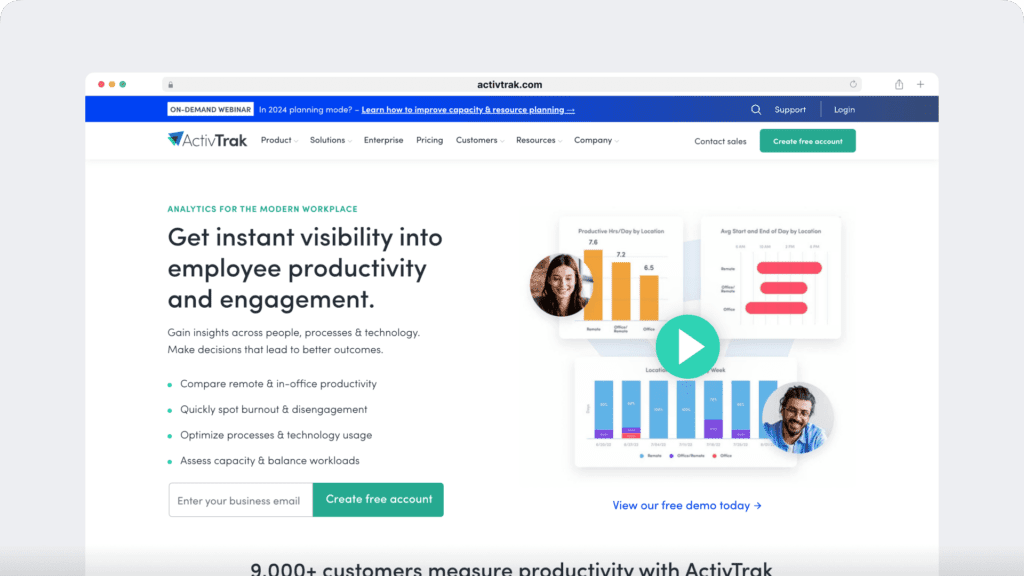
ActivTrak provides workforce analytics that help teams understand productivity patterns, workflow trends, and availability across the organization.
- Key features
- Real-time productivity tracking and team metrics.
- Tools to prevent burnout and manage workload.
- Analysis of technology usage patterns.
- HRIS-connected visibility into approved time-off data through dashboard workflows.
- Pricing
- Paid plans start at $10 per user/month, with enterprise pricing and volume-based options available.
SAP SuccessFactors
SAP SuccessFactors aids large enterprises in strategic workforce planning, utilizing AI to forecast future needs.
- Key features
- Intelligent workforce planning with AI assistance.
- Comprehensive talent management tools.
- Training tracking and skill gap analysis.
- Pricing
- Custom pricing based on organizational requirements; specific details are not publicly disclosed.
Oracle

Oracle transforms complex workforce data into actionable insights, employing advanced AI tools to assist large organizations in making informed HR decisions.
- Key features
- AI-driven workforce forecasting.
- Skills tracking and talent mapping.
- Comprehensive performance and compensation analytics.
- Pricing
- Custom quotes based on company size and selected modules; specific pricing details are not publicly disclosed.
Tableau
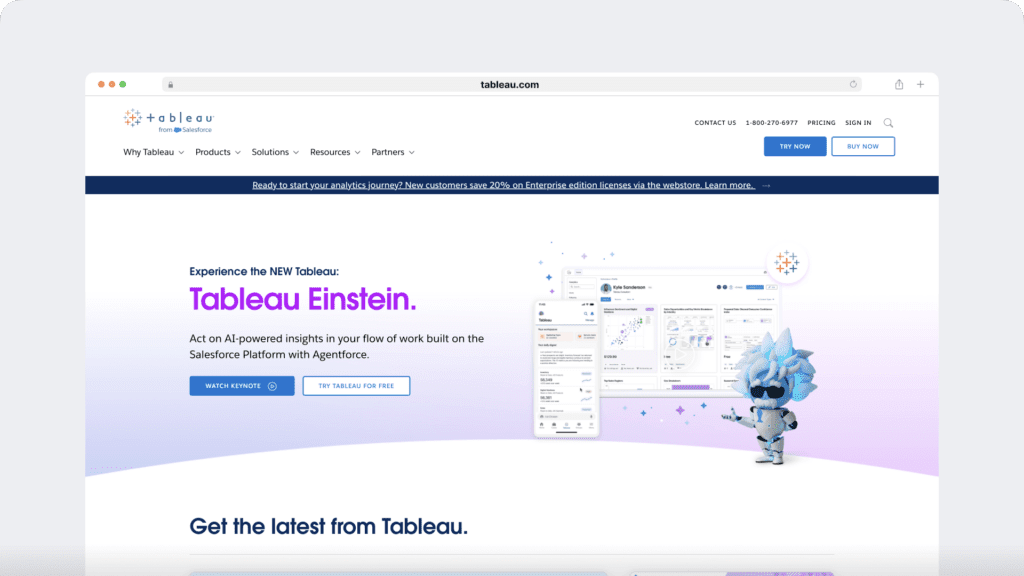
Tableau transforms data into interactive visualizations, enabling HR teams to identify trends and share insights effectively.
- Key features
- Live data visualizations with automatic updates.
- Connectivity with various HR data sources.
- Customizable, shareable dashboards.
- Pricing
- Creator License: $70 per user/month.
- Explorer and Viewer Licenses: Pricing available upon request.
Visier
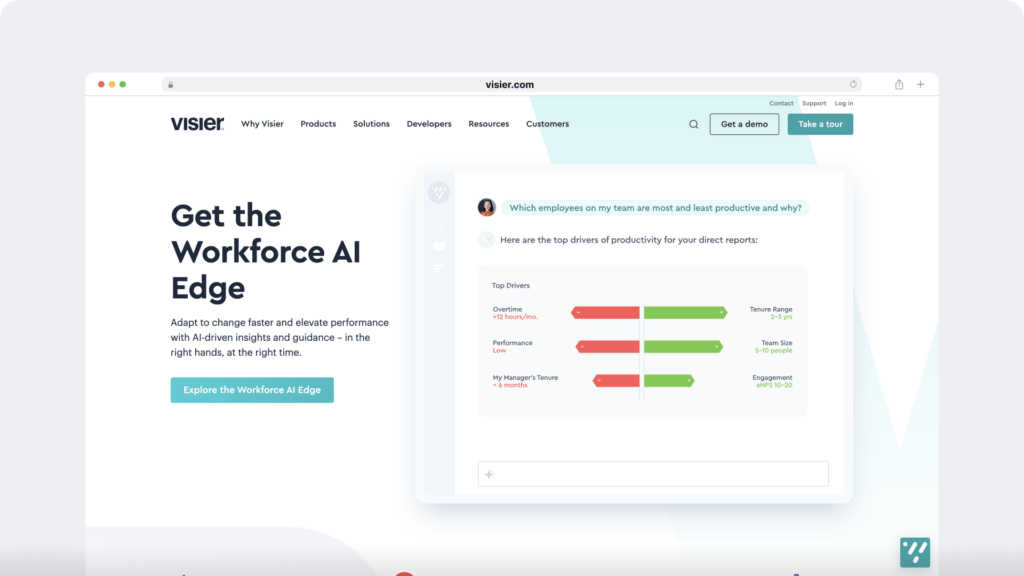
Visier equips HR teams with tools for strategic workforce planning, offering insights to enhance talent acquisition and retention.
- Key features
- Advanced workforce planning tools.
- Insights into hiring and retention strategies.
- Diversity and inclusion analytics.
- Pricing
- Custom pricing based on company size and solution packages; specific details are not publicly disclosed.
IBM
IBM integrates traditional HR practices with cutting-edge AI technology, facilitating comprehensive tracking of employee skills and organizational needs.
- Key features
- AI-powered workforce insights.
- Career development tracking.
- Performance management and succession planning.
- Pricing
- Custom pricing based on organizational requirements; specific details are not publicly disclosed.
IntelliHR

IntelliHR monitors team performance and employee sentiment, focusing on both quantitative metrics and qualitative feedback.
- Key features
- Performance and engagement tracking.
- Automated HR task management.
- Employee feedback tools.
- Pricing
- Basic Plan: $3.90 per user/month.
- Advanced Features: Pricing available upon request.
- Enterprise Package: Custom pricing.
Sisense
Sisense simplifies complex workforce data, converting it into clear, actionable insights.
- Key features
- AI-enhanced dashboards.
- Embedded analytics capabilities.
- User-friendly data querying tools.
- Pricing
- Custom pricing based on business needs and deployment options; specific details are not publicly disclosed.
Key features to look for in workforce analytics software
Regardless of your company size, there are several fundamental features to look for in any workforce analytics solution. These are:
1. Comprehensive reporting and customizable dashboards
Your tool should show clear info in simple charts. Good systems let team leads see what matters most to them. They break down complex work into easy-to-read numbers.
Time Doctor gives teams clear reports on work time, task progress, and productivity patterns. Teams can customize dashboards based on the roles, workflows, and metrics that matter most to them.
2. Data security and privacy compliance
Your work data needs strong protection. A good tool has secure data storage and limits who sees what and tracks every login. It must keep info safe when stored and shared.
Time Doctor includes security and privacy controls designed to protect user information, support compliance, and help teams manage access to sensitive data responsibly.
3. Real-time analytics and alerts
You need to know about problems right away. Your tool should tell you when work slows down or projects fall behind. Smart tracking helps stop burnout by watching work hours across time zones.
Time Doctor provides alerts and visibility into important changes so managers can spot issues earlier, respond faster, and improve collaboration across teams.
4. Seamless integration capabilities
Your analytics tool must work well with your other software. It should connect easily to your project tools, chat apps, and HR systems. This helps you track everything in one place.
Time Doctor works with over 60 business tools, including apps like Trello, Slack, and QuickBooks. This makes it easier to connect time tracking with payroll, project management, and everyday operational workflows.
For some teams, this also includes how time, attendance, and approved time-off data appear across systems. Platforms like ActivTrak support dashboard-based HRIS visibility for approved time-off, while other tools may connect those workflows more directly to day-to-day operations.
5. Employee feedback and engagement tools
Good tools help you understand how workers feel. They should offer ways to gather feedback and track job satisfaction. They must balance watching work with respecting privacy.
Time Doctor helps managers spot potential problems through work patterns. Teams can share concerns safely and managers can adjust workloads to prevent stress.
Managers can use work pattern data to guide conversations, rebalance workloads, and support employees before stress builds into burnout.
What happens when you don’t use workforce analytics
In a fast-moving business environment, good data helps leaders make better decisions. Without it, teams often rely on assumptions rather than clear visibility.
In particular, you run these risks:
Increased employee turnover and hidden attrition costs
Without good tracking tools, you often miss early warning signs of trouble. Workers might feel burned out or unhappy long before you notice. By the time someone quits, it’s too late to fix the problem.
Replacing workers costs much more than keeping them happy. Replacing employees often costs far more than retaining them, especially once hiring, onboarding, and lost productivity are factored in. Plus, you lose their knowledge and experience. Good analytics help you spot unhappy workers early and fix issues before they leave.
Security and compliance risks
Paper files and scattered spreadsheets create big risks. Without proper tracking, you can’t see who looks at sensitive info or when. This makes it hard to follow privacy laws like GDPR and CCPA. Legacy systems can leave personal information particularly vulnerable.
Good analytics tools help teams track access patterns, activity history, and changes to sensitive information. They keep logs of every time someone opens a file. They also help you:
- Control who sees private info
- Track changes to important files
- Prove you follow privacy laws
- Protect worker data
- Spot unusual file access
Overlooking predictive insights that can boost business growth
Modern analytics tools do more than track today’s work. They help you plan for tomorrow. Without these tools, you miss chances to grow smart.
Companies without good tracking often face problems like:
- Hiring too late for busy times
- Missing chances to train workers
- Keeping outdated work methods
- Wasting money on wrong solutions
- Missing skill gaps until they hurt
Smart predictive analytics help you see what’s coming. You can spot needs early and plan better. This saves money and helps teams grow smoothly.
Lost competitive advantage in a data-driven market
Today, many companies rely on data to move faster and make better workforce decisions. Without analytics, it becomes harder to respond quickly, allocate resources well, or improve performance consistently.
Companies with good analytics can:
- Change plans quickly when needed
- Put the right people on key projects
- Save money on training and hiring
- Spot market changes early
- Keep their best workers longer
Those without analytics often:
- React too late to problems
- Waste money on wrong fixes
- Lose good workers to better companies
- Miss chances to grow
- Make choices based on gut feeling instead of facts
Which workforce analytics software should you choose?
Picking the right tool makes a big difference for your team. Your choice should match your needs, size, and what you want to track.
For many teams, Time Doctor offers a strong balance of visibility, usability, and operational value. It gives managers clear insights into how work happens without requiring a complex setup, and it supports growing teams with flexible plans and connected workflows.
Here’s what to think about when choosing:
- How large is your team now, and how quickly will it grow?
- What is your budget per user?
- Do you need basic tracking or deeper analytics?
- Which systems does it need to integrate with?
- How much setup or training can your team realistically support?
Start smart by trying free versions first. Most good tools, including Time Doctor, let you test them before buying. This helps you find what works best for your team.
Get a demo with Time Doctor to see how workforce analytics can help you improve productivity, balance workloads, and make better decisions without micromanaging.



Irina Maltseva is a growth lead at Aura, a founder at ONSAAS, and an SEO advisor. For the last eight years, she has been helping SaaS companies to grow their revenue with inbound marketing.