Searching for some great Tymeshift alternatives?
Tymeshift is a workforce management (WFM) and time tracking software built exclusively for Zendesk.
However, it isn’t the best tool out there.
For example, Tymeshift can only be used as a WFM tool for Zendesk — you can’t use it with other popular project management tools like Jira or Trello. This severely limits Tymeshift’s flexibility when it comes to employee productivity management.
In this article, we’ll highlight the 10 best Tymeshift alternatives available right now. We’ll also cover their key features, pricing and ratings to help you compare each software and decide what’s right for your needs.
Table of Contents
- The 10 best Tymeshift alternatives
- 2. Toggl
- 3. Hubstaff
- 4. 7shifts
- 5. Kronos Workforce Read
- 6. BambooHR
- 7. ADP Workforce Now
- 8. Deputy
- 9. Paylocity
- 10. When I Work
Let’s get started.
The 10 best Tymeshift alternatives
Here’s a detailed look at the ten best Tymeshift alternatives that you can go for:
1. Time Doctor
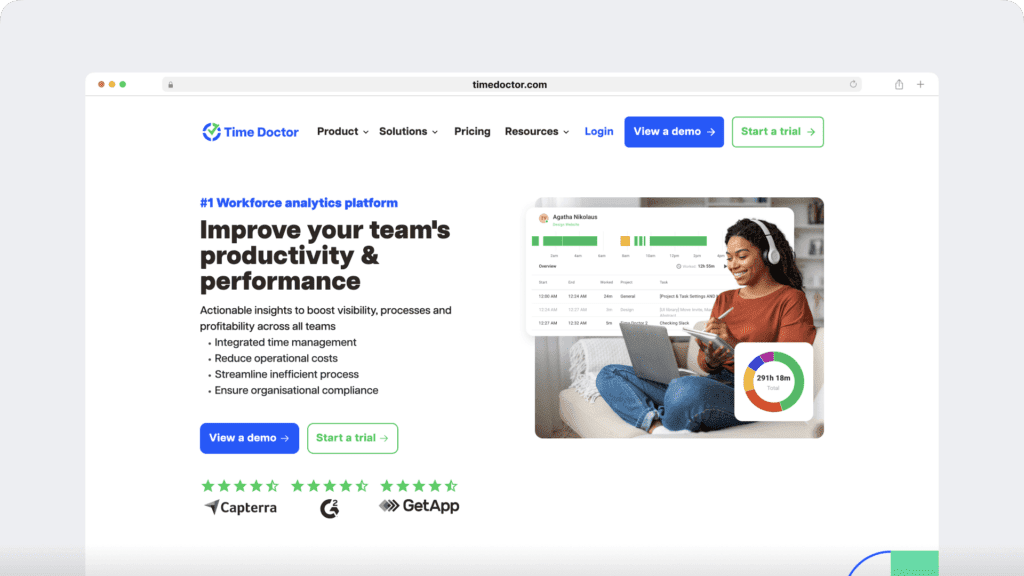
Time Doctor is an excellent time tracking and employee productivity software that’s used by corporates as well as by small businesses to boost their employees’ productivity and time management.
Time Doctor helps you:
- Track employee time for a project manually or automatically.
- Keep your team actively engaged while working.
- See which websites and apps they used during work hours.
- Pay employees based on the hours worked or on a fixed basis.
- Share productivity reports directly with clients.
- Monitor productivity across a range of software like Zendesk and Jira.
Key features
Here’s a breakdown of some key features that Time Doctor has in store for you:
A. Simple time tracking
Time Doctor is a workforce analytics platform that gives you flexible time tracking so employees can record their hours in a way that fits how they work. The platform captures work activity in real time and transforms it into clear visibility for teams, helping leaders understand how work happens while keeping the experience simple for employees.
In manual/interactive mode, employees simply open the app, select their current task, and start the timer. Time Doctor runs in the background and tracks the apps and websites used during work. When they’re finished or want to take a break, they can stop the timer with a single click. working, all you need to do is click on the Stop button and the timer stops tracking time.

In automatic mode, Time Doctor can start tracking time when employees turn on or log into their work devices. This mode helps improve accuracy and reduces the need for manual edits or forgotten time entries.
Both modes are designed to provide clear visibility for managers and employees while minimizing disruption to the workday.
B. Productivity reports
Time Doctor tracks several data points related to employees activity. You can access a wide range of reports generated in real-time.
Here’s a quick look at these reports :
- Activity summary report: See active seconds, minutes, unproductive, manual, and mobile time for each employee over a selected time period.
- Attendance report: See if an employee is present, absent, partially absent, or late in real-time.
- Hours tracked report: View the total number of hours tracked by employees for any date range.
- Projects & tasks report: See the time spent on projects as well as individual tasks.
- Timeline report: Look at the time spent on tasks and breaks in a day or the whole week.
- Custom export report: Customize the fields you’d like to include in one single report.
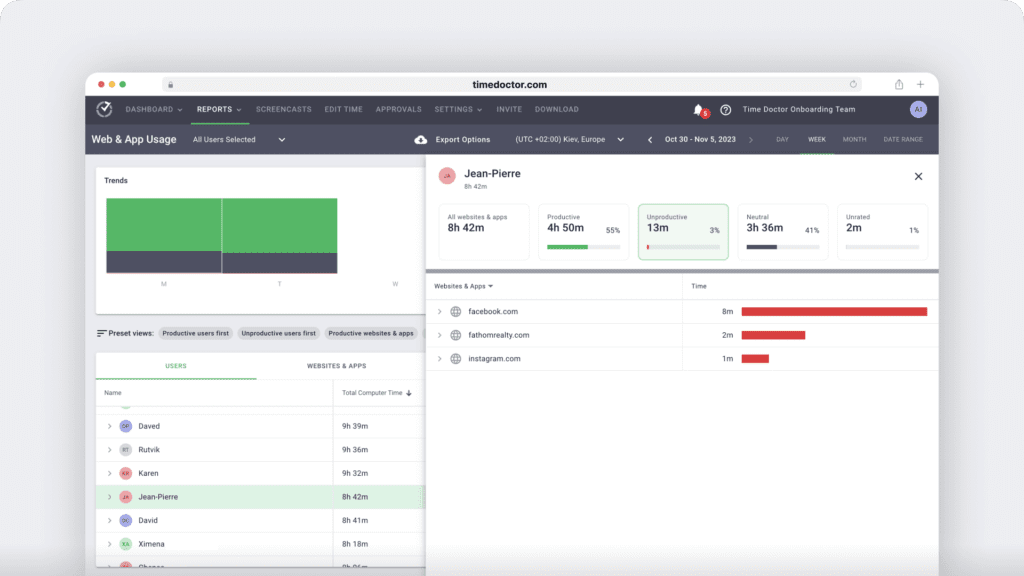
- Web and app usage report: View the time spent by an employee on each app and website during work hours.
C. Payroll management
Time Doctor helps generate accurate payroll for any employee at any point of time. This helps you pay them according to the hours worked on a project or a fixed basis easily.
How does the payroll feature work?
- Enable payroll in the Company Settings.
- Choose the payment method: PayPal or Wise, formerly TransferWise.
- Enter payroll details like date range, payment currency, pay rate.
- Export the CSV files and upload them to your payment app for batch payments.

D. Screencasts (optional)
Time Doctor’s Screencasts feature lets you monitor employees’ productivity by taking screenshots or screencasts (videos) of their screens at random intervals, during work hours.
There are three settings for a screencast in Time Doctor:
- Screenshots: Random screenshots at a specified time interval.
- Videos: A continuous video split into 3-minute clips.
- Off: No video or screenshots.
While each screencast shows you an employee’s screen, you can also see their mouse and keyboard activity levels.

Note: Time Doctor doesn’t track which keys are pressed. It only determines if any keys are pressed or not to maintain user privacy. Additionally, it can only capture screenshots and screencasts while the employee is working — not while they are on a break.
E. Robust integrations
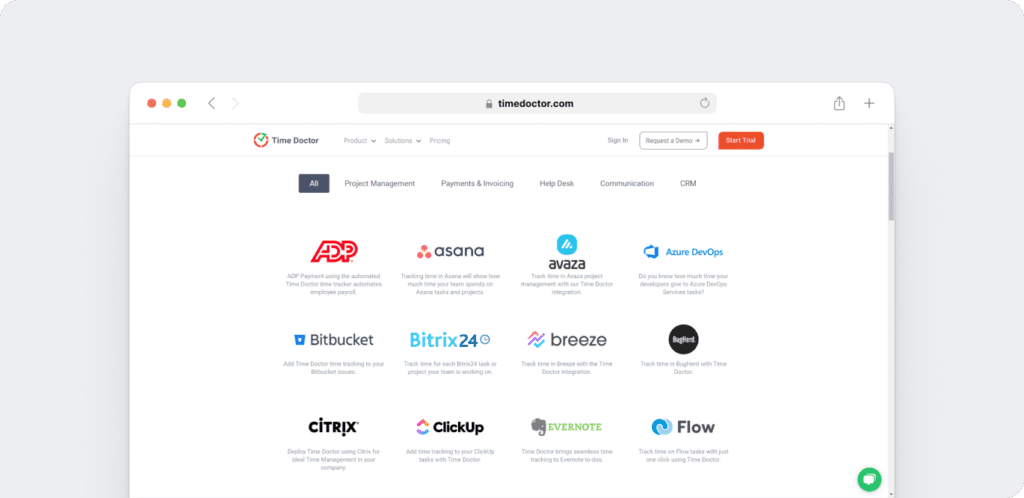
Time Doctor’s powerful Chrome Extension integrates with 60+ tools that include project management, helpdesk, accounting software, and more.
For example, Time Doctor integrates easily with tools like Asana and Jira.
You can even add time tracking to tasks you’ve created on tools like ClickUp. As a result, you can help your team avoid wasting time and work more efficiently.
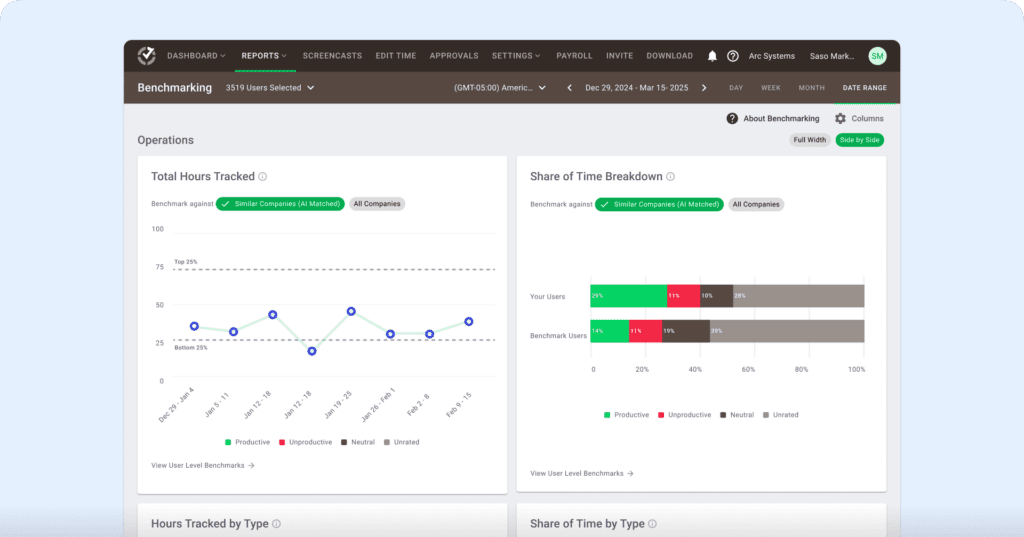
F. Benchmark AI
Benchmarks AI helps you understand your team’s performance by comparing their work patterns to similar roles and workflows across Time Doctor’s extensive behavior-based dataset.
- See how your team’s productivity, idle time, and tool usage compare to similar users across thousands of organizations.
- Identify whether shifts in productive time reflect healthy focus, rising workload pressure, or early signs of burnout.
- Spot unusual activity and changes in behavior before they affect performance or well-being.
- Give managers clearer context during coaching by showing where teams fall across percentile rankings and behavior groups.
- Make smarter decisions on resourcing, planning, and workload balancing using AI-matched comparisons instead of generic industry averages.
G. Meeting insight
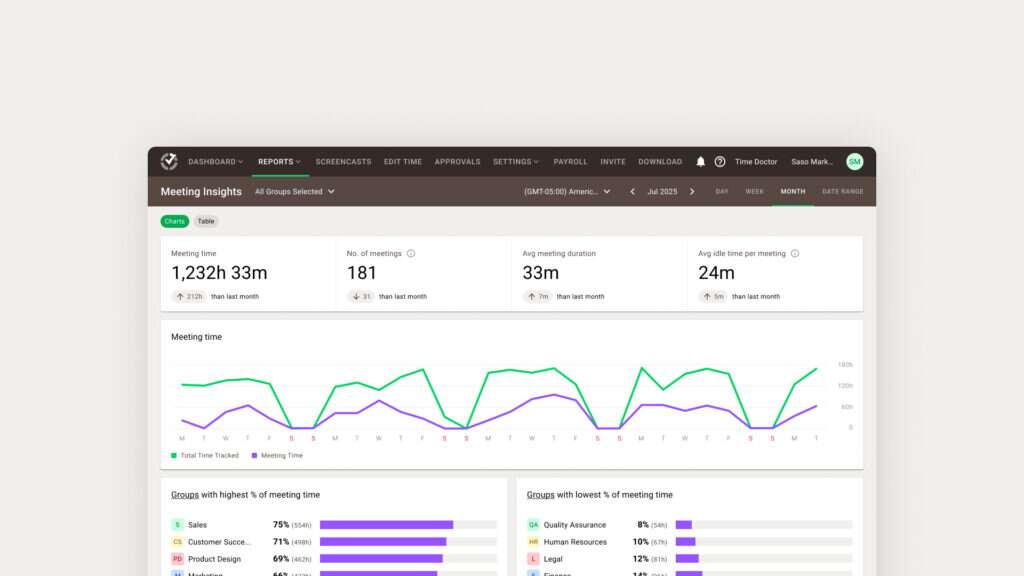
Meeting Insights helps you understand how meetings affect productivity, focus time, and engagement across your team.
- See total meeting hours, number of meetings, and which teams spend the highest or lowest percentage of their time in meetings.
- Measure meeting quality by tracking average duration, idle minutes per meeting, and idle time during meetings versus regular work hours.
- Identify low-value or ineffective meetings by spotting high idle time or unrelated app usage during calls.
- Compare meeting habits across groups to find overload, spot bottlenecks, or highlight teams that collaborate effectively.
- Decide which meetings to shorten, restructure, or move async using data instead of assumptions.
- Protect focus hours by understanding how recurring calls impact productive time and daily workflow.
- Support coaching and policy decisions with clear insights into meeting load, engagement patterns, and collaboration trends.
Pricing
Time Doctor offers 3 pricing plans to suit your business needs:
- Basic: $6.67/user per month – offers time tracking + task management + activity tracking + unlimited screenshots.
- Standard: $10/user per month – includes “Basic” features + integrations + payroll and invoicing.
- Premium: $20/user per month – includes “Standard” features + executive dashboard + client login access.
Customer ratings
- G2: 4.4/5 (420+ reviews)
- Capterra: 4.5/5 (540+ reviews)
2. Toggl
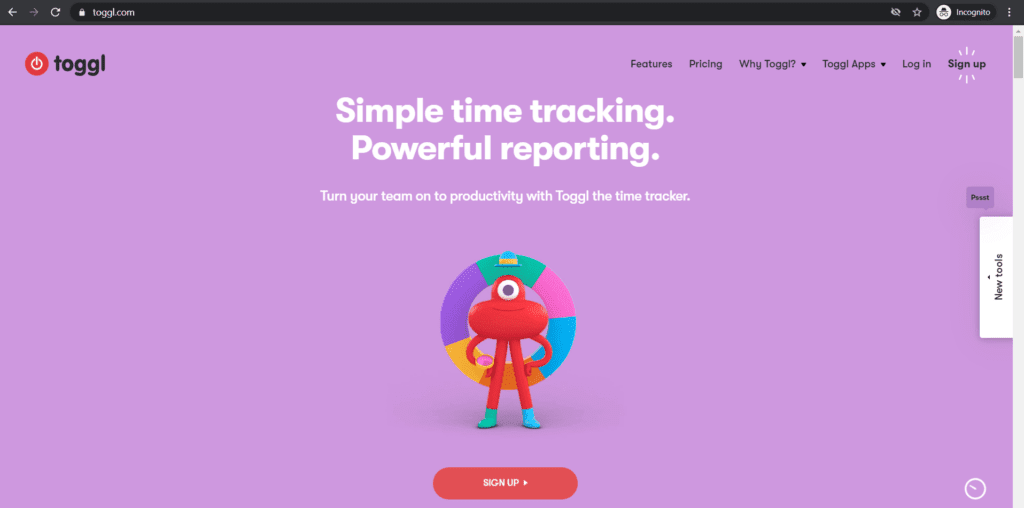
Toggl is a cloud-based time tracking software with robust reporting and productivity management features. However, it lacks invoice and payroll support.
Click here to check out our detailed Toggl review.
Key features
- Online and offline time tracking with an option to add time manually.
- Detailed reports that you can schedule to be sent via email to any team member.
- Project management dashboard to track your project progress.
- Real time timesheets that can be accessed via mobile and desktop apps.
- Supports third-party integrations with a collaboration platform like Slack, and CRMs, like Salesforce.
Pricing
Toggl offers 4 pricing plans for varying business needs:
- Free: supports 5 users + time tracking.
- Starter: $10/user per month – includes “Free” features + reporting functionality.
- Premium: $20/user per month – includes “Starter” features + team time management + charts + schedule email reports + tracking reminders.
- Enterprise: Custom pricing – includes “Premium” features + priority support + expert training and assistance.
Customer ratings
- G2: 4.5/5 (1100+ reviews)
- Capterra: 4.5/5 (1000+ reviews)
3. Hubstaff
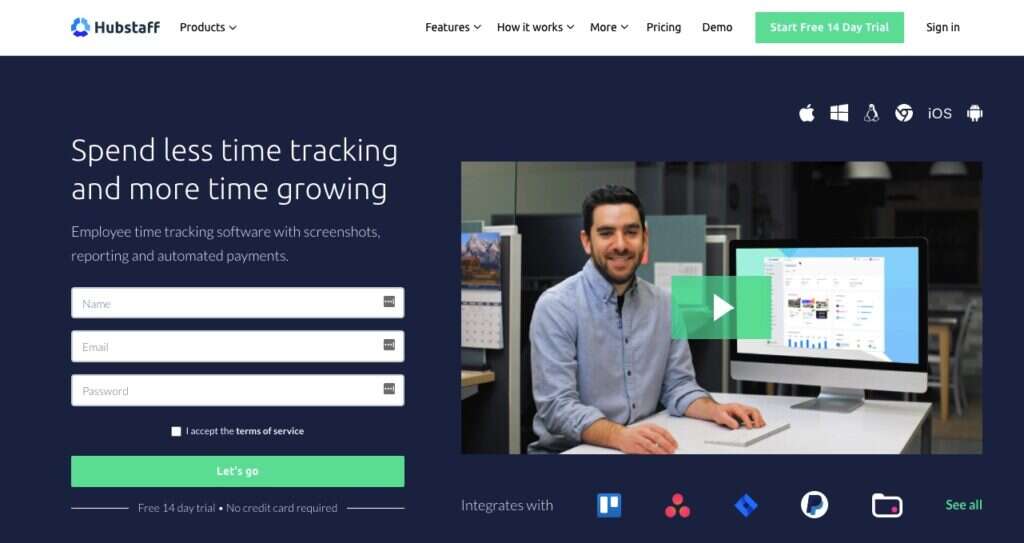
Hubstaff provides time tracking for distributed, hybrid, and field teams, with productivity metrics, GPS-based location features, and payroll capabilities.
Click here to check out our detailed Hubstaff review.
Key features
- Easy manual time tracking.
- Timesheets help record employee work hours.
- Automatically generates invoices for managing payments.
- GPS and geofenced time tracking through the mobile app, including routes and location history.
- Offers 30+ business apps integrations.
Pricing
Hubstaff offers a free pricing plan. Paid plans are as follows:
- Free: time tracking with limited screenshots.
- Starter: $4.99/month per user – limited screenshots + limited reports
- Grow: $7.50/month per user – includes Starter with 1 integrations + Project budgets
- Team: $10.00/month per user-includes Grow with unlimited screenshots+unlimited app & URL tracking
- Enterprise: $25.00/month per user – includes Premium with unlimited team members and priority support.
- Hubstaff also offers a 14-day free trial with no credit card required and a 30-day money-back guarantee.
Customer ratings
- G2 4.5/ 5 (1496+ reviews)
- Capterra – 4.6/ 5 (1580+ reviews)
4. 7shifts

7shifts is an employee scheduling and time tracking software that’s specifically designed for restaurants. With an intuitive and user-friendly interface, it’s a good Tymeshift alternative.
Key features
- Simple drag & drop interface for managing employee schedule.
- Detailed reports for gaining performance insights.
- Streamline communication with one-on-one or group live chat.
- Dashboards for easily monitoring restaurant operations.
- Has a powerful integration with various payroll tools.
Pricing
7shifts has 4 different pricing tiers:
- Comp: supports up to 10 users + time tracking + dashboard + reporting + health check.
- Appetizer: $19.99/location per month – supports 20 users + includes “Comp” features + POS integration + sms notification + live chat support.
- Entree: $43.99/location per month – includes “Appetizer” features + events management + schedule templates + labor budget tools.
- The Works: $76.99/location per month – includes “Entree” features + payroll integration + manager log book + activity audit log.
Customer ratings
- G2: 4.6/5 (40+ reviews)
- Capterra: 4.7/5 (420+ reviews)
5. Kronos Workforce Read

Kronos Workforce ready is a cloud-based HCM platform that helps you manage the employee lifecycle — from onboarding to offboarding. However, it lacks advanced tracking features like screenshot monitoring.
Key features
- Applicant tracking system for facilitating HR processes.
- Offers time & attendance management.
- Payroll processing and setup for easy payment.
- Automatic employee absence management functionality.
- Generates user reports to identify areas of improvement.
- Available as an Android app and iOS app.
Pricing
Contact Kronos for a custom pricing quote.
Customer ratings
- G2: 4.0/5 (760+ reviews)
- Capterra: 4.1/5 (730+ reviews)
6. BambooHR
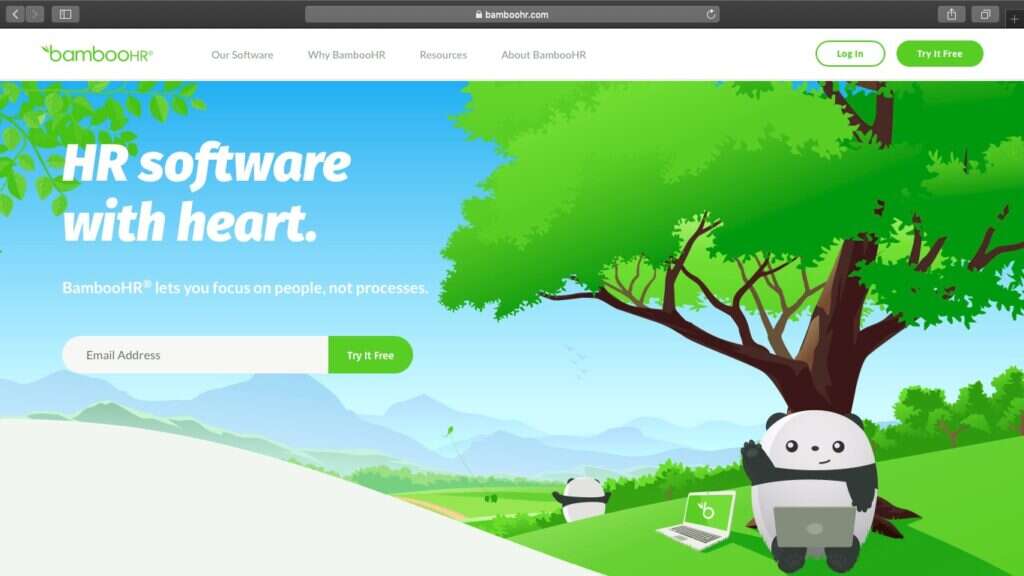
BambooHr is an HR software and workforce management solution that’s best for small to medium-sized firms.
Key features
- Simple time tracking and editable timesheets.
- Centralized database for easy access to accurate employee data.
- Talent management system to streamline HR processes.
- Time & attendance tracking system.
- Feature-rich iOS and Android app to manage work from anywhere.
Pricing
Contact BambooHR to get a free price quote.
Customer ratings
- G2: 4.3/5 (550+ reviews)
- Capterra: 4.5/5 (1100+ reviews)
7. ADP Workforce Now
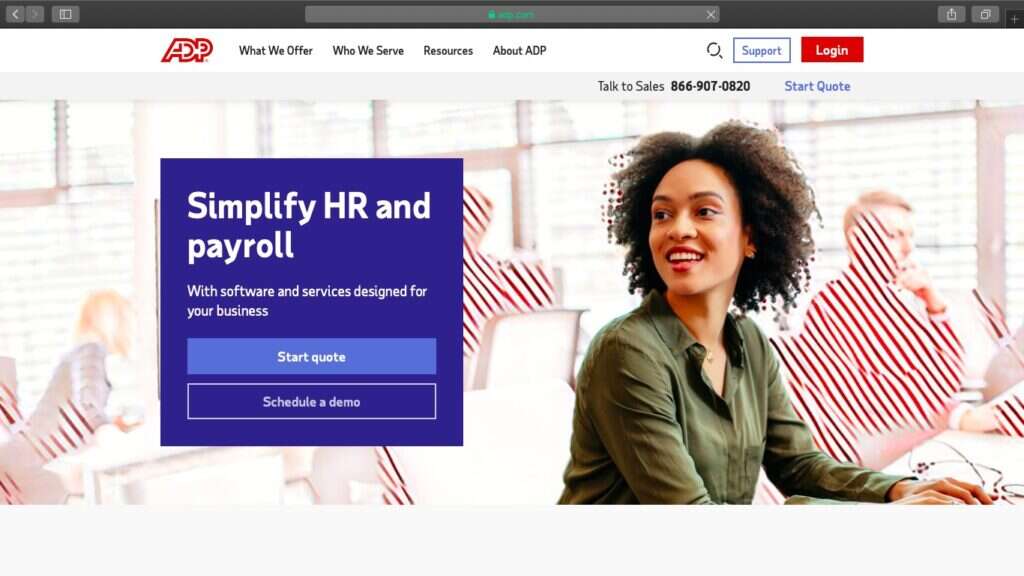
ADP Workforce Now is a SaaS payroll and HR software. Its user-friendliness helps make the employee onboarding process for your organization a breeze.
Key features
- Offers quick and accurate payroll management.
- Automates timekeeping and attendance tracking.
- Assign and track goals for easy performance management.
- Detailed reports help make data-driven decisions easily.
- Custom workflows and online document storage for efficient HR processes.
Pricing
Contact ADP to get a custom pricing.
Customer ratings
- G2: 4.1/5 (2700+ reviews)
- Capterra: 4.4/5 (4300+ reviews)
8. Deputy
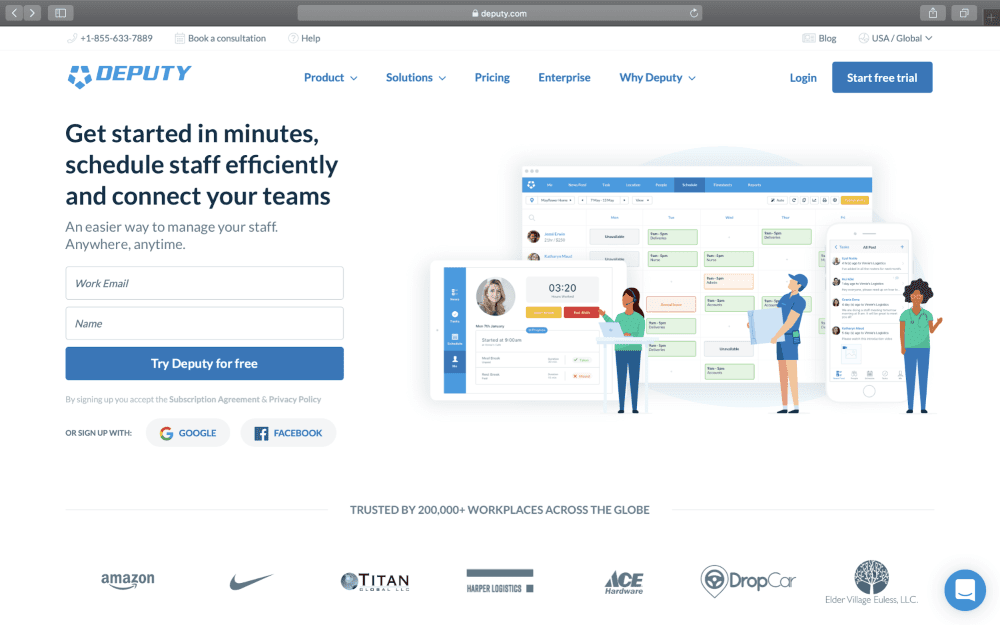
Deputy is a workforce management software with employee scheduling and time & attendance features. A great Tymeshift alternative, Deputy is suitable for any organization.
Key features
- Offers easy employee auto-scheduling.
- Feature-rich mobile app for managing a mobile workforce easily.
- Share updates and announcements with the communication platform.
- Time clock app with facial recognition for recording accurate hours.
- Manage leaves and time off requests from any device.
Pricing
Deputy is available in 4 different editions at various price ranges:
- Scheduling: $2.50/user per month – employee scheduling + auto scheduling + POS integration + leave management + tasking.
- Time & Attendance: $2.50/user per month – timesheets + payroll integration + leave management + news feed + single sign on.
- Premium: $4.50/user per month – includes “Scheduling” and “Time & Attendance” features + reporting.
- Enterprise: Custom pricing – includes “Premium” features + custom implementation + dedicated enterprise support + custom roles and permissions.
Customer ratings
- G2: 4.7/5 (190+ reviews)
- Capterra: 4.7/5 (550+ reviews)
9. Paylocity
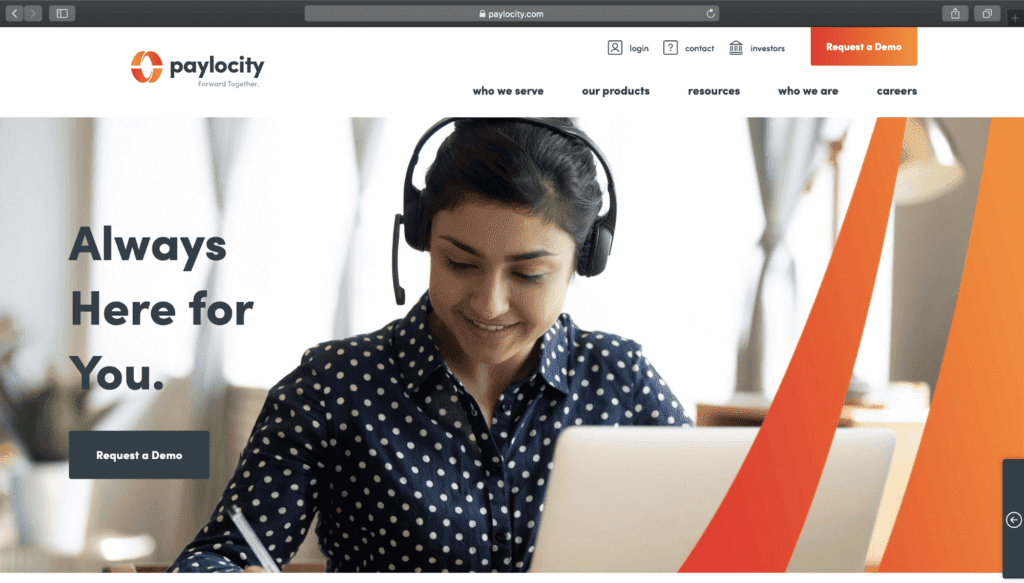
Paylocity is a cloud-based human capital management (HCM) and payroll software that helps manage your employees easily.
Key features
- Automates tasks to streamline HR (Human Resource) processes.
- Variety of time clock configurations for time tracking flexibility.
- Compliance dashboard for managing employee compliance needs.
- Learning management system to facilitate employee training.
- Offers integrations with various employee benefits management software.
Pricing
Contact Paylocity for a custom pricing.
Customer ratings
- G2: 4.5/5 (1300+ reviews)
- Capterra: 4.1/5 (330+ reviews)
10. When I Work
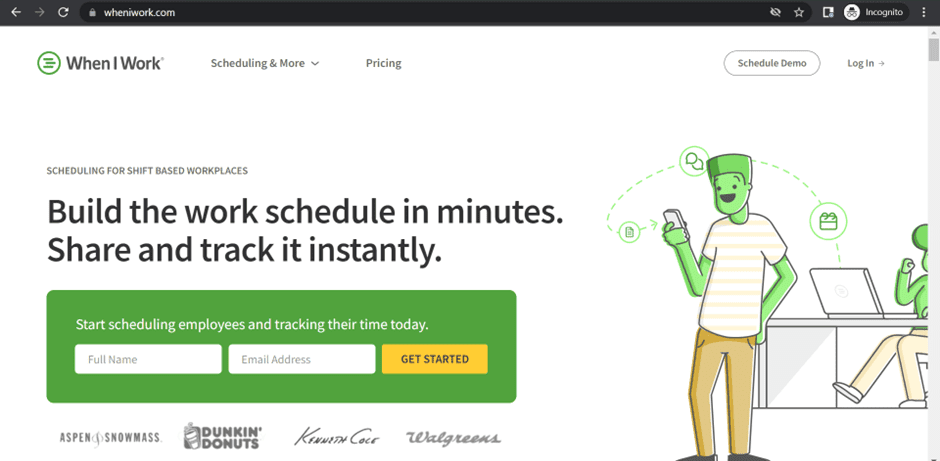
When I Work is a time clock and employee scheduling tool. However, if you want time clock and attendance tracking features, you’ll have to pay separately.
Key features
- Provides easy employee scheduling with a drag & drop interface.
- Ability to forecast labor costs.
- Use reports for tracking and reviewing team data.
- Supports applicant tracking and onboarding functionalities.
- Available as feature-rich iOS and Android apps.
Pricing
When I Work is available at 4 different pricing tiers:
- Free: supports up to 75 users + team scheduling + team availability + shift trading + time off requests.
- Basic: $2/user per month – includes “Free” features + employee schedule templates + multiple locations + job sites + overtime visibility.
- Pro: $2.50/user per month – includes “Basic” features + auto scheduling + labor forecasting + shift and team task lists + shift bidding.
- Enterprise: Custom pricing – includes “Pro” features + full API access + single sign on + custom integration + labor insights.
Customer ratings
- G2: 4.4/5 (190+ reviews)
- Capterra: 4.5/5 (800+ reviews)
Final thoughts
The Tymeshift app is a good tool for Zendesk, but that doesn’t make it the best workforce management software.
And while all the Tymeshift competitors covered here are great, they aren’t as versatile as Time Doctor.
From powerful time tracking and payroll support to advanced reports, Time Doctor has all the features and capabilities that you need in a time management tool.
Sign up for the 14-day trial today and experience it for yourself!