Looking for a great Everhour alternative?
Everhour is a popular web-based productivity software that works as a simple start and stop time tracking tool. What makes it a little different is that it has a native integration feature with several popular workplace software.
For example, in its Asana integration, it works as a timer for project tracking.
However, with that being said, Everhour isn’t perfect.
To start with, most Everhour reviews point to downsides like its lack of a desktop app and limitations on its mobile app. So when it comes to being a comprehensive productivity solution, Everhour may not meet all your time management needs.
In this article, we’ll explore what makes a good time tracking software and highlight 7 excellent Everhour alternatives available today.
Table of Contents
- What to look for in Everhour alternatives
- The 7 best Everhour alternatives
- 2. Harvest
- 3. Toggl
- 4. TimeCamp
- 5. Hubstaff
- 6. Clockify
- 7. RescueTime
What to look for in Everhour alternatives
If you’ve started searching for an Everhour alternative, you’ve probably noticed the variety of tracking software options out there.
And having multiple options is great.
But with so many time tracking software to pick from, how do you decide which tool meets your business needs?
To help you out, here are some features to consider before hitting that download button for any time tracker:
1. Accurate time tracking
Accuracy is the key to any great time tracking software.
It should be able to track time from hours down to the second.
Seconds may not seem like much until they’re accumulated and you realize how it translates into billable hours for your project.
You don’t want to end up overbilling your clients for mistakes in manual time entry.
And you’d certainly not want to underbill them and lose money!
Accurate time tracking also tells you exactly how long a task took to complete. This helps you improve future project estimates as you can use your tracking tool data to determine baseline project times accurately.
2. User-friendliness
The secret to a great time tracking software (or any other software for that matter) is how easy it is to use.
A time tracker that’s easy to install will minimize the time it takes for your team to start using it. Additionally, a time tracker should be as user-friendly as possible.
You don’t want your team members to:
- Waste too much time trying to work out how to use it.
- Give up and refuse to use it because it’s too complex.
Either of these will reduce productivity, which is counter-intuitive to what a time tracking software should do!
3. Multi-platform compatibility
What if your teams work in different locations, with some team members working away from a desktop?
You’d want a time tracking software that can work on most systems, so they can track work time anytime, anywhere.
A time tracker with both desktop app and mobile app functionality would be handy as it’ll help you always track your teams’ working hours. And if the tool has a browser extension, project time tracking would be even more flexible.
Additionally, it’s a good idea to find a time tracking software that integrates with many apps. This way, you’ll be able to keep track of time management across whatever software you’re using, be it for project management, resource planning or team collaboration.
4. Reporting capabilities
Time tracking and employee activity monitoring are important for efficient project management.
But unless there’s a way to visualize all that data, you’ll be stuck with numbers that don’t go beyond showing how long a task took in a project.
A good time tracker should be able to give you detailed reports that feature several aspects of time management.
This could be:
- The time spent on each task.
- Amount of daily project time logged.
- Time tracking on non work related sites.
Detailed reports will give you a good view of how all the time is spent, so you can easily adjust and improve employee time management.
5. Employee privacy
When it comes to time tracking, there’s the question of user privacy that needs to be addressed.
Employees may be reluctant to use a time tracking tool due to a fear that their privacy will be violated.
Some time tracking software work as keyloggers while others have GPS tracking capabilities. Sure, there are situations where these tracking methods are perfectly legal, but you have to be vigilant about not violating any privacy laws.
So what can you do?
The best answer to this is transparency.
Find a time tracker that’s clear about what’s tracked and what’s not — so your employees will consent to use it.
Moreover, time tracking should only be for working hours.
Letting your employees control when they use it ensures privacy because they’ll know they’re being tracked.
The 7 best Everhour alternatives
Now that you know what features an excellent time tracker should have, here are the 7 best Everhour alternatives:
1. Time Doctor
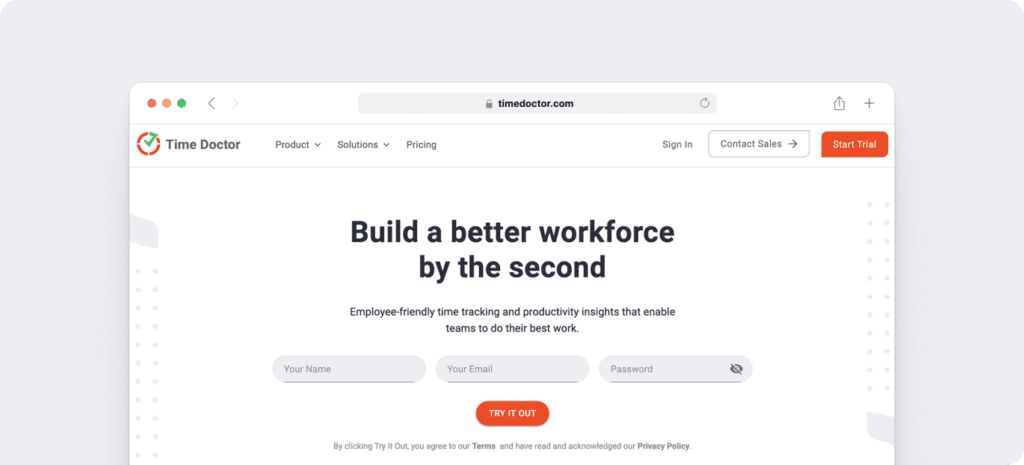
Time Doctor is a workforce analytics platform that empowers managers with the visibility to lead with trust, not control. Mid-market companies and growing SMBs use it to gain real-time visibility into work, support employee well-being, and continuously improve productivity across remote, hybrid, and in-office teams.
Time Doctor helps you:
- Track how long employees spend on tasks and projects with accurate, down-to-the-second time tracking
- Give managers clear, real-time visibility into work patterns without hovering or micromanaging
- Surface productivity, focus, and work-life balance trends to prevent burnout and capacity issues
- Generate audit-ready timesheets and automate payroll and client billing
- Empower employees with transparency into their own time data so they can self-manage and improve
- Time Doctor also has a mobile app that supports on-the-go time tracking and productivity insights for Android devices.
Key features
Here’s a closer look at some of Time Doctor’s key features:
A. Easy and accurate time tracking
Time Doctor is a workforce analytics platform that gives you flexible time tracking so employees can record their hours in a way that fits how they work. The platform captures work activity in real time and transforms it into clear visibility for teams, helping leaders understand how work happens while keeping the experience simple for employees.
In manual/interactive mode, employees simply open the app, select their current task, and start the timer. Time Doctor runs in the background and tracks the apps and websites used during work. When they’re finished or want to take a break, they can stop the timer with a single click.
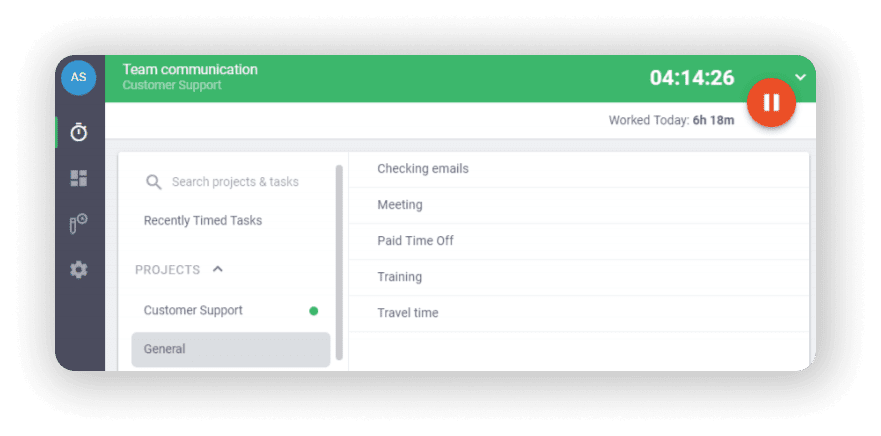
In automatic mode, Time Doctor can start tracking time when employees turn on or log into their work devices. This mode helps improve accuracy and reduces the need for manual edits or forgotten time entries.
Both modes are designed to provide clear visibility for managers and employees while minimizing disruption to the workday.
B. Idle time tracking
Time Doctor measures idle time (periods without keyboard or mouse activity) to help teams understand focus patterns and potential productivity blockers.
- Idle time is measured in idle seconds and idle minutes
- You can configure when idle time should start counting and set limits that make sense for different roles
Instead of silently recording behavior, Time Doctor can display a gentle idle time pop-up when someone has been inactive for too long—nudging them to either refocus or take a break. This helps reduce unintentional time drift and supports more accurate timesheets.
This design helps organizations balance accountability with privacy and trust.Moreover, you can set how long the timer can run without any activity. Once it reaches the limit, the tracker automatically stops tracking time and displays an idle time pop-up. This pop-up alerts employees to focus on their tasks.

C. Detailed reporting
Time Doctor tracks several data points related to employees activity. You can access a wide range of reports generated in real-time.
Here’s a quick look at these reports :
- Activity summary report: See active seconds, minutes, unproductive, manual, and mobile time for each employee over a selected time period.
- Attendance report: See if an employee is present, absent, partially absent, or late in real-time.
- Hours tracked report: View the total number of hours tracked by employees for any date range.
- Projects & tasks report: See the time spent on projects as well as individual tasks.
- Timeline report: Look at the time spent on tasks and breaks in a day or the whole week.
- Custom export report: Customize the fields you’d like to include in one single report.
- Web and app usage report: View the time spent by an employee on each app and website during work hours.

D. Shifts and schedules
Managers can use Time Doctor’s Work Schedules feature to create and edit employee shifts.
Here’s what you can do with schedules:
- Save time by automating schedule creation and updates.
- Easily adjust schedules to ensure round-the-clock availability.
- Monitor and manage employee overtime.

E. Chrome extension and integrations
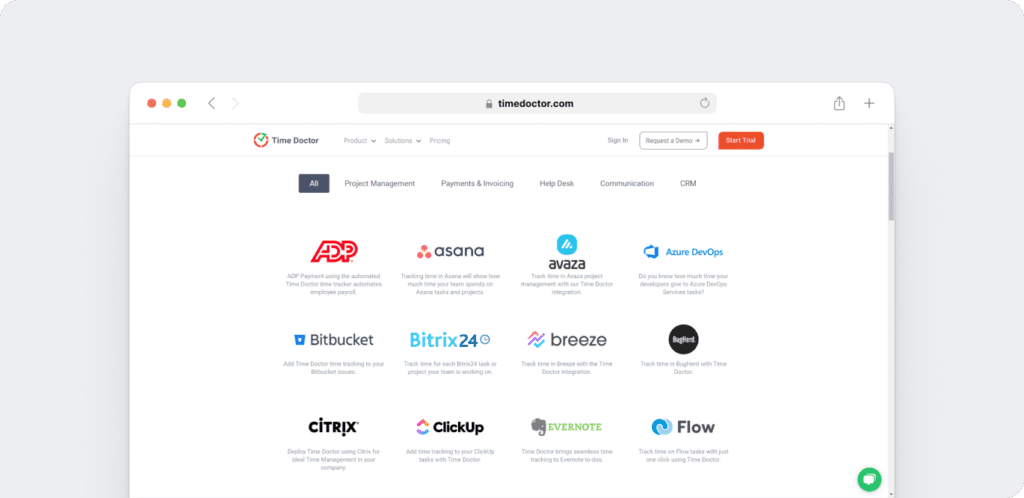
Time Doctor’s powerful Chrome Extension integrates with 60+ tools that include project management, helpdesk, accounting software, and more.
For example, Time Doctor integrates easily with tools like Asana and Jira.
You can even add time tracking to tasks you’ve created on tools like ClickUp. As a result, you can help your team avoid wasting time and work more efficiently.
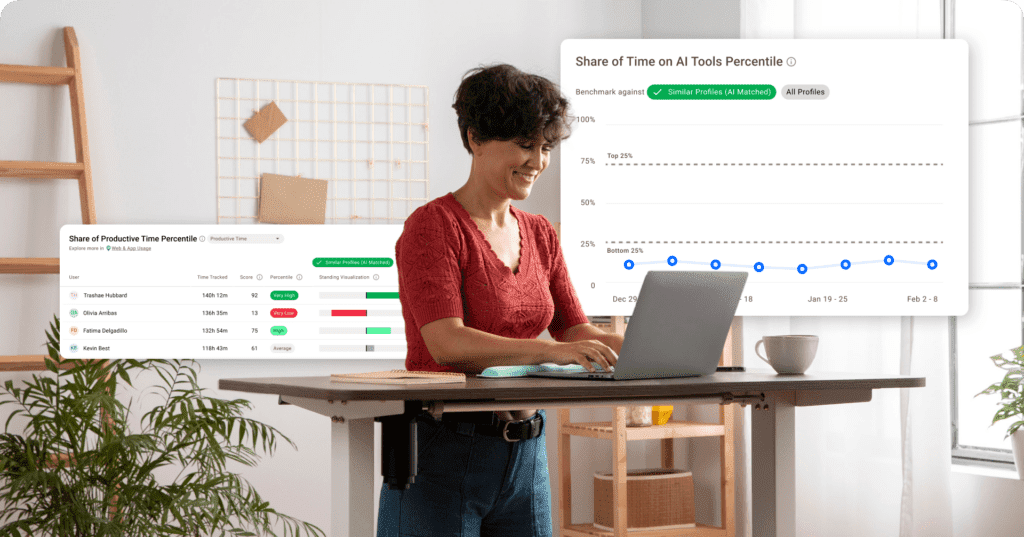
F. Benchmark AI
Benchmarks AI helps you understand your team’s performance by comparing their work patterns to similar roles and workflows across Time Doctor’s extensive behavior-based dataset.
- See how your team’s productivity, idle time, and tool usage compare to similar users across thousands of organizations.
- Identify whether shifts in productive time reflect healthy focus, rising workload pressure, or early signs of burnout.
- Spot unusual activity and changes in behavior before they affect performance or well-being.
- Give managers clearer context during coaching by showing where teams fall across percentile rankings and behavior groups.
- Make smarter decisions on resourcing, planning, and workload balancing using AI-matched comparisons instead of generic industry averages.
G. Meeting insight
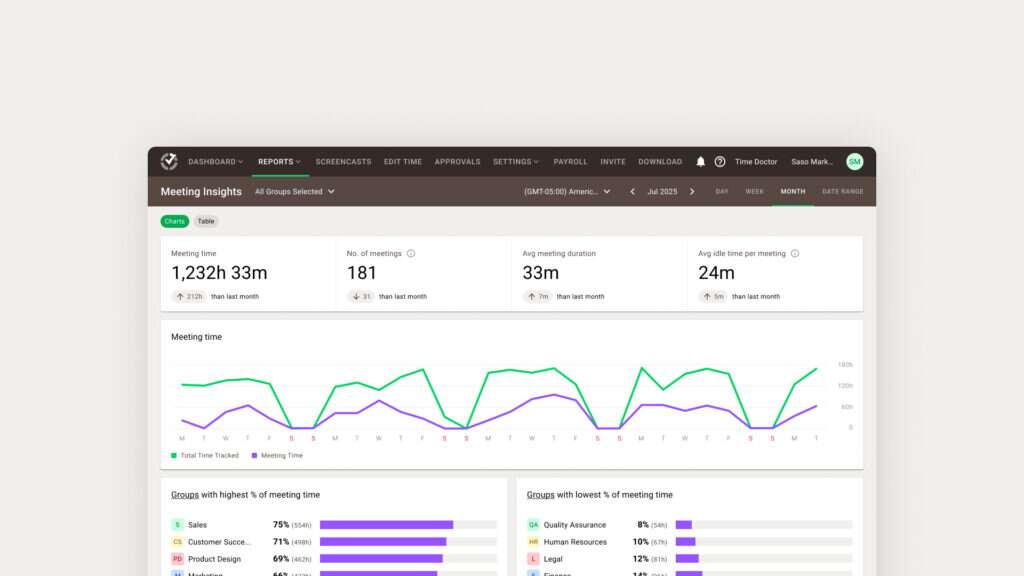
Meeting Insights helps you understand how meetings affect productivity, focus time, and engagement across your team.
- See total meeting hours, number of meetings, and which teams spend the highest or lowest percentage of their time in meetings.
- Measure meeting quality by tracking average duration, idle minutes per meeting, and idle time during meetings versus regular work hours.
- Identify low-value or ineffective meetings by spotting high idle time or unrelated app usage during calls.
- Compare meeting habits across groups to find overload, spot bottlenecks, or highlight teams that collaborate effectively.
- Decide which meetings to shorten, restructure, or move async using data instead of assumptions.
- Protect focus hours by understanding how recurring calls impact productive time and daily workflow.
- Support coaching and policy decisions with clear insights into meeting load, engagement patterns, and collaboration trends.
Pricing
Time Doctor has three affordable pricing plans, and you can quickly sign up for a 14-day free trial without a credit card.
Here’s an overview of the pricing plans:
- Basic: $6.67/user per month – offers time tracking + task management + activity tracking + unlimited screenshots.
- Standard: $10/user per month – includes “Basic” features + integrations + payroll and invoicing.
- Premium: $20/user per month – includes “Standard” features + executive dashboard + client login access.
User ratings
- G2: 4.4/5 (420+ reviews)
- Capterra: 4.5/5 (540+ reviews)
2. Harvest
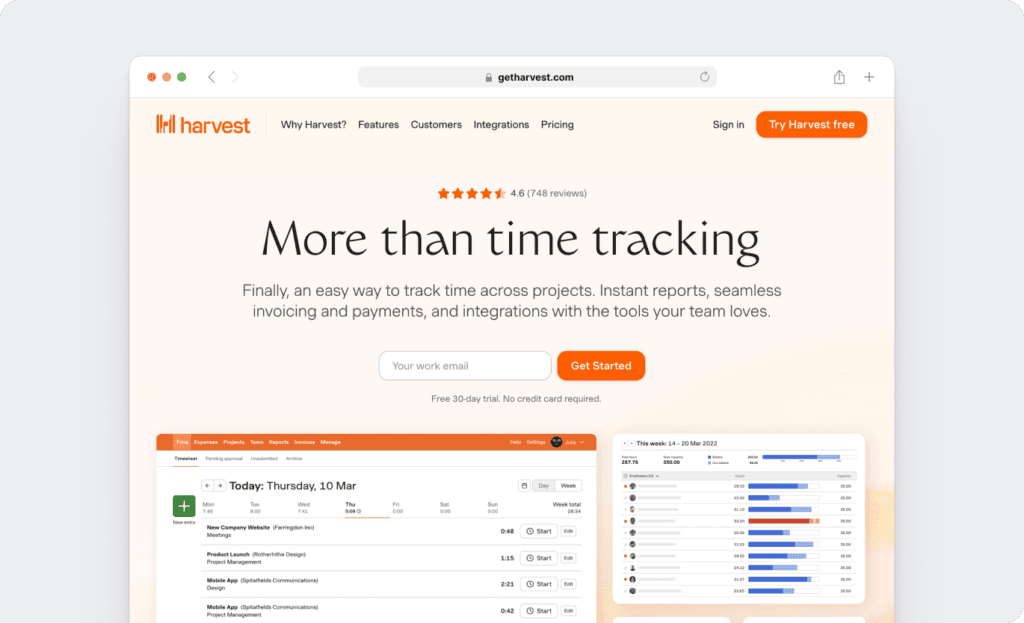
Harvest is a simple web-based time tracker that can also track expenses and send invoices. It’s easy to set up and has a sister app called Forecast that facilitates resource management.
Key features
- Track time using a timer for a task or enter all your hours in a timesheet in one go.
- Easy expense tracking feature. Snap a pic of your receipt, add details and save.
- Track time for specific projects, tasks or clients.
- Automatically pull the billable hours to generate invoices.
- Integrates with accounting software like QuickBooks and Xero.
Pricing
Harvest offers 2 pricing options with all features included:
- Free: supports 1 user with 2 projects
- Pro: $12/user per month – supports unlimited people and projects.
Customer ratings
- G2: 4.3/5 (600+ reviews)
- Capterra: 4.5/5 (300+ reviews)
3. Toggl
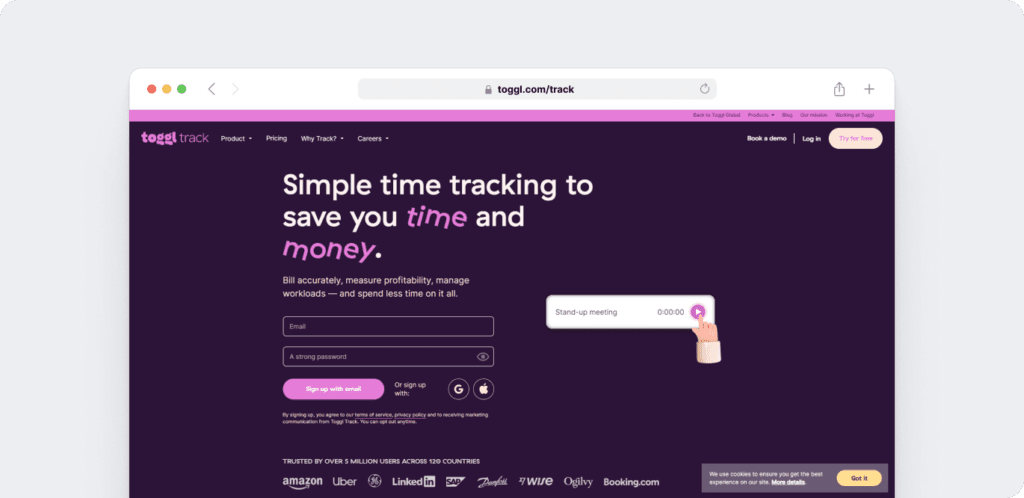
Toggl is a flexible and intuitive time tracking app with tons of positive user reviews. It has a simple user interface with features that are extremely useful to freelancers and small companies.
Click here to read our detailed Toggl review.
Key features
- Supports both offline and online time tracking.
- Real-time timesheet syncing across mobile and desktop apps.
- Detailed reports that can be easily exported as PDF, CSV or XLS files.
- Integrates with many software like a project management tool like Trello and a communication tool like Slack.
- Responsive customer support.
Pricing
Toggl has 3 pricing plans:
- Starter: $10/user per month – for basic time tracking and reporting.
- Premium: $20/user per month – for additional team management features.
- Enterprise: custom pricing – for added software customizations and support.
Customer ratings
- G2: 4.5/5 (1000+ reviews)
- Capterra: 4.6/5 (1000+ reviews)
4. TimeCamp
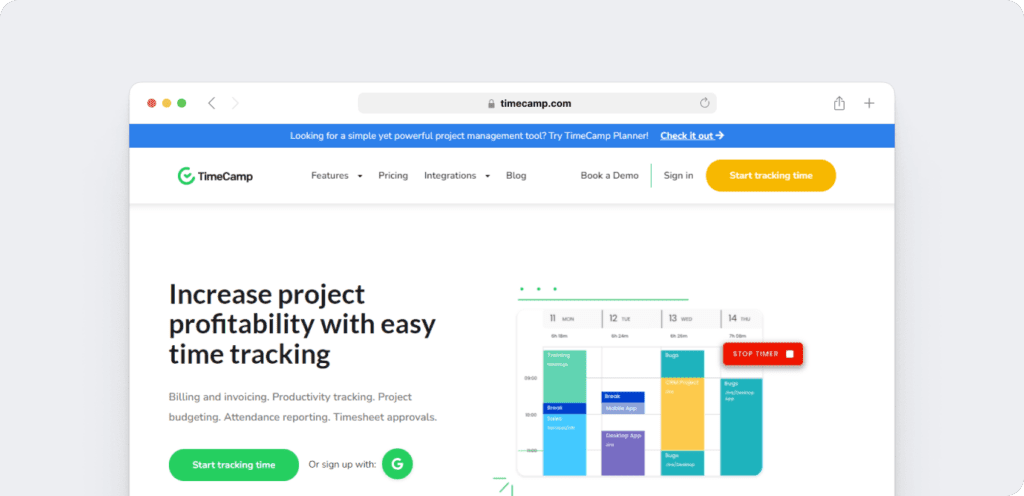
TimeCamp is a time tracking software that offers many reporting, billing and invoicing features. It gathers information on the actively used software and websites visited, which is converted to time reports.
Key features
- Automatic time tracking.
- GPS tracking so you know where your employees are working from.
- Accurately bill clients.
- Estimate time and costs for future project management.
- Attendance and time-off tracking.
Pricing
TimeCamp offers 4 pricing plans:
- Solo: Free – offers basic time tracking, unlimited projects & tasks.
- Basic: $7/user per month – supports advanced time tracking plus app integration.
- Pro: $10/user per month – adds on invoicing and timesheet approvals.
- Enterprise: custom pricing – offers dedicated guidance & support plus.
Customer ratings
- G2: 4.7/5 (100+ reviews)
- Capterra: 4.7/5 (500+ reviews)
5. Hubstaff
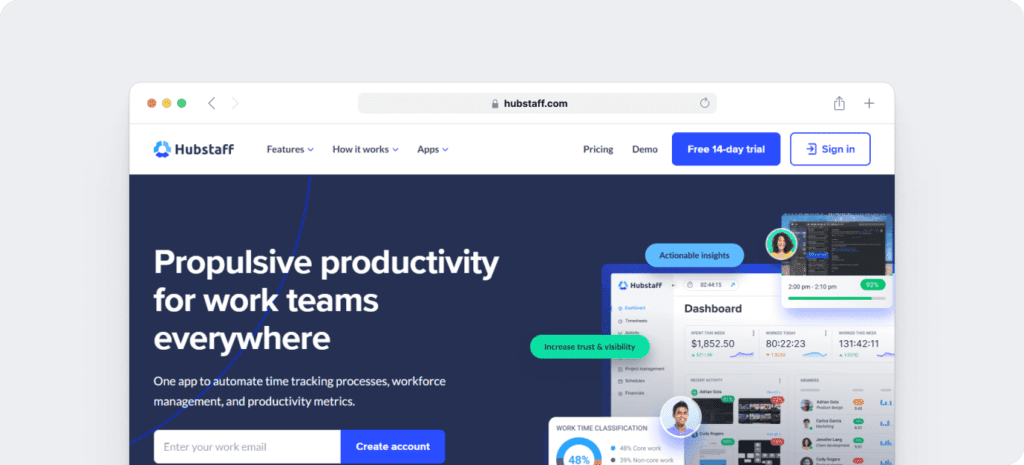
Hubstaff provides time tracking for distributed, hybrid, and field teams, with productivity metrics, GPS-based location features, and payroll capabilities.
Read our in-depth Hubstaff review here.
Key features
- Time tracking and online timesheets for projects and tasks.
- Screenshots while tracking time. No keystroke logging. App and URL tracking are optional and off by default.
- Activity levels based on keyboard and mouse movement, with idle-time prompts and handling.
- GPS and geofenced time tracking through the mobile app, including routes and location history.
- Payroll automation with manual or automatic payments, supporting payment providers.
- Integrations with 30-plus tools.
- Cross-platform apps for Windows, Mac, Linux, iOS, Android, and a browser extension.
- Reports and filters for applications, URLs, activity, idle time, and work sessions.
Pricing
Hubstaff is available in 4 pricing plans:
- Free: time tracking with limited screenshots.
- Starter: $4.99/month per user – limited screenshots + limited reports
- Grow: $7.50/month per user – includes Starter with 1 integrations + Project budgets
- Team: $10.00/month per user-includes Grow with unlimited screenshots+unlimited app & URL tracking
- Enterprise: $25.00/month per user – includes Premium with unlimited team members and priority support.
- Hubstaff also offers a 14-day free trial with no credit card required and a 30-day money-back guarantee.
Customer ratings
- G2 4.5/5 (1496+ reviews)
- Capterra – 4.6/ 5 (1580+ reviews)
6. Clockify
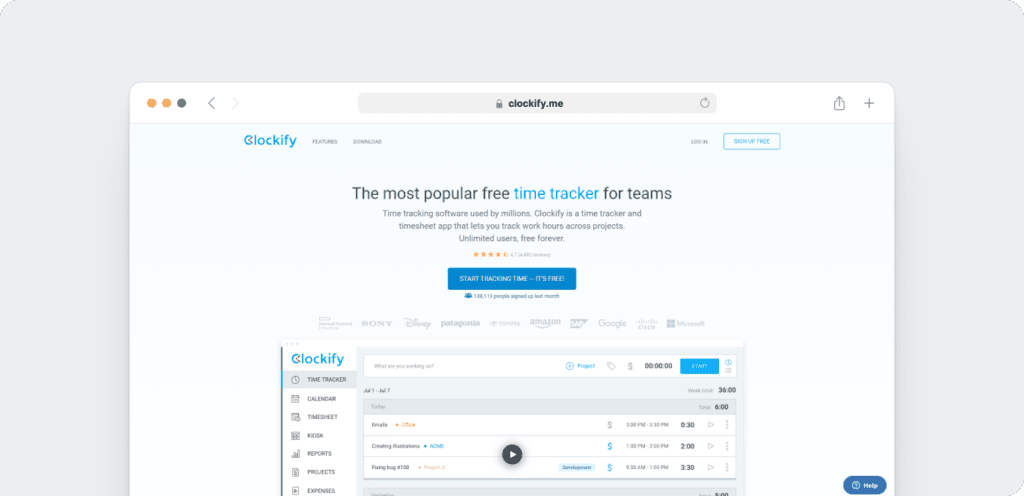
Clockify is a popular time tracking software often used by freelancers and agencies. It’s convenient for teams who want simple time tracking functionality that can support multiple projects.
Key features
- Track time with a timer or log hours manually.
- Generate summary, detailed or weekly time tracking reports.
- Set hourly rates and see team member activity.
- Categorize time by projects and mark time as billable.
- Track attendance & PTO.
Pricing
Clockify is available in 4 plans:
- Free: offers unlimited time tracking + projects + integrations
- Plus: $9.99/month flat – includes ‘Free’ features + lock timesheets + branded reports.
- Premium: $29.99/month flat – offers ‘Plus’ features + project templates + email alerts.
- Enterprise: $9.99/user per month – includes ‘Premium’ features + custom fields + single sign-on (SSO).
Customer ratings
- G2: 4.4/5 (60+ reviews)
- Capterra: 4.7/5 (1000+ reviews)
7. RescueTime
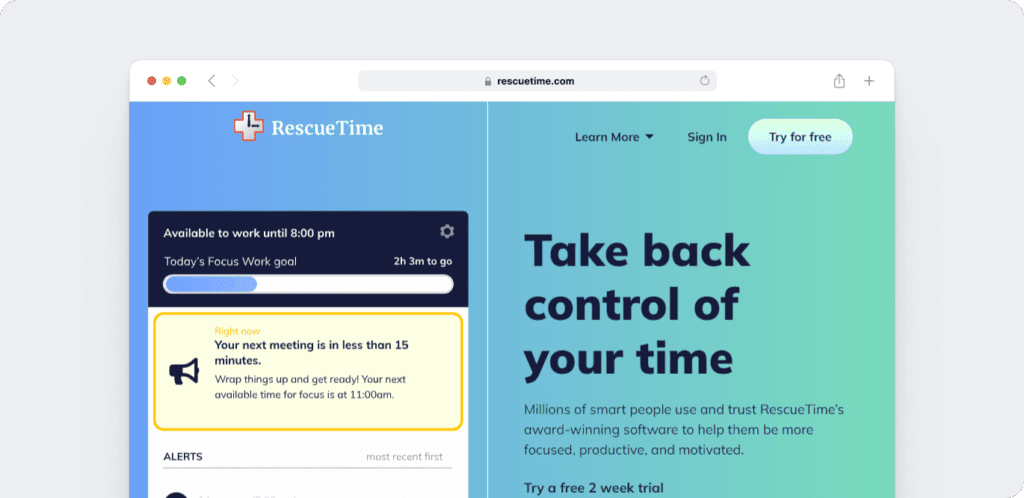
RescueTime is a time management and productivity tool that helps monitors your team’s working habits. It tracks computer activity so that users can analyze their time management throughout a day.
Key features
- Automatic time capture.
- Offline tracking of activities like meetings or phone calls.
- Timesheet management.
- Blocks distracting websites.
- Set daily limits on apps or sites.
Pricing
RescueTime starts at $6.50 per month for solo users.
Customer ratings
- G2: 4.1/5 (60+ reviews)
- Capterra: 4.6/5 (100+ reviews)
Closing thoughts
While Everhour has some good time tracking and task management features, it’s not a perfect tool.
Why settle for that when you have various Everhour alternatives available?
While all the time tracking apps we covered here are good, Time Doctor is the ultimate Everhour alternative. It offers a comprehensive suite of time management features that offer the best value for money. Sign up for the 14-day trial today and experience it for yourself!