Thanks for downloading! Just a few steps left
Available on


Step 1
Install
Find and open the downloaded installation file. Follow the steps to complete the installation process and launch the application.
Step 2
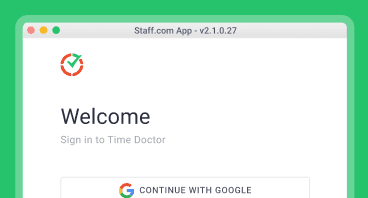
Sign in
You’ll be prompted to sign in on the app. If you don’t have an account yet, request your company admin for an invite or create a new account to get started.
Step 3
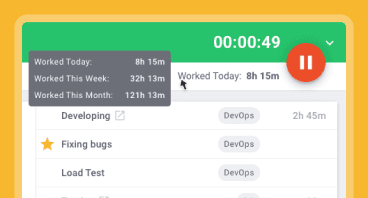
Track time
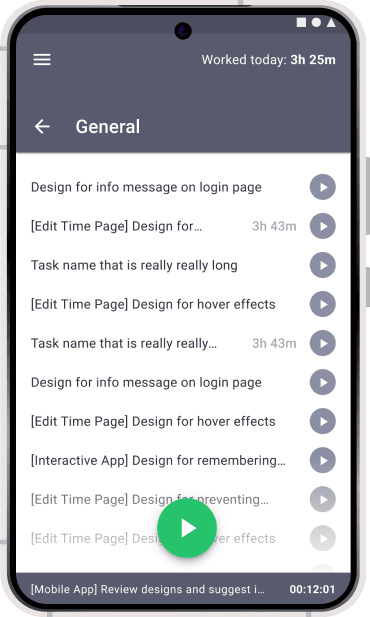
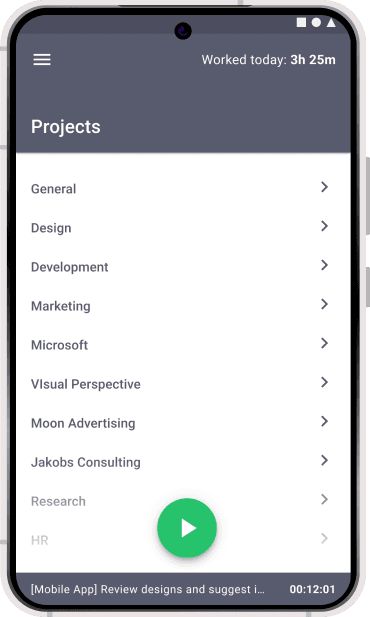
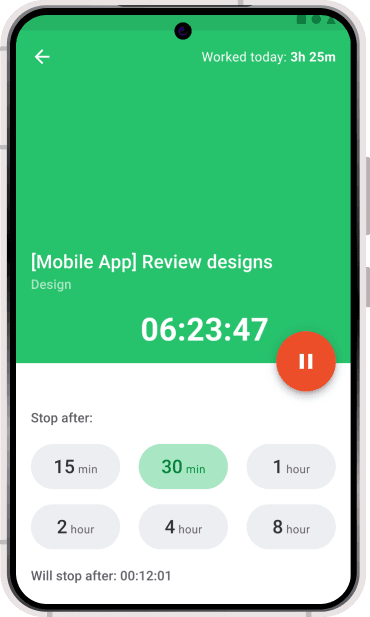
Begin tracking your time by selecting an existing project task or creating new ones, and stay on top of your productivity with ease!
Accomplish more with our browser extensions and mobile app
Browser extensions
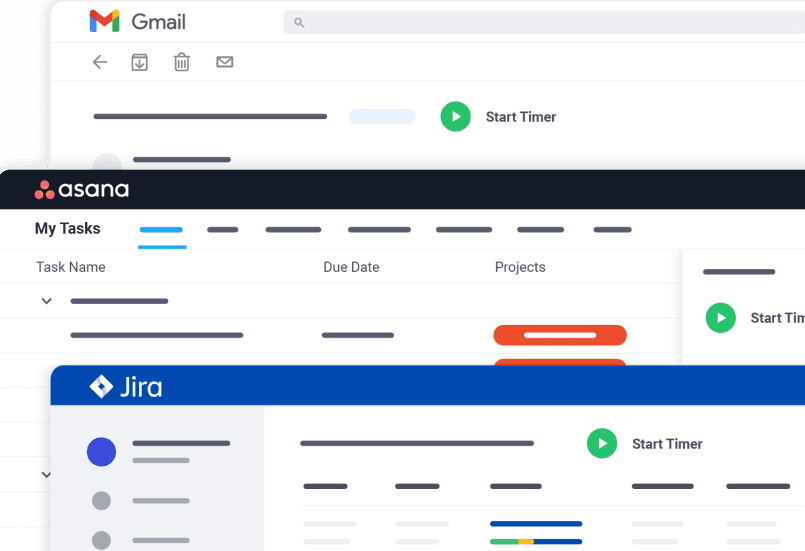
Download Time Doctor’s Chrome or Firefox extensions to capture all workday activity and analytics from your existing tech stack by integrating with over 60 third party applications.

Available in the Chrome Webstore

Available in the Firefox Add-Ons
Mobile app
Built for teams to ensure accountability no matter where they work from.