Time tracking
- Get peace of mind that teams are actively working on the right things
- Gain visibility for all types of workers - whether they’re remote, hybrid or in-office
- Increase billing accuracy and optimize payroll
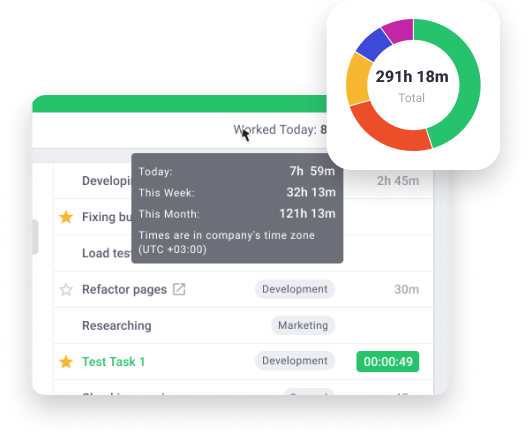
Eliminate manual time tracking and increase timesheet accuracy
Ensure compliance and encourage a better work-life balance
Employees can easily account for all time worked, even when offline
Understand hardware or connectivity issues that decrease productivity
Empower employees to self-manage with our non-intrusive desktop app
Track time without interfering with an employee’s daily routines and tasks
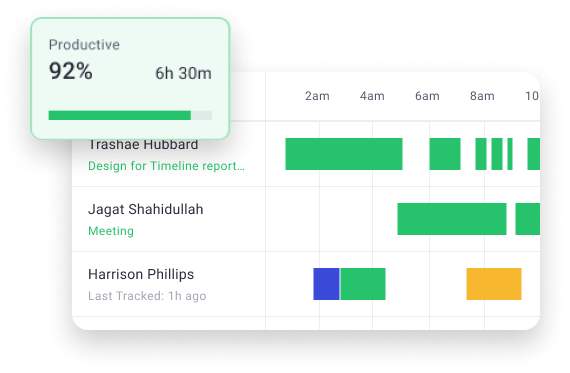
Identify the most productive employees and work patterns by analyzing what websites and apps are used
Get a breakdown of daily workflows and behaviors to find areas for improvement
Stay up to date on project and task progress and understand how much time is spent
Account for all time worked, including productive, non-productive, manual and mobile time
Create your own reports to include the data and views that fit your specific operational needs
Build client trust by providing custom access to Time Doctor to give them instant progress reports and updates
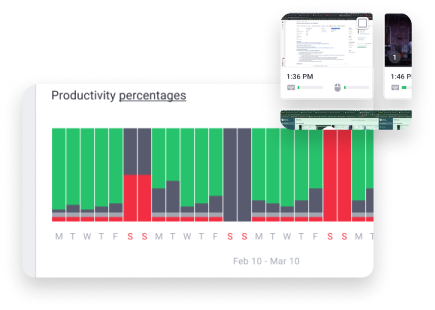
Keep accurate proof of work and identify training opportunities faster
Understand everyone’s daily activities and create benchmarks to establish best practice
Set up friendly reminders to keep employees focused and on-task and to alert leaders to absences
Create new levels of visibility by giving leaders and clients instant insights and progress updates
Ensure compliance and proof of work with customizable (and optional) screen recording
Save valuable time for managers by granting employees limited time editing access with optional approvals
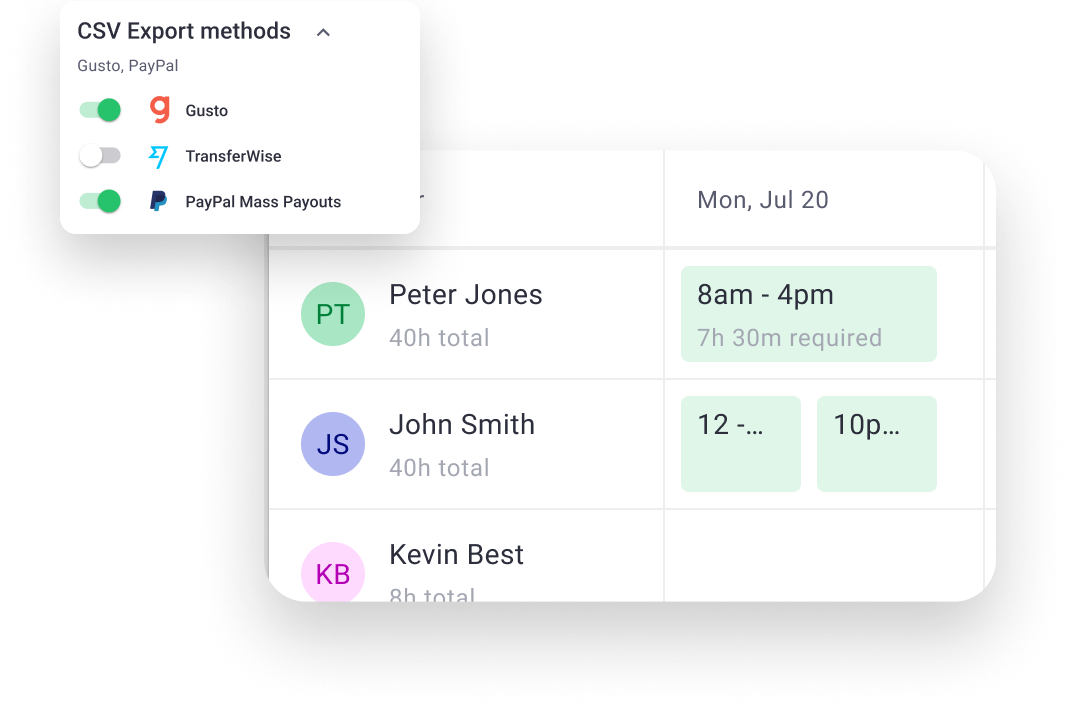
Automate and improve the accuracy of your attendance records and processes
Create custom work schedules then monitor your schedule adherence
Easily integrate with your favorite tools for a faster and more optimized payroll
Set up custom, daily notifications based on the performance triggers you need to track the most
Get real-time alerts of non-compliance or exceptional results to stay ahead of productivity and client issues
Promote and encourage employee wellness by identifying those most at risk of burnout
Billed annually or $7 month-to-month
For teams that require enhanced reporting and greater accountability
Billed annually or $10 month-to-month
Designed for teams who need advanced workday analytics
Billed annually or $20 month-to-month
Perfect for enterprise teams who need customizable analytics and flexibility